
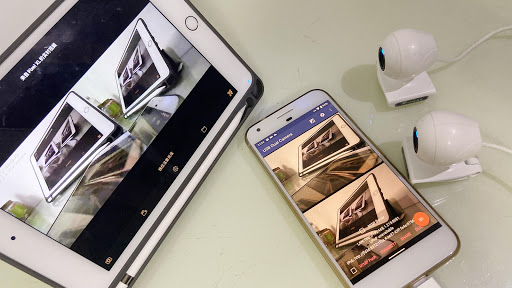
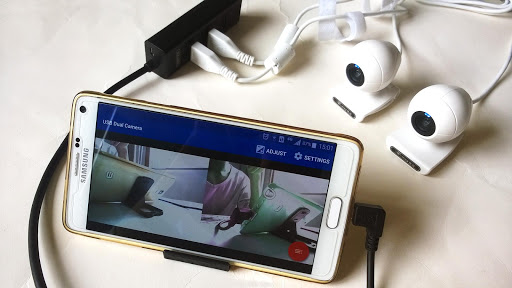
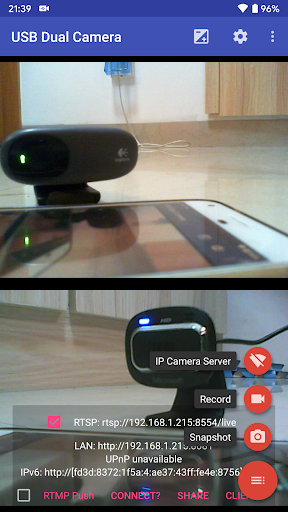
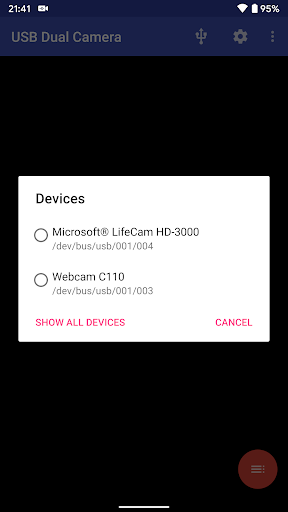

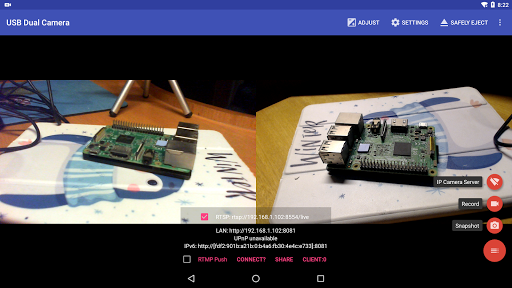
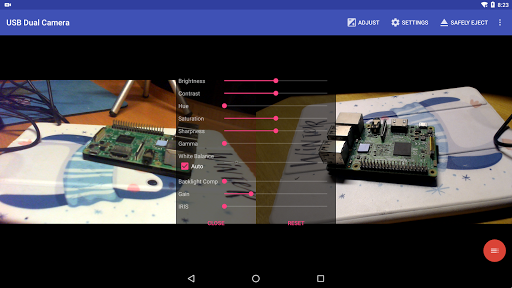

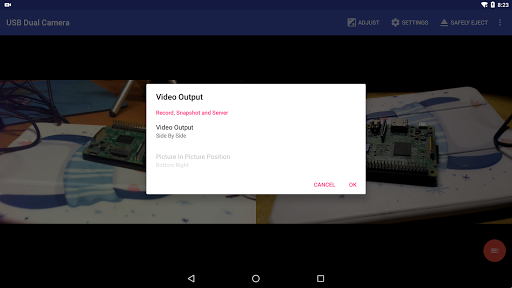
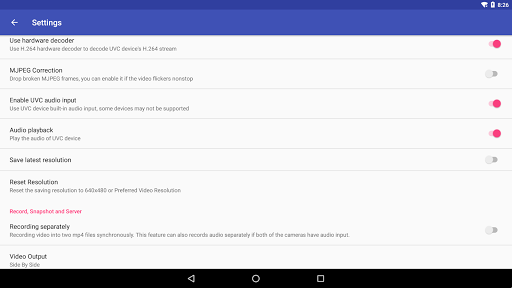
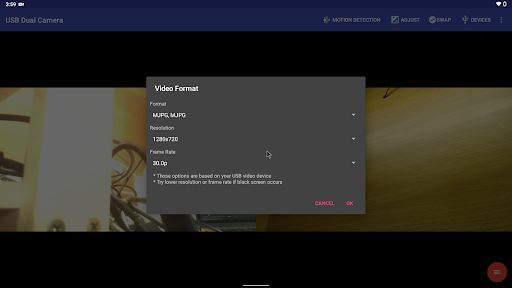
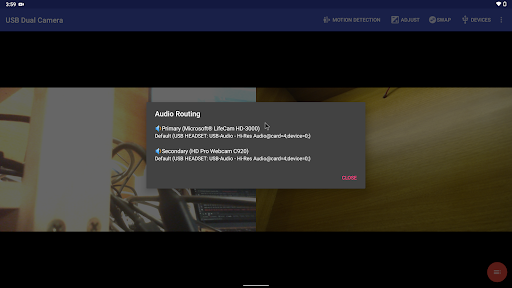
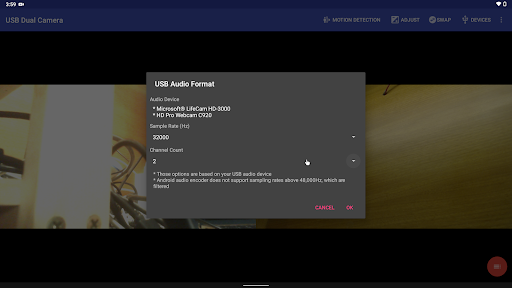

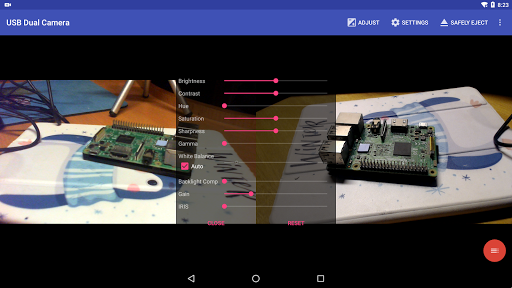
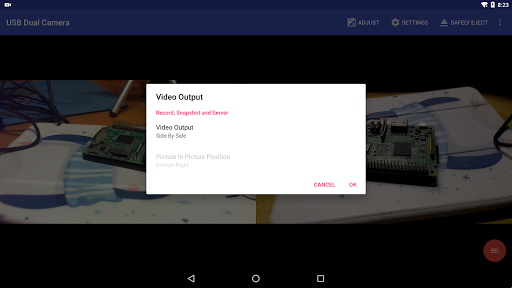
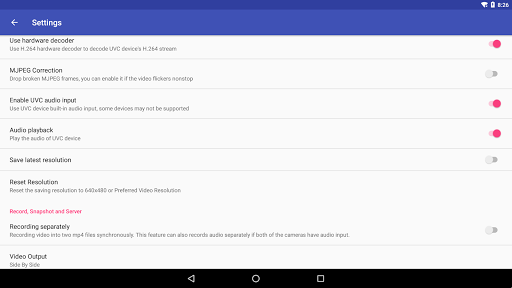
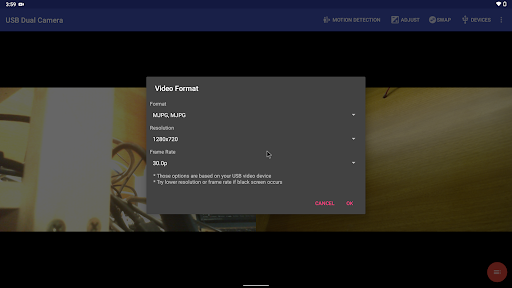
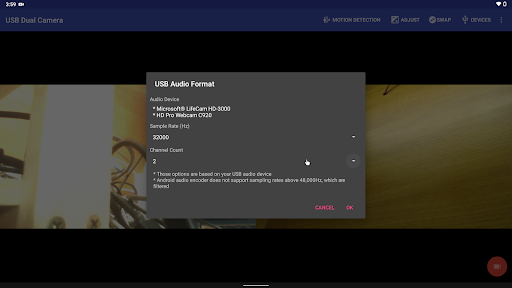
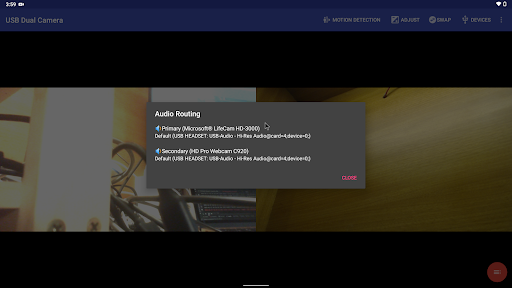
USB Dual Camera Pro is a versatile video application that allows Android devices to connect to two USB webcams or video capture cards simultaneously via USB-OTG. It supports UVC webcams with microphones and video grabbers with audio input, enabling users to record high-quality videos or snapshots. The app also features an RTSP and HTTP server for turning your phone into a wireless IP camera, ideal for security monitoring with bi-directional audio support.
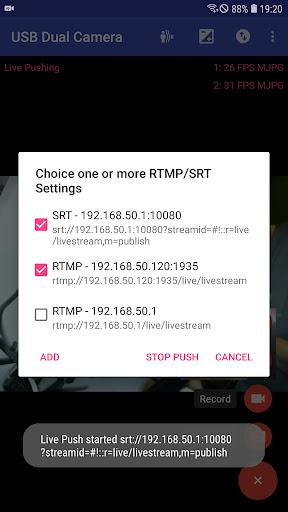
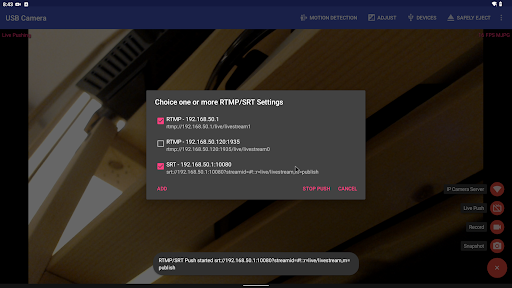
In addition to its dual-camera recording capabilities, the app can push video and audio streams to RTMP/SRT live media servers, making it suitable for network live broadcasts. It supports advanced protocols like RTMPS and SRT, as well as HEVC/AV1 over RTMP for platforms like YouTube Live. Users can also mix USB audio with built-in microphones or system audio, overlay internal camera footage onto external video feeds, and add timestamps or GPS data to recordings.
This app is particularly useful for content creators, security professionals, and tech enthusiasts who need flexible video solutions on their mobile devices. With features like loop recording, motion detection-based auto-recording, and seamless background switching, USB Dual Camera Pro offers a comprehensive toolset for various video-related tasks.
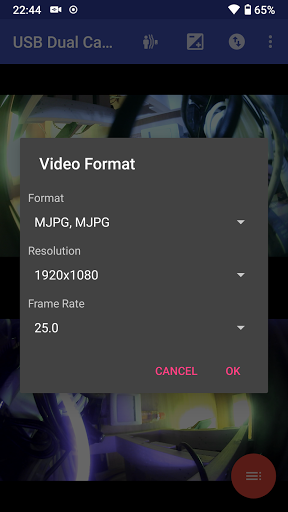
USB Dual Camera Pro stands out with its ability to handle two simultaneous video streams from USB webcams or capture devices. This feature is especially valuable for users who need to record interviews, tutorials, or multi-angle footage without requiring complex equipment setups. The app supports MJPEG, H.264, H.265, HEVC, and AV1 formats, ensuring compatibility across different devices and use cases.
One of the key innovations of this app is its built-in RTSP and HTTP server functionality, which transforms an Android device into a wireless IP camera. This makes it possible to monitor spaces remotely using just a browser or another compatible app. Additionally, the app's support for advanced streaming protocols such as RTMP/SRT ensures reliable delivery of live broadcasts to platforms like YouTube.
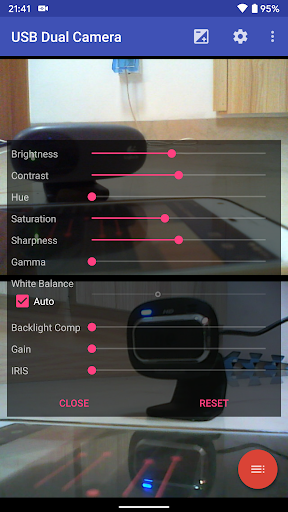
Other notable features include synchronized dual-video recording into separate MP4 files, automatic audio mixing when both cameras have audio inputs, and customizable overlays for timestamps, GPS data, or picture-in-picture effects. These functionalities provide users with professional-grade tools while maintaining ease of use through intuitive controls and settings adjustments.
Supports dual cameras
Advanced streaming options
Flexible audio mixing
Motion detection recording
Wireless IP camera mode
Requires OTG cable
High power consumption
Complex setup process
Limited third-party integration
Premium pricing model

Fast video downloader & private browser. Save HD clips to watch offline.
 4.40
4.40
All format media Player, no need video converter any more!
4.00
KMPlayer Plus (Divx Codec) officially support Divx codec.
4.30
All in one HD video downloader & player for multiple formats with full privacy
4.70
Connect EasyCap or UVC devices for recording and broadcast video/audio stream
3.60
Flud is a simple and beautiful BitTorrent client for Android.
4.80
Web Browser for LG TV to stream webvideos, online movies and livestreams in HD
4.20
Screen recorder with audio to take live videos & Screenshot in high quality!
4.70
convenient, safe and fast at Video Downloader & Player
4.60
Video Player - Unlimited features, 30 days money back guarantee.
4.60
Search & download videos from net with all video downloader, auto-detect & safe.
4.60
VLC Remote lets you control your VLC Media Player on Mac, PC or Linux.
4.60
Photo and Music Video Creator into Stunning Videos—Effortlessly
4.40
Fast & Private Video Downloader App. Save all videos easily from the Internet.
4.40
Powerful Video Editor & Photo Editing App —— Quick Edits & Stunning Effects!
4.30
Video player with 4K & 1080P support, popup play, background play and subtitle.
4.20
Browser for Samsung TV to stream webvideos, online movies and livestreams in HD
4.10
IPTV Player - Watch live TV from m3m & m3u8 playlist, stream IPTV on mobile
3.30
Powerful HD video player with support for all formats & subtitles.
4.0


User Reveiws