
HD Video & Music Player

3.80

Information

Category:

Video Players & Editors

Price:

Free

Rank:

36

Rating:

3.80

Overview

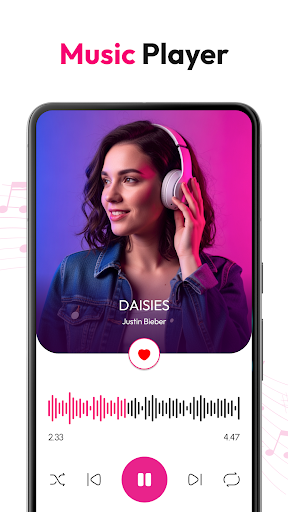
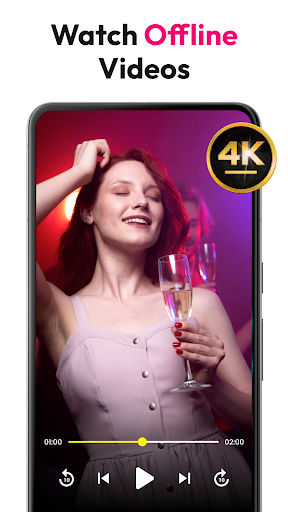
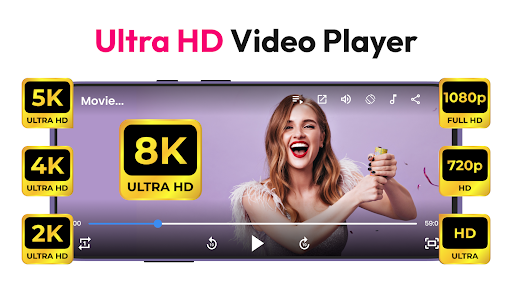
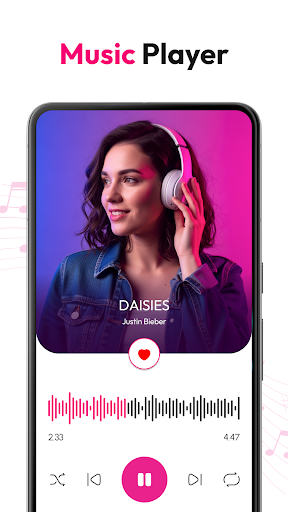
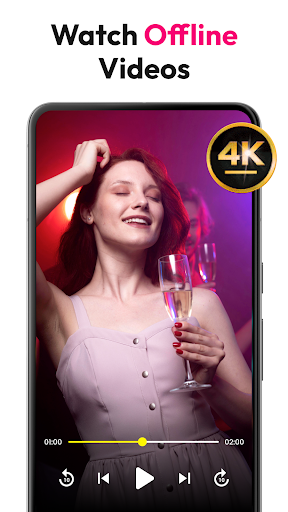
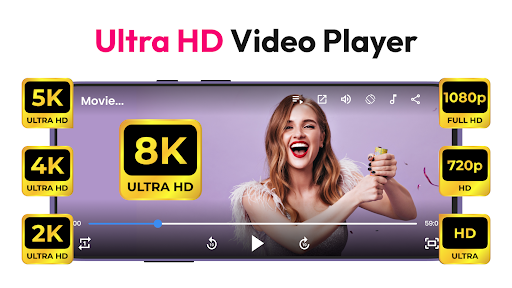
HD Video & Music Player is a versatile media player for Android that supports all video and audio formats. Whether you're watching 4K, Ultra HD, or Full HD videos, this app delivers smooth playback with advanced controls. It also functions as an mp4 player, mp3 player, and offline video player.

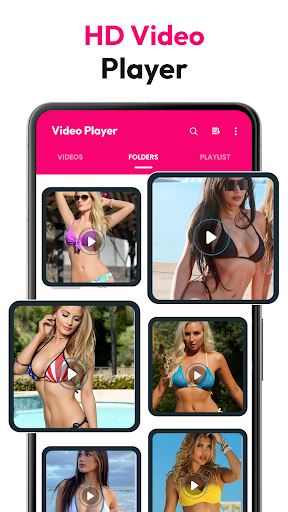
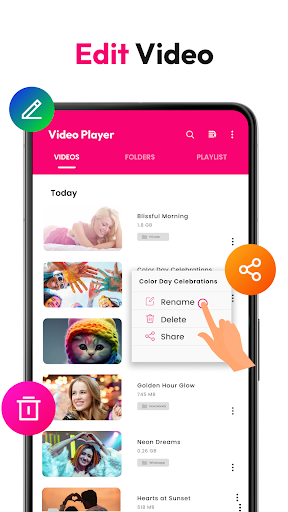
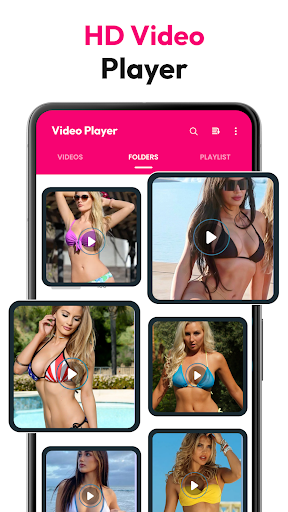
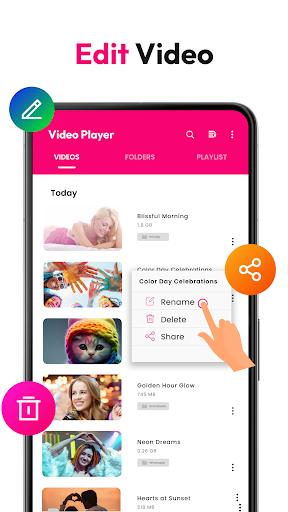
This app offers a built-in file manager, playlist creation, and floating player mode for multitasking. With support for gesture controls, screen rotation, and lock screen playback, it provides a complete entertainment experience on your Android device.

Features

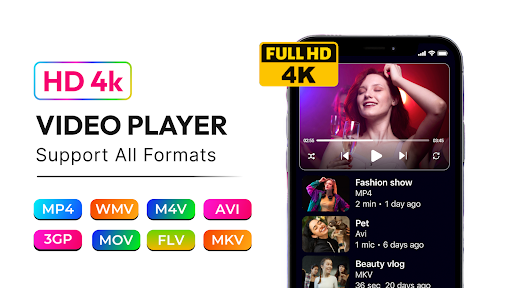
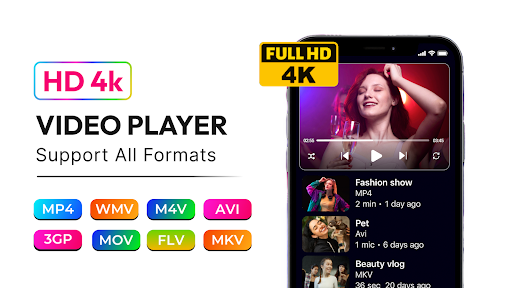
HD Video & Music Player stands out with its comprehensive format support, including MP4, AVI, MKV, and more. The app's music player supports MP3, WAV, FLAC, and other major formats, featuring a powerful equalizer with bass boost and 3D sound.

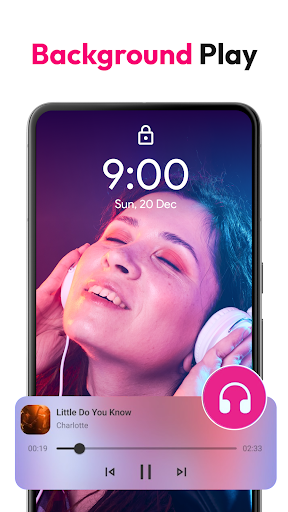
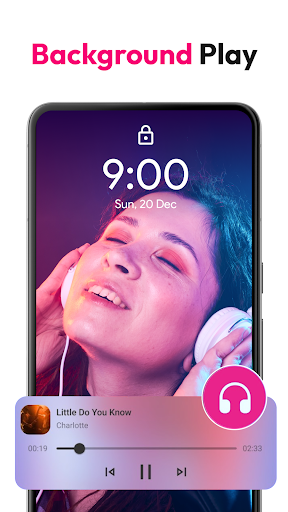
Unique features include Picture-in-Picture mode, auto-scanning of video files, and playback control from the lock screen and notification bar. These capabilities ensure users can enjoy their media seamlessly, whether offline or streaming.

Video format compatibility

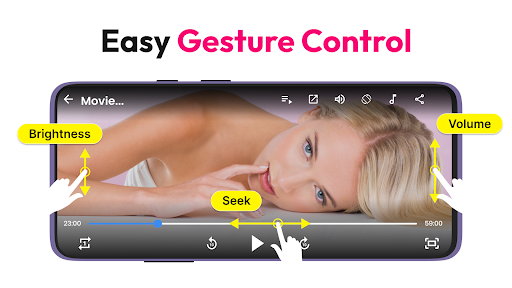
Video format compatibility refers to a media player's ability to support and play various video file types without requiring additional codecs or conversion tools. This feature is crucial for users who work with multiple video formats, as it ensures seamless playback regardless of the source. HD Video & Music Player excels in this area by supporting all major video formats including MP4, AVI, MKV, 3GP, FLV, MOV, WMV, and TS. The application automatically scans video files from internal storage and SD cards, organizing them for easy access. Whether you're watching 4K Ultra HD, Full HD, or standard-definition videos, this versatile player delivers smooth playback with advanced controls. The app also supports floating player mode and Picture-in-Picture (PiP) functionality, allowing users to multitask while watching videos. With its built-in file manager, users can efficiently organize and manage their media library. Gesture controls for volume, brightness, and seeking enhance the user experience, providing intuitive interaction. Additionally, the player offers features like auto-rotate, customizable screen aspect ratios, and lock screen support, ensuring optimal viewing in any environment. By supporting such a wide range of formats and offering advanced playback options, HD Video & Music Player provides users with a comprehensive solution for all their video playback needs.

AI-powered editing features

AI-powered editing features represent the integration of artificial intelligence technologies into video editing functionalities, enabling smarter, faster, and more intuitive content creation. While HD Video & Music Player primarily focuses on playback capabilities, it incorporates several AI-driven enhancements that improve the overall user experience. The application's advanced movie player experience includes sharp visuals and crisp sound, which are partly achieved through intelligent processing algorithms. These algorithms optimize video quality based on the device's capabilities and content characteristics, ensuring the best possible presentation. Although not a full-fledged video editor, the player offers smart organizational features that utilize AI principles. For instance, its auto-scan function intelligently detects and categorizes video files from internal storage and SD cards. The built-in file manager employs intelligent sorting mechanisms, allowing users to easily browse and manage their media collection. Additionally, the app's gesture controls and customizable playback settings demonstrate AI-influenced design thinking, adapting to user preferences and behavior patterns. While dedicated AI editing tools might include features like automatic scene detection or smart color correction, HD Video & Music Player focuses on enhancing the playback experience through intelligent optimization techniques. This approach ensures that users can enjoy their content with minimal effort and maximum quality, making it an excellent choice for those seeking both basic editing assistance and superior playback performance in a single application.

Props

User-friendly interface

Wide format compatibility

Advanced equalizer settings

Picture-in-Picture mode

Offline playback support

Cons

Occasional playback glitches

Ads in free version

Large app size

Limited customization

No cloud integration

Features and Functions

What is this app and what can I use it for?

A versatile media player supporting all video/audio formats

How do I download and install this app on my device?

Search 'HD Video & Music Player' on Google Play and tap install

How do I get started after opening the app for the first time?

Grant necessary permissions and follow setup instructions

What are the main features and capabilities of this app?

Plays all formats, PIP mode, advanced equalizer, file manager

How can I customize my experience and adjust preferences?

Adjust settings via in-app options and equalizer presets

How do I save or bookmark my favorite content for later access?

Create playlists or mark favorites within the app library

How can I share content with friends or on social media?

Use share button to send content via social media or messaging

How do I access detailed information and explore more content?

Browse by category, search keywords, or check playlists

What permissions does this app need and how do I manage them?

Needs storage access; manage in app settings or system menu

How do I check for updates and keep the app running smoothly?

Enable auto-updates in Google Play Store app settings
Show more

User Reveiws

{{ comment.reviewer_name }}
{{ comment.review_date_formatted}}
{{ comment.review_content }}
{{ tab.name }}
{{ comment.reviewer_name }}
{{ comment.review_date_formatted}}
{{ comment.review_content }}
No reviews with this rating