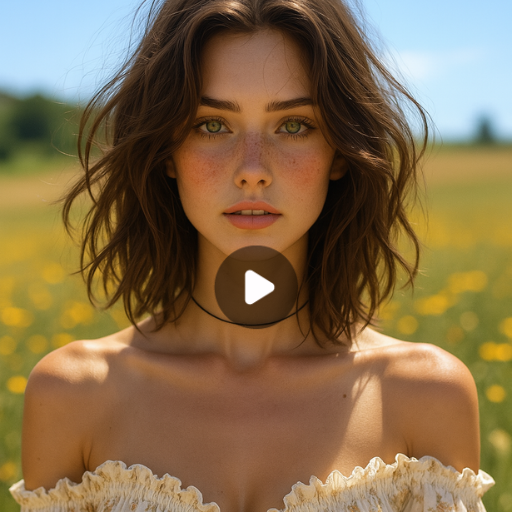
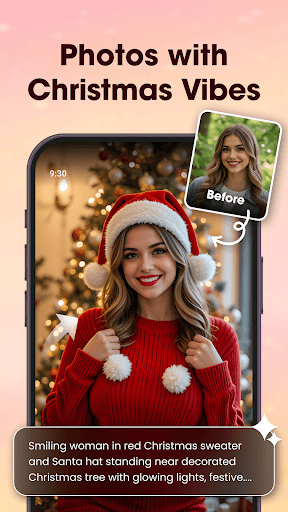

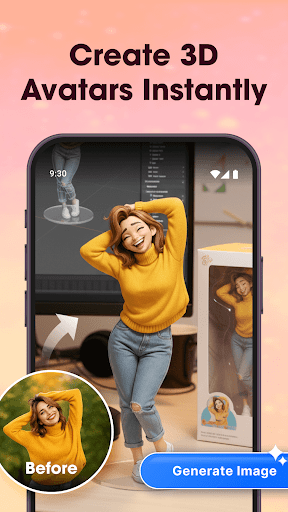
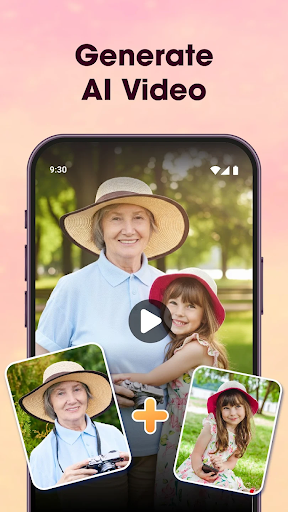
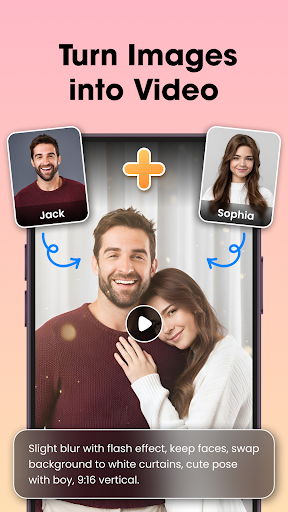
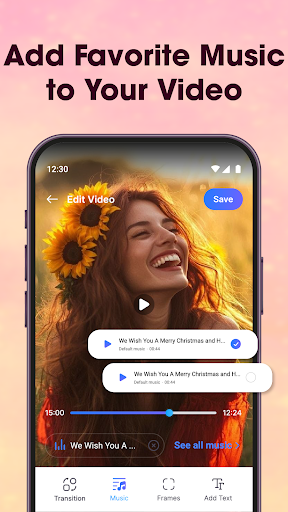
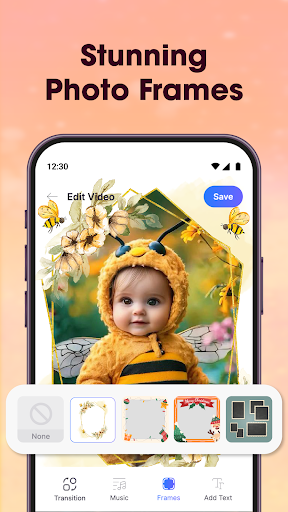
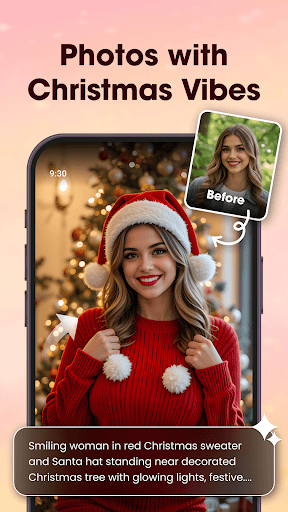
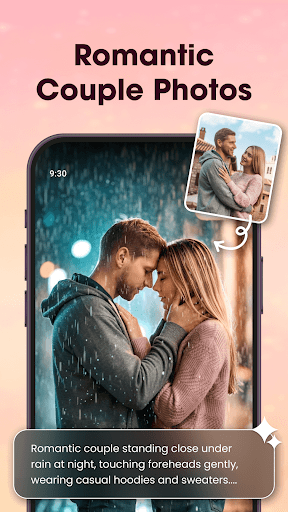
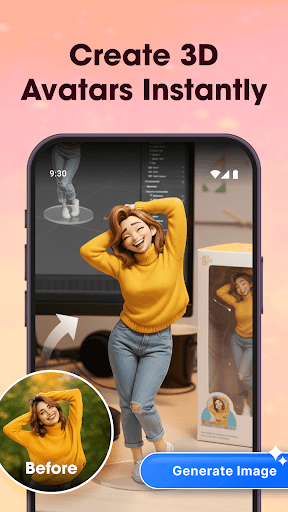
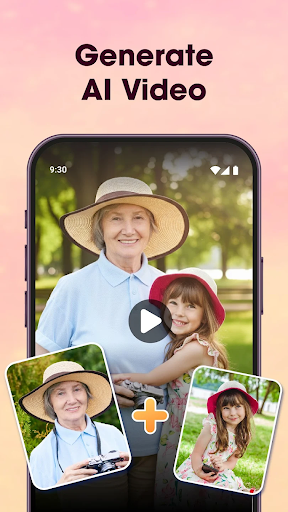
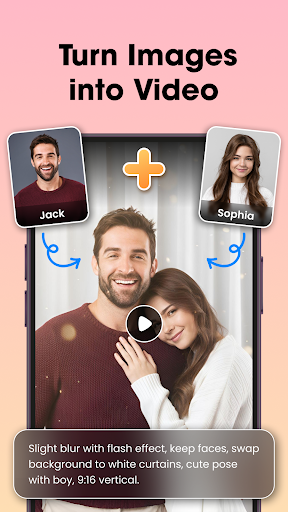
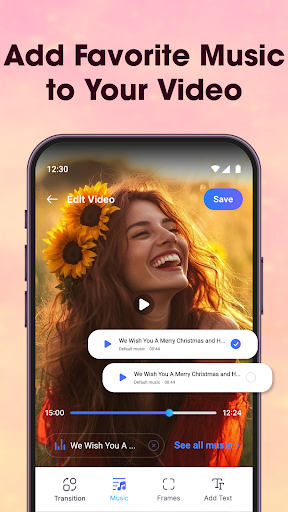

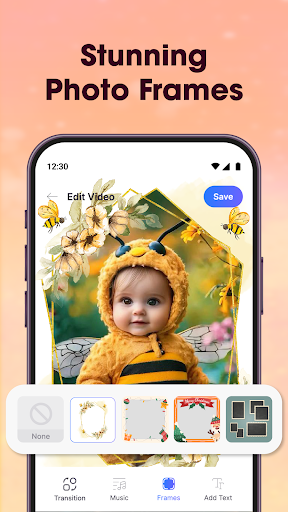
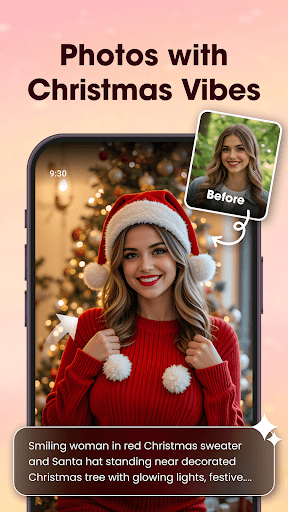
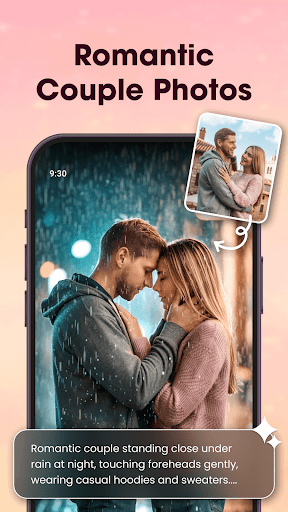
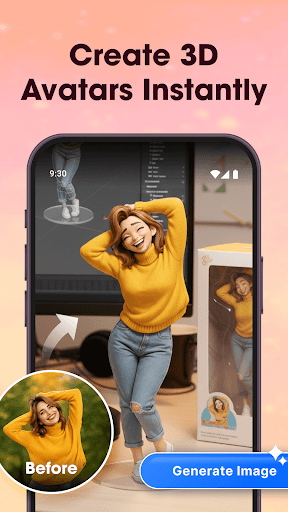
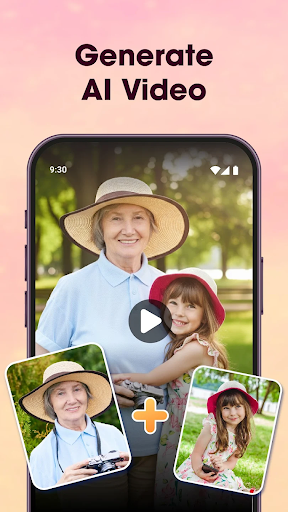
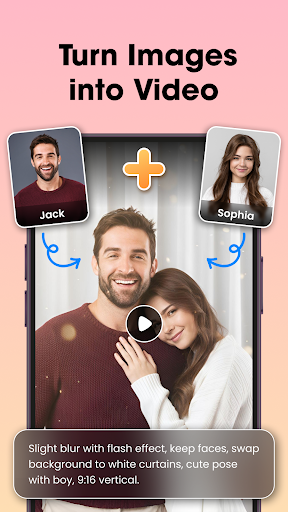
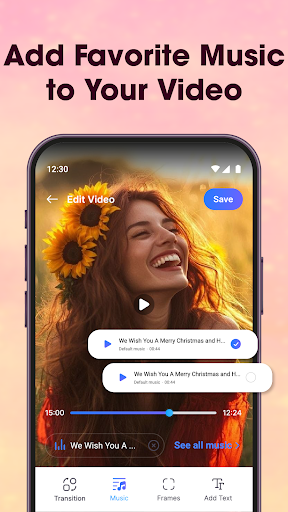
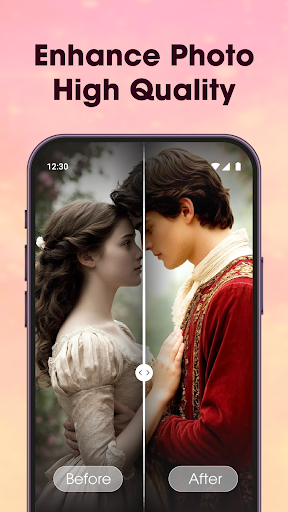
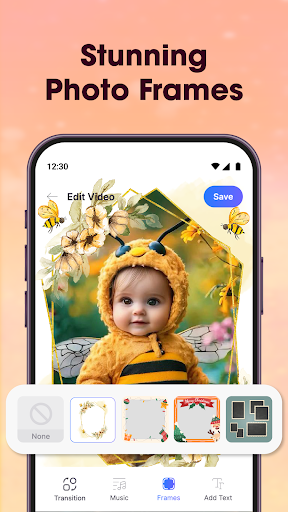
Photo Editor Video Maker Music is a versatile video editing application that allows users to transform their photos into engaging video stories. The app offers an AI Video Generator feature that can turn simple images into professional-looking videos using pre-designed templates like AI Hug and AI Kiss. Users can add background music, stylish effects, frames, and custom text to create personalized content.
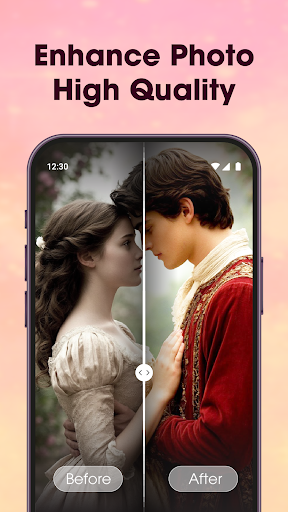
The application provides essential photo editing tools such as filters, cropping, retouching, and fine-tuning options. It also includes advanced features like AI Background Remover and AI Photo Enhancer, which help improve image quality with minimal effort. With its intuitive interface and powerful editing capabilities, this app is suitable for creating memorable videos for various occasions, from personal milestones to everyday moments.
This app's value lies in its ability to combine emotional storytelling with practical editing tools, making it an ideal choice for users who want to create visually appealing and emotionally resonant videos without needing professional video editing skills.
Photo Editor Video Maker Music stands out with its comprehensive set of features tailored for creative video production. The AI Video Generator is a standout tool, offering specialized templates that allow users to create unique interactions within their videos, such as the AI Hug effect. This feature simplifies the process of producing complex visual narratives by automating certain design aspects.
In addition to AI-powered tools, the app provides a robust suite of traditional editing features. Users can apply a wide range of visual effects, add themed borders and customizable text overlays, and utilize precise photo editing controls. The built-in music library enables creators to enhance their videos with appropriate soundtracks, while the slideshow function offers various transition effects and layout options.
These features collectively provide users with everything they need to produce high-quality videos that effectively convey their intended messages and emotions. The combination of automated AI functions and manual editing controls makes this app particularly valuable for both casual users and more experienced content creators.
User-friendly interface
Powerful AI features
Wide music selection
HD video export
Comprehensive editing tools
Limited free features
Subscription required
Ads in free version
Occasional bugs
Learning curve

Connect 2 UVC devices for recording and broadcast video/audio stream
 3.90
3.90
Powerful, professional, versatile teleprompter. Developed by an active film crew
4.00
Powerful HD video player with support for all formats & subtitles.
4.4
All format media Player, no need video converter any more!
4.00
Turn your phone into a wireless camera!
4.20
Download videos easily & play them all in one smart, powerful video manager.
3.40
Fast & easy HD video downloader for all formats, support 4K playback & download.
4.60
This app is an emulator of some specific IPTV boxes
3.50
Cast movies, tv shows and live streams to Chromecast, Roku, DLNA, Fire TV & more
4.60
An easy-to-use and all-round screen recorder with audio
4.80
Flud is a simple and beautiful BitTorrent client for Android.
4.80
Watch IPTV on your Android device
4.60
Add date and time watermark to photos and videos
4.50
Fast video downloader & private browser. Save HD clips to watch offline.
4.40
Viddo: Generate Action Figure, AI Anime, AI kiss, AI hug Video from image & text
4.40
Create & edit videos with AI
4.30
Powerful video player with advanced hardware acceleration and subtitle supports
4.20
Connect EasyCap or UVC devices for recording and broadcast video/audio stream
3.60
The smartest M3U IPTV Player your playlists have ever seen.
4.0


User Reveiws