

Teleprompter Pro

4.00

Information

Category:

Video Players & Editors

Price:

$ 6.49

Rank:

26

Rating:

4.00

Overview

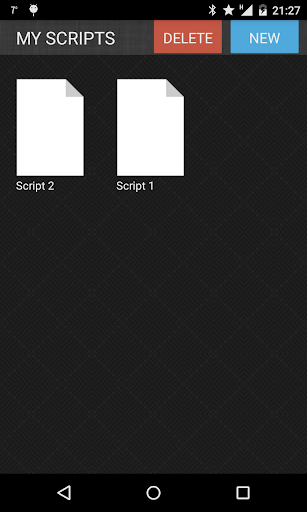
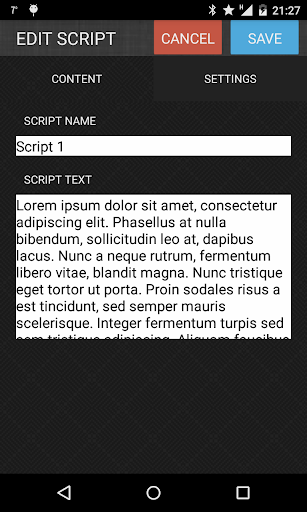
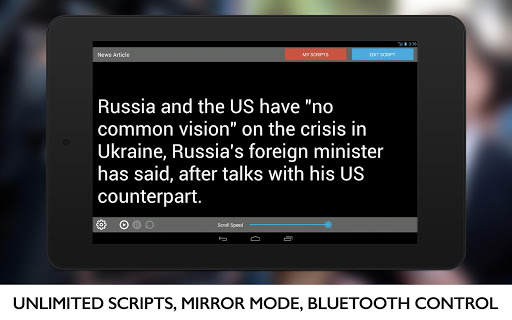
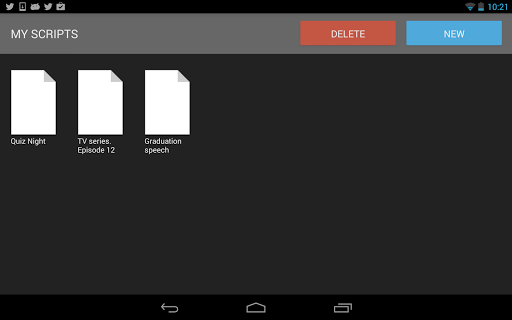
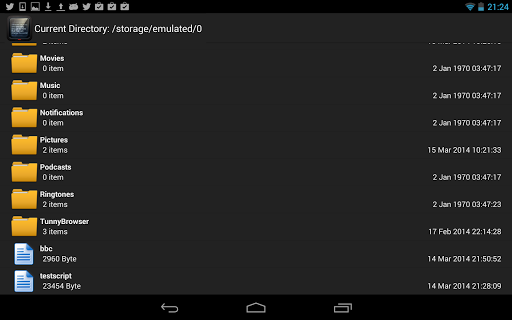
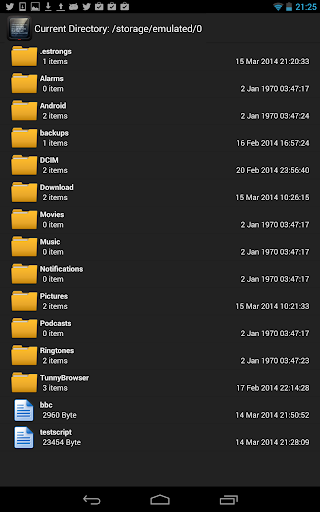
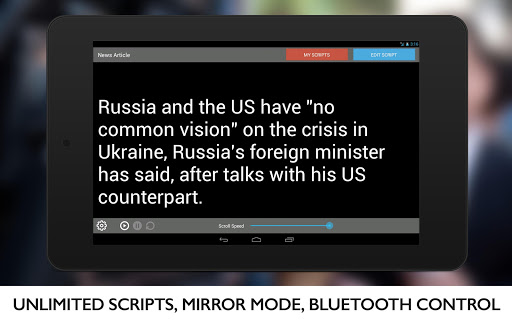
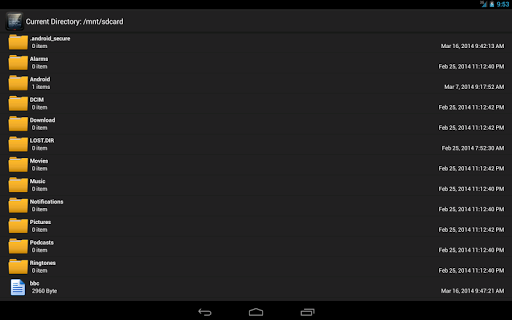
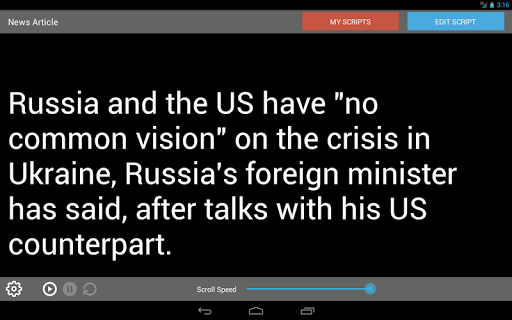
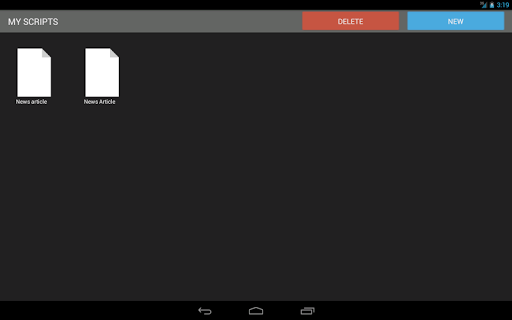
Teleprompter Pro is a professional teleprompter system designed for Android devices, offering users an efficient way to manage scripts during presentations, lectures, or broadcasts. The app allows users to create and access unlimited scripts, import text files, and use mirror mode for teleprompter rigs.

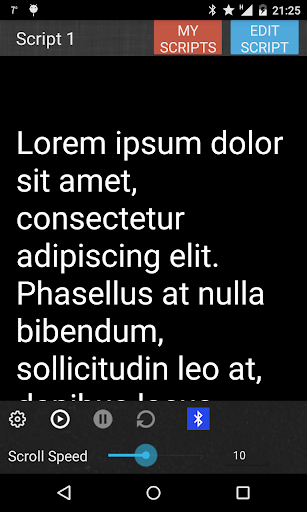
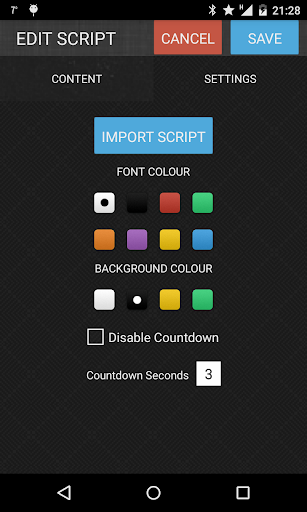
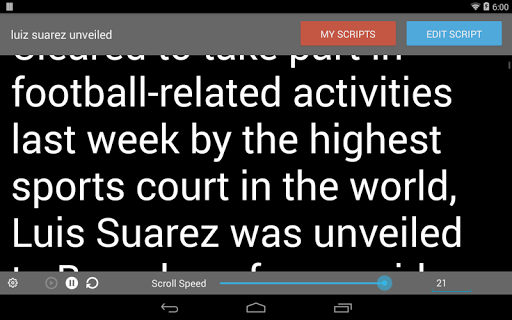
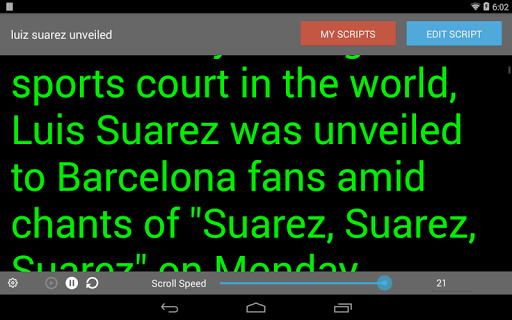
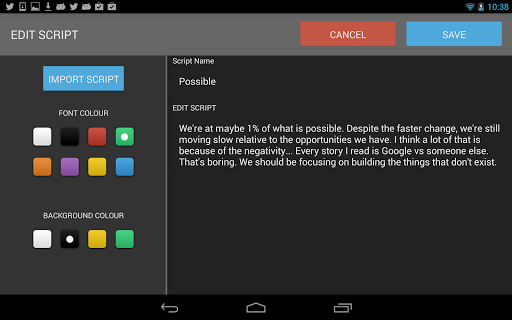
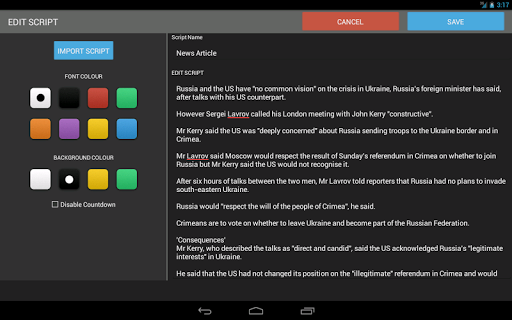
With features like full screen mode, remote control via Bluetooth keyboard, and customizable font and background colors, Teleprompter Pro ensures a seamless experience. Users can adjust the speed and text size of the teleprompter, control in-app brightness, and delete scripts as needed. This makes it ideal for broadcasters, filmmakers, musicians, business professionals, and public speakers.

Features

Teleprompter Pro stands out with its comprehensive feature set tailored for professional use. The app supports unlimited script creation and management, allowing users to import scripts from text files easily. Its mirror mode is specifically designed for use with teleprompter rigs, making it indispensable for professional setups.

Users can enjoy full screen mode for distraction-free reading and control the teleprompter remotely via a Bluetooth keyboard. Customization options include font and background color selection, adjustable text size, and teleprompter speed settings. Additionally, the in-app brightness control ensures optimal visibility under various lighting conditions, enhancing the overall user experience.

Video format compatibility

Video format compatibility refers to the range of video file types and codecs an application can recognize and process effectively Teleprompter Pro while primarily a teleprompter system demonstrates notable flexibility in handling various text-based formats for scripts This functionality is crucial as it ensures users can import and utilize scripts from different sources without worrying about format issues The app supports importing scripts directly from text files which simplifies the workflow for professionals who need to use pre-written content In addition to text file imports the system allows users to create and manage unlimited scripts within the app itself ensuring that regardless of the source or original format every user can rely on the app for their prompting needs Furthermore the ability to adjust text size and font along with background color selection enhances the compatibility with various display settings and personal preferences This ensures that the script presentation remains clear and readable under any conditions By providing these features Teleprompter Pro offers significant value to its users allowing them to focus on their presentations or performances without being hindered by technical limitations related to script management and display

AI-powered editing features

AI-powered editing features represent the integration of artificial intelligence technologies to enhance the efficiency and capabilities of video editing tools While Teleprompter Pro is not a traditional video editor it incorporates several smart features that improve the user experience significantly One of the key aspects is the ability to control the speed of the teleprompter dynamically This feature mimics AI-driven automation by adjusting the scroll rate to match the speaker's pace ensuring smooth and natural delivery during presentations or recordings Additionally the app includes brightness control within the application which automatically adjusts to optimal levels based on ambient light conditions thus reducing manual adjustments and potential disruptions The mirror mode feature designed for use with teleprompter rigs also demonstrates intelligent adaptation to specific hardware setups making it versatile for different professional environments Remote control via bluetooth keyboard adds another layer of convenience akin to AI-driven automation where users can operate the teleprompter without physical contact maintaining focus and flow during critical moments These smart features collectively contribute to a more intuitive and responsive user experience minimizing distractions and maximizing performance quality For content creators broadcasters filmmakers and public speakers these capabilities translate into reliable support for delivering high-quality presentations and recordings with minimal technical interference

Props

User-friendly interface

Comprehensive feature set

Customizable display options

Remote control capability

Ideal for professional use

Cons

Limited to Android platform

No iOS version available

Premium features may require payment

Bluetooth connectivity issues reported

Interface may feel complex to beginners

Features and Functions

What is this app and what can I use it for?

A professional teleprompter app for managing scripts during presentations and broadcasts

How do I download and install this app on my device?

Download Teleprompter Pro from Google Play Store and follow installation prompts

How do I get started after opening the app for the first time?

Import a script or create a new one to begin using the teleprompter features

What are the main features and capabilities of this app?

Unlimited scripts, mirror mode, full screen, Bluetooth control, and customization options

How can I customize my experience and adjust preferences?

Adjust font, background color, text size, and teleprompter speed in settings

How do I save or bookmark my favorite content for later access?

Save scripts within the app for easy access later

How can I share content with friends or on social media?

Share content directly through the app's sharing feature if available

How do I access detailed information and explore more content?

Explore detailed information about features in the app's help section

What permissions does this app need and how do I manage them?

App requires camera and storage permissions; manage in device settings

How do I check for updates and keep the app running smoothly?

Check Google Play Store regularly for updates and ensure your device meets app requirements
Show more

User Reveiws

{{ comment.reviewer_name }}
{{ comment.review_date_formatted}}
{{ comment.review_content }}
{{ tab.name }}
{{ comment.reviewer_name }}
{{ comment.review_date_formatted}}
{{ comment.review_content }}
No reviews with this rating














