
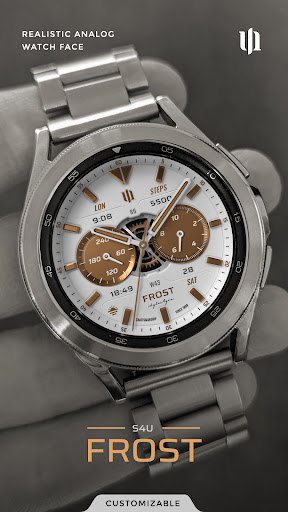
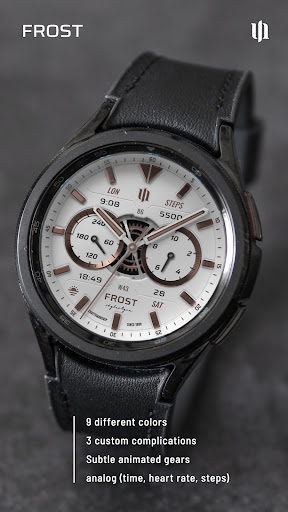
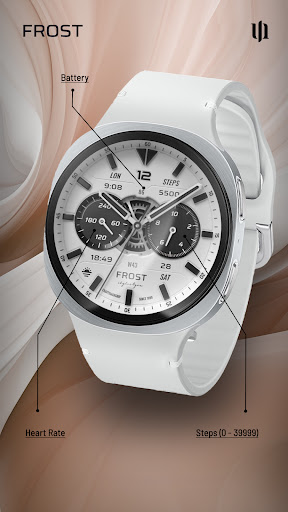
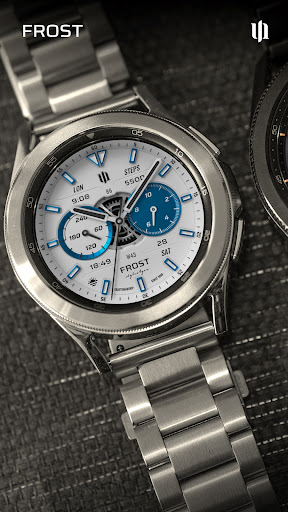
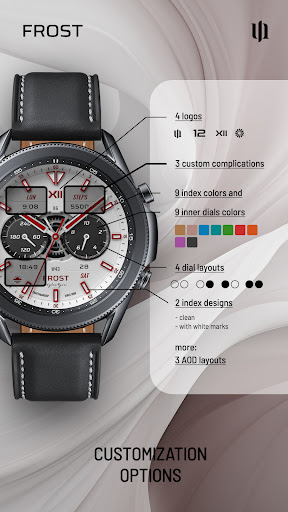

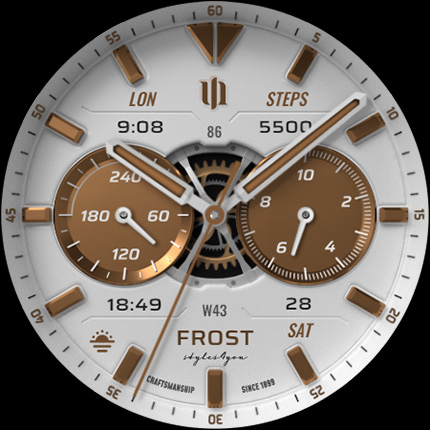
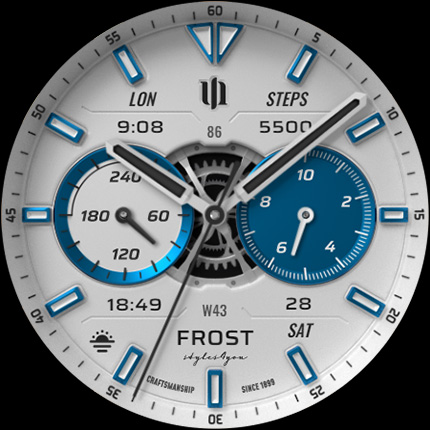
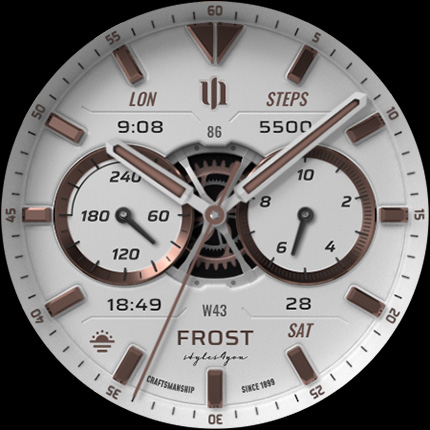
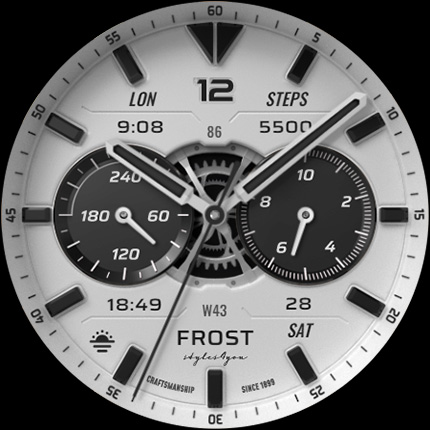
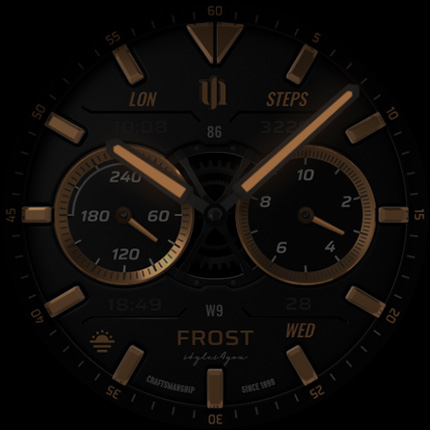
S4U Frost is a premium Wear OS watch face that combines classic analog design with modern smartwatch functionality. Featuring a realistic white analog dial, this watch face offers users an elegant timepiece experience while delivering essential smart features.
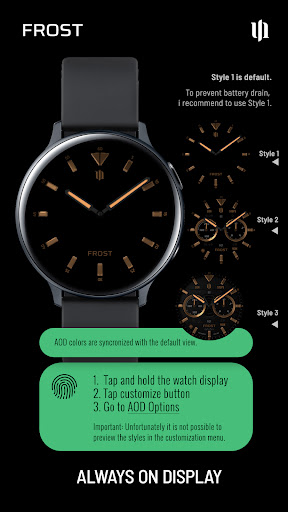
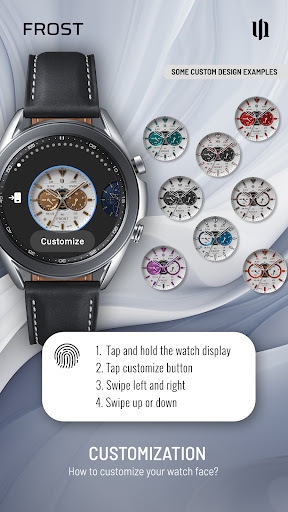
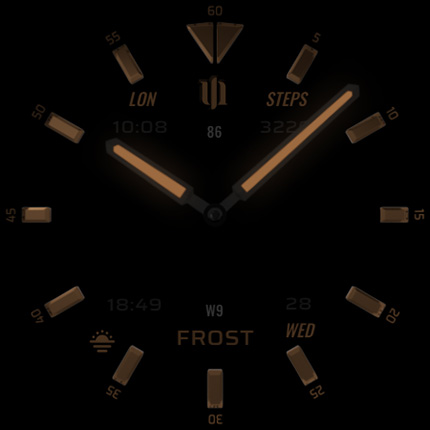
The app provides extensive customization options including 3 custom complications, 9 color variations, and 4 custom shortcuts to favorite widgets. With support for Always-On Display (AOD) across 3 different layouts, users can maintain quick access to crucial information while preserving battery life through smart display settings.
Designed specifically for Wear OS 4 and above, S4U Frost is compatible with leading smartwatches like Samsung Galaxy Watch series and Google Pixel Watch devices. The watch face displays multiple data points including time, steps, heart rate, battery level, and calendar information, making it perfect for users who value both style and functionality in their wearable devices.
S4U Frost distinguishes itself through its comprehensive feature set tailored for Wear OS users. The watch face showcases a realistic analog dial with meticulous attention to detail, providing an authentic traditional watch experience on your smart device.
Customization is at the core of S4U Frost's functionality, offering users 10 color options for main hands and secondary complications, 4 different AOD layouts, and 3 custom complications with 4 additional shortcuts. These features allow for personalized configurations that suit individual preferences and needs.
The application supports advanced smartwatch capabilities including step tracking, heart rate monitoring, and battery status display. Its compatibility with Wear OS API 33+ ensures optimal performance on modern devices while maintaining stability and reliability. The inclusion of detailed customization instructions and responsive customer support further enhances the user experience.
Highly customizable
Realistic analog design
Multiple AOD layouts
Wide device compatibility
Comprehensive data display
Wear OS 4+ only
Complex setup process
Battery consumption
Premium price point
Learning curve

Christmas watch face. For Wear OS devices.
 4.30
4.30
Analog watch face with 8 complications and expedition styling
4.4
Contemporary digital watch face with five complications
4.5
Easy Voice Recorder is your everyday companion to record important moments.
4.70
Digital watch face with big numbers and many customization for Wear OS devices
4.40
Ideal for surviving in the wasteland left after nuclear fallout
4.50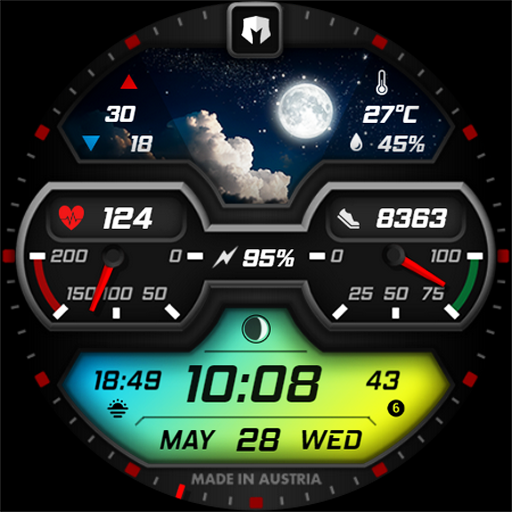
Stylish, Energizing and Modern Watch Face crafted by Dominus Mathias.
4.50
Want to take charge of your health? Let Google Fit help you reach your goals.
3.50
Toyota app currently supports 2010 or newer vehicles (2018 or newer for Hawaii).
4.50
Digital, flexibly customizable watch face. For Wear OS 5.0, API 34+ and later.
5.00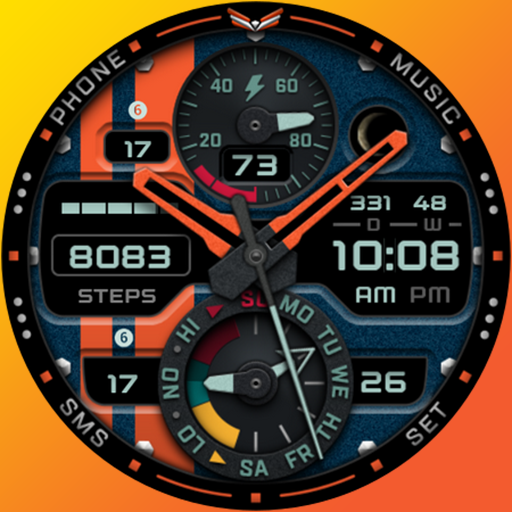
A modern premium sporty hybrid watch face for Wear OS by Ballozi
4.70
The most customizable hybrid watch face. For Wear OS 5.0, API 34+ and later
4.70
Retro digital watch face with customizable colors and a unique lighting effect
4.60
MyNISSAN® lets you remotely control your car from your phone.*
4.50
Deck out your Wear OS Watch face with a beautifully decorated pine wreath!
4.50
Animated video-game inspired “secret agent” simulation, right on your wrist!
4.20
Simple Analog-Digital Watchface For Wear OS 3.0 and Up Smartwatches
4.5
Sleek, highly customizable watch face inspired by Galaxy Watch Circle Dashboard.
4.2
Fitness interactive virtual pet super fighter boy watch face
4.0


User Reveiws