
NordVPN – fast VPN for privacy

4.60

Information

Category:

Tools

Price:

Free

Rank:

13

Rating:

4.60

Overview

NordVPN is a leading virtual private network application designed to provide users with enhanced online privacy and security. The app encrypts internet traffic and hides users' IP addresses, ensuring safe browsing on Android devices including smartphones, tablets, and TVs.

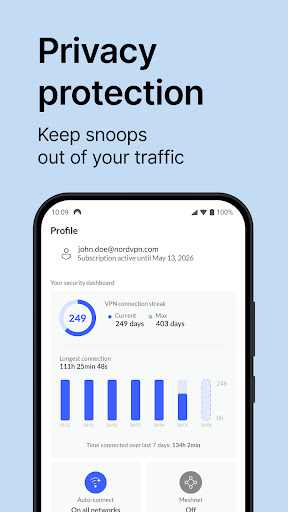
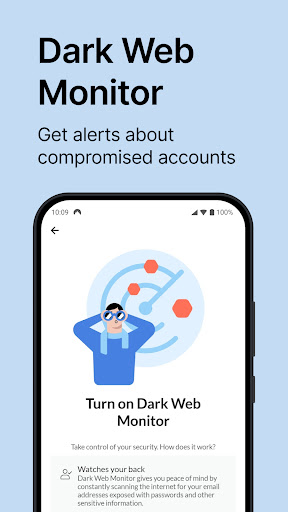
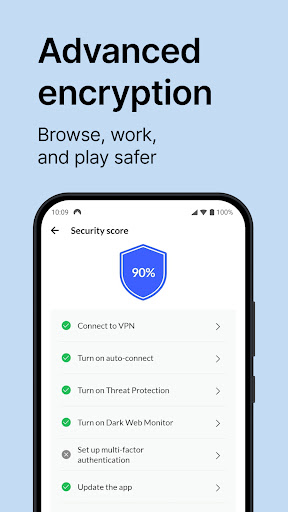
With advanced features like the NordLynx protocol built on WireGuard®, NordVPN delivers blazing-fast connection speeds while maintaining top-grade security. Its Threat Protection feature blocks access to malicious websites, protecting users from potential cyber threats. Additionally, the auto-connect functionality ensures continuous protection without manual intervention.

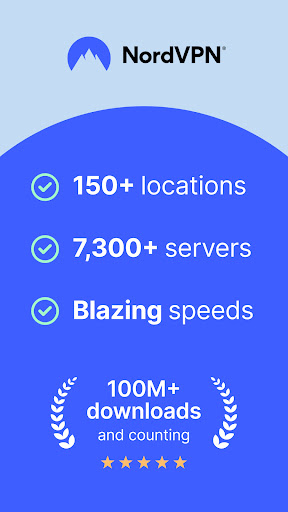
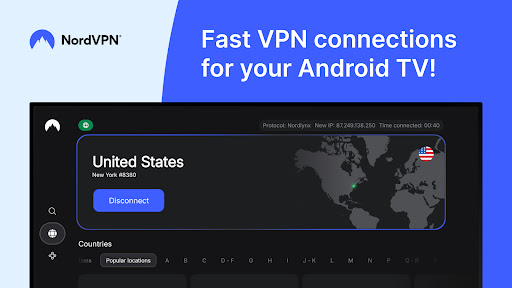
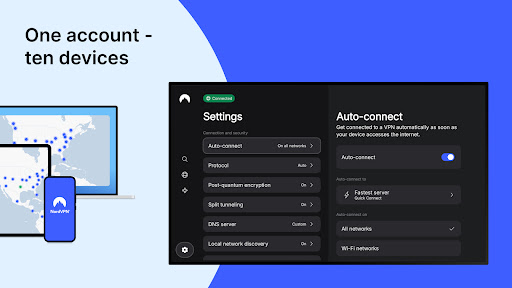
Android TV users benefit from specialized features such as secure streaming, uninterrupted connections through anti-throttling measures, and remote device access via Meshnet. With over 7,000 servers worldwide, NordVPN supports unlimited data usage and allows up to 10 device connections per account, making it an essential tool for digital privacy.

Features

NordVPN stands out with its comprehensive suite of features tailored for privacy-conscious users. The app utilizes powerful encryption protocols, including OpenVPN and the innovative NordLynx based on WireGuard®, to ensure maximum security without compromising speed.

One of NordVPN's key innovations is its Threat Protection feature, which actively blocks access to harmful websites, providing peace of mind during daily browsing activities. The app also offers specialty servers optimized for specific needs, such as streaming or torrenting, alongside advanced options like Double VPN for extra privacy.

Usability is enhanced through practical features such as split tunneling, allowing users to select apps that bypass the VPN, and custom DNS settings. With 24/7 customer support and a user-friendly interface, NordVPN combines robust security measures with convenient accessibility, making it suitable for both beginners and tech-savvy individuals.

Core function accuracy & effectiveness

A core function of NordVPN is to provide users with a fast private and secure internet connection through advanced encryption protocols and a vast network of servers worldwide The primary purpose of this functionality is to ensure that users can browse the internet without exposing their personal data or online activities to potential threats such as hackers ISPs or government surveillance By utilizing protocols like OpenVPN and NordLynx which is based on WireGuard NordVPN delivers both speed and security This dual focus allows users to maintain high-speed connections while ensuring that their data remains protected from unauthorized access Furthermore NordVPN offers specialty servers optimized for specific needs such as Double VPN for increased privacy and protection against traffic-based bandwidth throttling by ISPs The effectiveness of these features ensures that users can enjoy uninterrupted streaming gaming or browsing without compromising their security Additionally NordVPN supports up to 10 devices with a single account making it an ideal solution for households with multiple devices In summary NordVPN's core functions deliver robust security high-speed performance and versatile usability catering to various user needs and providing comprehensive online protection

Interface simplicity & intuitiveness

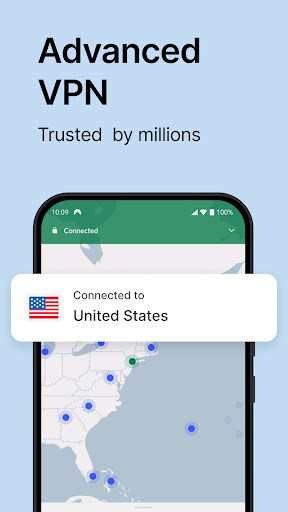
NordVPN places significant emphasis on maintaining an interface that is both simple and intuitive for users of all technical backgrounds The importance of this aspect lies in ensuring that even those who are not tech-savvy can easily navigate and utilize the app's features without confusion or frustration Upon launching the app users are greeted with a clean and straightforward layout where key functionalities such as connecting to a server enabling auto-connect or accessing Threat Protection are readily available within a few taps The design philosophy behind NordVPN's interface focuses on reducing complexity while enhancing user experience For instance setting up the auto-connect feature requires minimal steps yet provides substantial security benefits by automatically connecting to a VPN server when using unknown Wi-Fi networks Moreover NordVPN includes additional options like split tunneling and protocol switching which are presented in an uncomplicated manner allowing users to customize their VPN experience according to their preferences without overwhelming them with unnecessary details This balance between offering advanced features and maintaining ease-of-use demonstrates NordVPN's commitment to delivering a seamless user experience Overall the combination of a streamlined interface and accessible settings makes NordVPN an excellent choice for individuals seeking a hassle-free yet powerful VPN solution

Props

Top-grade encryption

Extensive server network

User-friendly interface

Advanced threat protection

Multi-device support

Cons

Premium subscription required

Occasional server congestion

Limited free trial availability

No lifetime purchase option

Some features are complex

Features and Functions

What is this app and what can I use it for?

NordVPN is a privacy-focused VPN app offering secure internet access and protection from cyber threats.

How do I download and install this app on my device?

Download NordVPN from Google Play Store and install it by following the on-screen instructions.

How do I get started after opening the app for the first time?

Launch NordVPN, sign up or log in, then connect to a server for immediate protection.

What are the main features and capabilities of this app?

Key features include strong encryption, fast protocols, threat protection, and specialty servers.

How can I customize my experience and adjust preferences?

Customize preferences in settings, such as choosing protocols or enabling auto-connect.

How do I save or bookmark my favorite content for later access?

Use the bookmark feature to save favorite server locations for quick future access.

How can I share content with friends or on social media?

Share your experience via social media directly through the app's sharing options.

How do I access detailed information and explore more content?

Access detailed server information and explore content by connecting to different servers.

What permissions does this app need and how do I manage them?

The app requires permissions for internet access; manage these in device settings.

How do I check for updates and keep the app running smoothly?

Check for updates in the app store or enable auto-updates to keep NordVPN running smoothly.
Show more

User Reveiws

{{ comment.reviewer_name }}
{{ comment.review_date_formatted}}
{{ comment.review_content }}
{{ tab.name }}
{{ comment.reviewer_name }}
{{ comment.review_date_formatted}}
{{ comment.review_content }}
No reviews with this rating