OpenCPN

3.60

Information

Category:

Maps & Navigation

Price:

$ 9.95

Rank:

8

Rating:

3.60

Overview

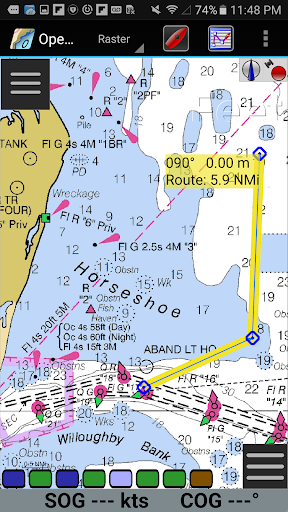
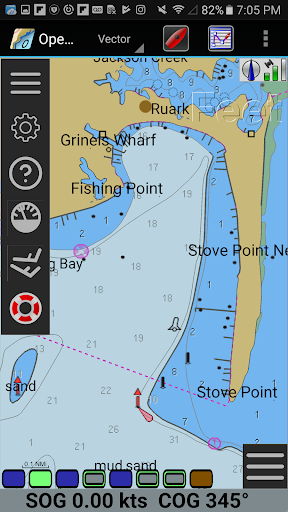
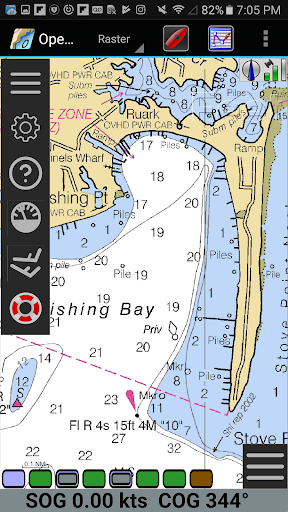
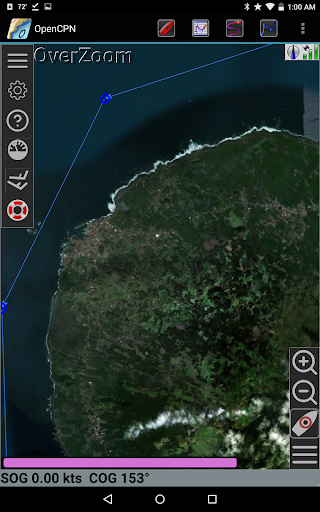
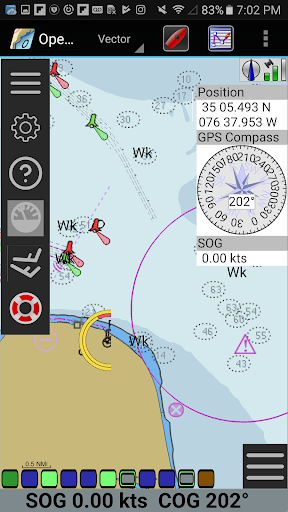
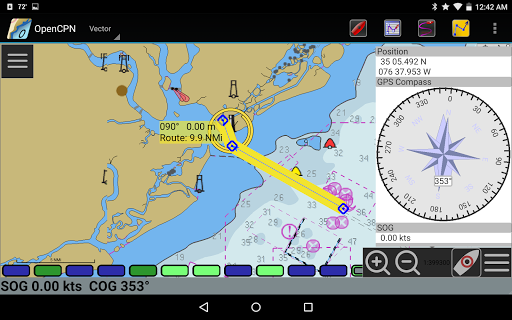
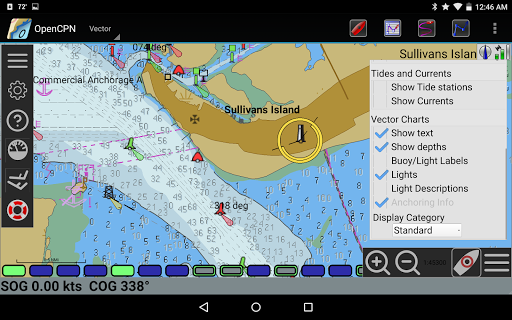
OpenCPN is a comprehensive chart plotter and navigation application designed for both desktop and mobile platforms. It offers advanced features such as BSB v3 raster chart support, S57 vector chart display, and integrated chart downloading. The app supports multiple display modes including north-up, course-up, and moving-map, providing flexible navigation options.

With built-in GPS support and networked AIS input, OpenCPN ensures accurate positioning and collision alerting. Additional functionalities include route planning with tidal support, GPX file handling, and Google Maps integration. These features make it an essential tool for marine enthusiasts looking to enhance their safety and performance on the water.

Features

OpenCPN stands out with its extensive chart support, including BSB v3 raster charts, S57 vector charts, and CM93 vector charts with cell offset corrections. The app provides versatile display options such as single-chart, quilted, and various orientation modes, catering to different navigational preferences.

Advanced navigation tools like route planning with tidal support, autopilot output, and AIS target tracking ensure precise and safe voyages. Furthermore, OpenCPN's integration with Google Maps and support for GPX files allow users to annotate charts and plan routes effectively, making it a powerful companion for any marine adventure.

Map accuracy

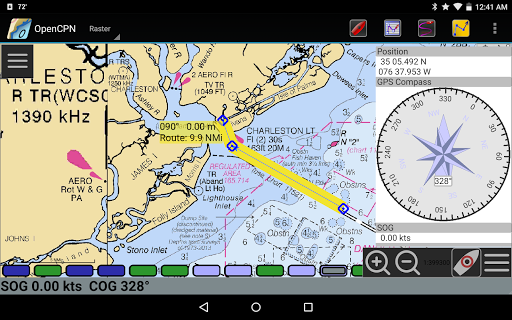
Map accuracy in a navigation application like OpenCPN is fundamental to ensuring safe and efficient maritime travel. This feature encompasses the precision of chart data, real-time updates, and comprehensive coverage of navigable waters. OpenCPN excels in this area by supporting multiple chart formats including BSB v3 raster charts RNC S57 vector charts ENC and CM93 vector charts with per-cell offset corrections. The inclusion of IHO S52 compliant display for S57 vector charts ensures that mariners receive accurate and standardized visual information crucial for decision-making. Furthermore OpenCPN offers MBTiles chart overlay support which allows users to integrate custom or specialized chart data enhancing the maps' detail and relevance to specific needs. Integrated Chart Downloader simplifies the process of obtaining updated charts ensuring that users have access to the latest navigational data. With various display modes such as North-up Course-up and Chart-up along with moving-map functionality OpenCPN provides flexible viewing options that cater to different navigational preferences and scenarios. The accuracy of these maps directly impacts the safety and efficiency of voyages allowing sailors to navigate confidently even in challenging conditions. By delivering precise and up-to-date chart information OpenCPN empowers users to make informed decisions reducing risks associated with outdated or incorrect map data.

Route planning

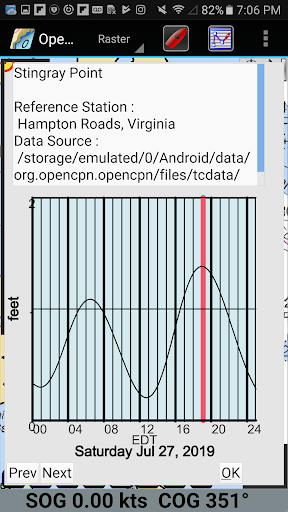
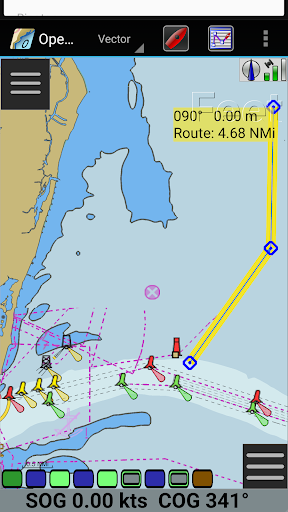
Route planning is an essential component of any navigation system particularly for applications tailored to maritime use such as OpenCPN. This feature involves the ability to create optimize and manage routes taking into account factors like distance time weather conditions and tidal influences. OpenCPN offers robust route planning capabilities starting with basic waypoint navigation which allows users to set specific points along their intended path. Beyond simple point-to-point navigation the application supports advanced functionalities such as true north or magnetic north navigation catering to different navigational requirements and preferences. For more complex journeys OpenCPN includes builtin great-circle routing which calculates the shortest path between two points on the globe ideal for long-distance sailing. Additionally the software provides tide and current prediction and display by location enabling sailors to plan their routes considering these critical environmental factors. Route planning with tidal support further enhances this capability allowing users to optimize their journeys based on predicted water movements. The integration of AIS input with full target tracking and collision alerting adds another layer of safety to route planning by providing real-time information about other vessels in the vicinity. Autopilot output support and networked AIS inputs ensure seamless interaction with onboard systems improving overall navigation efficiency. By offering comprehensive route planning tools OpenCPN not only simplifies the process of preparing for a voyage but also significantly increases safety and operational effectiveness making it an invaluable asset for both recreational and professional mariners.

Props

User-friendly interface

Comprehensive chart support

Accurate GPS positioning

Flexible display options

Active community support

Cons

Steep learning curve

Resource-intensive

Limited offline functionality

Occasional bugs

Complex setup process

Features and Functions

What is this app and what can I use it for?

A full-featured chart plotter and navigator for marine use.

How do I download and install this app on my device?

Visit Google Play Store, search for OpenCPN, and tap install.

How do I get started after opening the app for the first time?

Follow the on-screen instructions to set up your preferences.

What are the main features and capabilities of this app?

Supports various charts, GPS, AIS, and route planning tools.

How can I customize my experience and adjust preferences?

Adjust settings via the preferences menu to customize experience.

How do I save or bookmark my favorite content for later access?

Use GPX file support to save and bookmark important locations.

How can I share content with friends or on social media?

Share routes and tracks via GPX files or social media links.

How do I access detailed information and explore more content?

Access detailed info through chart overlays and layers.

What permissions does this app need and how do I manage them?

Requires location and storage permissions for full functionality.

How do I check for updates and keep the app running smoothly?

Check Google Play Store regularly for app updates and patches.
Show more

User Reveiws

{{ comment.reviewer_name }}
{{ comment.review_date_formatted}}
{{ comment.review_content }}
{{ tab.name }}
{{ comment.reviewer_name }}
{{ comment.review_date_formatted}}
{{ comment.review_content }}
No reviews with this rating