
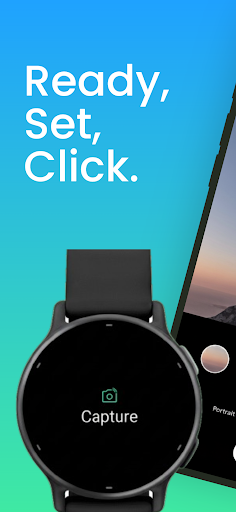

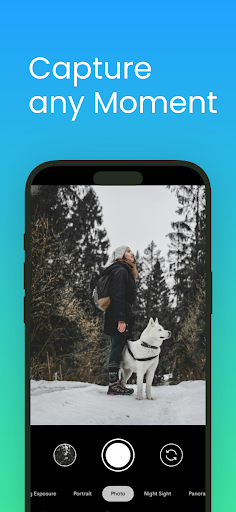
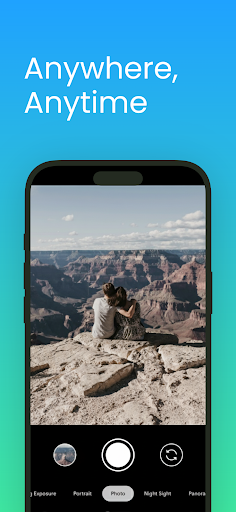
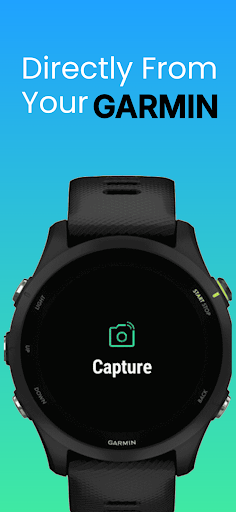
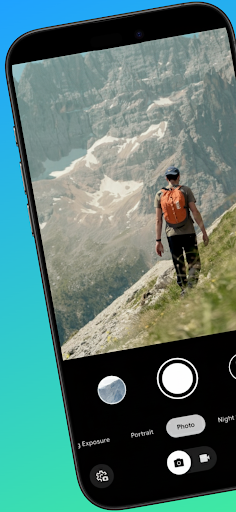
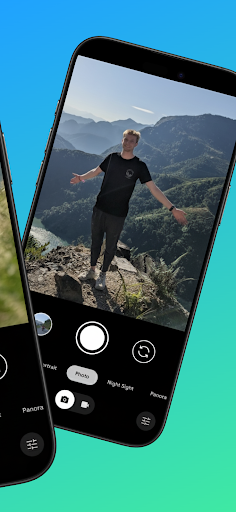
CameraClick is a powerful photography app that transforms your Garmin smartwatch into a wireless remote control for your Android phone's native camera. This seamless integration allows users to capture photos and videos effortlessly, whether shooting group portraits, solo adventures, or action shots from a distance.
The app works directly with your phone's existing camera application, maintaining your preferred quality settings, lens configurations, and storage preferences. By leveraging Android’s AccessibilityService, CameraClick ensures compatibility across a wide range of devices, including popular brands like Google, Samsung, and OnePlus.
Designed for creators, athletes, and everyday users, CameraClick simplifies remote photography while preserving professional-grade quality. Its intuitive functionality makes it ideal for capturing moments hands-free, ensuring you never miss an important shot again.
CameraClick offers several standout features that enhance the mobile photography experience. First, its core functionality lies in its ability to connect Garmin smartwatches with Android phones wirelessly. This eliminates the need for additional hardware or complicated setups, providing instant access to your phone’s camera shutter right from your wrist.
Another key feature is its compatibility with your phone’s native camera app. Unlike other remote camera solutions, CameraClick doesn’t rely on custom interfaces or limited functionality. Instead, it triggers the same high-quality camera system you’re already familiar with, preserving advanced settings such as resolution, focus modes, and storage paths.
Additionally, CameraClick supports a broad range of Android devices thanks to its use of Android’s AccessibilityService. Whether you own a Google Pixel, Samsung Galaxy, or Xiaomi device, this app ensures reliable performance tailored to your specific smartphone model. These features collectively make CameraClick a versatile tool for both casual photographers and professionals alike.
Wireless convenience
Native app support
Wide device compatibility
Hands-free operation
Easy setup process
Requires Accessibility permissions
Limited to Android devices
Dependent on Garmin smartwatch
No iOS version available
Basic UI design
A collection of tools and reference tables for DPs, ACs, DITs and Operators.
 4.70
4.70
Long exposure camera with computational photography
2.60
Perfect photos with body shaping, BG changer and object remover.
3.70
Create funny photos and videos with the popular Time Warp Scan filter.
4.90
Application for remote controlling DSLR
3.00
What celebrity do you look like? Celebs will find your celebrity match!
4.10
Create AI photos & videos with Enhancer; restore, fix, beautify, enhance photos
4.50
AI Photo Editor with 100+ Filters, Effects! Remove BG, Retouch & Photo Enhancer.
4.80
Remote control the phone camera shutter from your smartwatch and take a picture
1.60
PhotoSync Bundle Add-On License. Enables all features and services in PhotoSync.
4.60
Photo Exif Editor allows to view, add and modify EXIF data of multiple photos
4.50
A reflected light meter with spot metering and incident light metering.
4.40
All-in-One Editor & AI Photo Enhancer, Beautify & Retouch, Collage, Cartoonify
4.20
How old age camera Gender Swap App Face Shape Hairstyle App Hair Styler App fun!
4.00
Create amazing frames with up to five photos. Rounded corners, effects and more!
3.60
An interval timer to automate photo taking process for timelapse
2.90
Professional video recording application with manual controls for filmmakers!
2.80
Photo Album Watch Face shows your favorite pictures as a Watchface.
1.90
HD Photo gallery and photo manager to edit, hide private photos, videos & albums
4.5


User Reveiws