3D Modeling App

4.00

Information

Category:

Art & Design

Price:

Free

Rank:

50

Rating:

4.00

Overview

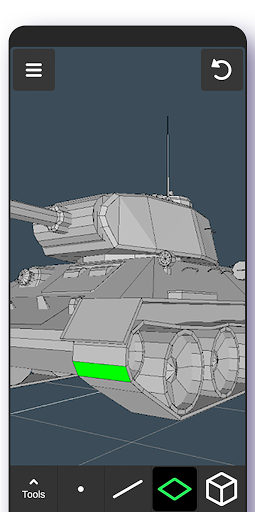
3D Modeling App is a comprehensive mobile solution for 3D creation, enabling users to design models, objects, and characters through an intuitive gesture-based interface. The app caters to a wide range of professionals, from engineers to game developers, providing specialized tools for tasks like 3D painting, sculpting, and animation.

With its versatile feature set, the application supports various professional use cases including industrial design, automotive engineering, and game development. Users can create detailed 3D models and export them in industry-standard formats, making it a valuable addition to any creative workflow.

The app's ability to handle complex modeling tasks on mobile devices makes it particularly useful for professionals who need to work on-the-go. Its comprehensive toolset and user-friendly interface deliver significant value to users who require powerful 3D capabilities without being tied to desktop workstations.

Features

The app offers an extensive collection of professional-grade tools that streamline the 3D creation process. Its innovative gesture controls allow users to manipulate objects, adjust camera angles, and switch between tools with remarkable speed and precision.

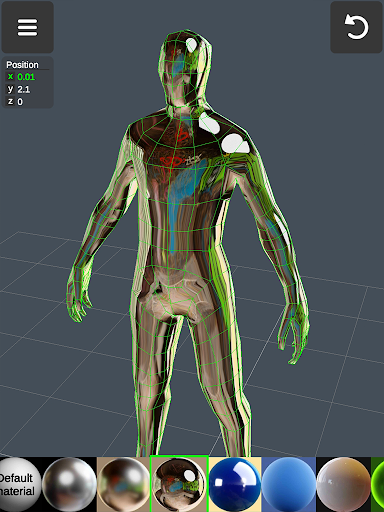
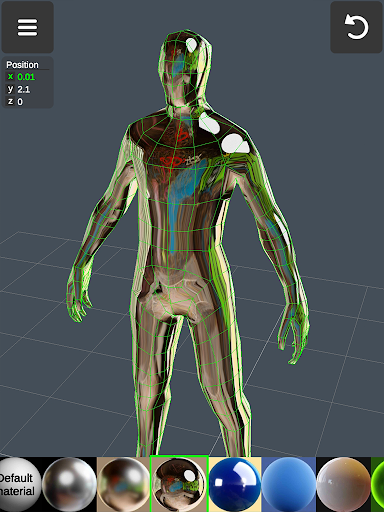
Advanced modeling features include robust vertex, edge, and face manipulation tools, along with sophisticated object transformation capabilities. The app also provides powerful sculpting tools with adjustable brush settings, display customization options, and material application features that support up to 20 different materials per object.

Professional users will appreciate the app's compatibility with industry-standard file formats and software, including .obj import/export functionality and support for major 3D modeling and CAD applications. These features ensure seamless integration into existing workflows while maintaining professional-grade quality standards.

Creative tool completeness

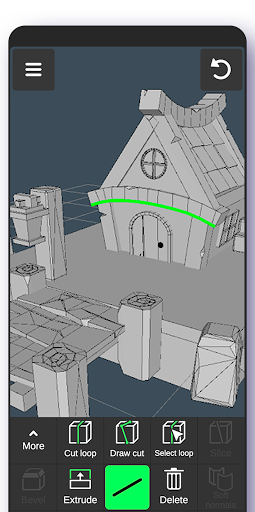
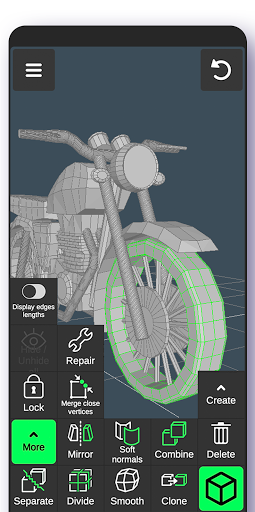
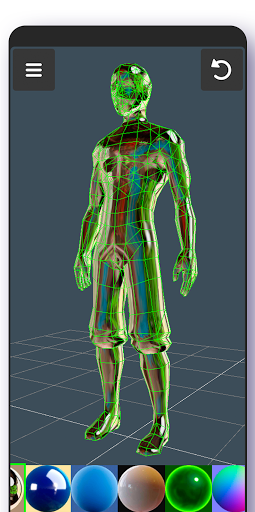
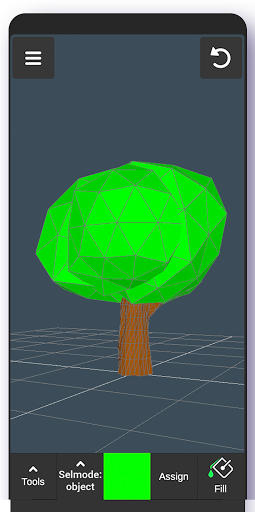
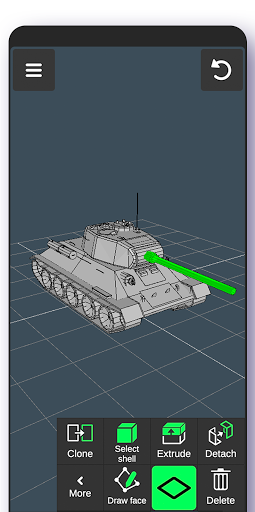
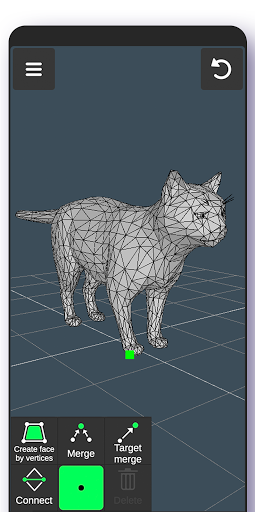
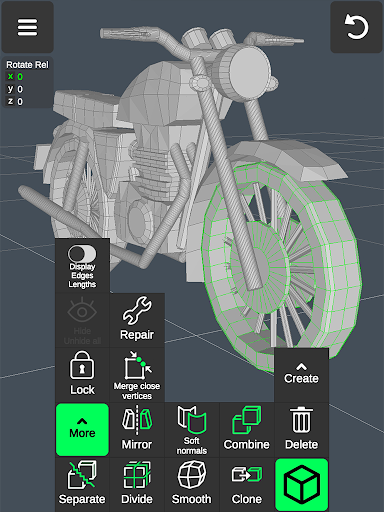
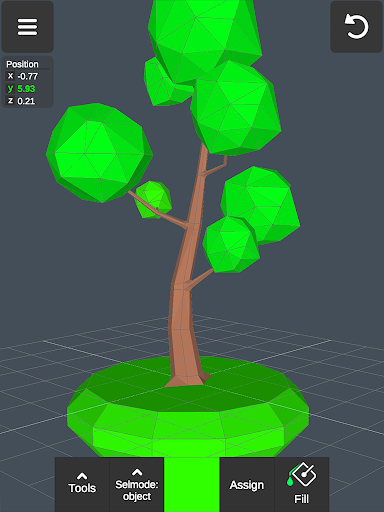
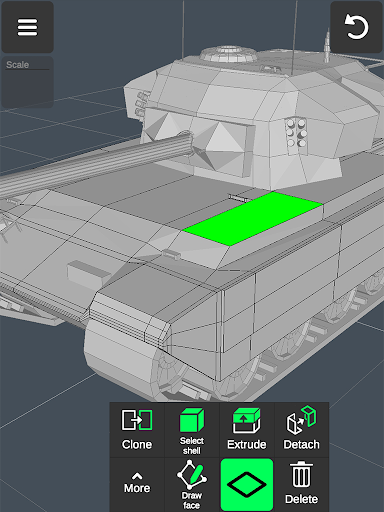
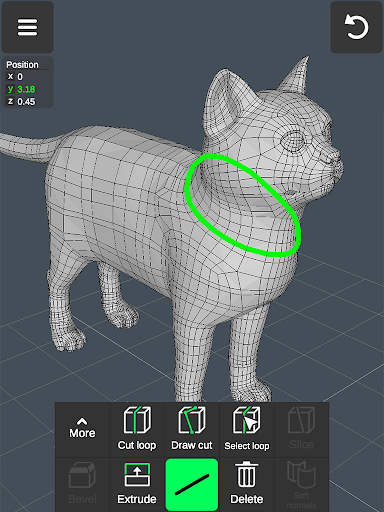
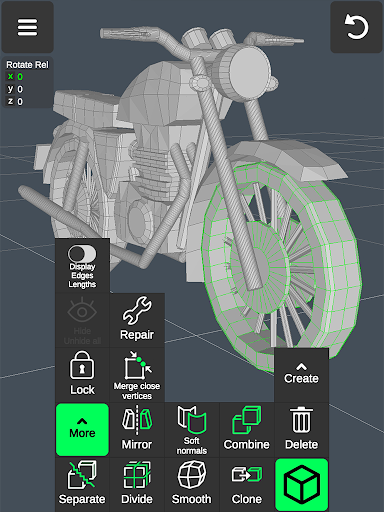
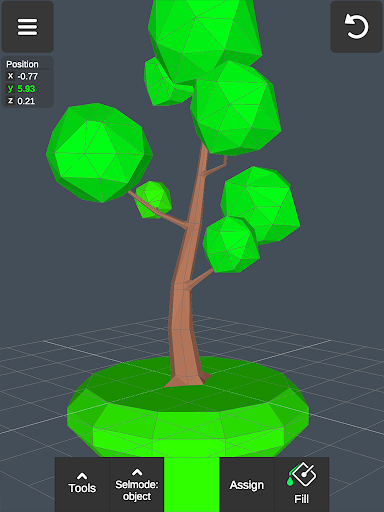
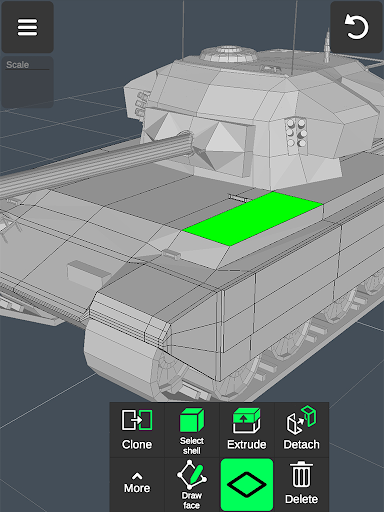
Creative tool completeness refers to the range and depth of features provided by an application to support various creative processes. In the context of 3D Modeling App, this is particularly important as it caters to a wide array of professionals from different industries who rely on comprehensive tools for their work. The app offers an extensive suite of features that cover all aspects of 3D creation, making it a versatile choice for anyone involved in 3D modeling. For instance, users can take advantage of vertex tools for merging and connecting geometries, edge tools for cutting and extruding, and face tools for detaching and cloning. Additionally, object tools allow for combining, separating, cloning, mirroring, smoothing, and adjusting normals. Sculpting tools provide options for moving, screening, pushing, pulling, and smoothing with adjustable brush size and strength. Display tools include grid settings, info display, wireframe and shaded views, shadows, and axis visibility. Coloring options are available through vertex color painting, and users can apply up to 20 materials to their objects. These robust features ensure that whether you're a game designer creating characters and environments or an automotive engineer designing car models, you have all the necessary tools at your disposal. The ability to import and export .obj files further extends its functionality by allowing seamless integration with other professional software like 3ds Max, Maya, Blender, AutoCAD, and SolidWorks. This level of creative tool completeness not only enhances productivity but also empowers users to bring their ideas to life with precision and efficiency.

Canvas/format flexibility

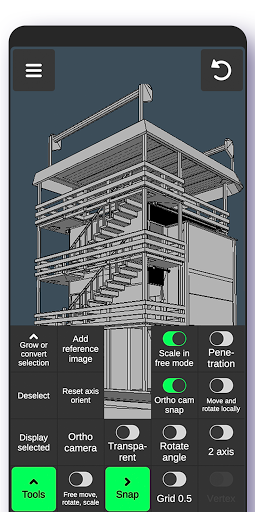
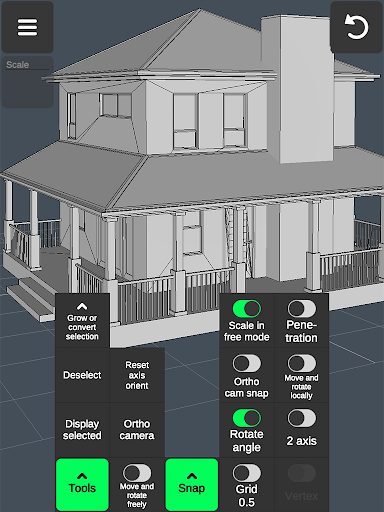
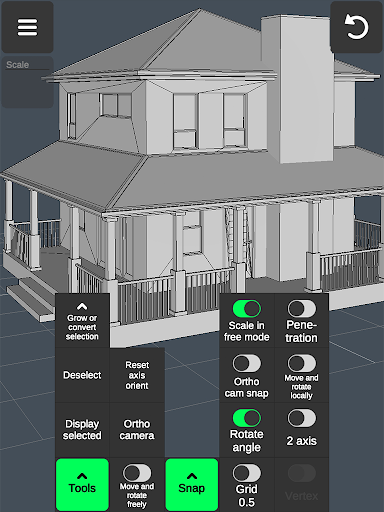
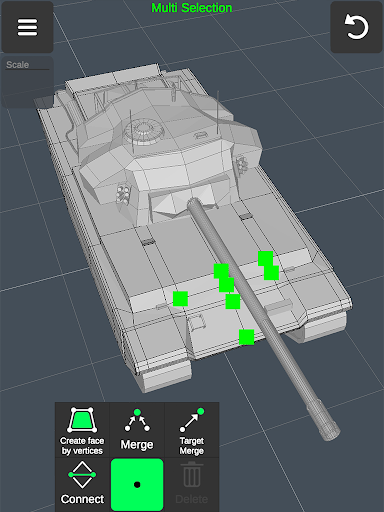
Canvas/format flexibility pertains to the adaptability and versatility of an application in handling different types of projects and file formats. For a 3D modeling app, this aspect is crucial because it determines how well the app can accommodate diverse project requirements and integrate with other software tools used in the industry. The 3D Modeling App excels in this area by providing a highly flexible platform that supports a multitude of functionalities and file formats. Users can manipulate 3D images, scale objects, and adjust the camera using intuitive gestures, which streamlines the workflow significantly. The app allows for easy multi-selection of vertices, edges, faces, and objects, facilitating complex edits with minimal effort. Moreover, the inclusion of orthographic camera views, precise value settings for movement, rotation, and scaling, and advanced snapping options such as grid, rotate angle, and local space ensures that every detail can be meticulously controlled. The app's capability to auto-save work prevents data loss and maintains continuity during long sessions. Importantly, the app supports exporting and importing .obj files, which can be utilized in a variety of 3D modeling and CAD software including 3ds Max, Maya, Blender, AutoCAD, and SolidWorks. Furthermore, these files can be converted into numerous other formats such as IGS, IGES, STP, STEP, and more, enabling compatibility with specialized applications like Shapr3d and uMake. This canvas/format flexibility makes the 3D Modeling App an indispensable tool for professionals across multiple disciplines, ensuring that they can seamlessly transition between different stages of their projects while maintaining high standards of quality and accuracy.

Props

User-friendly interface

Comprehensive toolset

Professional-grade features

Industry compatibility

Gesture-based controls

Cons

Steep learning curve

High system requirements

Limited free features

Occasional bugs

Large file sizes

Features and Functions

What is this app and what can I use it for?

A mobile 3D modeling tool for creating professional-grade models and designs

How do I download and install this app on my device?

Search '3D Modeling App' on Google Play Store and tap install

How do I get started after opening the app for the first time?

Follow the interactive tutorial to learn basic navigation and tools

What are the main features and capabilities of this app?

Offers professional 3D modeling tools including sculpting and animation features

How can I customize my experience and adjust preferences?

Adjust tool settings and preferences through the configuration menu

How do I save or bookmark my favorite content for later access?

Use the bookmark feature to save favorite models or projects

How can I share content with friends or on social media?

Export files or share directly through supported social media platforms

How do I access detailed information and explore more content?

Access detailed information through the help section and online documentation

What permissions does this app need and how do I manage them?

Requires storage and camera permissions managed in device settings

How do I check for updates and keep the app running smoothly?

Check Google Play Store regularly for updates and enable auto-update in settings
Show more

User Reveiws

{{ comment.reviewer_name }}
{{ comment.review_date_formatted}}
{{ comment.review_content }}
{{ tab.name }}
{{ comment.reviewer_name }}
{{ comment.review_date_formatted}}
{{ comment.review_content }}
No reviews with this rating