Drawing Pad Lite

4.50

Information

Category:

Art & Design

Price:

Free

Rank:

38

Rating:

4.50

Overview

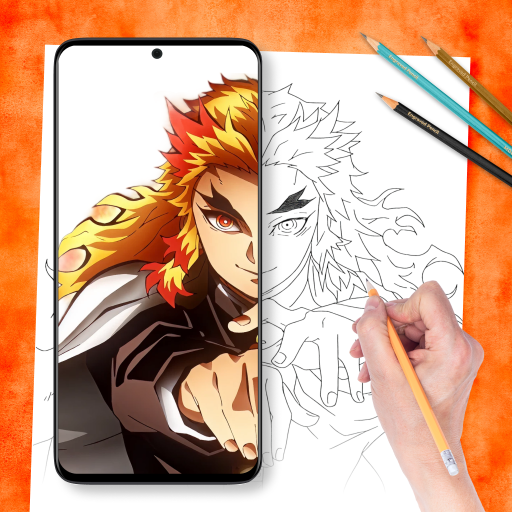
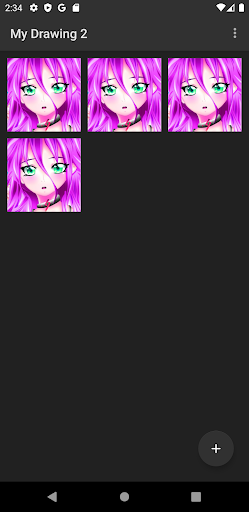
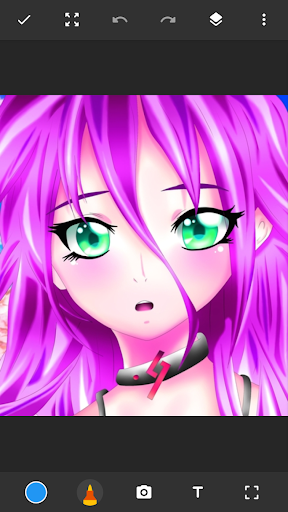
Drawing Pad Lite is a versatile digital art application designed for both amateur and professional artists. This app provides an intuitive platform where users can create sketches, paintings, and detailed artwork with ease. The interface is crafted to enhance creativity while maintaining user-friendliness, making it accessible for all skill levels.

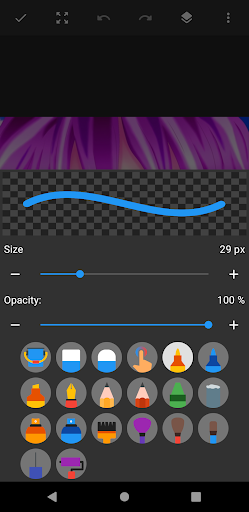
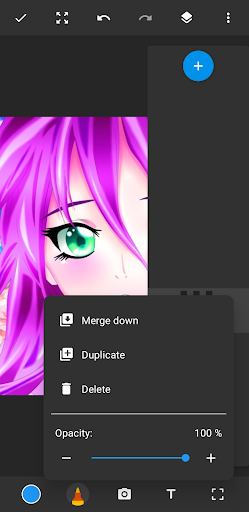
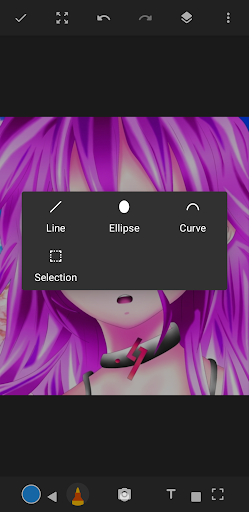
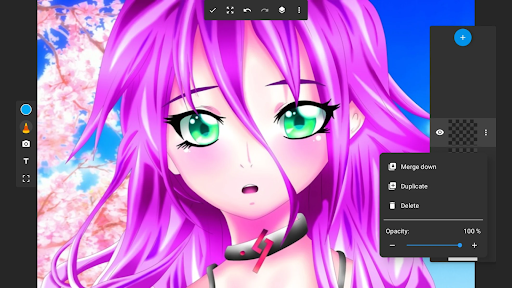
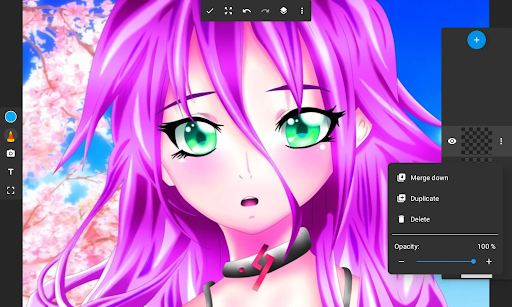
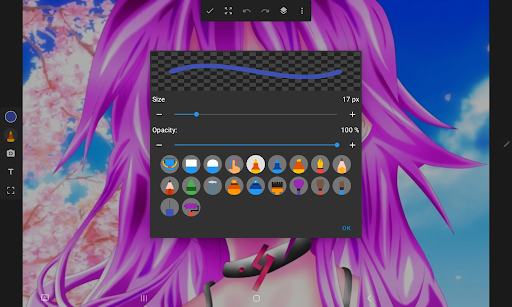
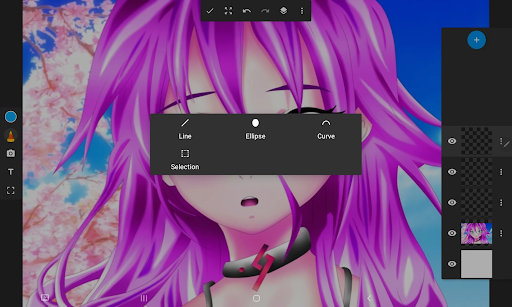
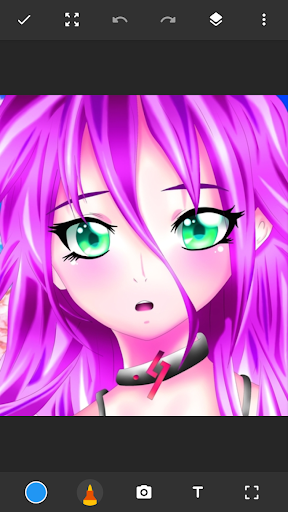
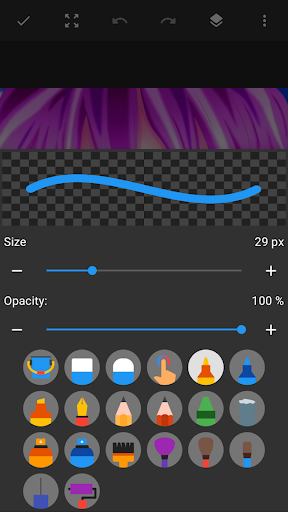
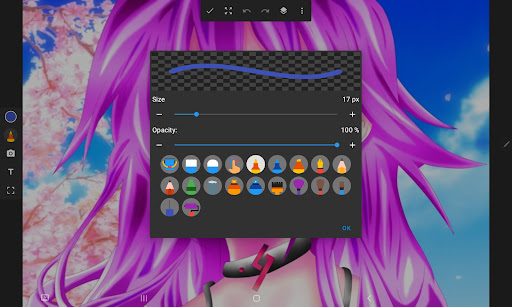
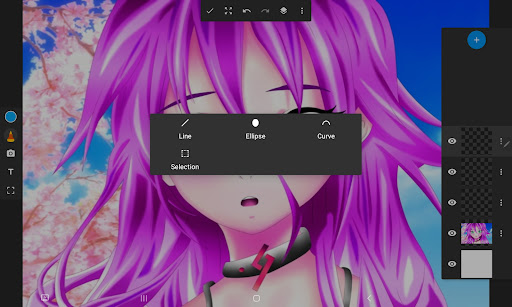
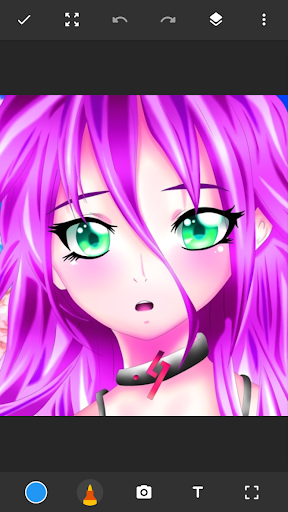
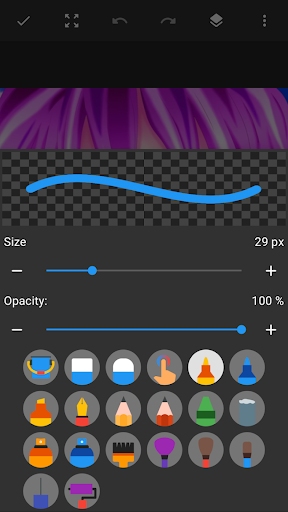
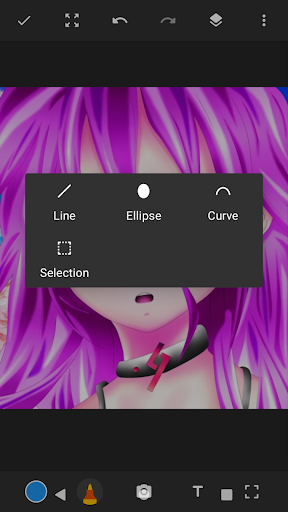
One of the standout features of Drawing Pad Lite is its robust set of brushstrokes and pen tools. Users can choose from a variety of brushes, pencils, pens, and markers, each offering different sizes and styles. This flexibility allows artists to replicate traditional drawing techniques digitally. Additionally, the app supports layers, enabling users to organize their work efficiently and experiment without affecting the original piece.

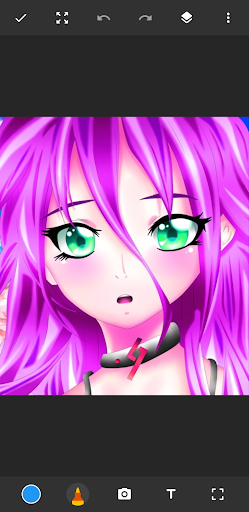
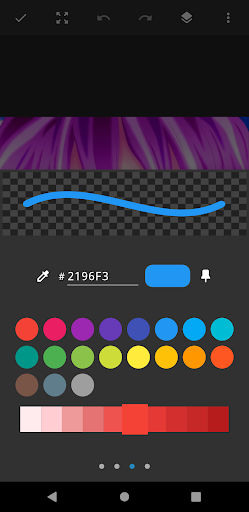
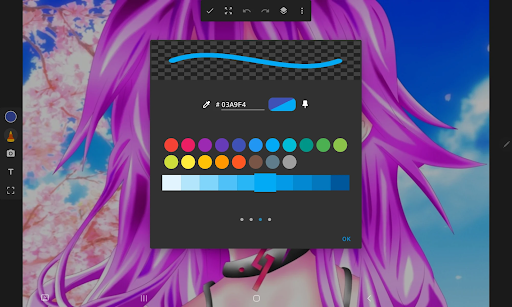
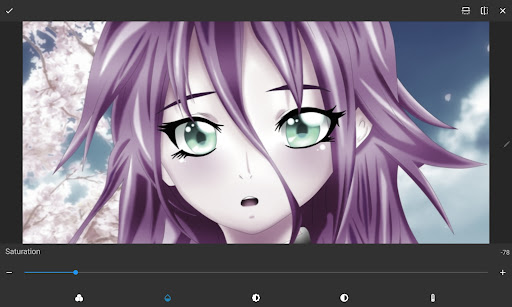
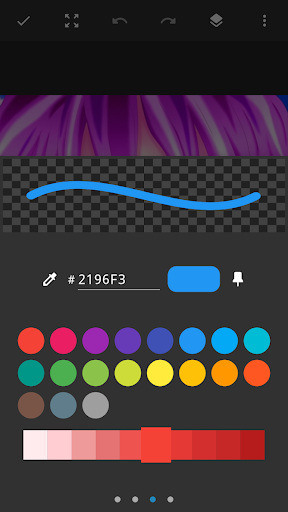
The app also includes vibrant color options that bring artwork to life. Whether you're into anime coloring, manga, or photo illustrations, Drawing Pad Lite offers extensive customization possibilities. With its layer functionality and comprehensive editing options, this app serves as a complete artbook in your pocket, perfect for unleashing creativity anytime, anywhere.

Features

Drawing Pad Lite stands out due to its rich feature set tailored specifically for digital artists. The app boasts an impressive array of brushstroke and pencil tools, which are essential for creating diverse artistic styles. These tools come with adjustable settings for size, opacity, and style, giving users precise control over their creations.

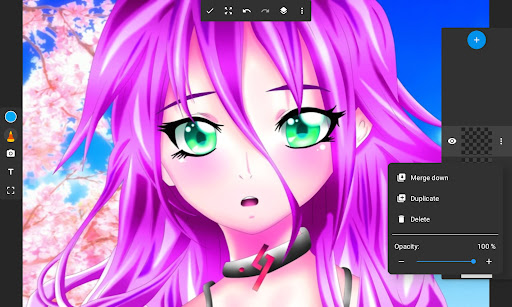
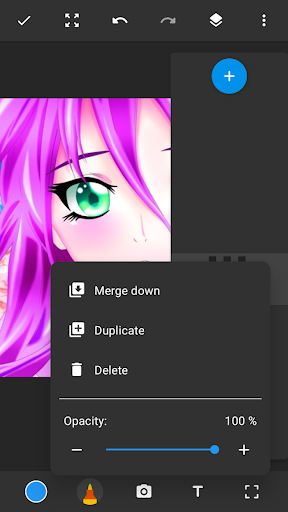
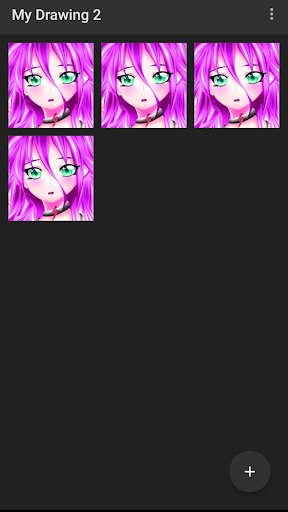
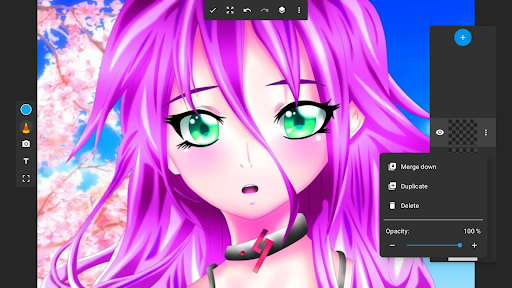
A key feature is the layer functionality, allowing artists to build complex compositions by separating elements onto different layers. This not only helps in organizing artwork but also enables non-destructive editing. Users can easily rearrange layers, adjust their opacity, or apply various effects without altering the original content, thus preserving the integrity of their work.

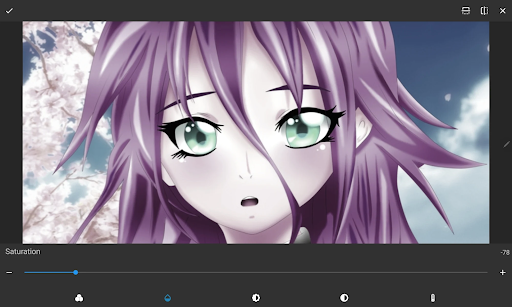
Moreover, Drawing Pad Lite supports drawing on photos, adding another dimension to creative expression. Artists can import images and use them as backgrounds or incorporate them into their artwork seamlessly. The app's user-friendly interface ensures that even beginners can navigate and utilize these advanced features effectively, making it a powerful tool for anyone looking to explore digital art.

Creative tool completeness

In the realm of digital artistry, having a comprehensive suite of creative tools is paramount for artists seeking to express their visions fully. Sketchbook Lite - Artbook rises to this occasion by offering an extensive array of brushstrokes, pencil types, pens, and markers that cater to both novice doodlers and seasoned artists alike. The diversity in these tools allows users to experiment with different styles and techniques, ensuring that whether one is sketching a quick doodle or crafting a detailed masterpiece, the perfect implement is at hand. This drawing app doesn't stop at just providing varied tools; it ensures complete control over each stroke's size, style, and color. Such granular command empowers creators to fine-tune every aspect of their work, from bold outlines to delicate shadings. Moreover, the inclusion of layers adds another dimension to creativity, enabling artists to build complex compositions without fear of losing earlier work. By allowing multiple layers for each project, Sketchbook Lite supports non-destructive editing where elements can be added, removed, or modified independently. This feature not only enhances artistic freedom but also encourages experimentation as users can easily revert changes without affecting the entire piece. For those who enjoy adding personal touches to photographs, the ability to draw directly on images opens up new avenues for customization and expression. Overall, Sketchbook Lite stands out as a robust platform that combines traditional drawing methods with modern technology, making it an indispensable companion for anyone passionate about art. Its rich set of features fosters an environment where imagination knows no bounds, inviting users to explore endless possibilities within the digital canvas.

Canvas/format flexibility

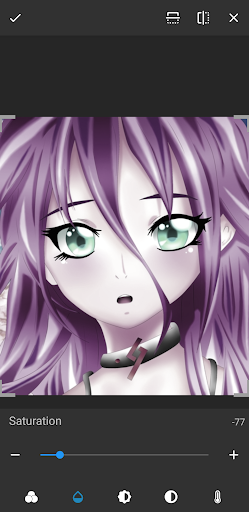
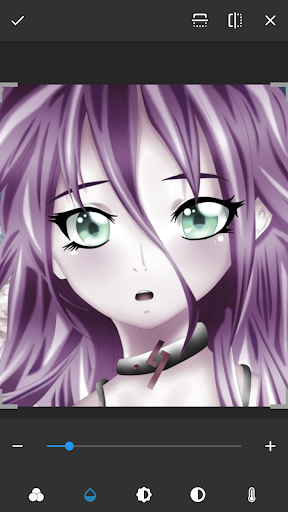
Flexibility in canvas size and format options is crucial for artists who wish to adapt their creations across various mediums and platforms. Sketchbook Lite - Artbook addresses this need by providing a versatile drawing space that accommodates different artistic requirements. Whether working on small sketches or expansive murals, users have the liberty to adjust their canvas dimensions according to their projectu2019s scope. This adaptability ensures that every artwork retains its intended impact, regardless of how it will be viewed or shared later. Beyond mere dimensional adjustments, Sketchbook Lite offers advanced formatting capabilities that enhance the creative process further. Artists can choose between standard paper sizes for print-ready designs or opt for custom dimensions tailored specifically to digital formats like social media posts or website graphics. Such versatility means that transitioning between physical and virtual galleries becomes seamless, empowering creators to reach wider audiences without compromising quality or presentation standards. Additionally, the app supports exporting artworks in multiple file formats, catering to diverse professional needs. From high-resolution JPEGs suitable for online portfolios to layered PSD files preferred by graphic designers, Sketchbook Lite guarantees compatibility with industry-standard software. This export functionality extends beyond mere convenienceu2014it preserves the integrity of intricate details achieved through meticulous layer management during creation. Furthermore, the integration of photo-editing features amplifies the utility of flexible canvas settings. Users can import personal photographs into their projects, transforming ordinary snapshots into personalized works of art. With tools designed to blend seamlessly over existing imagery, the boundaries between photography and illustration blur, resulting in unique hybrid pieces that showcase individual flair. In essence, Sketchbook Lite - Artbook redefines what it means to create digitally by prioritizing user-centric design principles centered around canvas and format flexibility. It invites everyone from hobbyists to professionals to push the limits of their creativity while maintaining full control over how their final products are presented to the world.

Props

User-friendly interface

Extensive brush options

Layer support for complex artwork

Vibrant color palette

Photo integration feature

Cons

Limited free features

Occasional performance lags

In-app purchases required

Steep learning curve

Ads in free version

Features and Functions

What is this app and what can I use it for?

A versatile digital art app for sketches and paintings

How do I download and install this app on my device?

Visit Google Play Store, search 'Drawing Pad Lite', tap Install

How do I get started after opening the app for the first time?

Open app, select tool, start sketching on blank canvas

What are the main features and capabilities of this app?

Brushes, pens, layers, photo drawing, vibrant colors

How can I customize my experience and adjust preferences?

Adjust brush size, opacity, choose colors, toggle layers

How do I save or bookmark my favorite content for later access?

Save files locally or export via email or cloud storage

How can I share content with friends or on social media?

Use share button to post on social media platforms

How do I access detailed information and explore more content?

Tap info icon for details, explore layers and settings

What permissions does this app need and how do I manage them?

Needs storage, camera permissions; manage in settings

How do I check for updates and keep the app running smoothly?

Enable auto-updates in Google Play Store settings
Show more

User Reveiws

{{ comment.reviewer_name }}
{{ comment.review_date_formatted}}
{{ comment.review_content }}
{{ tab.name }}
{{ comment.reviewer_name }}
{{ comment.review_date_formatted}}
{{ comment.review_content }}
No reviews with this rating