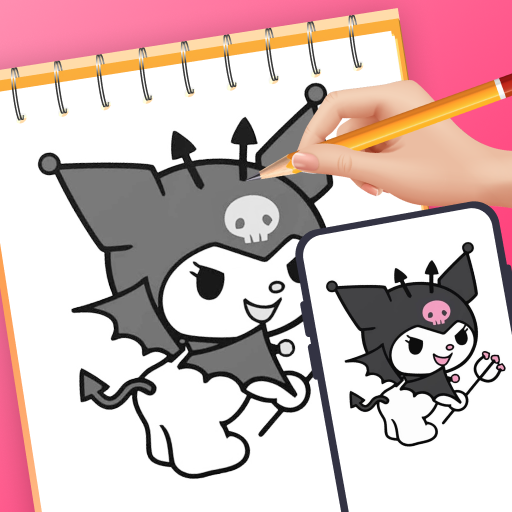
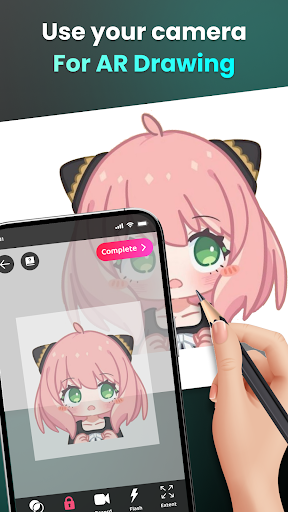


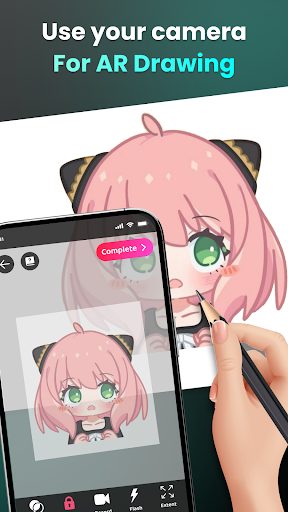
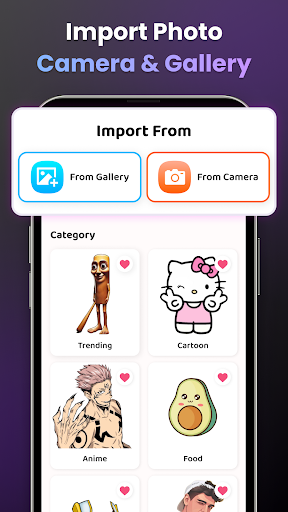
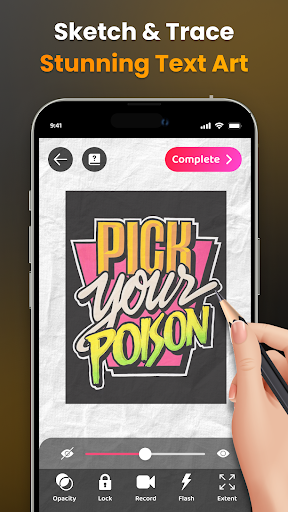

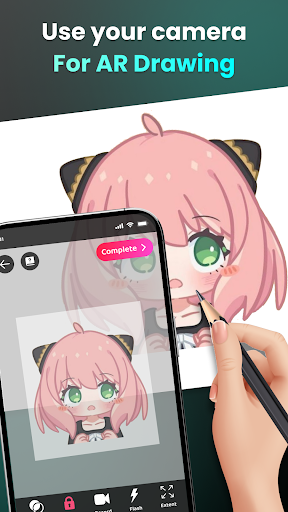


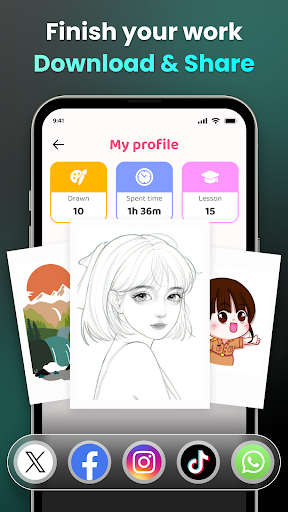
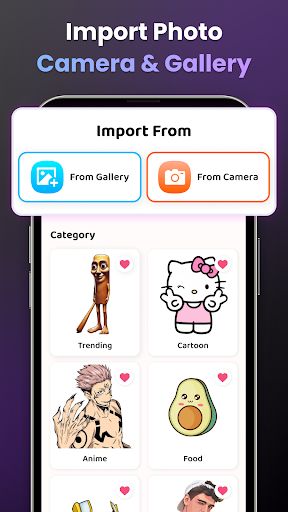

AR Drawing - Sketchar App is a revolutionary tool in the Art & Design category that combines augmented reality with creative expression. This app allows users to transform their real-world environment into a dynamic canvas, making it possible to draw and sketch anything through the camera interface.
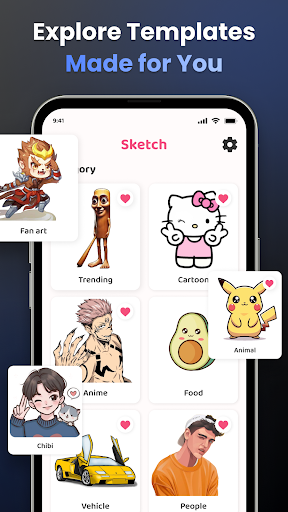
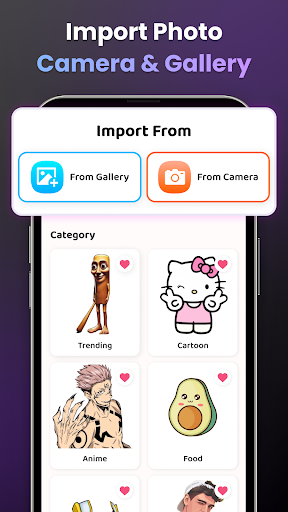
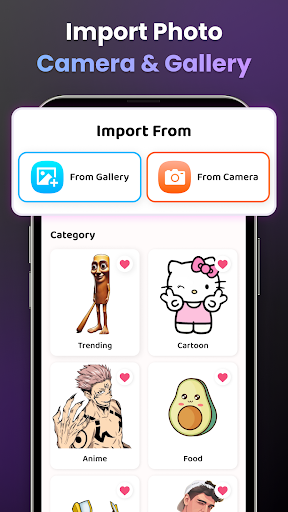
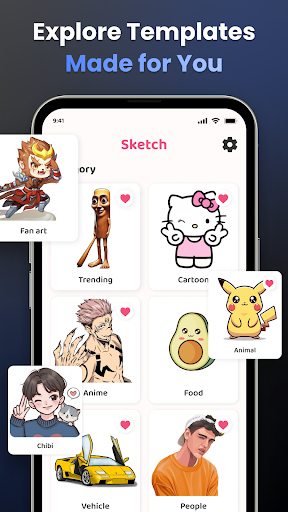
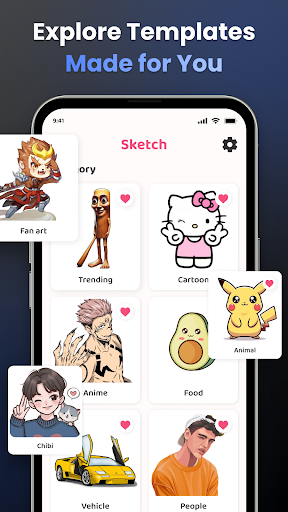
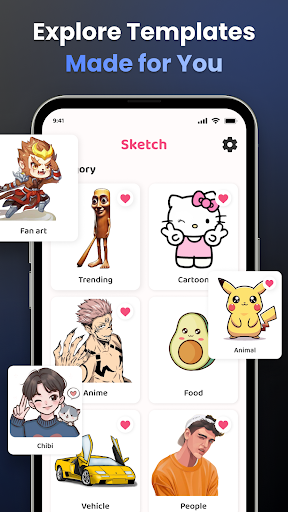
The application offers an extensive range of features tailored for both beginners and experienced artists. Users can trace sample photos, explore various drawing categories like Anime, Cartoon, and Animals, and even import personal images for unique creations. With advanced AR technology, the app simplifies complex drawings into manageable outlines, helping users improve their skills progressively.
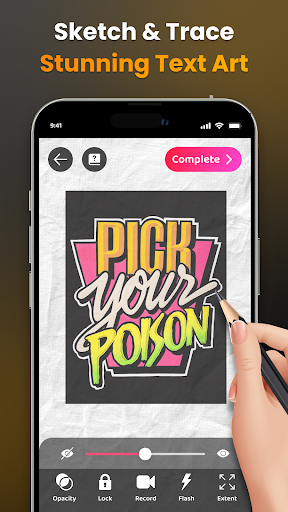
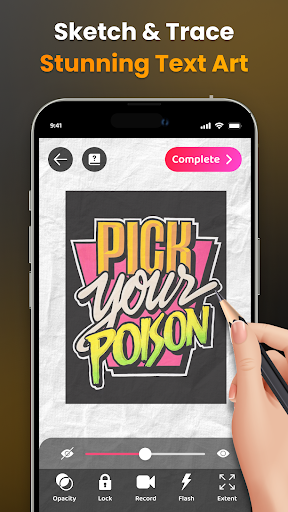
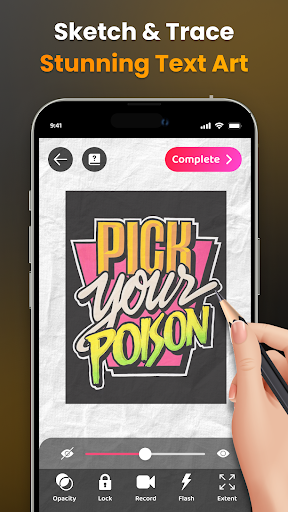
Whether you're looking to learn how to draw or aiming to create stunning AR artworks, this app provides all the necessary tools. The ability to record your drawing process, adjust opacity, zoom in and out, and share your masterpieces makes it a comprehensive solution for unleashing creativity.
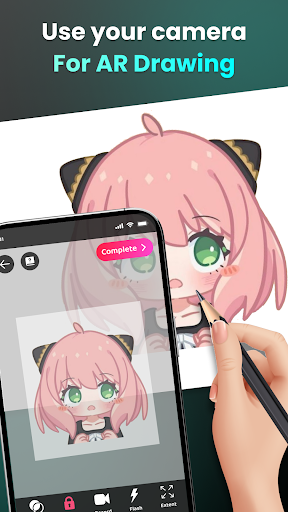
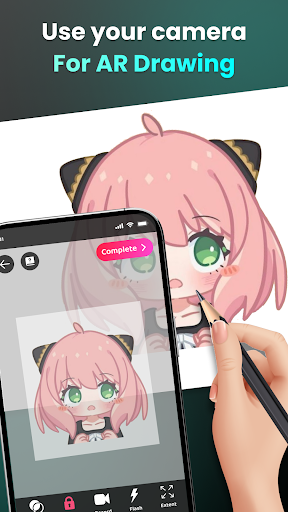
One of the standout features of AR Drawing - Sketchar App is its use of augmented reality to facilitate drawing. By placing your phone on a stand and using the camera view, users can sketch live scenes or objects, bringing a new dimension to traditional drawing methods.
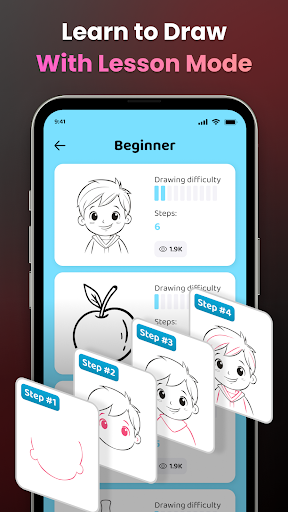
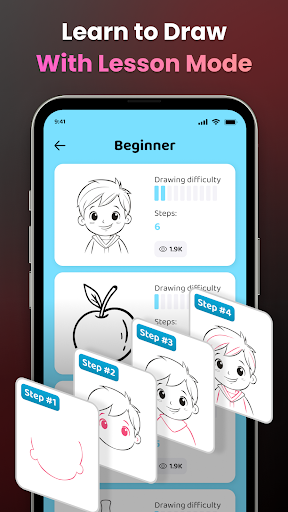
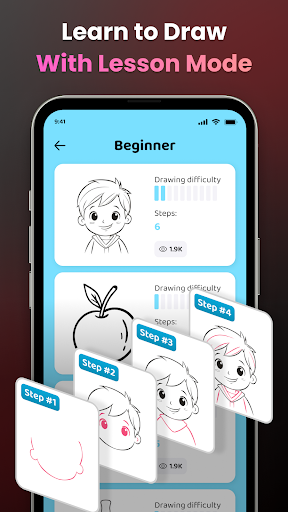
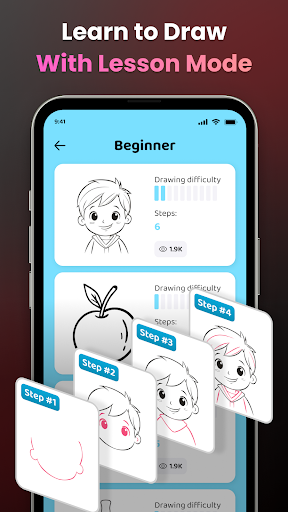
The app includes a diverse library of samples and lessons designed for different skill levels. Beginners can start with simple tracing exercises while more experienced artists can tackle complex projects. Additionally, users have access to video tutorials that guide them through specific drawings, ensuring continuous learning and improvement.
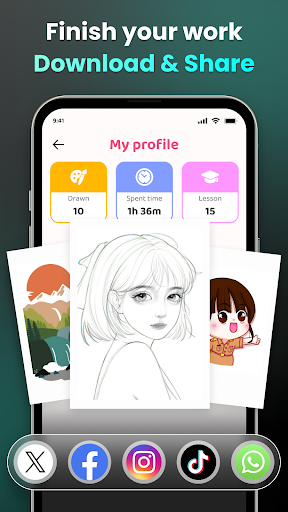
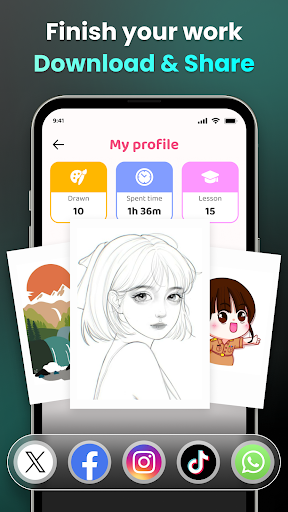
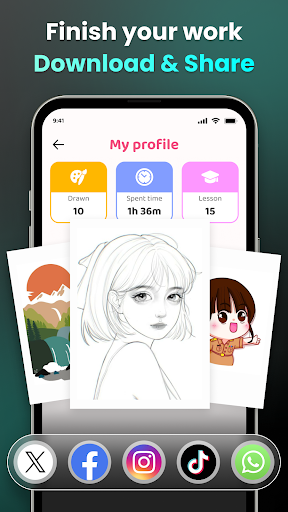
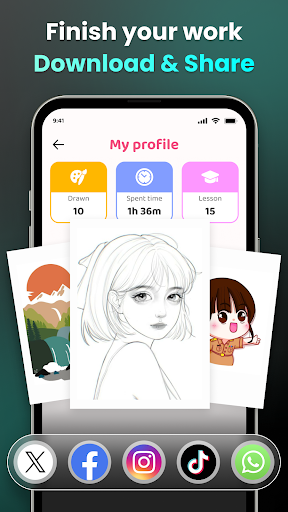
Personalization is another key aspect, allowing users to track their progress over time. The app records metrics such as time spent drawing and lessons completed, providing insights into skill development. Moreover, sharing capabilities enable artists to showcase their work within the community and beyond, fostering a collaborative environment for creative growth.
User-friendly interface
Augmented reality features
Versatile drawing options
Comprehensive tutorial library
Active user community
Requires stable internet
Premium content costs
Device compatibility issues
Limited offline functionality
Occasional bugs

Vidu is an AI video generator made for creators and aspiring makers.
 3.30
3.30
Art of Combination Wear OS Watch faces (for Wear OS 5+ devices)
3.00
Create trending AI photos & videos with powerful effects and 3D styles.
3.20
Photo blender app to create overlay photos & double exposure.
4.40
Create stunning art with AI.
4.80
Minecraft & Roblox Clothes
4.70
Photo stitcher for automatically screenshot stitching into a long screenshot
4.70
Draw, make movies & animate cartoons easily with our 2D animation maker app
4.40
All-in-One art, logo & collage maker. Design photos and edit video backgrounds
4.80
2D animation studio for Android tablets - unlimited layers, infinite timeline
4.70
Discover Cartoon Dream : Unleash Your Creativity with CuttingEdge AI
4.50
Kling AI is an image and video generation and editing studio powered by AI.
4.50
Image/ Text to Video Generator
4.40
Beauty Camera - Selfie Camera is the ultimate beauty camera and selfie app
4.30
Turning simple sketches into captivating tales filled with life and motion
3.90
Sketch, trace and master AR drawing with awesome anime art!
3.30
Art of Combination Wear OS Watch Faces
3.30
Pose and morph realistic male and female models! 3D poser app
3.00
Your Essential Color Theory Guide: Red, Yellow, Blue (RYB)
4.0


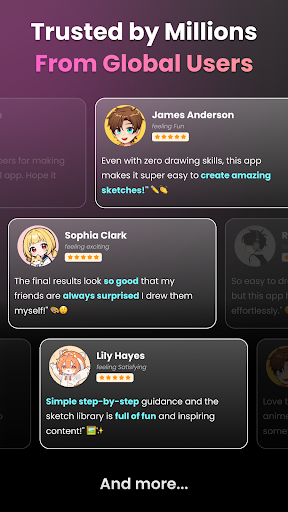
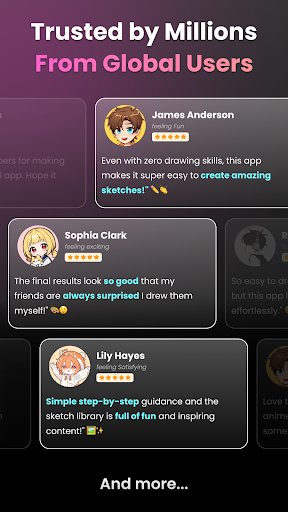
User Reveiws