


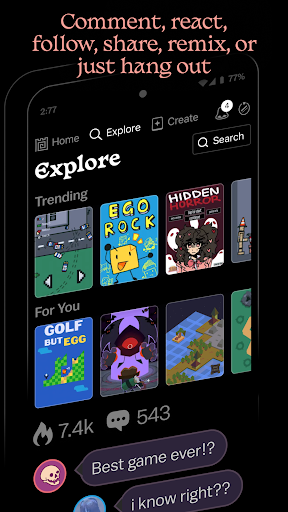
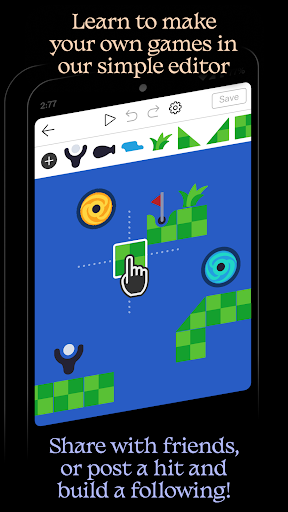
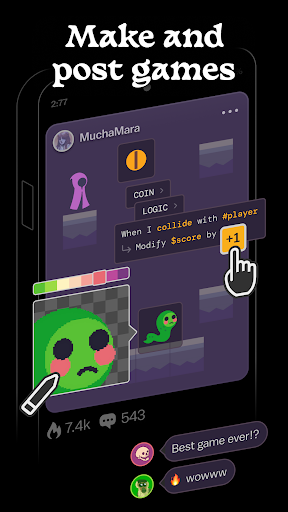
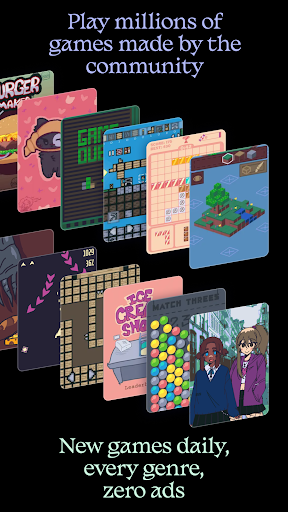
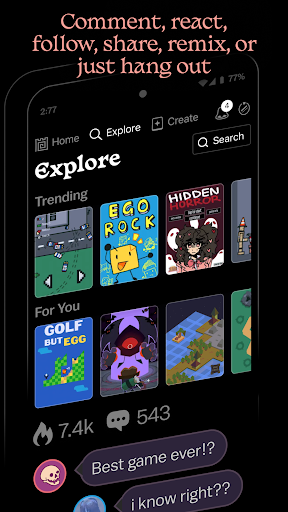
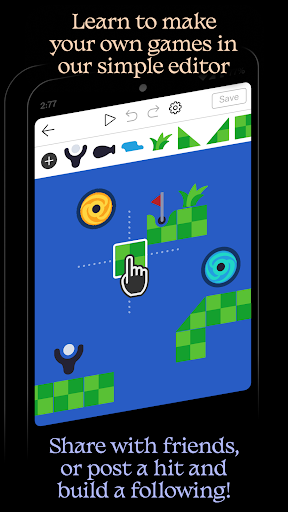
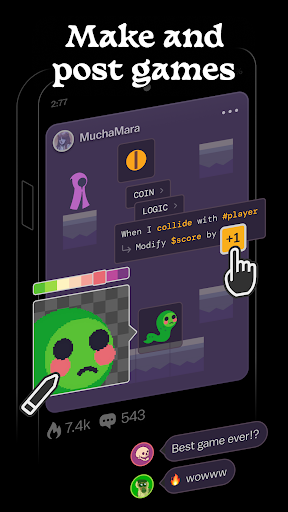
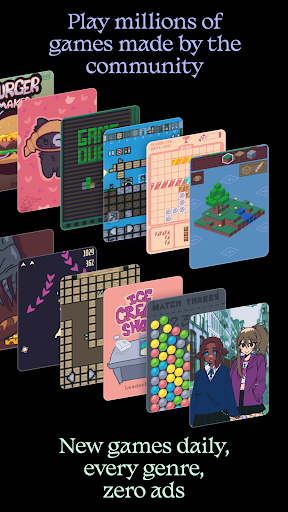
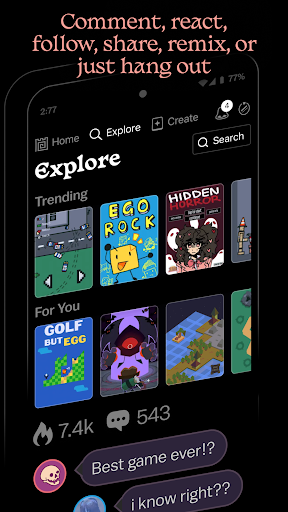
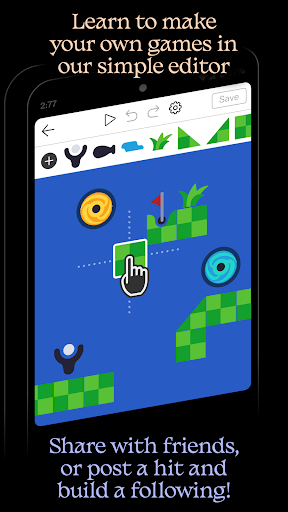
Castle is a unique social media platform designed specifically for game creation and interaction. This app allows users to design their own games using an intuitive editor, share them with the community, and explore millions of user-generated games. With features like simple templates, remixing capabilities, and a vast library of game objects, Castle empowers creativity while offering tools for art, physics, logic, music, and sound. The app also fosters a vibrant community where users can follow creators, compete for high scores, and collect achievements, all in a completely ad-free environment.
The platform is ideal for aspiring game developers, creative individuals, and gamers who want to explore user-generated content. By combining powerful creation tools with social networking features, Castle provides both entertainment and a space for skill development. Whether you're looking to create your first game or dive into a diverse library of interactive content, Castle offers endless possibilities for creative expression and fun.
Castle stands out with its comprehensive suite of features tailored for game creation and community engagement. The app's game editor is both simple and powerful, enabling users to bring their ideas to life without requiring advanced technical skills. It includes tools for designing art, implementing physics, creating game logic, and adding music and sound effects. Additionally, users can start with pre-made templates or remix existing games, pulling from a library of millions of game objects to customize their creations.
Beyond game creation, Castle offers rich social features that enhance user interaction. Players can post comments, follow their favorite creators, and engage in friendly competition through high-score challenges. The platform also supports collecting achievements and sharing content seamlessly. While some optional features may require in-app purchases, such as promoting games to a wider audience, the core functionalities of creating, sharing, and playing games remain completely free, ensuring accessibility for all users.
User-friendly interface
Vibrant creator community
Powerful yet simple editor
No ads during gameplay
Free core functionalities
Limited advanced tools
Premium features costly
Steep learning curve
Occasional bugs reported
High device storage use

Discover Cartoon Dream : Unleash Your Creativity with CuttingEdge AI
 4.50
4.50
Easy 3D drawing design maker & creator. Model designing, Sculpting. Create&paint
4.00
Draw anime & manga drawing, art with templates to create stunning picture!
4.50
Remove Background, Magic Eraser, Photo Enhancer, Story Templates, Collage Maker
4.30
See Color, Paint Color
4.90
Passport size photo maker, create ID photo and visa photo in seconds
4.80
Image resizer to resize, crop, rotate, flip, change dpi photo or picture in bulk
4.60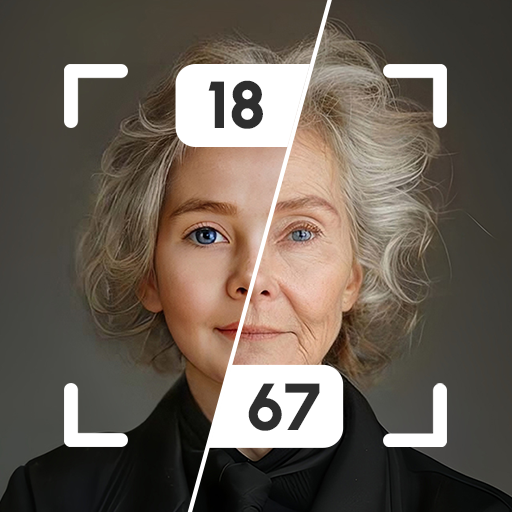
Explore future self face age filter & remove background image for a unique look.
3.50
Multiplayer Drawing game, Coloring, Painting・Sketch, Handwriting・Paint, draw
4.30
Convert image to JPG PNG HEIC PDF, support almost all kinds of image formats
4.70
Minecraft & Roblox Clothes
4.70
Photo stitcher for automatically screenshot stitching into a long screenshot
4.70
Get an overview over all your embroidery threads, projects and more.
4.60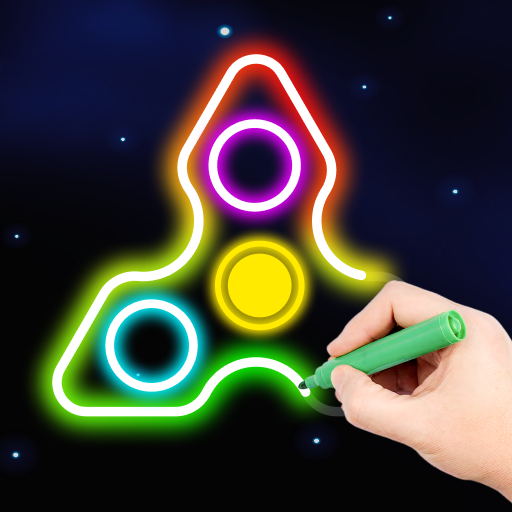
Draw, fidget, and spin glow art! Relax and express your creativity with a finger
4.60
Stylish letters, Stylish Keyboard, Symbols, Emojis, Cool nickname
4.40
AR Anime Drawing: How to draw anime with AR drawing & sketching apps!
4.00
Sketch and paint on your device with the feel and freedom of drawing on paper
4.00
Experience next-gen icons with a modern liquid glass look.
3.60
Android 14 style widgets and wallpapers app.
4.2


User Reveiws