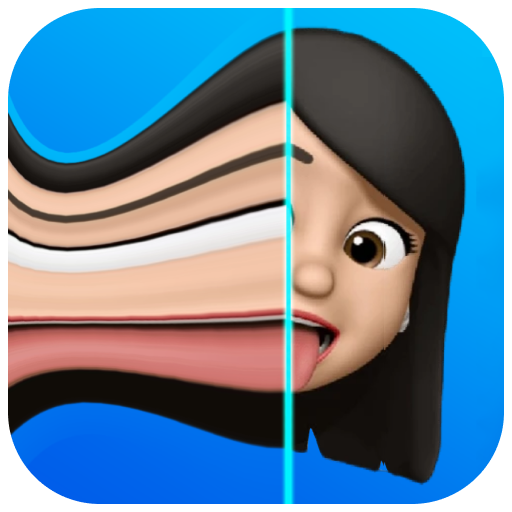
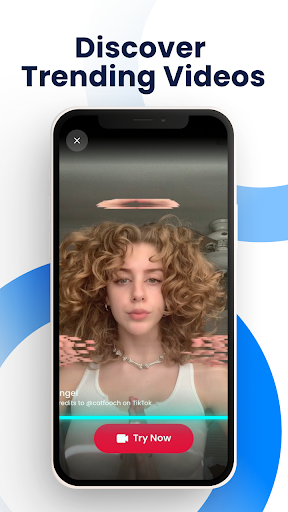
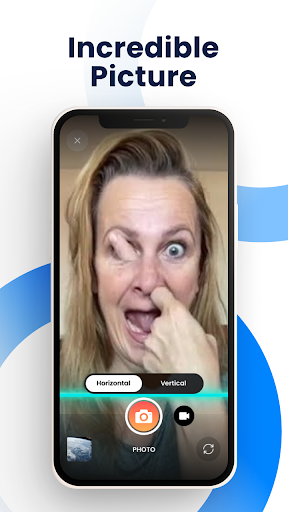
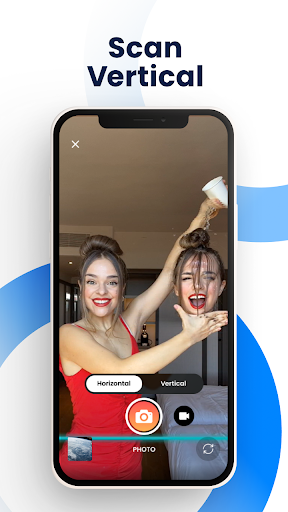
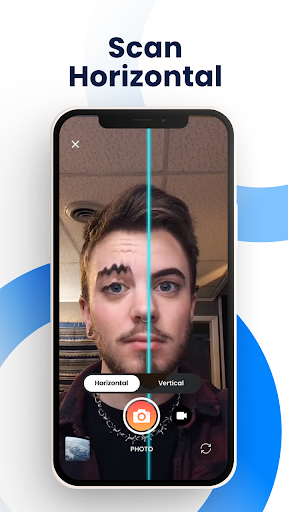
Time Warp Scan - Face Scanner is a photography app that allows users to create unique and funny videos and pictures using the popular TikTok-like TIME WARP SCAN effect. With this app, you can apply face warp filters, adjust scan direction, and change the shape of your head or body for creative and entertaining results.
The app offers various features such as brightness adjustment, no watermark, blue line speed control, and the ability to save and share your creations on social media platforms like TikTok, Snapchat, Facebook, and Instagram. Whether you want to stretch your face, lengthen fingers, or give yourself a makeover, Time Warp Scan provides endless possibilities for creating modern art photos with its amazing filter effects.
Perfect for those who enjoy experimenting with photo editing tools and participating in viral challenges online, Time Warp Scan brings fun experiences by freezing images when the 'blue line' passes through them. This feature helps unleash creativity without limits while catching up with trendy effects that are viral on social networking sites.
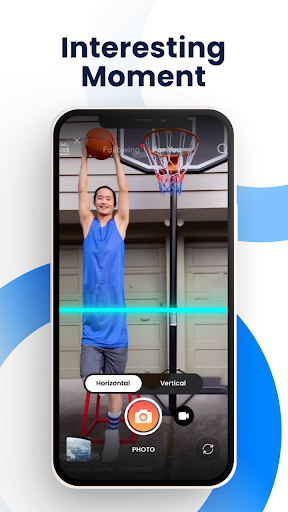
One of the standout features of Time Warp Scan - Face Scanner is its support for both photo and video filters. Users can apply time warp effects to transform faces into different shapes by moving their heads as the scan bar slides over. Additionally, they have control over slit-scan effects which allow them to choose between vertical or horizontal scanning directions based on preference.
The app also includes practical functionalities such as adjusting brightness levels according to lighting conditions and controlling blue line speed for optimal customization. These capabilities ensure that each user's experience is personalized while maintaining high-quality output standards throughout all edits made within the application interface.
Moreover, sharing content has never been easier thanks to seamless integration options available across multiple platforms including TikTok, Snapchat, Facebook Messenger, WhatsApp, Instagram among others. By simply saving edited images directly onto device galleries then uploading them via preferred messaging apps or social networks – friends will surely be amazed at what creative masterpieces one could produce!
User-friendly interface
Variety of filter effects
Easy sharing options
No watermark on outputs
Customizable settings
Limited free features
Ads may interrupt usage
Requires internet connection
Some effects not very realistic
Occasional bugs reported
A collection of tools and reference tables for DPs, ACs, DITs and Operators.
 4.70
4.70
Search, tag and rate your way to an organized image gallery
4.40
Perfect photos with body shaping, BG changer and object remover.
3.70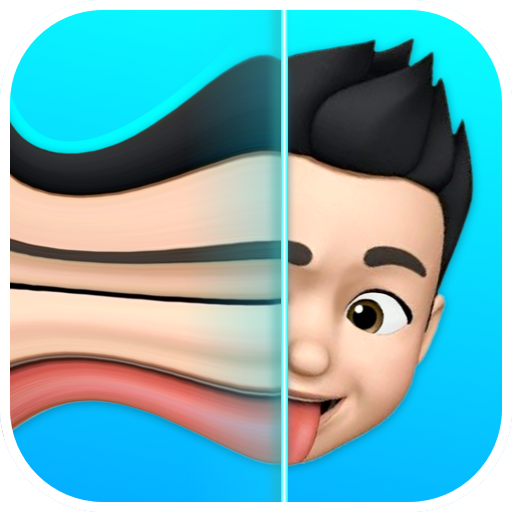
Trendy TikTok time warp scan funny filter app brings you unique photos & videos.
4.40
Pet Camera
3.70
AI photo editor with hair editor, retouch tools, hair color changer & filters!
4.50
The #1 app for B&W film developing featuring an advanced darkroom timer.
4.10
Easily create custom gifts, cards, photo books & more on the Shutterfly app!
4.60
Your Family Calendar + Photos. Manage your Skylight Calendar and Skylight Frame.
4.40
Gallery show photo, video, slideshow, is perfect 3D effect private photo albums.
4.80
Easily view, share, delete photos with Gallery.
4.70
Your personal guide to the sun and moon. Plan ahead, visualize and predict!
4.70
Enhance, upscale, and transform your images — on your device, without limits
4.70
Photo editor: face & body editor, beauty cam, filters and quality enhancer.
4.00
Photobooth mini FULL app will allow you to add more fun to your parties
4.00
Astrophotography with your smartphone, photo live stacking and much more!
3.90
Application for remote controlling DSLR
3.00
An interval timer to automate photo taking process for timelapse
2.90
Remote control the phone camera shutter from your smartwatch and take a picture
1.60


User Reveiws