
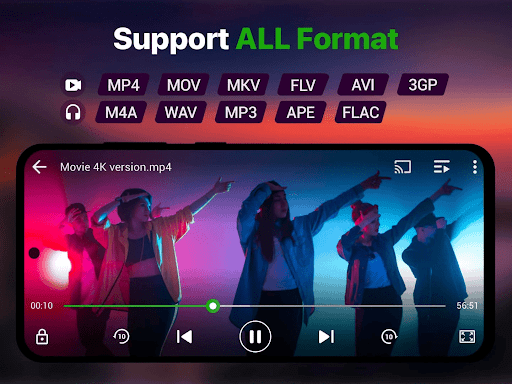

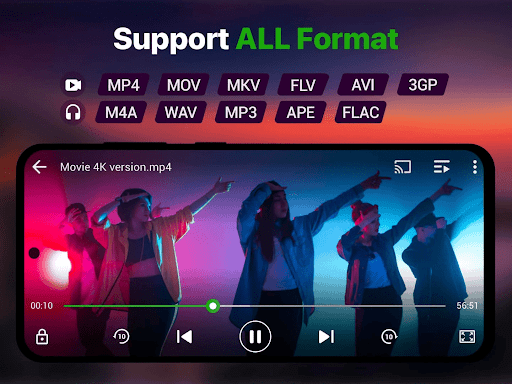
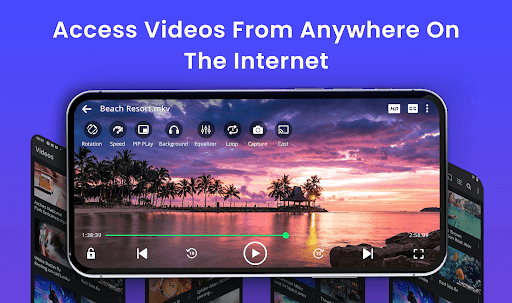
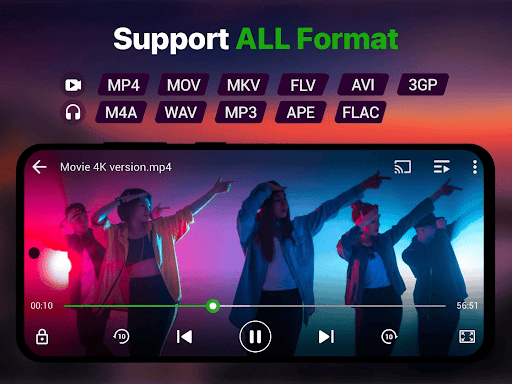

Video Player is a feature-rich application designed for seamless video playback on Android devices. It supports Ultra HD and 4K quality, ensuring users enjoy stunning visuals across all major formats including MP4, MKV, AVI, MOV, FLV, 3GP, and WMV. The app's advanced decoding technology guarantees smooth performance even with high-resolution files.
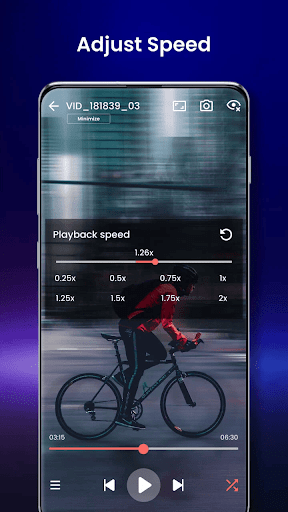
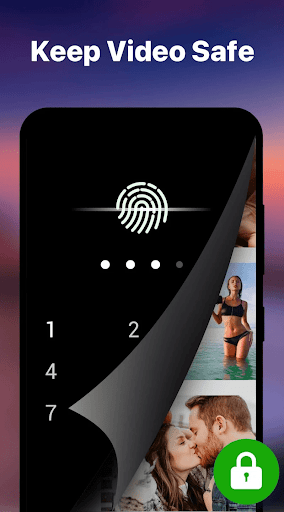
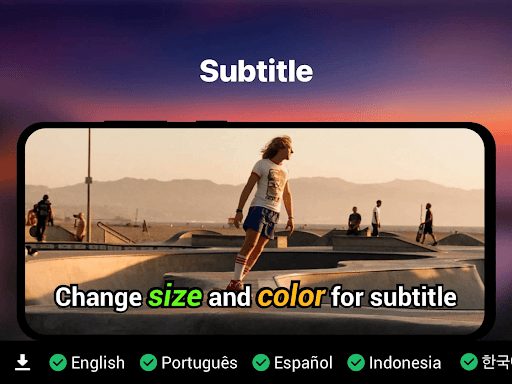
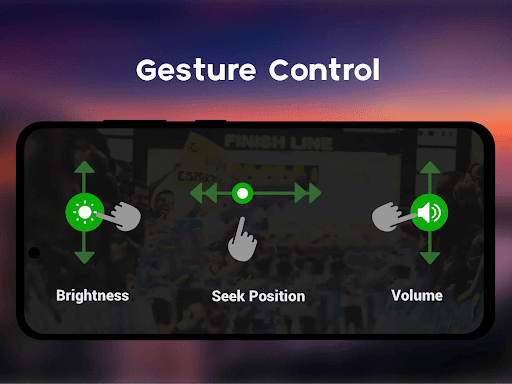
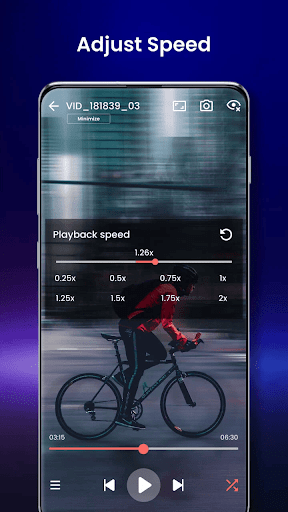
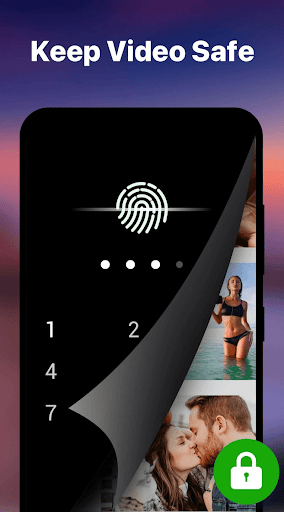
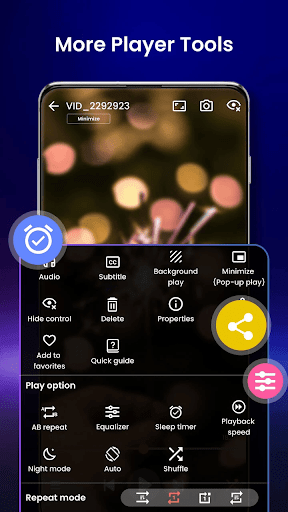
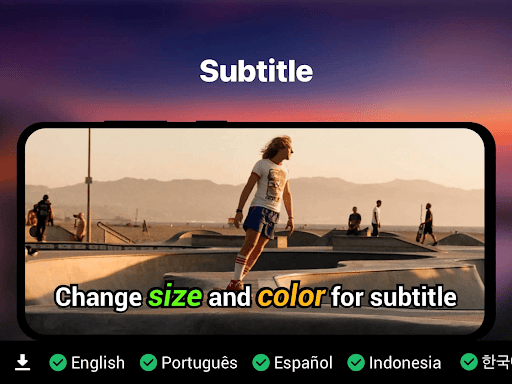
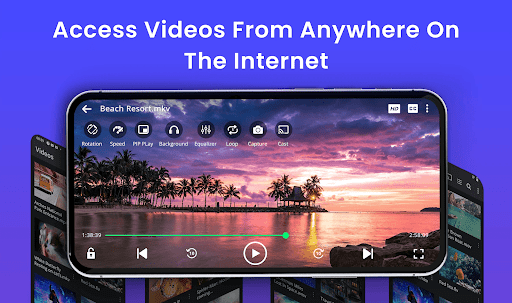
Beyond basic playback, Video Player offers smart features like gesture controls, subtitle support (SRT, SSA, ASS, VTT), speed control (0.25x to 4x), and background play mode. Its file manager integration auto-detects videos, while the private folder option ensures secure viewing with PIN protection. Chromecast support allows streaming to larger screens, making it ideal for home entertainment setups.
This app is perfect for managing media libraries, watching downloaded content, or securely viewing private videos. With AI-enhanced rendering and night mode for eye comfort, it delivers both functionality and user-centric design.
Video Player stands out with its comprehensive feature set tailored for diverse user needs. One of its key highlights is universal format compatibility, supporting over ten formats such as MP4, MKV, AVI, and more. This eliminates the hassle of converting files before playback, saving time and effort.
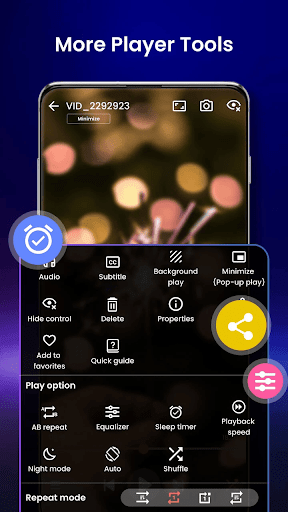
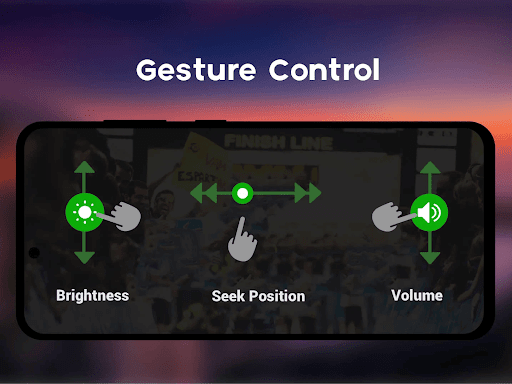
The app incorporates smart gesture controls that let users adjust volume, brightness, and playback position effortlessly. Subtitle synchronization is another standout feature, accommodating multiple formats like SRT, SSA, and ASS. For multitaskers, background play and pop-up window modes enable uninterrupted viewing while using other apps. Additionally, speed control ranging from 0.25x to 4x caters to varied preferences, whether for slow-motion analysis or quick reviews.
Advanced functionalities include Chromecast integration for TV streaming, resume playback for convenience, and a private folder secured by PIN lock. These innovations make Video Player not just a tool but an all-encompassing solution for modern video consumption.
Supports 4K playback
Wide format compatibility
Smart gesture controls
Private folder security
No ads included
Lacks VR support
Heavy on storage
Occasional bugs
Complex UI
High battery usage

Video player, file manager for all formats, 4K/HD media player supports subtitle
 4.30
4.30
Video Downloader is an utility that can save videos and music from web sites
4.20
Watch a large amount of high-definition short drama content
4.60
Stream Web Videos to Chromecast, Samsung, LG, Sony, Roku, Fire TV, DLNA + more
4.00
The essential companion to your Blue Iris PC software
2.50
This app is an emulator of some specific IPTV boxes
3.50
Web Browser for LG TV to stream webvideos, online movies and livestreams in HD
4.20
Video&Drama Player All Format is a HD video player, music player
3.00
Manage your YouTube channel on the go
4.40
AI Video Editor with Music, Filter, Slideshow, Effect, Merge & Trim Video.
4.80
?100% FREE! Download & save videos? safely in this app. All formats supported.
4.60
VLC Remote lets you control your VLC Media Player on Mac, PC or Linux.
4.60
Support 1000+ Video Format, Subtitle Download, mp3 & Background Play, Cast On TV
4.60
Photo and Music Video Creator into Stunning Videos—Effortlessly
4.40
This app was created to edit the metadata of music files.
4.20
All format media Player, no need video converter any more!
4.00
AI Video Editor:AI Music, Text to Video,Text to Speech,Auto Caption,Video Effect
4.00
Explore the largest library of free GIFs, Stickers & Memes - or create your own!
3.90
Cast to Smart TV, Fire TV. Cast video, photo - Fast & Stable!
3.90


User Reveiws