

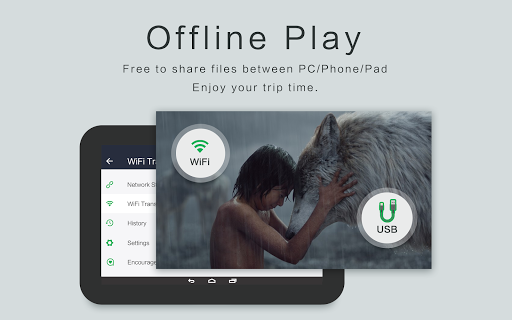
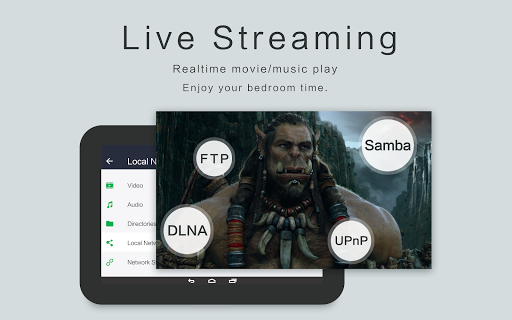
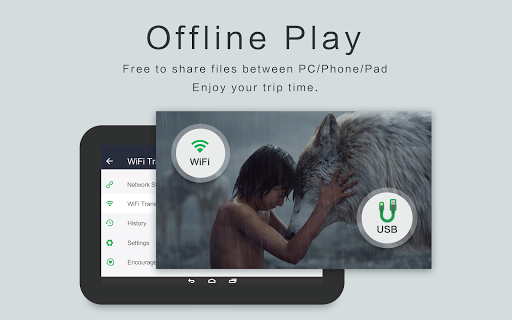


OPlayer is a professional-grade media playback application designed for both Android tablets and smartphones, offering support for an extensive range of video and audio formats. With over a decade of development, it stands out as one of the premier HD video players available on the market.
Key features include hardware acceleration for smooth 4K playback, Chromecast support for casting videos to TV, and advanced functionalities like pop-up video, split-screen mode, and background play. Its comprehensive file management system allows users to easily manage or share videos while providing automatic identification of all video files on the device and SD Card.
Ideal for multimedia enthusiasts who require high-quality playback capabilities, OPlayer delivers a robust solution that combines versatility with user-friendly controls, making it invaluable for enjoying diverse content on the go.
OPlayer distinguishes itself through its wide format compatibility, supporting nearly all popular video formats such as MKV, MP4, AVI, and more. It also excels in audio playback, accommodating formats like FLAC, DTS, and AAC, ensuring an immersive experience across various media types.
The app incorporates innovative viewing options including floating video windows for multitasking, night mode for comfortable low-light viewing, and customizable playback settings. Users can lock screen orientation, adjust aspect ratios, and control volume/brightness directly from the playback interface.
Additionally, OPlayer provides practical utilities such as a fully-featured file manager, gesture-based security for video protection, and seamless integration with Chromecast devices. These features collectively enhance both convenience and entertainment value, positioning OPlayer as a top choice for discerning users seeking flexibility and performance.
Extensive format support
Smooth 4K playback
Advanced multitasking
Intuitive user interface
Comprehensive file management
Limited iOS availability
Occasional bugs reported
Premium version required
Complex for beginners
Heavy on storage

High-Quality USB Camera Viewer & HDMI Display
 4.70
4.70
GENRAL PRO - General Pro is the best video player that fully supports all formats.
4.70
Video Browser & Downloader X to play the sexy videos from any website.
4.40
Movie maker & video editing app with AI effects and green screen
4.30
Find, download, and play torrents with the official BitTorrent® Pro app
4.70
AI Video Editor with Music, Filter, Slideshow, Effect, Merge & Trim Video.
4.80
Screen recorder with audio to take live videos & Screenshot in high quality!
4.70
Make videos you’re proud to share with Edits, a video editor for creators.
4.70
Capture the moment and Cut
3.40
Play ALL formats in 4K & HD. Video downloader, MP3 player, Chromecast & more.
4.80
HD Video player all format, HD Videos, Cast & Subtitle. No annoying ads.
4.60
Browser + Remote for Roku to stream webvideos, online movies and livestreams
4.60
HD video maker with no watermark, no ads & vlog maker with music, PIP, text
4.50
Add date and time watermark to photos and videos
4.50
KineMaster, Your Ultimate Video Editor!
4.40
Powerful Video Editor & Photo Editing App —— Quick Edits & Stunning Effects!
4.30
Explore the largest library of free GIFs, Stickers & Memes - or create your own!
3.90
IPTV Player - Watch live TV from m3m & m3u8 playlist, stream IPTV on mobile
3.30
Play and download HD videos from all sources — fast, simple, and all-in-one.
4.1


User Reveiws