

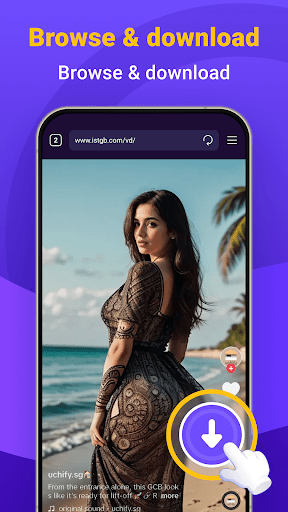
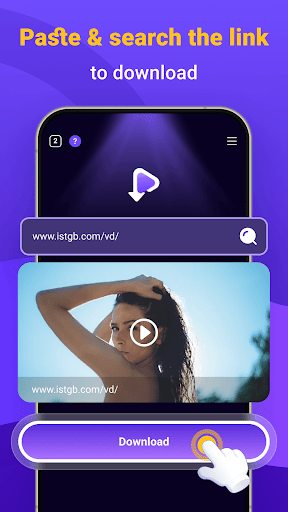
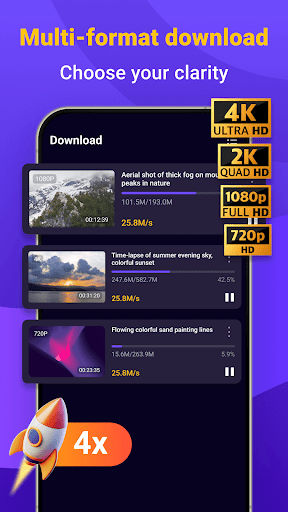

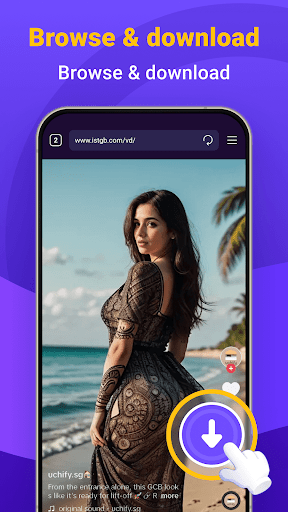
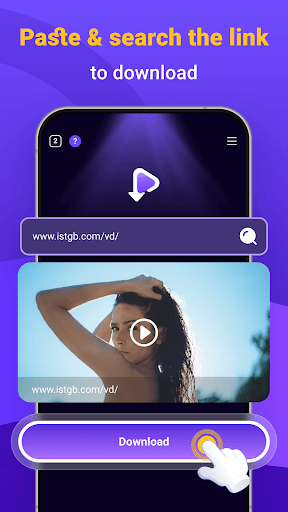
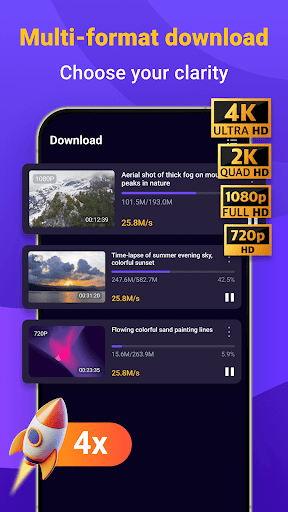
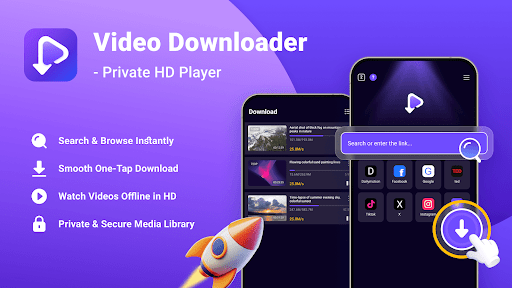
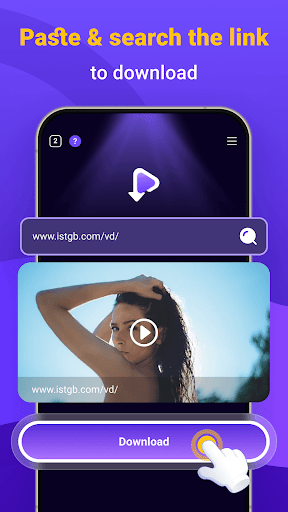
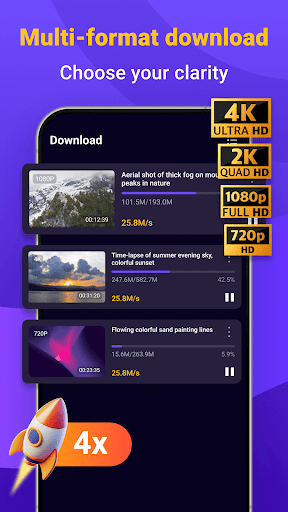
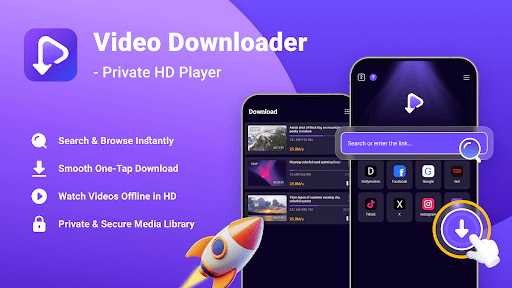
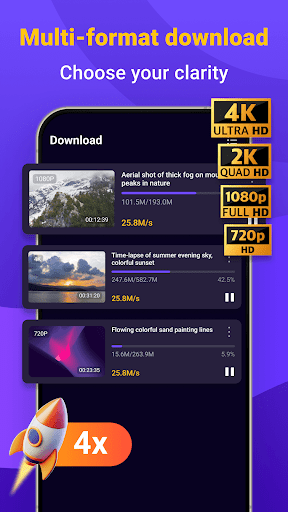
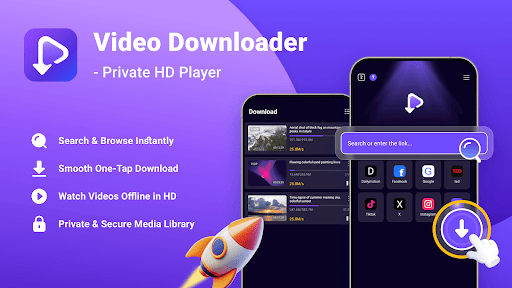
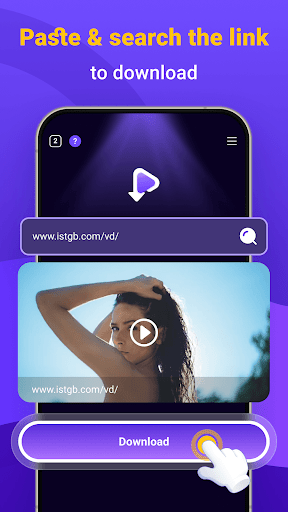

Video Downloader - Private HD Player is a versatile app designed for users who want to search, download, and play high-quality videos and audio files in one place. With its built-in search feature, you can easily find content without leaving the app. The app supports multiple file formats including MP4, MP3, AVI, and more, ensuring smooth playback even offline. Whether you're looking to watch HD videos or listen to music tracks, this all-in-one solution provides privacy, security, and convenience.
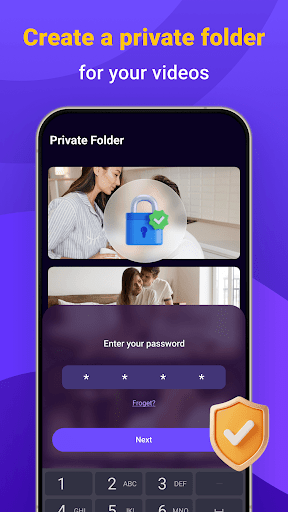
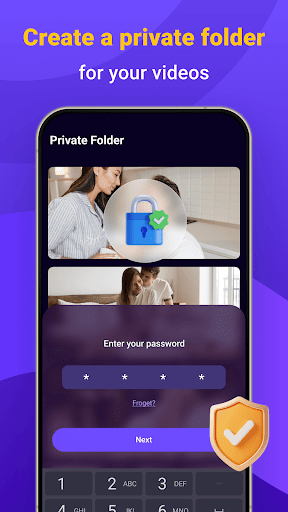
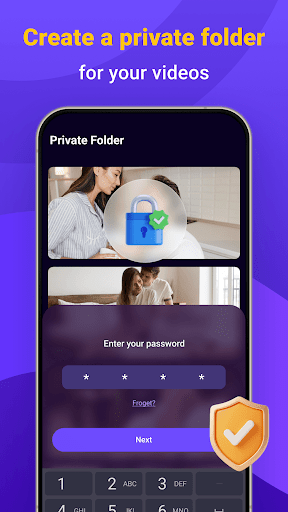
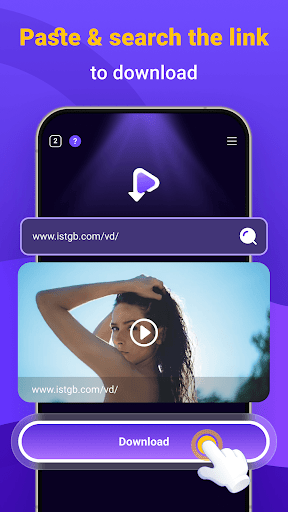
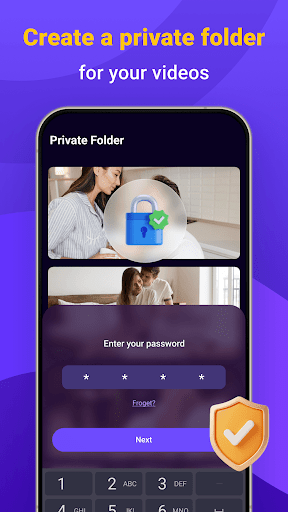
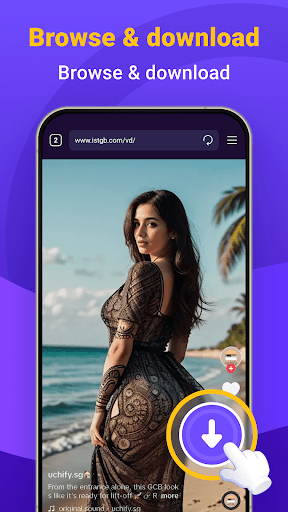
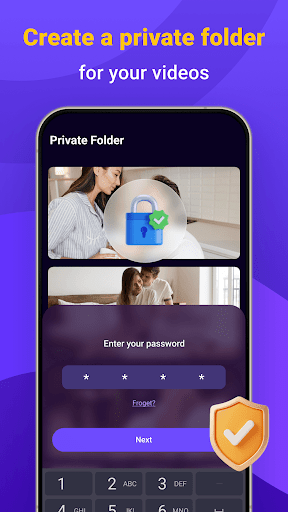
The app's standout feature is its one-tap download functionality, allowing users to save videos and audio files directly from websites or other apps. Once downloaded, your media library stays organized and accessible at all times. Privacy controls are robust, enabling you to lock your library with a secure password while ensuring no tracking of your activity. Video Downloader - Private HD Player is perfect for those seeking an efficient way to manage their media securely and privately.
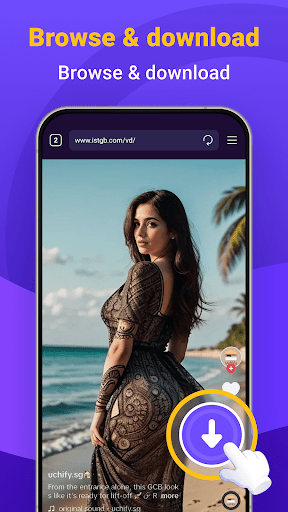
Video Downloader - Private HD Player offers several advanced features that make it stand out among video player apps. Its built-in search engine allows users to browse and open links without switching between apps, streamlining the content discovery process. One-tap downloads ensure quick saving of HD videos, MP3s, and other file types, making it easy to build a personal media collection. The app also supports offline playback, letting you enjoy full-resolution videos and audio files anytime, anywhere.
Privacy and security are prioritized in this app. Your activities remain private as there is no tracking involved, and you can protect your media library with a secure password. Additionally, all downloaded files stay on your device under your control. With wide format support and reliable performance, Video Downloader - Private HD Player serves as an all-in-one solution for managing, playing, and downloading multimedia content efficiently and safely.
User-friendly interface
Fast download speeds
Wide format compatibility
Secure privacy controls
All-in-one functionality
Limited free features
Occasional ads
Requires storage space
No cloud integration
Premium version costs

Create & edit videos with AI
 4.30
4.30
Create photo video with music & template. AI video maker for stunning slideshow.
4.60
Play ALL formats in 4K & HD. Video downloader, MP3 player, Chromecast & more.
4.80
Support 1000+ Video Format, Subtitle Download, mp3 & Background Play, Cast On TV
4.60
Browser for Sony TV to stream web videos, online movies and live tv
3.20
All in one multi protocols stream receiver for AirPlay, Cast and DLNA.
3.60
convenient, safe and fast at Video Downloader & Player
4.60
Make videos you’re proud to share with Edits, a video editor for creators.
4.70
Capture the moment and Cut
3.40
Screen recorder with audio to take live videos & Screenshot in high quality!
4.70
Auto video maker with music & exclusive filters. Video editing made simple.
4.50
HD video maker with no watermark, no ads & vlog maker with music, PIP, text
4.50
Video player, file manager for all formats, 4K/HD media player supports subtitle
4.30
Video Downloader is an utility that can save videos and music from web sites
4.20
Powerful, professional, versatile teleprompter. Developed by an active film crew
4.00
All format media Player, no need video converter any more!
4.00
HD video & music player - All format support with floating & PIP mode!
3.80
Download videos easily & play them all in one smart, powerful video manager.
3.40
Mix with Virtual DJ directly from your phone or tablet !
3.10


User Reveiws