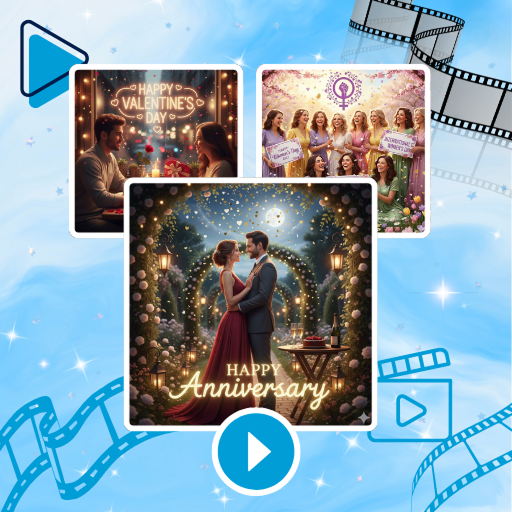
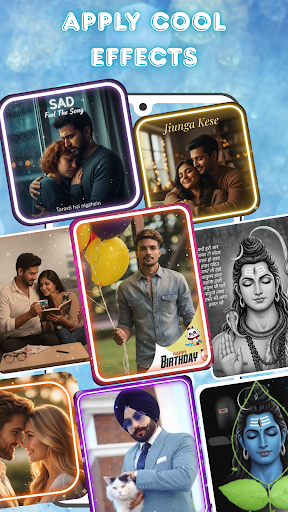

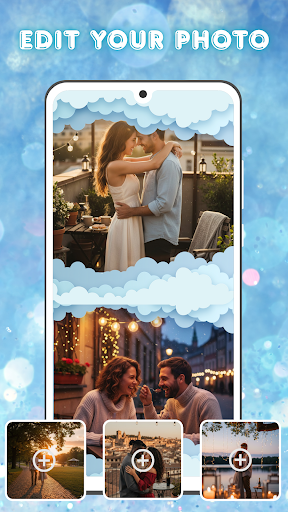
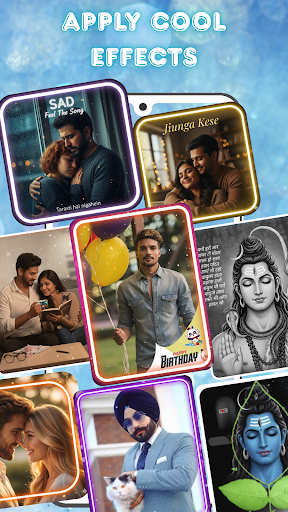
Photo and Music Video Creator is a versatile app designed to transform your photos into engaging video stories. With its user-friendly interface, the app allows users to create professional-quality slideshows and social media-ready videos effortlessly. Whether you're crafting a sentimental family montage or a trendy Instagram reel, this app provides all the necessary tools to bring your memories to life.
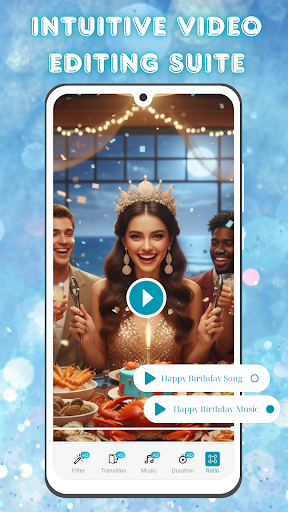
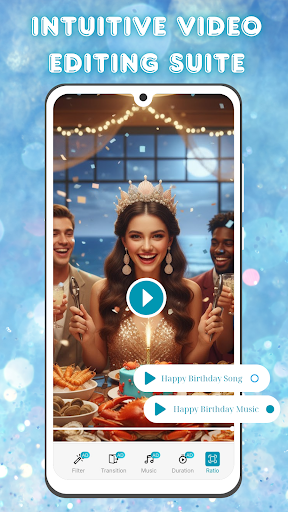
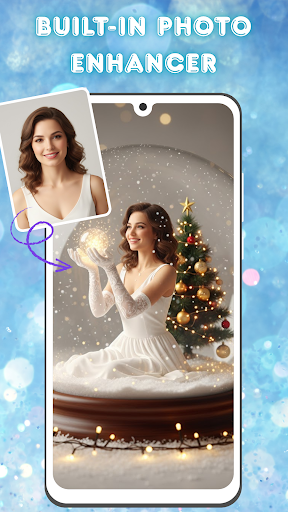
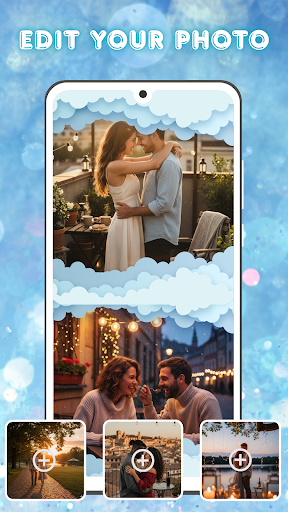
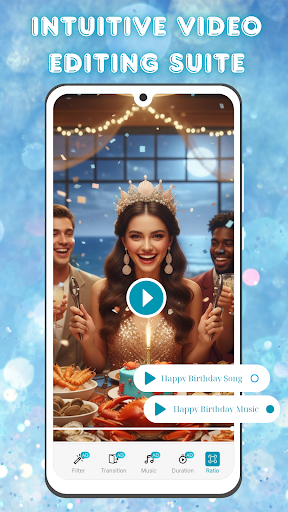
The app offers advanced photo editing features such as brightness, contrast, and saturation adjustments, ensuring your images look their best before being turned into videos. Additionally, its intuitive video editing suite includes smooth transitions, stylish filters, and customizable background music options, enabling users to produce polished and visually stunning content.
Ideal for both casual creators and social media enthusiasts, Photo and Music Video Creator simplifies the process of visual storytelling. By combining powerful editing tools with seamless project management, it empowers users to organize, edit, and share their cherished moments in dynamic video formats.
Photo and Music Video Creator stands out with its comprehensive set of features tailored for effortless photo-to-video creation. The app's standout capability is its easy photo-to-video conversion tool, which allows users to turn static images into dynamic videos with just a few taps. This feature is perfect for quickly assembling social media content or personal slideshows without any technical expertise.
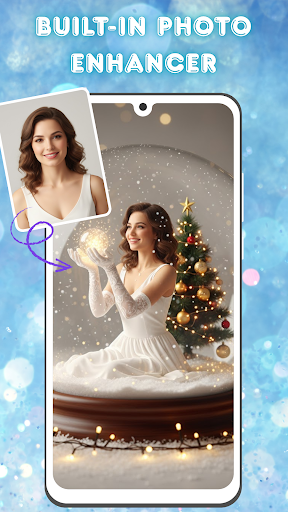
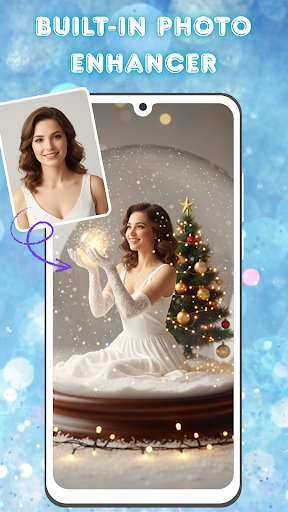
In addition to its core functionality, the app includes a robust built-in photo enhancer. Users can fine-tune their images using advanced editing tools that adjust brightness, contrast, saturation, and more. This ensures every photo looks its best before being incorporated into a video. The app also boasts an intuitive video editing suite, complete with smooth transitions, stylish filters, and customizable background music options, allowing users to add a professional touch to their creations.
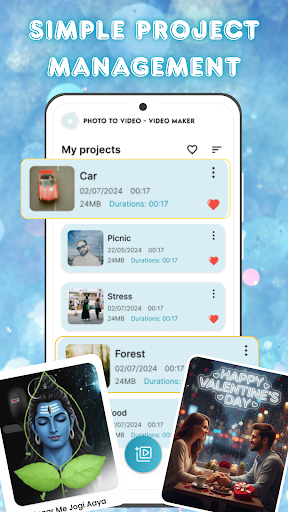
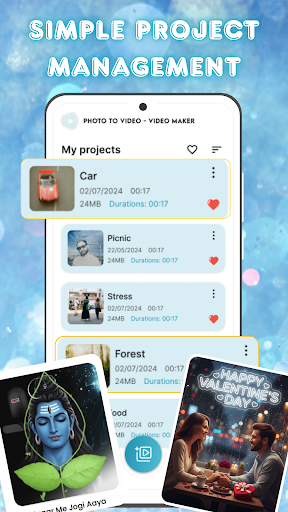
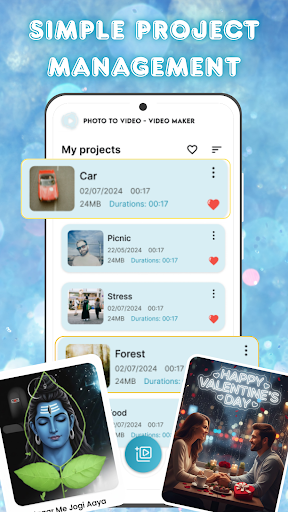
For those managing multiple projects, the app offers simple project management features. Users can organize, access, and manage all their video projects from one centralized location, streamlining the creative process. These features collectively make Photo and Music Video Creator a powerful tool for anyone looking to create captivating visual stories with ease.
User-friendly interface
Advanced photo editing
Stylish video filters
Customizable music options
Seamless project management
Limited free features
Occasional ads
Premium subscription required
High storage usage
Learning curve for beginners

Cast Videos from Web Browser, IPTV to Roku, Chromecast, DLNA, Smart TV +more
 4.60
4.60
VLC Remote lets you control your VLC Media Player on Mac, PC or Linux.
4.60
High-Quality USB Camera Viewer & HDMI Display
4.70
Seamlessly connect and control your smart devices, anytime, anywhere with ease.
4.60
Cast to Smart TV, Fire TV. Cast video, photo - Fast & Stable!
3.90
All in one multi protocols stream receiver for AirPlay, Cast and DLNA.
3.60
AI Video Editor with Music, Filter, Slideshow, Effect, Merge & Trim Video.
4.80
Livestream, news, & gaming content. Watch, chat, and upload. Join Rumble today!
3.80
Viddo: Generate Action Figure, AI Anime, AI kiss, AI hug Video from image & text
4.40
Tik & Story Saver-Download ALL social media videos, photos & reels no watermark.
4.80
GENRAL PRO - General Pro is the best video player that fully supports all formats.
4.70
HD Video player all format, HD Videos, Cast & Subtitle. No annoying ads.
4.60
Cast to Chromecast, Xbox, Fire Stick, Roku, DLNA, Smart TV & No Feature Limited!
4.50
KineMaster, Your Ultimate Video Editor!
4.40
KMPlayer Plus (Divx Codec) officially support Divx codec.
4.30
LumaFusion: The Ultimate Storytelling Experience for Video Editing
4.10
All format media Player, no need video converter any more!
4.00
Online Videos Player
3.90
HD video & music player - All format support with floating & PIP mode!
3.80


User Reveiws