Weather forecast

4.40

Information

Category:

Android Wear

Price:

Free

Rank:

28

Rating:

4.40

Overview

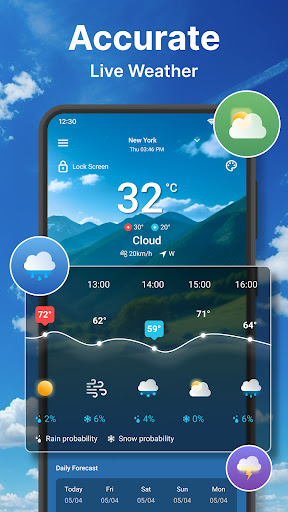
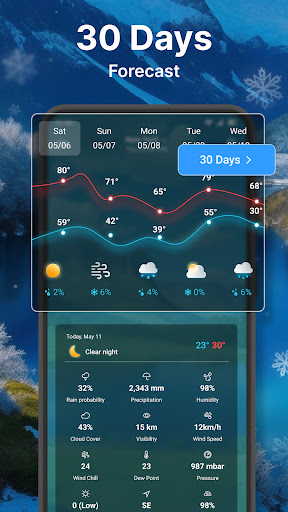
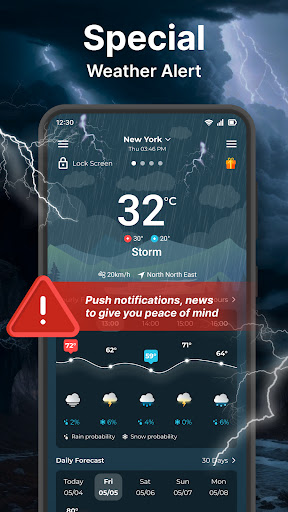
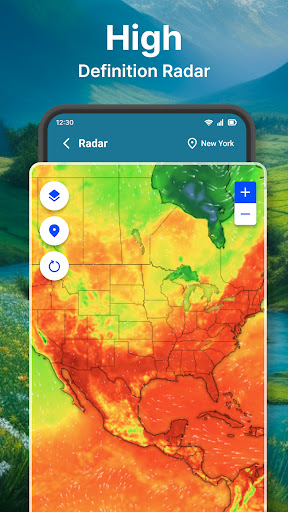
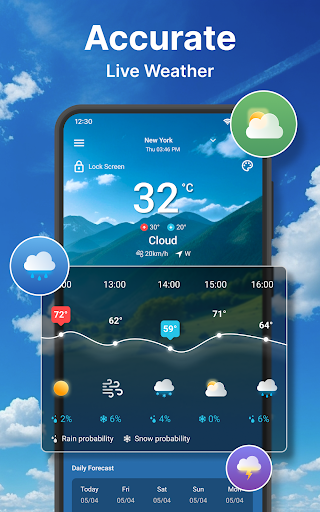
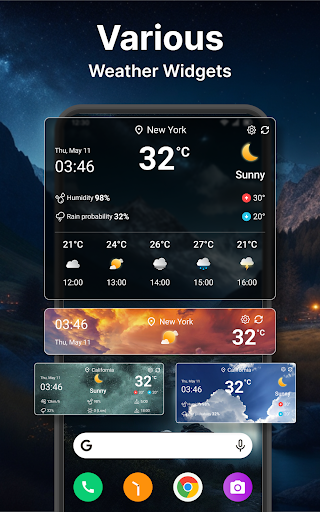
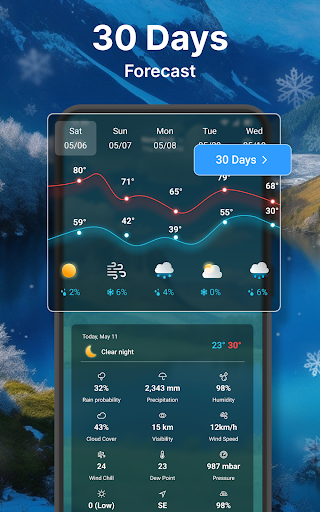
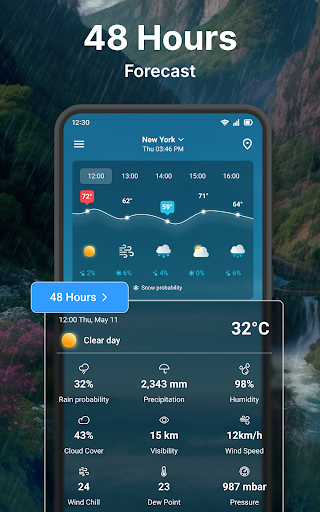
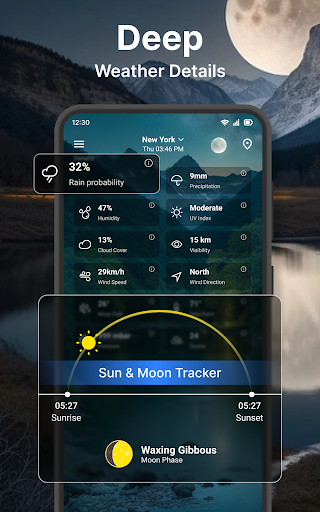
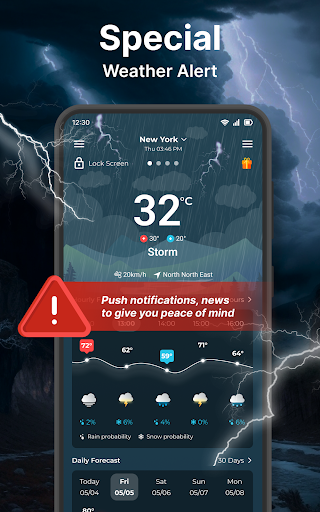
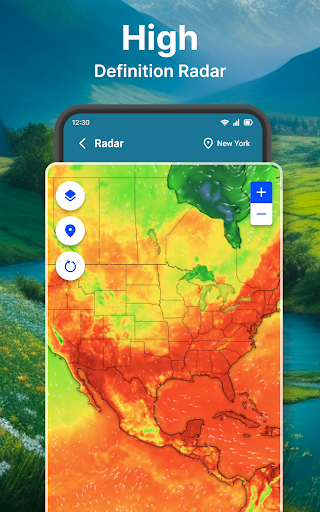
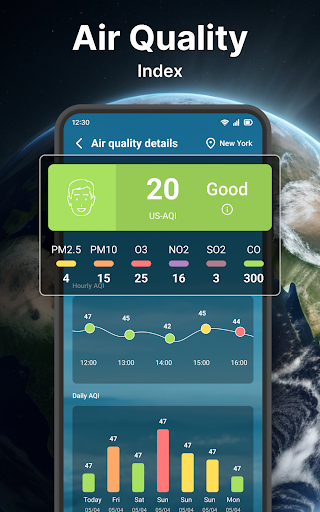
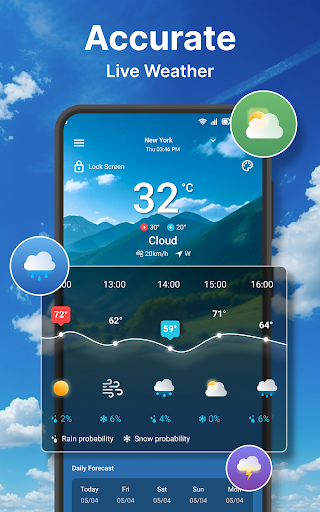
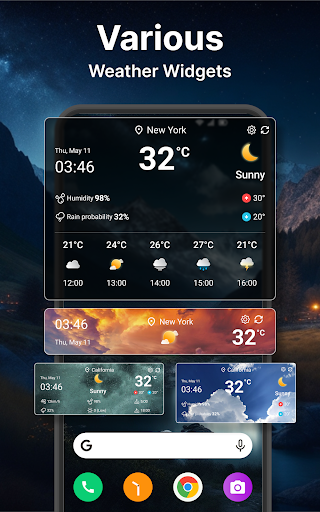
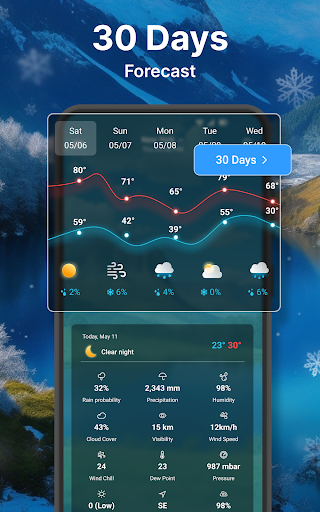
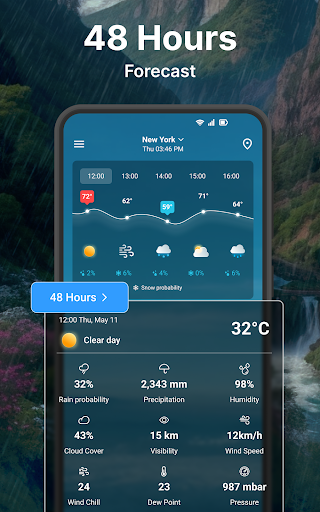
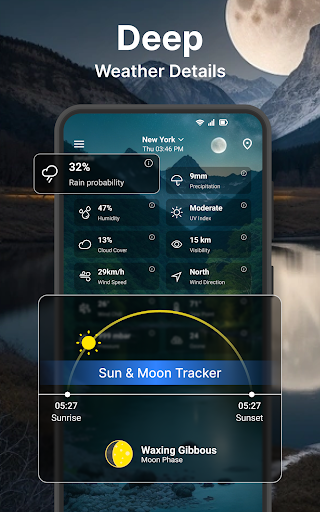
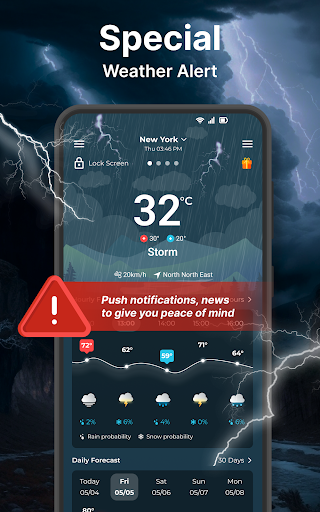
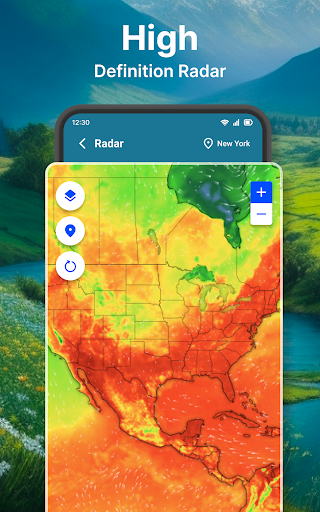
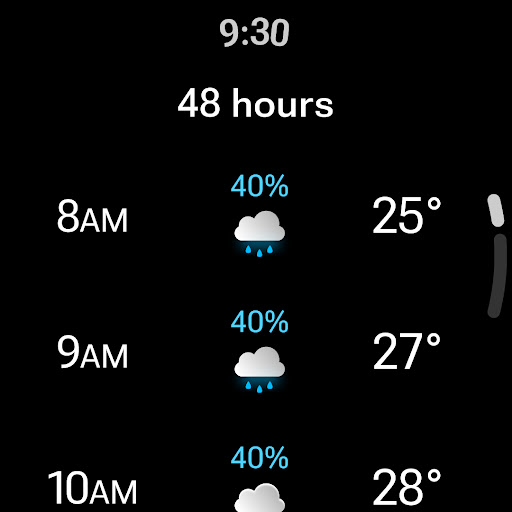
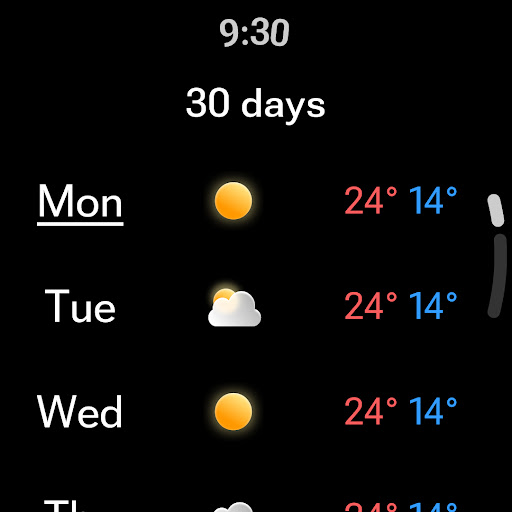
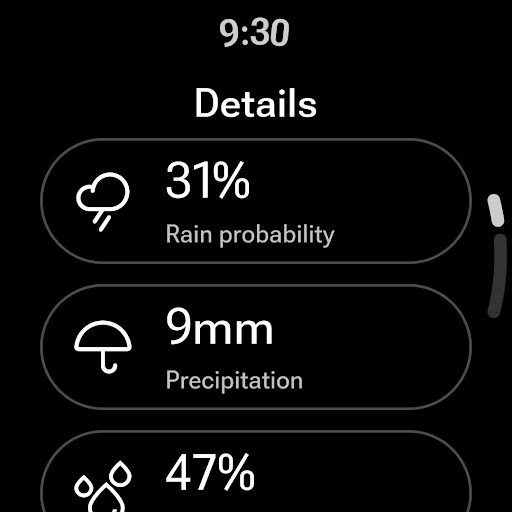
Weather forecast is a comprehensive weather application designed specifically for Android Wear devices, providing users with real-time, hourly, and daily weather updates. The app features an intuitive interface that displays current weather conditions, temperature trends, wind speed, and direction, along with detailed forecasts extending up to seven days. Its radar functionality offers live, animated maps that cover various meteorological aspects such as temperature, wind, humidity, and precipitation.

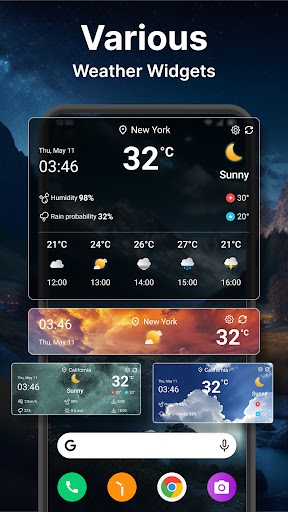
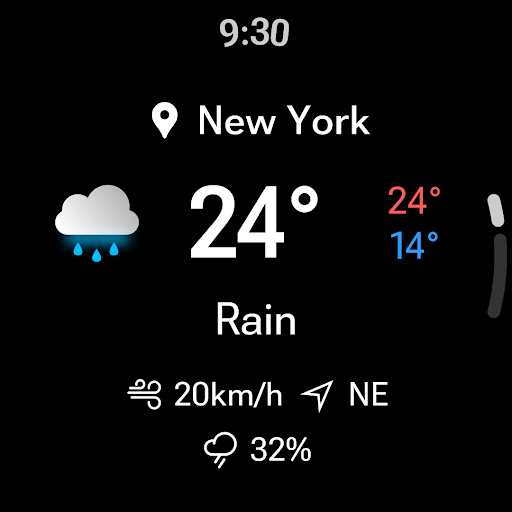
Beyond basic forecasting, the app includes advanced functionalities like customizable weather widgets, extensive unit settings catering to both metric and imperial systems, and personalized notifications. Users can manage multiple locations, receive three daily weather alerts, and view weather details directly on their device's lock screen or status bar. With support for Wear OS, this app ensures you stay informed about the weather right from your wrist, making it an essential tool for planning your day effectively regardless of the weather conditions.

Features

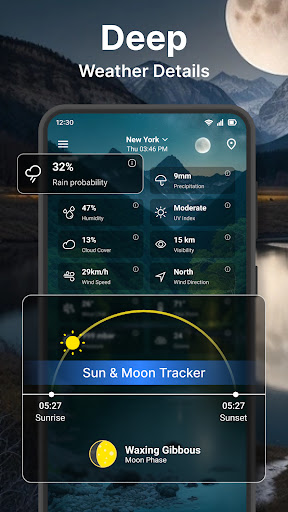
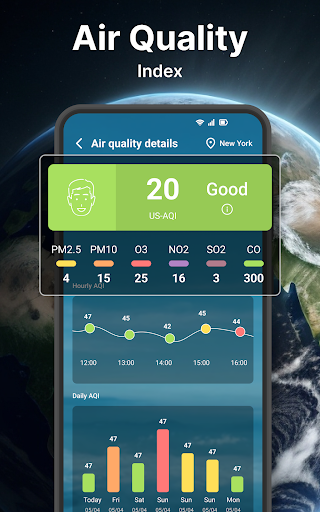
The Weather forecast app stands out with its rich feature set tailored for both casual users and weather enthusiasts. One of its key highlights is the highly detailed weather information presented through an easy-to-navigate tab system. This includes current weather stats, wind details, temperature ranges, and quick views of hourly and daily forecasts. The inclusion of a weather radar provides an interactive experience, allowing users to explore animated maps showing temperature, wind, rain, and cloud movements.

Customization is at the heart of this app's offerings. It boasts flexible unit settings for temperature, time format, wind speed, pressure, and precipitation, accommodating user preferences worldwide. Additionally, the app supports unlimited location management, enabling users to track weather conditions across different cities. The widget feature enhances accessibility by displaying crucial weather data on the home screen, while smartwatch compatibility extends this convenience to Wear OS devices, ensuring you have vital weather insights at a glance wherever you go.

Wear OS/device compatibility

Companion app integration refers to the seamless connection and data sharing between a mobile application and its wearable counterpart which in this case is crucial for users who rely on smartwatches for quick access to information The Weather forecast app excels in this area by ensuring that all essential weather data from the smartphone version is accurately reflected on Wear OS devices This includes real-time weather conditions hourly forecasts and even daily outlooks up to seven days ahead By maintaining consistent updates across both platforms the app ensures that whether you are checking your phone or your smartwatch you receive identical critical weather insights Furthermore the synchronization process is designed to be instantaneous meaning changes in weather patterns are updated almost simultaneously on both devices enhancing reliability Another notable feature of the companion app integration is the ability to customize what specific information appears on the wearable device For instance users can choose to display only temperature and chance of rain if they prefer minimalistic details while still having access to comprehensive data through their smartphones Overall this robust integration allows users to stay informed about weather conditions without needing to constantly interact with their phones making it especially useful during outdoor activities or when engaged in tasks where handling a smartphone might not be convenient Additionally because the Wear OS version mirrors many functionalities found in the main app such as viewing wind speed humidity levels and sunrise sunset times users do not miss out on any vital meteorological details thereby maximizing utility regardless of which device they use at any given moment

Wear OS/device compatibility

Wear OS/device compatibility pertains to how well an application functions across various devices running Google's Wear OS platform In today's tech landscape having an app that works flawlessly on different types of smartwatches is essential for providing a broad user base with reliable service The Weather forecast app has been meticulously optimized to ensure maximum compatibility with a wide array of Wear OS devices regardless of manufacturer or model specifications This means whether you own a Fossil TicWatch Samsung Galaxy Watch or any other popular smartwatch brand running Wear OS you can expect consistent performance and functionality from the app One key aspect of this compatibility lies in its adaptive design which automatically adjusts the layout based on screen size resolution and orientation ensuring optimal readability and usability no matter the hardware being used Moreover the app supports diverse input methods including touch gestures voice commands and physical buttons allowing users to interact with it according to their personal preferences or situational needs Beyond basic operation the Weather forecast app also leverages advanced capabilities unique to certain models such as heart rate sensors GPS modules and cellular connectivity options These enhancements enable more personalized experiences like receiving localized alerts based on biometric data or getting precise location based updates without needing to carry a smartphone nearby Importantly regular updates are issued to address emerging compatibility issues arising from new device releases or operating system upgrades This proactive approach guarantees long term viability and satisfaction among users who frequently upgrade their gadgets Lastly rigorous testing protocols have been implemented to identify potential bugs glitches or inconsistencies before deployment thus minimizing disruptions post launch As a result customers can trust that the Weather forecast app will deliver dependable service irrespective of their chosen Wear OS device

Props

User-friendly interface

Comprehensive weather data

Customizable widgets

Multi-location support

Wear OS integration

Cons

Occasional inaccuracies

Ads in free version

Limited free features

Heavy battery usage

Complex settings

Features and Functions

What is this app and what can I use it for?

A weather app offering real-time, hourly, daily forecasts and radar maps

How do I download and install this app on my device?

Find Weather forecast on Google Play Store and tap Install.

How do I get started after opening the app for the first time?

Grant necessary permissions and select your preferred location.

What are the main features and capabilities of this app?

Real-time, hourly, daily forecasts, radar maps, and weather widgets.

How can I customize my experience and adjust preferences?

Adjust units, notifications, and widget settings via Settings menu.

How do I save or bookmark my favorite content for later access?

Use the widget feature to save and display favorite locations.

How can I share content with friends or on social media?

Share weather updates directly through the app's sharing option.

How do I access detailed information and explore more content?

Access detailed weather info by tapping on specific forecast sections.

What permissions does this app need and how do I manage them?

App needs location, notification permissions; manage in settings.

How do I check for updates and keep the app running smoothly?

Check Play Store or app settings for updates and enable auto-update.
Show more

User Reveiws

{{ comment.reviewer_name }}
{{ comment.review_date_formatted}}
{{ comment.review_content }}
{{ tab.name }}
{{ comment.reviewer_name }}
{{ comment.review_date_formatted}}
{{ comment.review_content }}
No reviews with this rating