
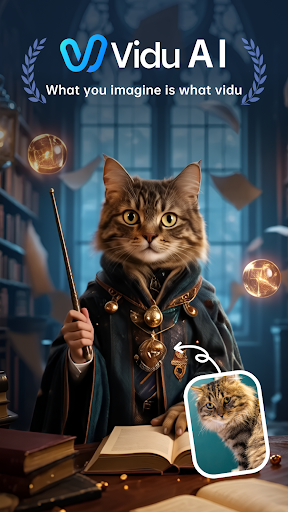
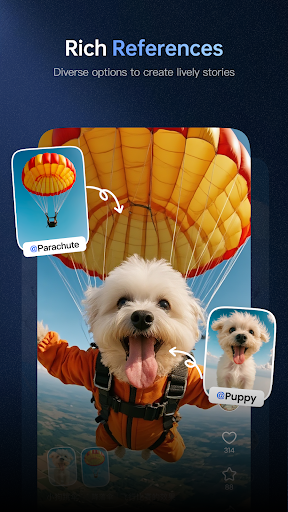
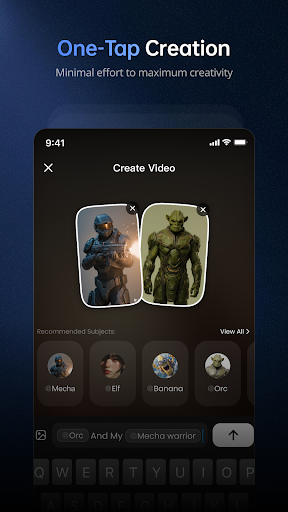
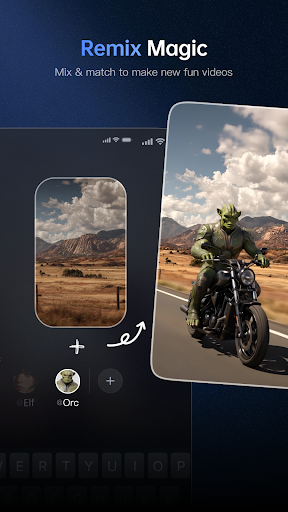
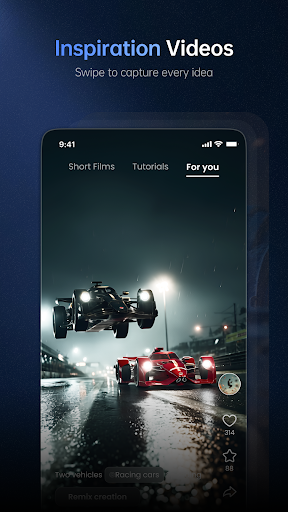
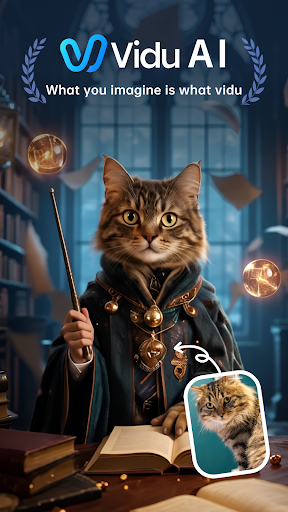
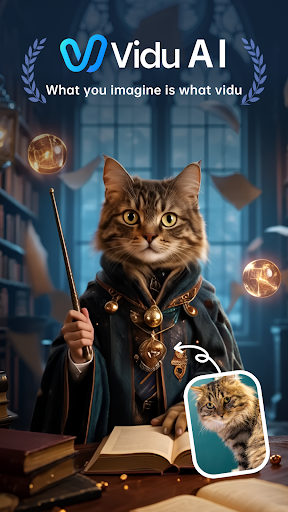
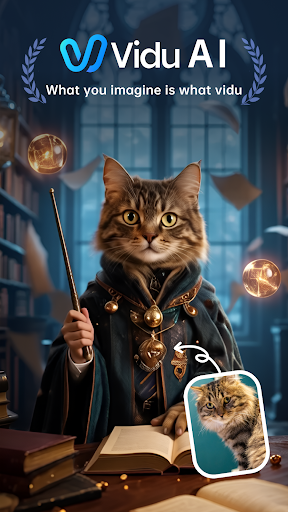
Vidu is a cutting-edge video creation tool designed for creative professionals and enthusiasts alike. This mobile application transforms simple text descriptions into visually stunning videos with cinematic quality, rich detail, and smooth motion. Engineered specifically for creators, Vidu offers an intuitive platform to bring ideas to life through its advanced AI engine.
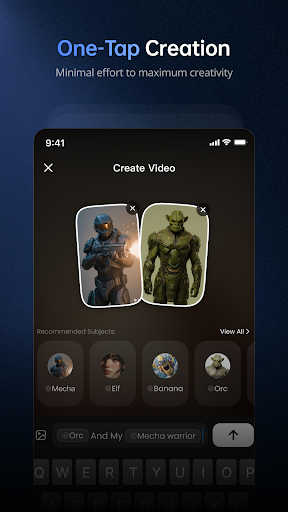
The app's standout feature is its ability to generate high-definition video content from basic prompts, making it accessible even to those without technical expertise. Additionally, Vidu provides full audio integration, allowing users to create immersive experiences complete with background music, dialogue, or sound effects. With options like Remix and custom image referencing, the platform encourages creative exploration and personalization.
Whether you're a professional filmmaker or simply someone who loves storytelling, Vidu empowers you to produce professional-grade content effortlessly. Its innovative approach to video production makes it an invaluable tool for anyone looking to push creative boundaries in digital media.
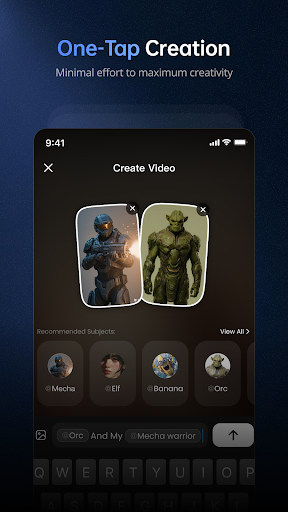
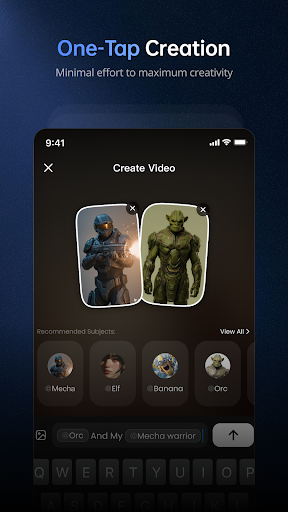
Vidu stands out with its array of powerful features tailored for modern content creators. The app's core functionality lies in its next-gen video engine, which converts plain text descriptions into breathtaking visual masterpieces. This process requires minimal input, enabling users to focus on creativity rather than technical execution.
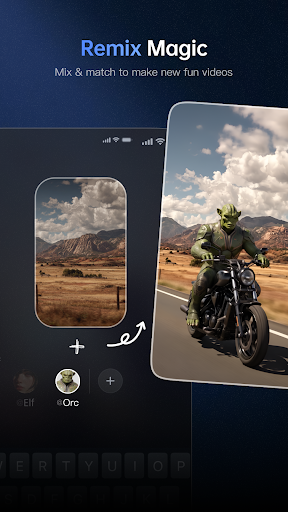
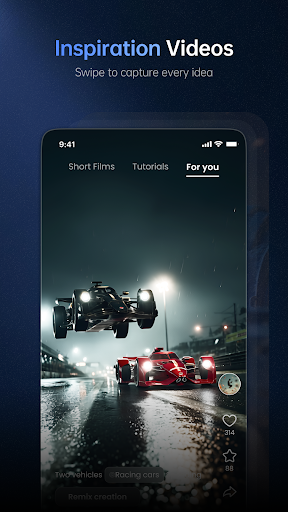
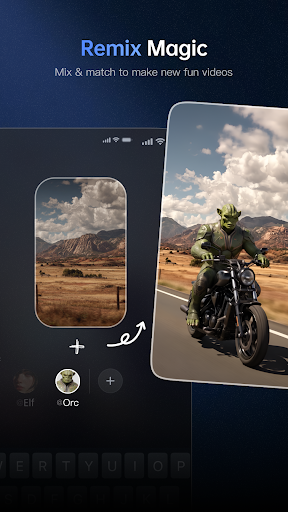
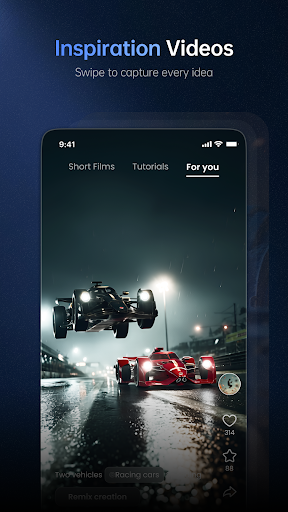
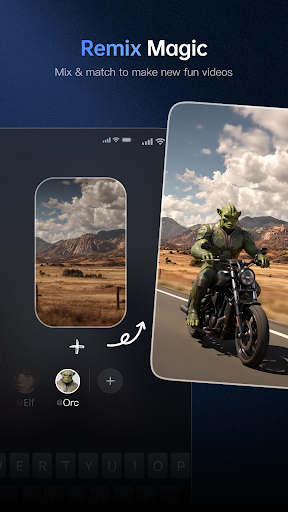
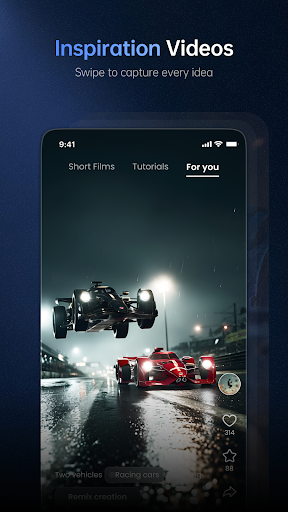
One of the most notable features is the automatic audio integration. Vidu doesn't just produce silent clips; it creates fully immersive experiences by matching visuals with appropriate background music, dialogue, or sound effects. This ensures that every video feels dynamic and engaging. Additionally, the Remix feature allows users to take inspiration from community-generated content and adapt it to their vision, fostering collaboration and innovation.
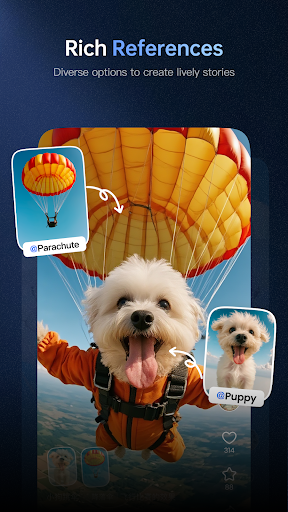
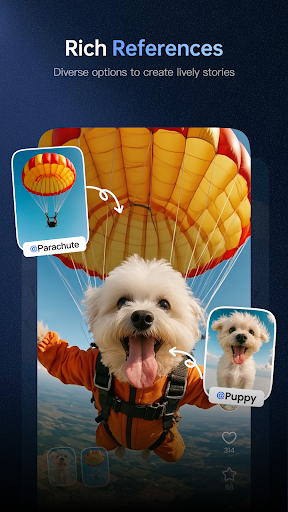
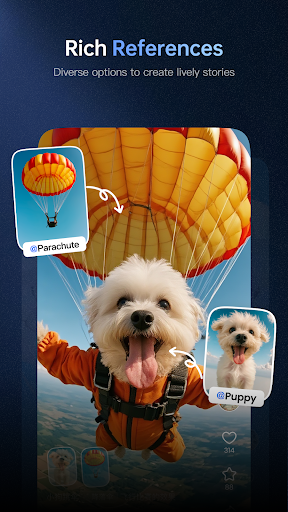
Vidu also supports custom references, letting creators use specific images as style guides. The AI learns from these inputs, ensuring consistent aesthetics across projects. These features collectively make Vidu a versatile tool for producing high-quality, personalized video content efficiently.
Transforms text to video
Cinematic quality output
Easy-to-use interface
Full audio support
Customizable styles
Limited free features
Subscription required
Learning curve
Occasional bugs
High system demands

Discover Cartoon Dream : Unleash Your Creativity with CuttingEdge AI
 4.50
4.50
Customizable Outlined Fonts. Watch Face Format. Battery friendly Digital Clock.
4.20
Unleash your drawing and painting potential
4.50
See Color, Paint Color
4.90
Create stunning art with AI.
4.80
Minecraft & Roblox Clothes
4.70
Get an overview over all your embroidery threads, projects and more.
4.60
Photo stitcher for automatically screenshot stitching into a long screenshot
4.70
Sketch and paint on your device with the feel and freedom of drawing on paper
4.00
Turn your drawings into flipbook-style animations with simple creative tools
4.60
Draw beautiful mandala's very easily
4.60
Digital illustration drawing & painting pad app to paint Anime and Manga art
4.50
Create neon drawing with magic doodle and fun doodle art effects!
4.50
Photo blender app to create overlay photos & double exposure.
4.40
Unleash the artist in you with our AR drawing and tracing tool for photo drawing
4.10
AR Anime Drawing: How to draw anime with AR drawing & sketching apps!
4.00
Design your dream room with AI. Get decor ideas & plan home interiors
3.90
Create stunning video, photo & magic from text with FlixAI GPT video generator.
3.10
Pose and morph realistic male and female models! 3D poser app
3.00


User Reveiws