ARS Acceleration

4.3

Information

Category:

Android Wear

Price:

$ 0.49

Rank:

8

Rating:

4.3

Overview

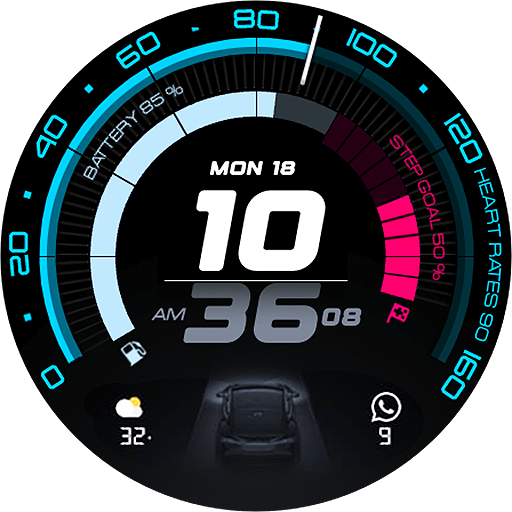
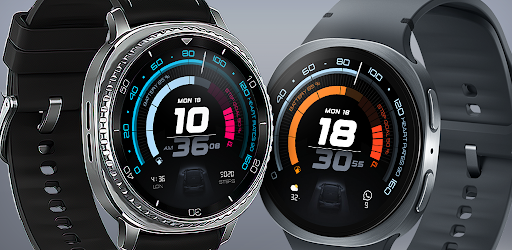
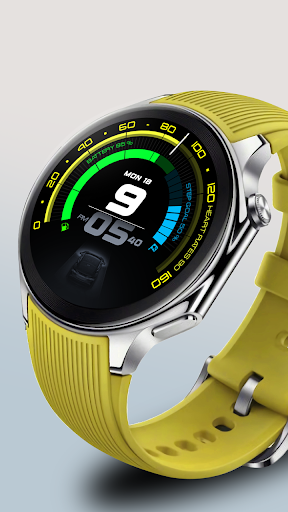
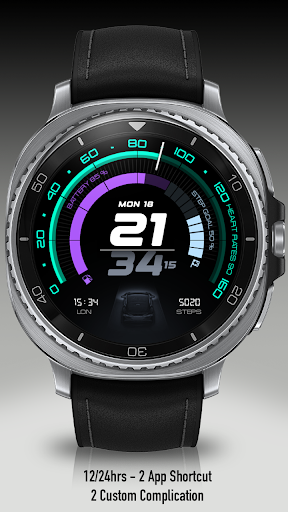
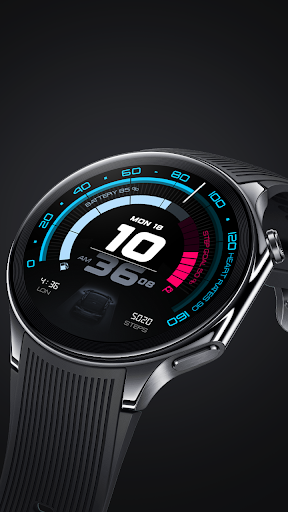
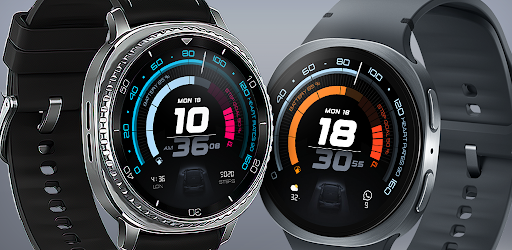
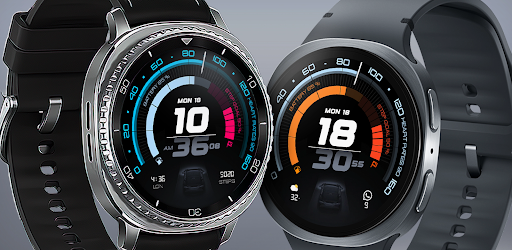
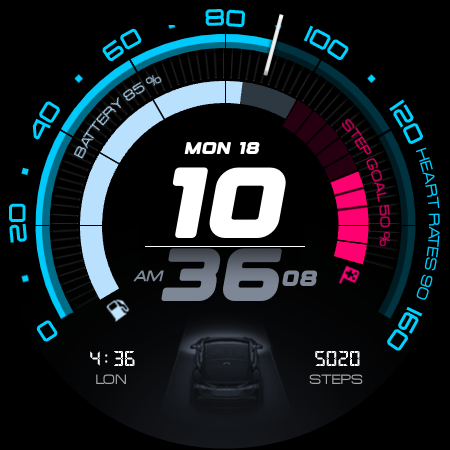
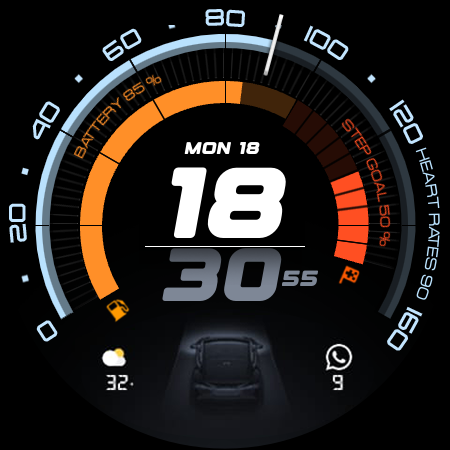
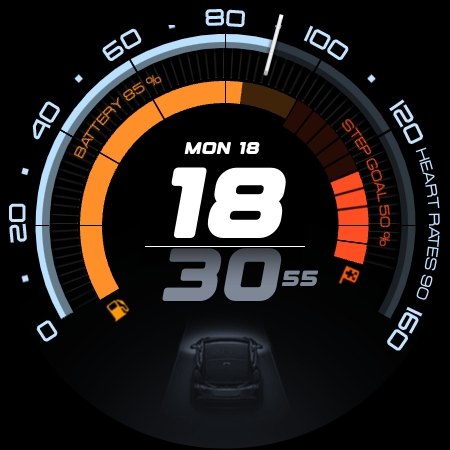
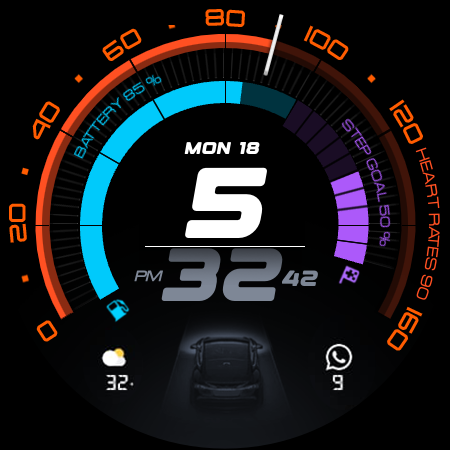
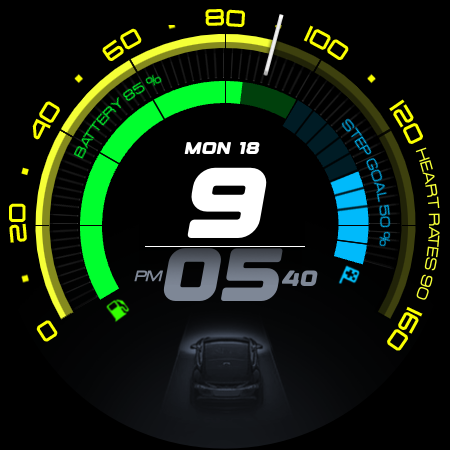
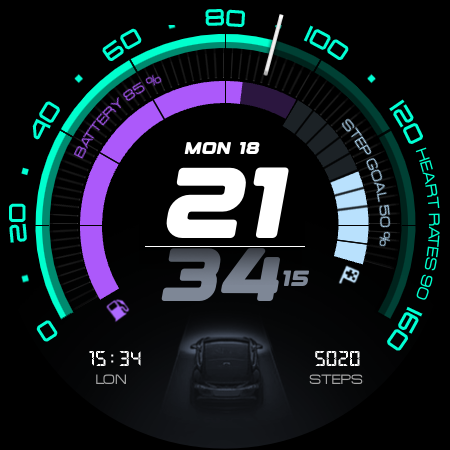
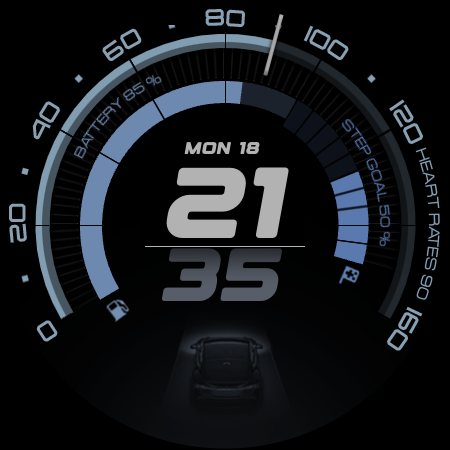
ARS Acceleration is a high-performance watch face designed for users who need quick access to essential information. It features a dynamic interface with bold digital time display, vibrant activity arcs, and real-time health tracking.

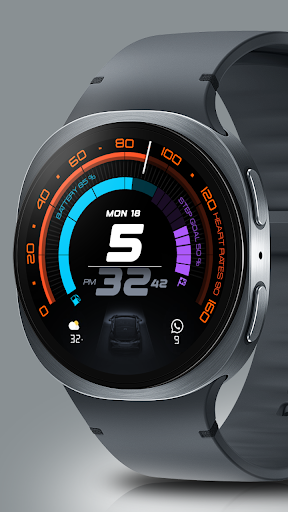
The watch face offers customizable complications, dual app shortcuts, and both 12/24-hour formats. Whether for sports or daily use, it adapts seamlessly to different lifestyles while maintaining an automotive-inspired aesthetic.

Features

ARS Acceleration stands out with its vibrant color-coded activity arcs and essential fitness tracking metrics like heart rate, step count, and battery level. The design is inspired by high-performance sports dials, offering both functionality and style.

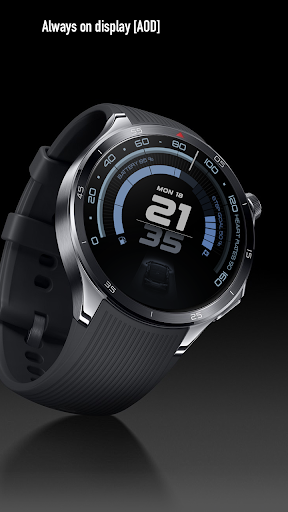
Users can enjoy advanced customization options such as dual app shortcuts and Always-On Display modes. With weather updates and health stats integrated directly into the interface, this watch face ensures you stay informed without compromising on aesthetics.

Companion app integration

Companion app integration is a critical feature for smartwatch applications like ARS Acceleration as it ensures seamless synchronization between the wearable device and its corresponding mobile application. This functionality allows users to access detailed analytics, configure watch face settings, and manage notifications directly from their smartphones. For ARS Acceleration, companion app integration enhances the overall user experience by enabling real-time updates of health metrics such as heart rate and step count which are displayed on the watch face. Additionally, users can customize complications and app shortcuts through the companion app, ensuring that their smartwatch remains tailored to their personal preferences. The ability to toggle between 12 and 24-hour time formats or adjust color-coded activity arcs via the companion app adds another layer of personalization. Furthermore, weather updates and battery level monitoring can be configured to display only the most relevant information, streamlining the user interface for quicker glances. By maintaining robust companion app integration, ARS Acceleration not only elevates its aesthetic appeal but also reinforces its position as a high-performance tool designed for both style and function.

Wear OS/device compatibility

Wear OS and device compatibility is essential for any Android Wear application including ARS Acceleration because it guarantees that the watch face operates optimally across a wide range of devices running on Wear OS. This compatibility ensures that whether a user has a smartwatch from a specific manufacturer or model, they will still enjoy consistent performance in terms of speed precision and visual design. For ARS Acceleration this means delivering an automotive-inspired dynamic interface with bold digital time display vibrant color-coded activity arcs and essential health tracking features regardless of the device type. Ensuring broad compatibility involves rigorous testing across various screen sizes resolutions and hardware capabilities so that elements like Always-On Display real-time heart rate monitoring step counting and weather updates appear accurately without compromising battery life. Moreover strong Wear OS integration enables smooth installation configuration and daily use while supporting customizable complications dual app shortcuts and flexible time format options. By prioritizing extensive device compatibility ARS Acceleration transforms any Wear OS powered smartwatch into a powerful precision instrument offering users both style and utility irrespective of their chosen hardware platform.

Props

High-performance design

Vibrant activity arcs

Real-time health tracking

Customizable complications

Sleek automotive look

Cons

Limited compatibility

Battery intensive

Premium cost

Complex setup

Fewer themes

Features and Functions

What is this app and what can I use it for?

A performance-focused watch face with fitness tracking and customizable features

How do I download and install this app on my device?

Search ARS Acceleration on Google Play Store and tap Install to download

How do I get started after opening the app for the first time?

Swipe through setup screens and select preferred time format and complications

What are the main features and capabilities of this app?

Bold digital time display activity arcs health tracking and weather updates

How can I customize my experience and adjust preferences?

Use the companion app to adjust colors complications and app shortcuts

How do I save or bookmark my favorite content for later access?

Long-press widgets or stats to save them as favorites for quick access

How can I share content with friends or on social media?

Tap the share button to post stats or designs directly to social media platforms

How do I access detailed information and explore more content?

Tap specific stats or arcs to view detailed insights and historical data

What permissions does this app need and how do I manage them?

Grant necessary permissions during setup and manage them in device settings

How do I check for updates and keep the app running smoothly?

Enable automatic updates in the Play Store settings for seamless improvements
Show more

User Reveiws

{{ comment.reviewer_name }}
{{ comment.review_date_formatted}}
{{ comment.review_content }}
{{ tab.name }}
{{ comment.reviewer_name }}
{{ comment.review_date_formatted}}
{{ comment.review_content }}
No reviews with this rating