
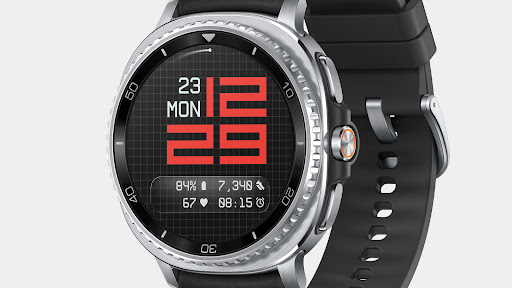


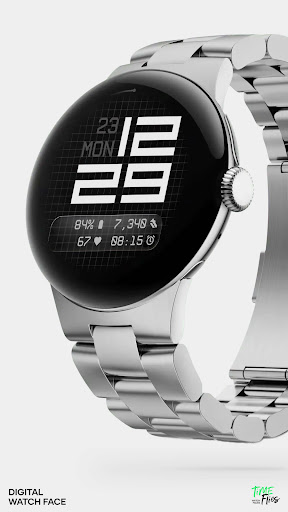
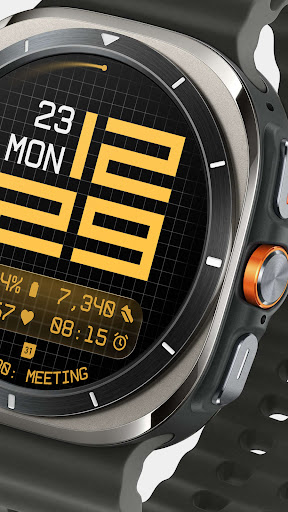
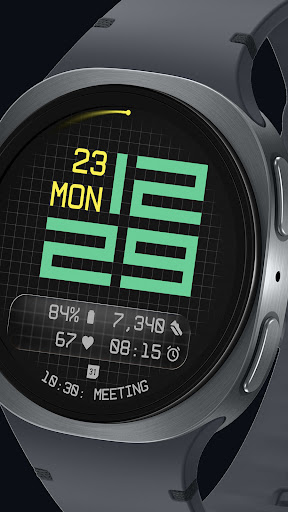
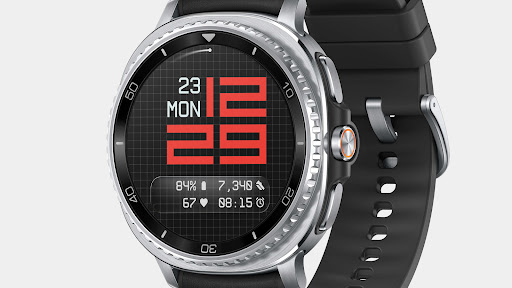

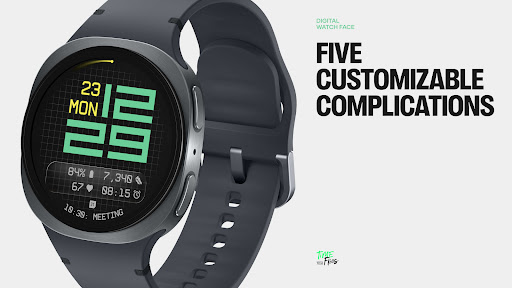
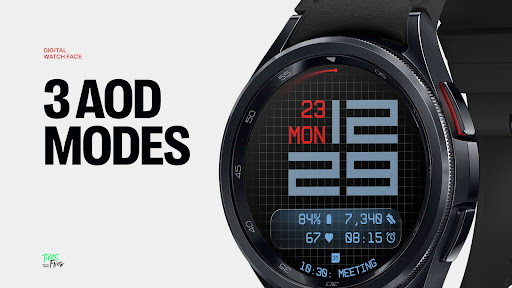
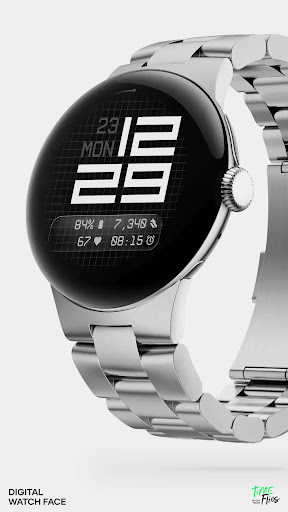

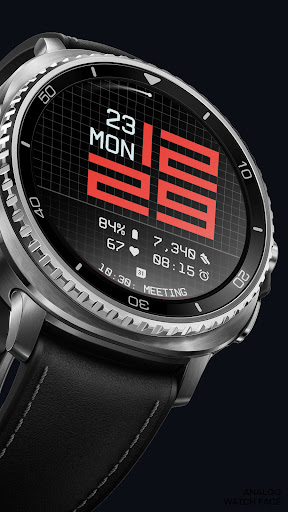

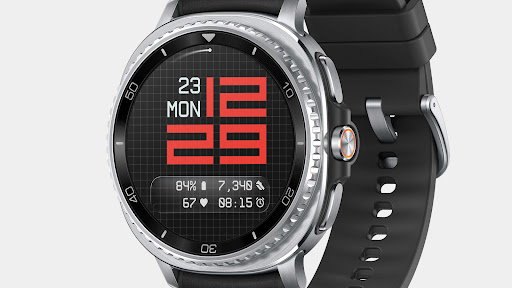
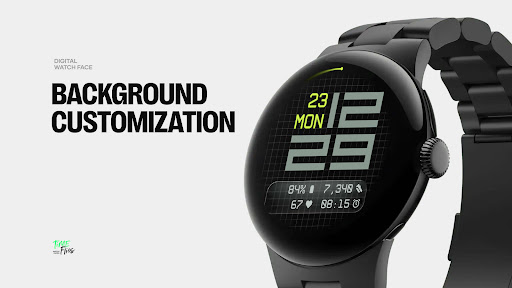
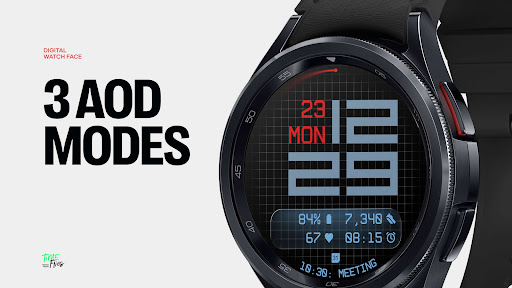
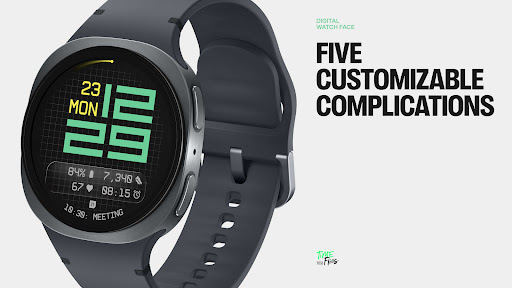
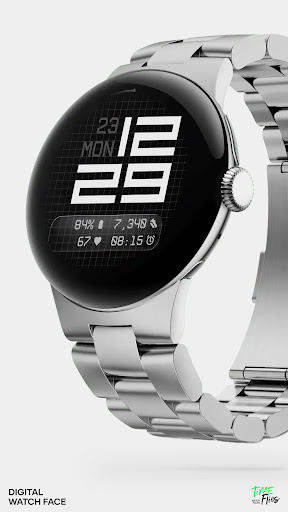

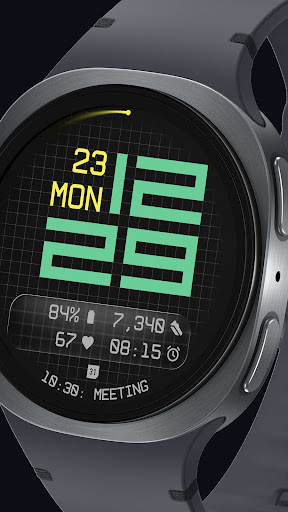
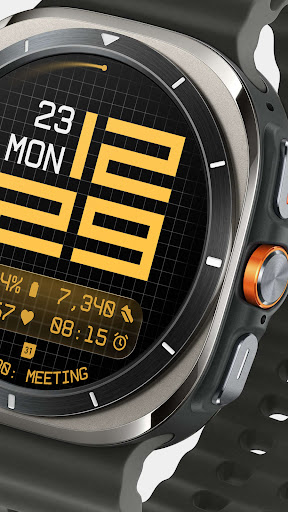
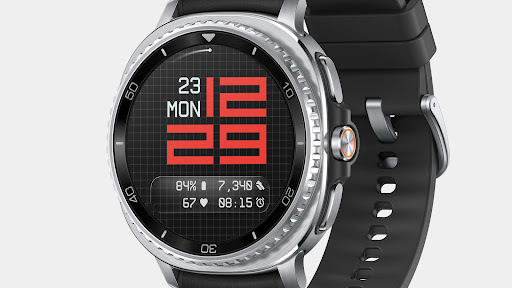

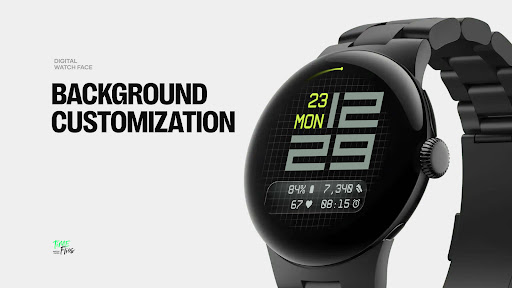

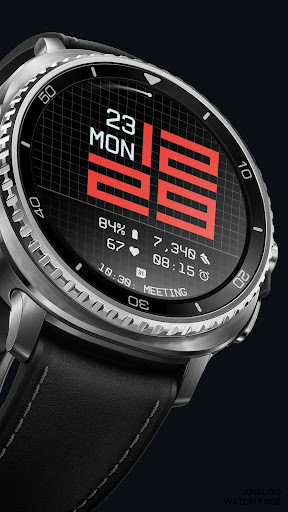
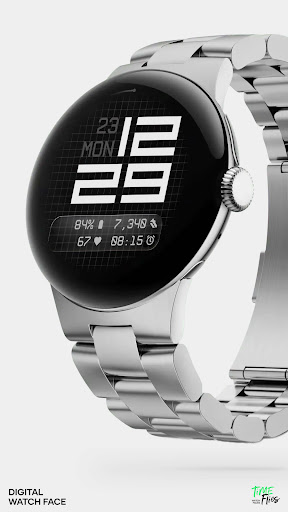
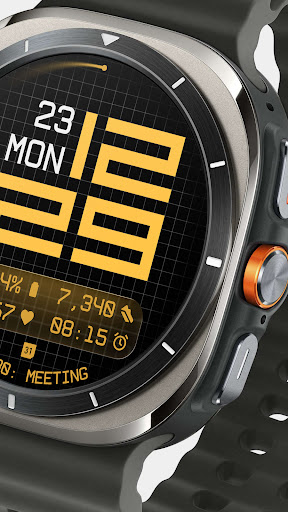
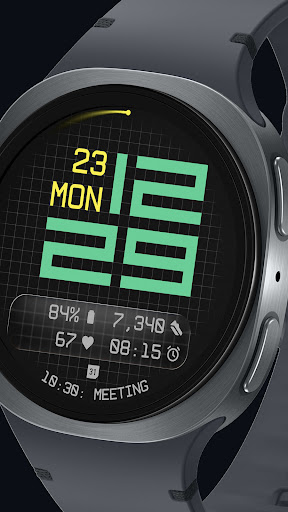
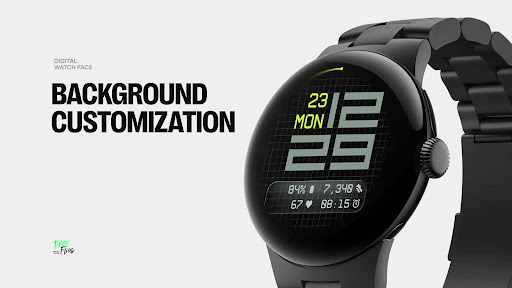
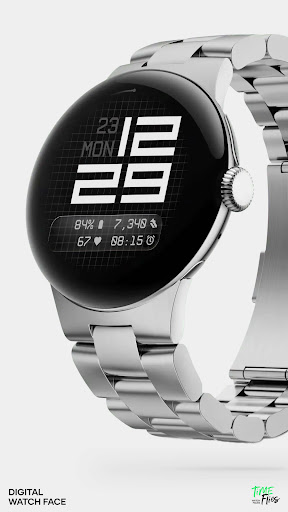
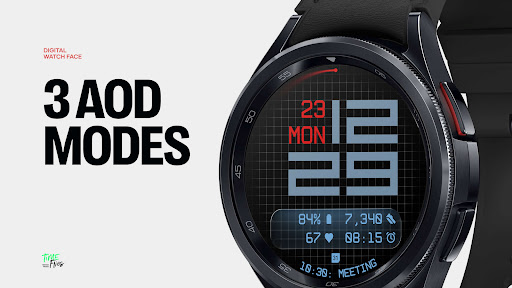
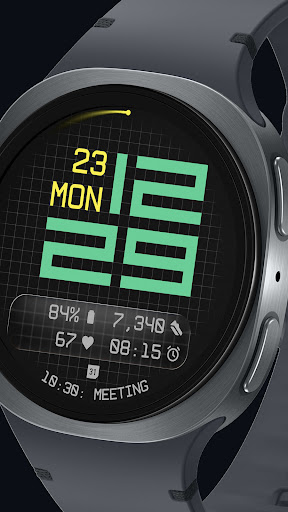
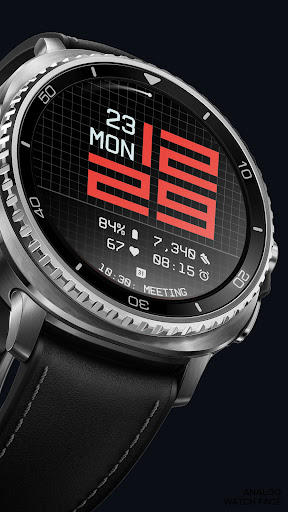
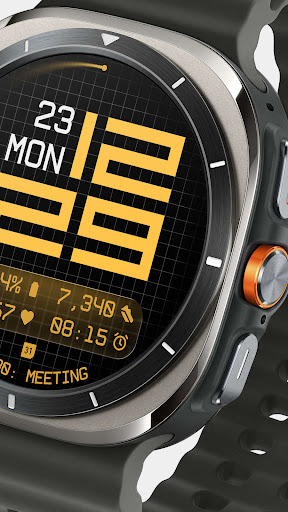
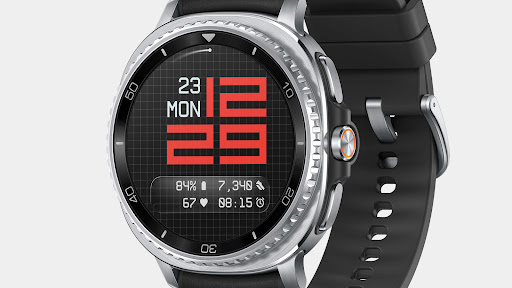
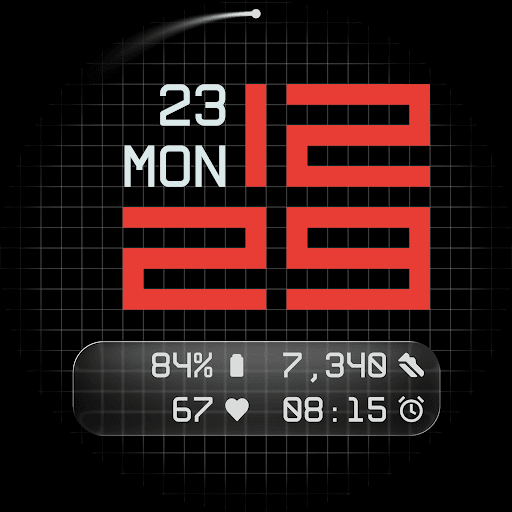
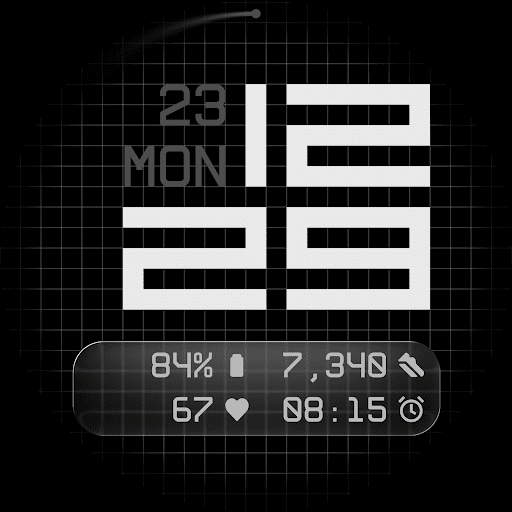
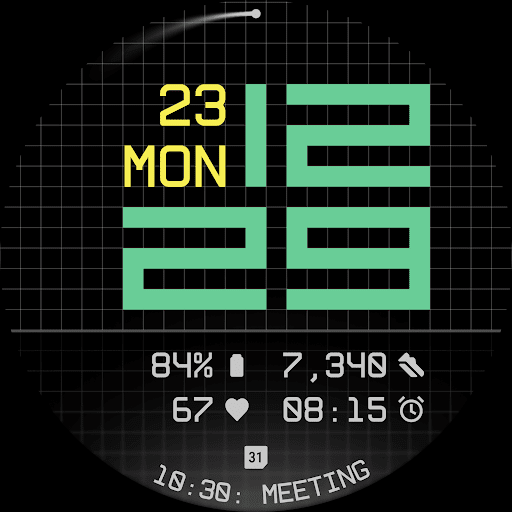
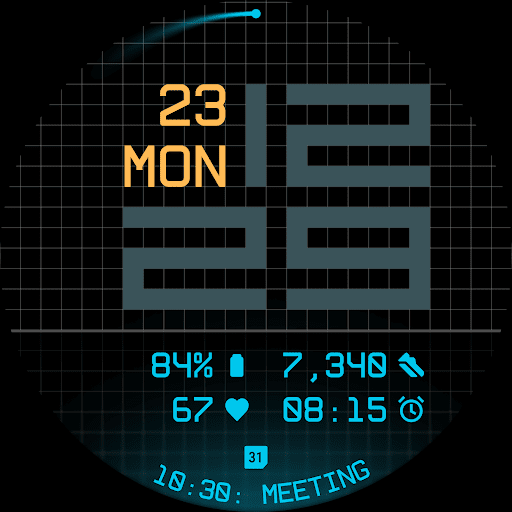
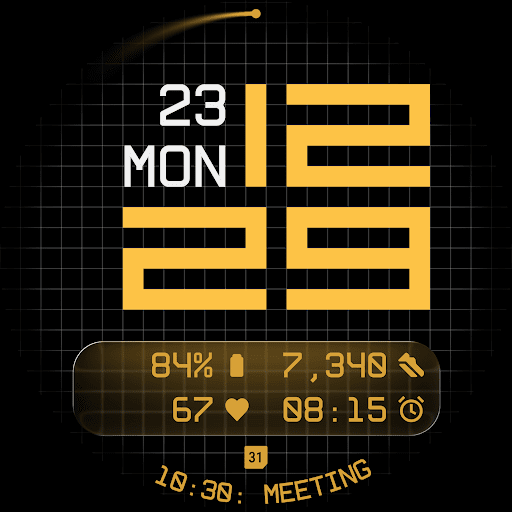
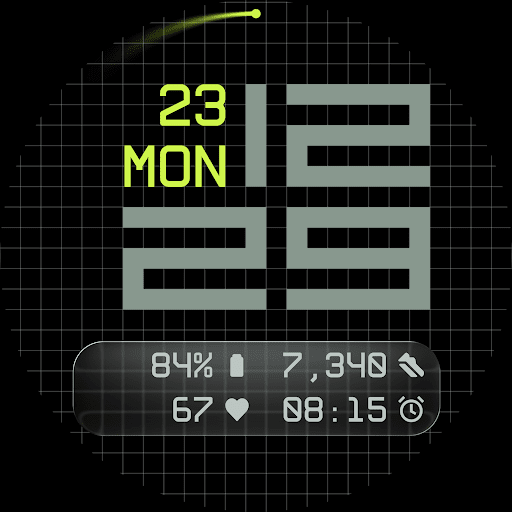
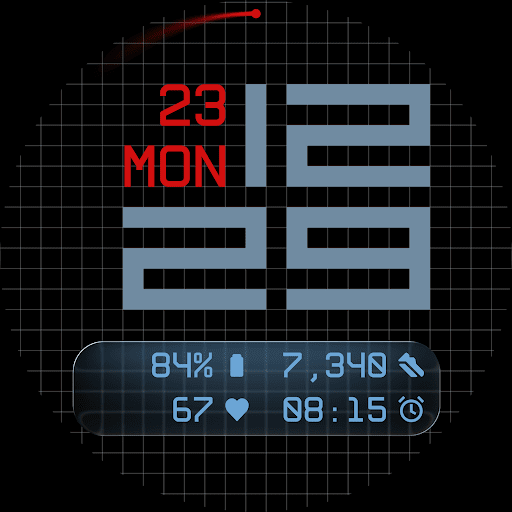
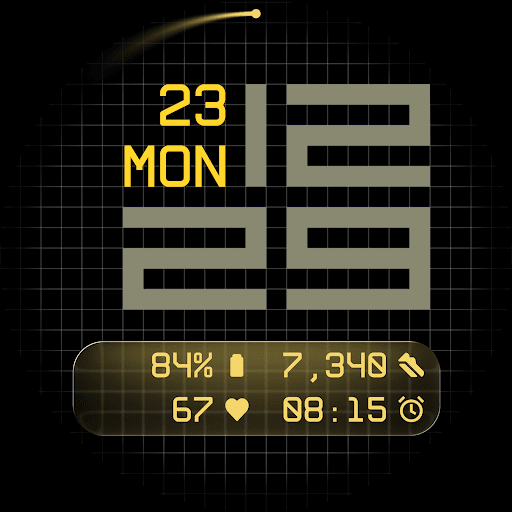
Fast Lane Watch Face is a cutting-edge digital watch face designed specifically for Wear OS smartwatches. It combines typographic clarity with modern aesthetics, creating a timepiece that is both functional and visually appealing. The design draws inspiration from automotive instrument panels while maintaining a contemporary look.
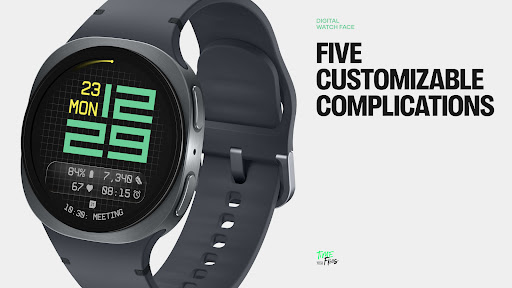
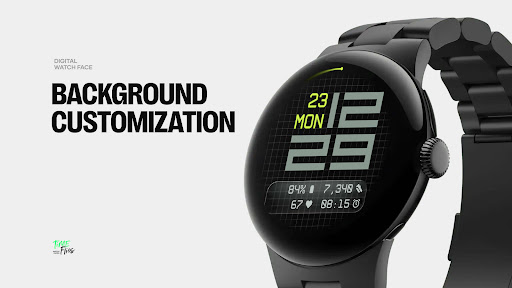
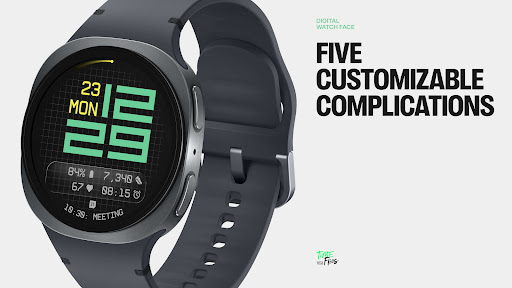
The watch face features a refined grid system that serves as its foundation, providing subtle structure and texture to the background. Users can choose from multiple display styles, including a minimal grid, a softly blurred circular accent, or a translucent UI-inspired glass island that hosts complications. With five available complications, users can customize their watch face to display essential information such as calendar events, moon phases, or Google Assistant updates.
This application is ideal for users who value both form and function in their smartwatch displays. Fast Lane Watch Face offers a highly configurable yet visually coherent experience, making it suitable for various personal and professional settings.
Fast Lane Watch Face stands out with its innovative features tailored for Wear OS users. One of its key attributes is the inclusion of five customizable complications, allowing for maximum information density on the display. These include four short-text slots and one long-text slot, perfect for detailed information like calendar events.
The watch face also offers modular UI layers, enabling users to select from different background options. These include a stylized grid, a blurred segment, or a translucent UI plate, each adding a unique visual touch. The contemporary time display uses structured, balanced typography that echoes speed and precision, ensuring readability and aesthetic appeal.
Additional features include built-in day and date display, 30 color themes to suit any device and lighting condition, an optional seconds indicator for visual rhythm or simplicity, and three Always-On Display modes. These modes retain core data and time even when the watch is in low-power mode, ensuring essential information is always accessible.
Highly Customizable
Modern Aesthetic Design
Multiple Display Styles
Optimized Performance
Wide Color Palette
Complex Setup Process
Limited to Wear OS
Battery Consumption
Advanced Features Require Learning
Companion App Needed for Full Experience

Calming & relaxing sounds for sleeping and stress relief. Stay focused all day!
 4.20
4.20
an Analog Watch Face for winter season with freeze winter background for Wear OS
4.4
The most customizable minimal watch face. For Wear OS 5.0, API 34+ and later
4.70
To-Do List: daily schedule planner, task organizer, to do reminder app, calendar
4.60
The #1 source of faces for your smartwatch!
4.00
Hybrid Vibrant Health Watch Face for Wear OS
4.3
Track airplanes and follow flights with our real-time flight tracker
4.50
Back up your contacts & access them anywhere
4.30
Spam call blocker and caller ID for automatic call protection!
4.40
MyNISSAN® lets you remotely control your car from your phone.*
4.50
Ideal for surviving in the wasteland left after nuclear fallout
4.50
A white realistic classic analog watch face with many customization options.
4.40
Find EV charging stations
4.30
A digital watch face that celebrates Christmas.
4.00
Watch the sharpness of the sky on your wrist..
3.70
Your local weather forecast, storm tracker, radar maps & live weather news
3.40
Watch face designed for Thanksgiving Day. 7 Background Styles included.
3.20
Funny animated watch face for Thanksgiving
4.1
Minimalistic design modern digital watch face.
4.4


User Reveiws