

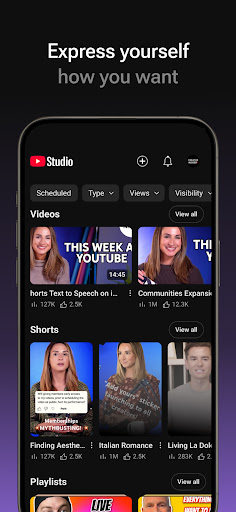
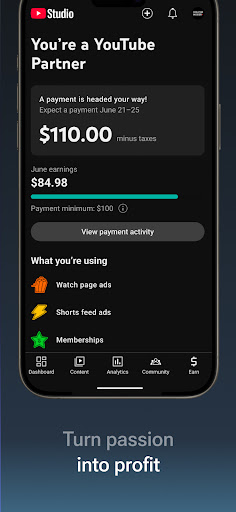
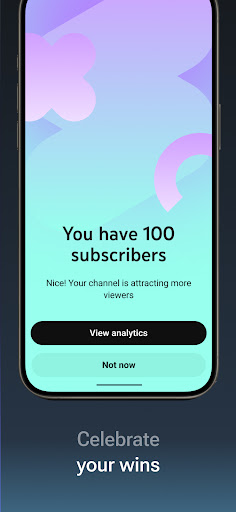

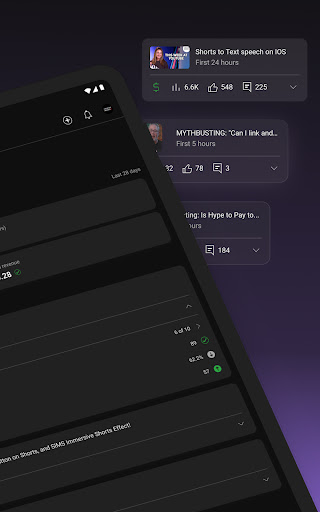

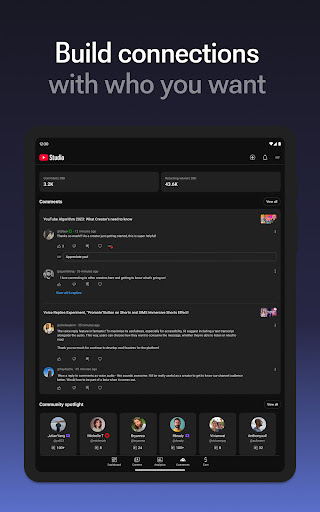
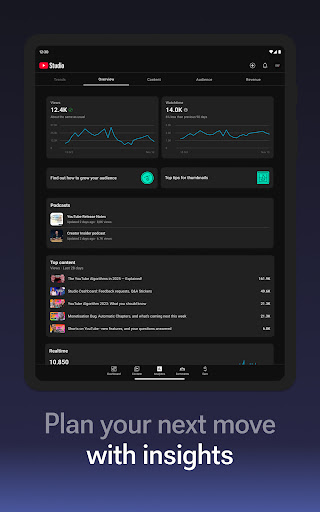
YouTube Studio is the official mobile app designed for content creators to manage their YouTube channels effectively. The app provides a comprehensive suite of tools that allow users to monitor channel performance, engage with their audience, and make necessary updates to their content directly from their mobile devices. With features like the Channel Dashboard, detailed Analytics, and comment management, it offers everything a creator needs to maintain and grow their YouTube presence.
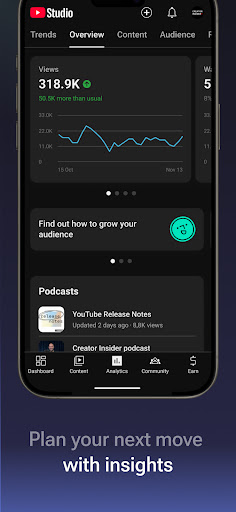
The app's standout feature is its robust analytics capability, which gives creators insights into how different types of content are performing. This allows for data-driven decisions that can enhance channel growth. Additionally, YouTube Studio enables creators to customize their channel's appearance and manage individual videos, shorts, and livestreams, making it an all-in-one solution for channel management.
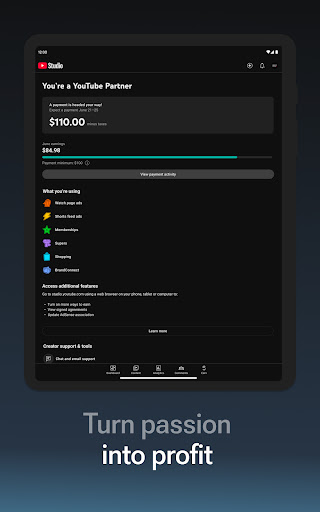
For creators looking to monetize their content, YouTube Studio provides the option to apply for the YouTube Partner Program. This feature opens up various monetization avenues, helping creators turn their passion into a sustainable business. Whether you're a beginner or an experienced YouTuber, this app ensures you have the necessary tools to succeed in the competitive world of online video content.
YouTube Studio stands out with its array of powerful features tailored specifically for YouTube creators. One of the key highlights is the Channel Dashboard, which offers a quick snapshot of your channel's performance metrics. This allows creators to stay updated on their channel's progress without having to dive deep into analytics constantly.
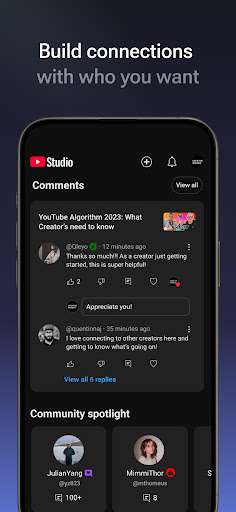
In addition to the dashboard, the app provides detailed Analytics that break down the performance of different content types. Creators can see how videos, shorts, and livestreams are faring individually, enabling them to optimize their content strategy. The ability to sort and filter comments helps foster better community engagement by allowing creators to focus on the most important conversations.
YouTube Studio also empowers creators to manage their channel's look and feel directly from their mobile devices. From updating video information to customizing channel layouts, the app makes it easy to keep your channel fresh and engaging. Furthermore, the YouTube Partner Program integration offers a pathway to monetization, making YouTube Studio not just a management tool but also a platform for business growth.
User-friendly interface
Comprehensive analytics
Real-time performance tracking
Easy content management
Monetization opportunities
Limited advanced editing
Occasional bugs
Basic comment filtering
No offline mode
Heavy on resources

The smartest M3U IPTV Player your playlists have ever seen.
 4.2
4.2
Photo and Music Video Creator into Stunning Videos—Effortlessly
4.40
Watch a large amount of high-definition short drama content
4.60
Create & edit videos with AI
4.30
Live TV, anywhere in your home
3.80
Video player with powerful streaming playback and various convenient features.
2.10
AirMirror Receiver - Screen mirroring/cast web videos to Android TV by AirPlay.
4.40
A Simple app to download Video & Music from the Internet.
4.70
Video player with 4K & 1080P support, popup play, background play and subtitle.
4.20
#1 Torrent App on Android ** No Ads Ever + Battery Saver **
4.80
AI Video Editor with Music, Filter, Slideshow, Effect, Merge & Trim Video.
4.80
High-Quality USB Camera Viewer & HDMI Display
4.70
IPTV Loader, loads your own Playlist. DOES NOT CONTAIN ANY LIST OR CHANNELS
4.60
Cast to Smart TV, Fire TV. Cast video, photo - Fast & Stable!
3.90
Kodi media center, a free and open source cross-platform entertainment hub
3.60
All in one multi protocols stream receiver for AirPlay, Cast and DLNA.
3.60
Connect EasyCap or UVC devices for recording and broadcast video/audio stream
3.60
This app is an emulator of some specific IPTV boxes
3.50
The essential companion to your Blue Iris PC software
2.50


User Reveiws