
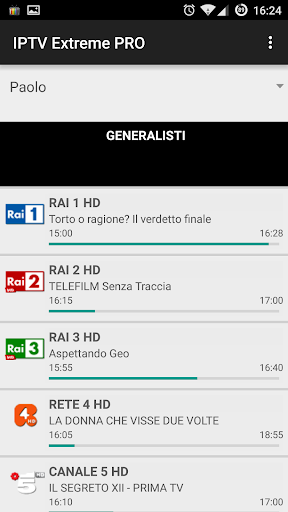
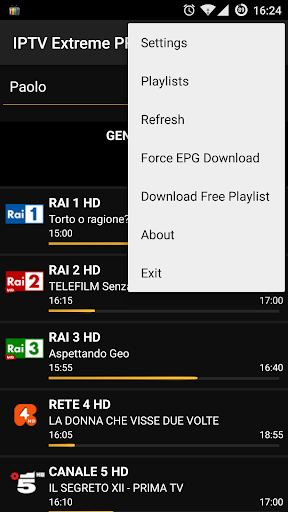
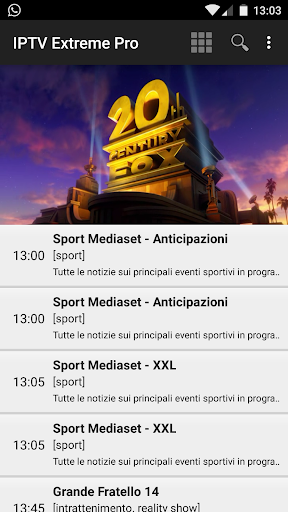
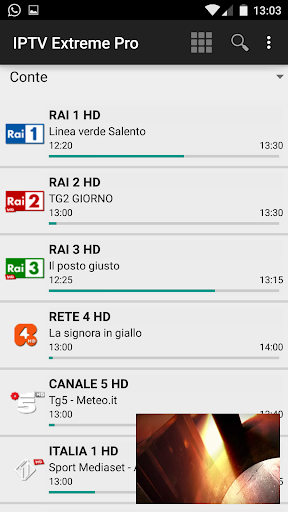
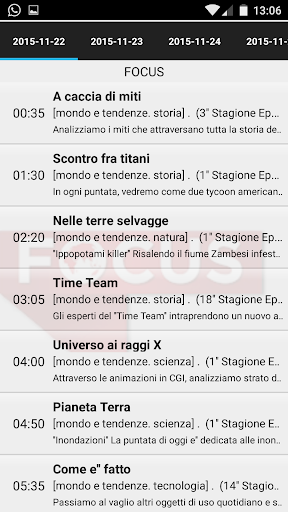

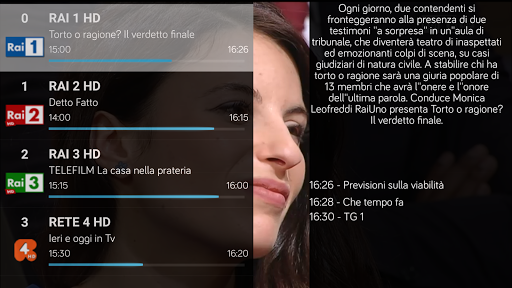
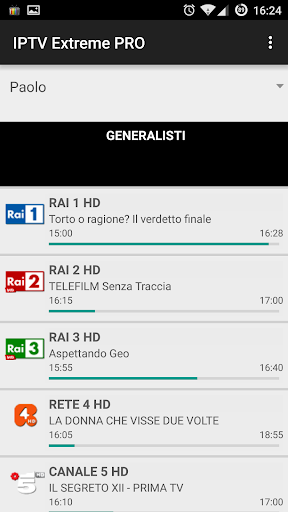
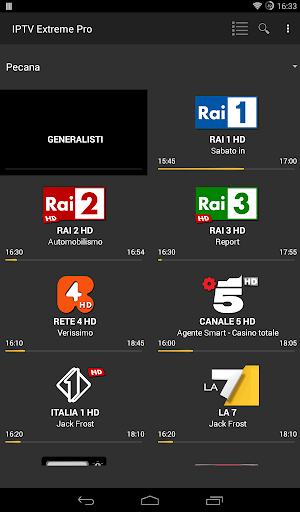
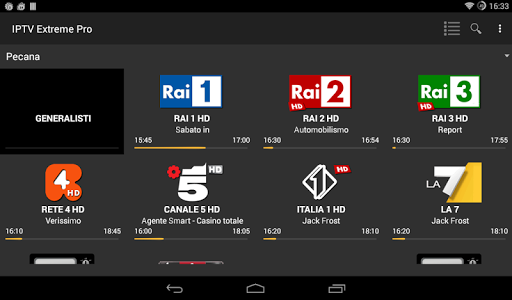


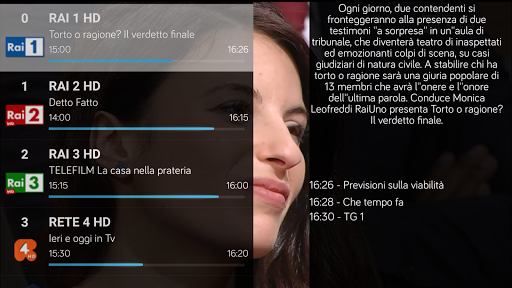

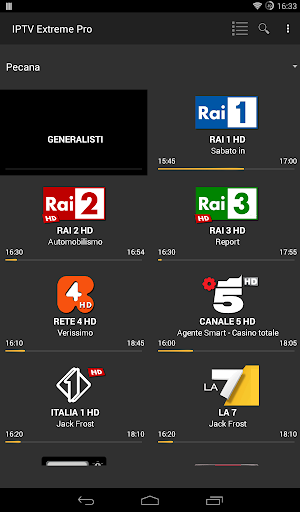

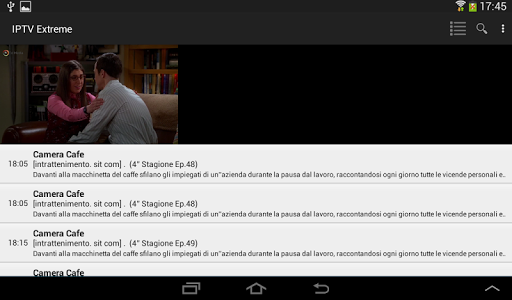


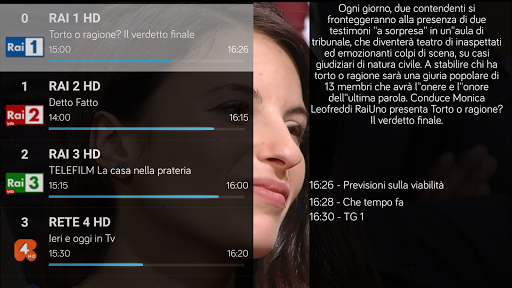


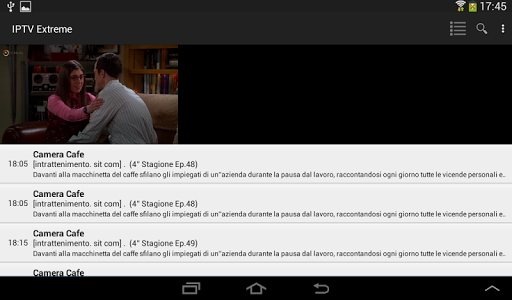
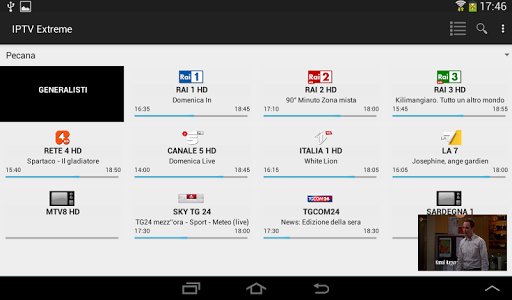
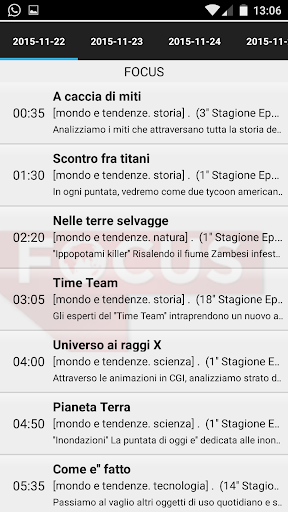

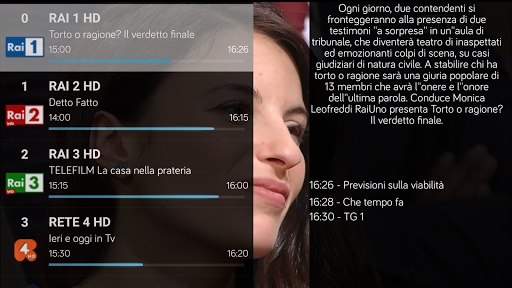
IPTV Extreme Pro is a feature-rich playlist manager designed for users who want to organize and enjoy their IPTV content efficiently. The app offers advanced playback options, including an integrated player with both advanced and light modes, ensuring smooth streaming experiences across various devices.
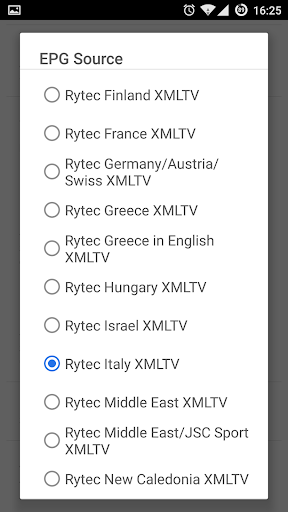
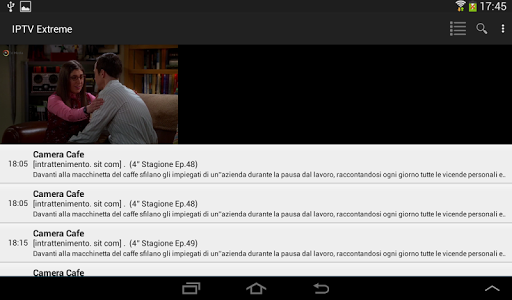
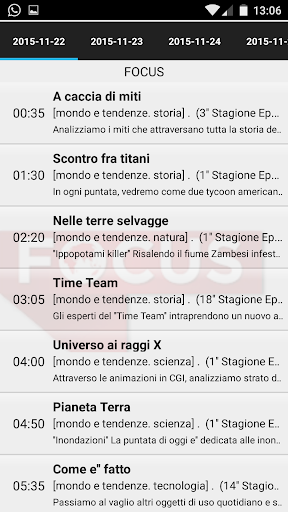
One of the standout features is its comprehensive support for different functionalities such as Chromecast, parental controls, and remote controller operations. Users can also manage their TV guides (EPG) effectively with multi-EPG support, auto updates, and alias management. Additionally, the app provides tools for recording live streams and downloading on-demand programs, making it versatile for diverse viewing preferences.
This application is ideal for tech-savvy individuals looking to customize their IPTV experience legally and efficiently. With over ten themes available and additional pro features like ad-free viewing, IPTV Extreme Pro enhances user engagement while maintaining compliance with legal standards.
IPTV Extreme Pro boasts an array of sophisticated features tailored to enhance your IPTV management capabilities. The app includes an advanced integrated player that supports both complex and lightweight playback modes, catering to different user needs and device specifications.
Among its notable functionalities are Chromecast support, enabling seamless streaming to larger screens, and robust parental controls that ensure safe viewing environments for families. The app also excels in customization, offering backup and restore settings, M3U playlist support, and picon displays in various sizes. Furthermore, users can take advantage of time recording and timer management features to schedule their favorite shows effortlessly.
For those seeking an uninterrupted experience, the Pro version removes ads and expresses gratitude from the developers. These features collectively make IPTV Extreme Pro a powerful tool for managing and enjoying IPTV content responsibly and efficiently.
User-friendly interface
Comprehensive EPG support
Chromecast integration
Parental control options
Ad-free experience
No built-in channels
Requires manual playlist input
Advanced features need Pro version
Limited customer support
Complex setup process

Play ALL formats in 4K & HD. Video downloader, MP3 player, Chromecast & more.
 4.80
4.80
AirMirror Receiver - Screen mirroring/cast web videos to Android TV by AirPlay.
4.40
An easy-to-use and all-round screen recorder with audio
4.80
LumaFusion: The Ultimate Storytelling Experience for Video Editing
4.10
Browser + Remote for Roku to stream webvideos, online movies and livestreams
4.60
Download Hub, easy and private way to download and enjoy your videos offline
4.80
Screen recorder with audio to take live videos & Screenshot in high quality!
4.70
Viddo: Generate Action Figure, AI Anime, AI kiss, AI hug Video from image & text
4.40
Photo editor & video maker with music and slideshows.
4.10
AI Video Editor with Music, Filter, Slideshow, Effect, Merge & Trim Video.
4.80
Cast Videos from Web Browser, IPTV to Roku, Chromecast, DLNA, Smart TV +more
4.60
Snaptubè Video Downloader app allows to download videos and music in Snaptube. .
4.60
Watch IPTV on your Android device
4.60
Cast movies, tv shows and live streams to Chromecast, Roku, DLNA, Fire TV & more
4.60
Download website videos fast&privacy
4.40
Browser for Fire TV to stream webvideos, online movies, livestreams in HD
4.40
Powerful, professional, versatile teleprompter. Developed by an active film crew
4.00
AI Video Editor:AI Music, Text to Video,Text to Speech,Auto Caption,Video Effect
4.00
Download videos easily & play them all in one smart, powerful video manager.
3.40


User Reveiws