
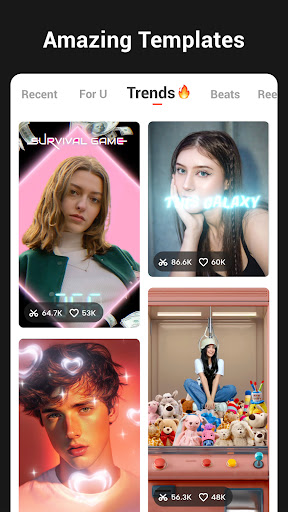
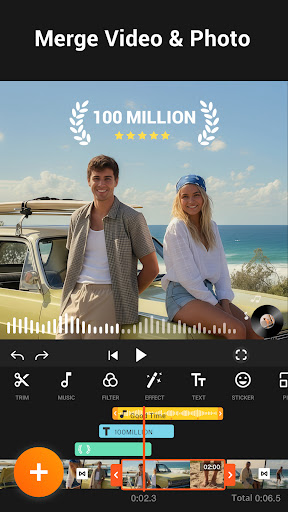
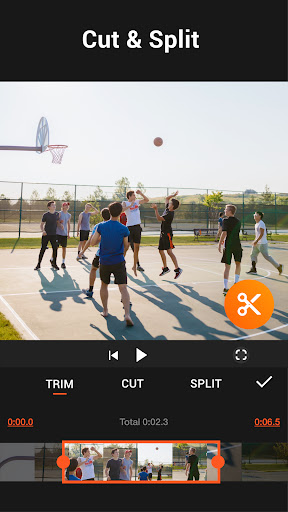
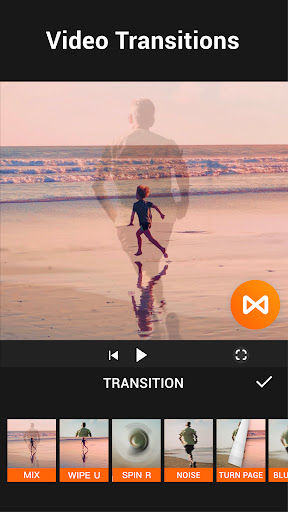
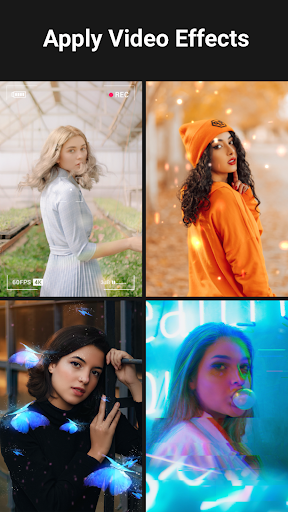
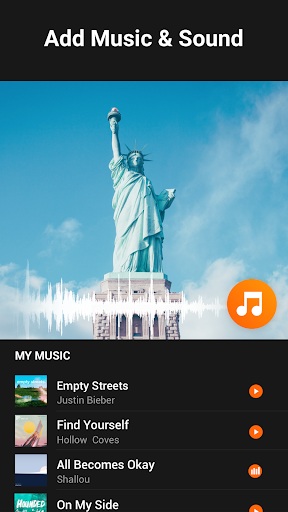


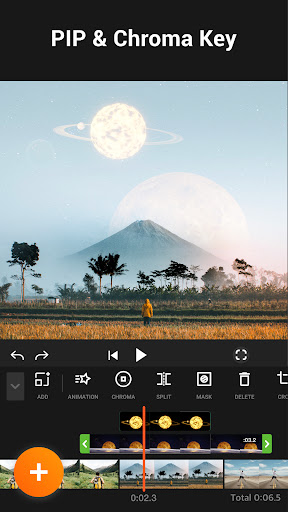
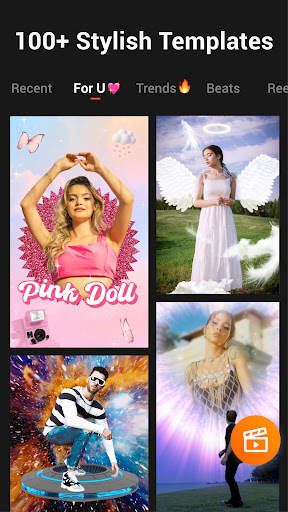
YouCut stands as a premier free video editing application, offering users the ability to create professional-quality videos with ease. This app is designed for both casual creators and seasoned video editors who require powerful tools without the complexity often associated with desktop editing software. YouCut provides an extensive suite of features including AI-powered enhancements, multi-layer timeline editing, chroma key effects, and more.
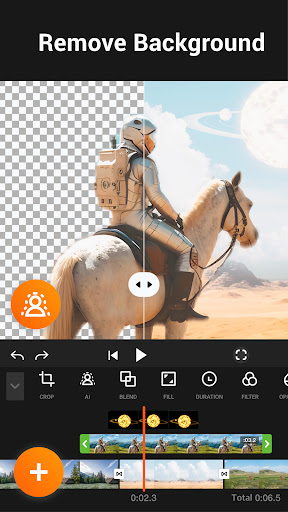
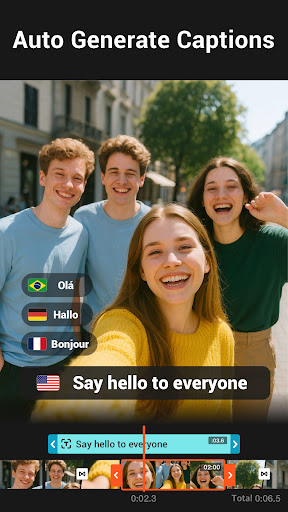
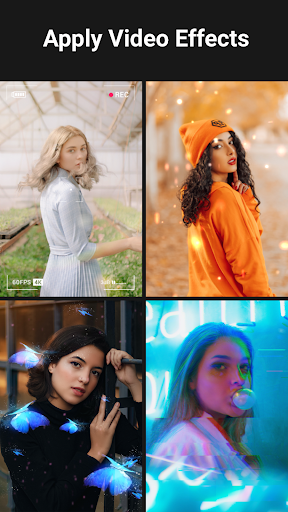
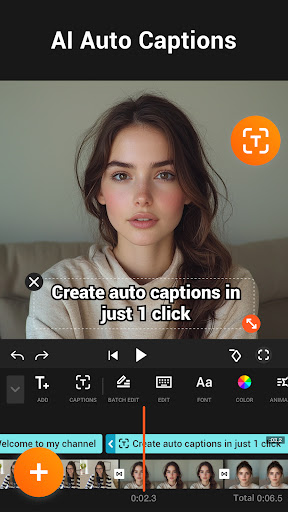
One of the standout capabilities of YouCut is its AI Video Boost, which includes auto captions, background removal, and video enhancement with just a tap. The app also excels in providing creative control over video projects, allowing users to merge, cut, trim, and apply various effects to their videos. Whether you're looking to make a photo slideshow, a stop-motion video, or a cinematic production, YouCut delivers the tools necessary to bring your vision to life.
The true value of YouCut lies in its accessibility and versatility. Available on mobile platforms, it empowers content creators to produce high-quality edits that are ready for social media consumption. With no watermark and an ad-free editing experience, YouCut ensures that your creations remain clean and professional, enhancing your digital presence across platforms like YouTube, Instagram, and TikTok.
YouCut distinguishes itself through a rich array of features tailored for comprehensive video editing. At the core of its offering is the AI Video Boost, which revolutionizes the editing process with capabilities such as auto captions derived from speech-to-text technology, instant background removal, and one-tap video enhancement. These features collectively ensure that even the most novice users can achieve polished results with minimal effort.
Beyond AI enhancements, YouCut provides traditional yet robust video editing tools. Users can take advantage of the multi-layer timeline to craft intricate video compositions, apply chroma key effects for green screen projects, and utilize precise cutting and trimming functions for seamless video flow. The app supports advanced functionalities like video speed control, aspect ratio adjustments, and color corrections, granting creators full command over their video's aesthetic and technical properties.
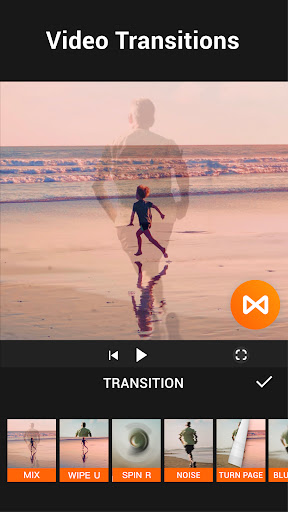
Each feature within YouCut is engineered to add tangible value to the user's experience. From merging multiple clips into a cohesive narrative to applying stunning transitions and FX effects, the app equips users with everything needed to produce engaging content. Moreover, its dedication to preserving output quality while offering compression options means that creators can share their work widely without concern for excessive file sizes or quality degradation.
User-friendly interface
Advanced AI features
No watermark on exports
Comprehensive editing tools
Ad-free editing environment
Limited to mobile platform
Advanced features may require learning
Some features might need internet
Occasional performance issues
Fewer options than desktop editors

Cast Videos from Web Browser, IPTV to Roku, Chromecast, DLNA, Smart TV +more
 4.60
4.60
Snaptubè Video Downloader app allows to download videos and music in Snaptube. .
4.60
KMPlayer Plus (Divx Codec) officially support Divx codec.
4.30
Turn your phone into a wireless camera!
4.20
AI Video Editor:AI Music, Text to Video,Text to Speech,Auto Caption,Video Effect
4.00
Manage your IPTV live channels and VOD playlists (no playlist included)
3.80
Browser for Samsung TV to stream webvideos, online movies and livestreams in HD
4.10
A Simple app to download Video & Music from the Internet.
4.70
Manage your YouTube channel on the go
4.40
Play ALL formats in 4K & HD. Video downloader, MP3 player, Chromecast & more.
4.80
Screen recorder with audio to take live videos & Screenshot in high quality!
4.70
Cast to Chromecast, Xbox, Fire Stick, Roku, DLNA, Smart TV & No Feature Limited!
4.50
Add date and time watermark to photos and videos
4.50
Fast video downloader & private browser. Save HD clips to watch offline.
4.40
Stream Web Videos to Chromecast, Samsung, LG, Sony, Roku, Fire TV, DLNA + more
4.00
Online Videos Player
3.90
Connect 2 UVC devices for recording and broadcast video/audio stream
3.90
Connect EasyCap or UVC devices for recording and broadcast video/audio stream
3.60
Stream high quality video from your camera over NDI protocol
4.4


User Reveiws