
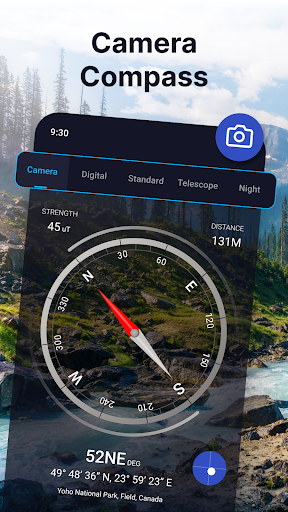

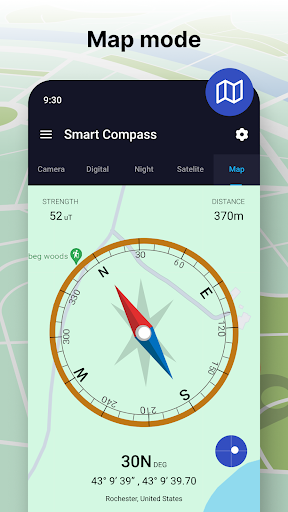
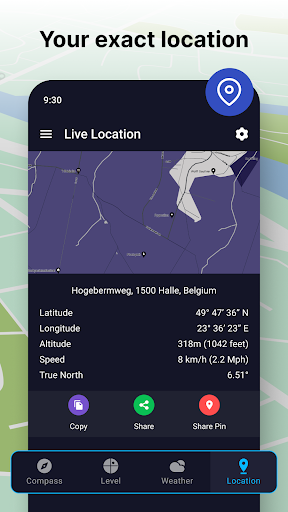
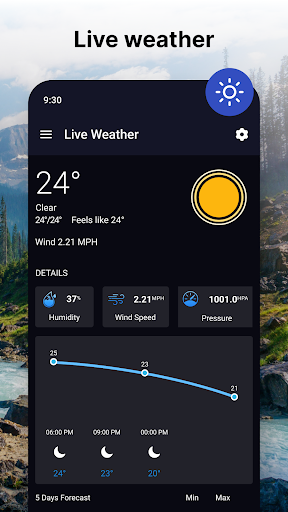
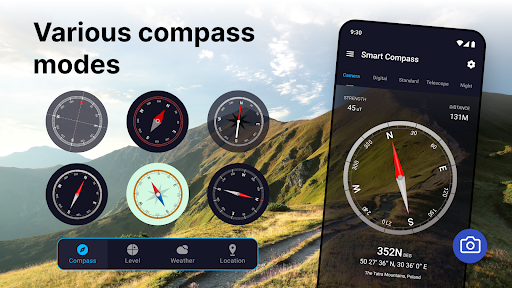
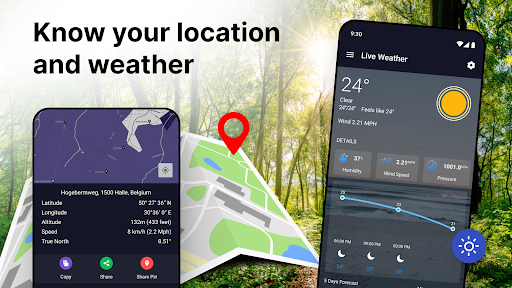
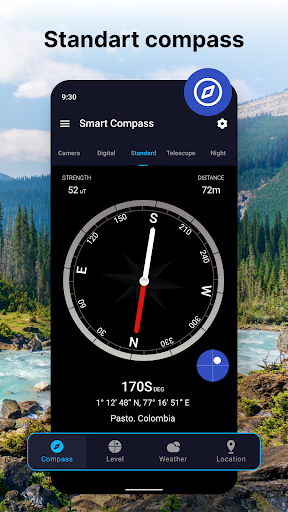
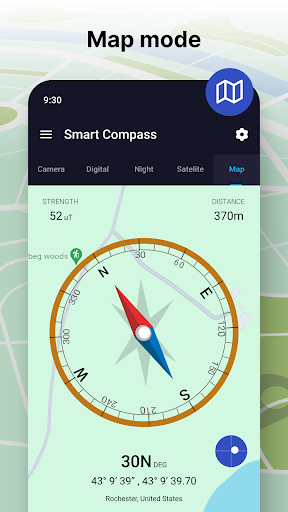
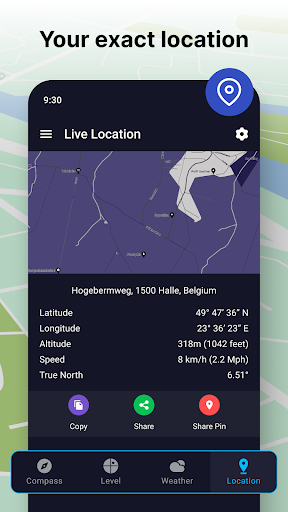


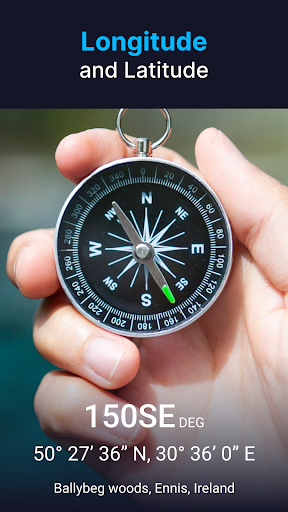
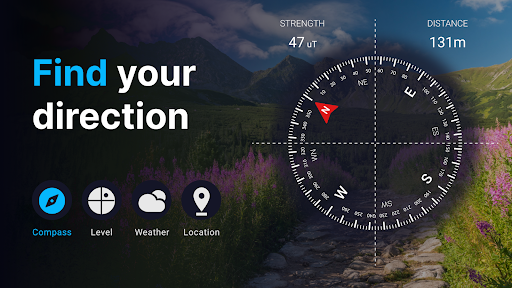
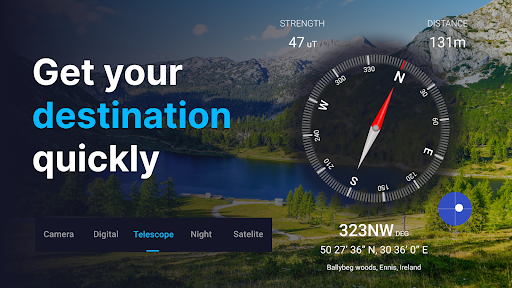
Compass app is a precise navigation tool designed for outdoor enthusiasts, travelers, and anyone requiring accurate directional guidance. The app offers unmatched accuracy with reliable compass readings, ensuring users can confidently pinpoint cardinal directions such as east, north, south, and west. Its user-friendly interface allows quick access to essential latitude and longitude information, making it versatile for various scenarios like road trips, hiking, or boating excursions.
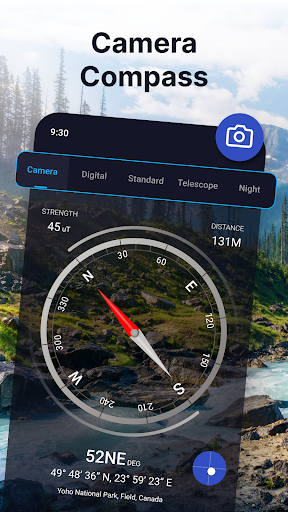
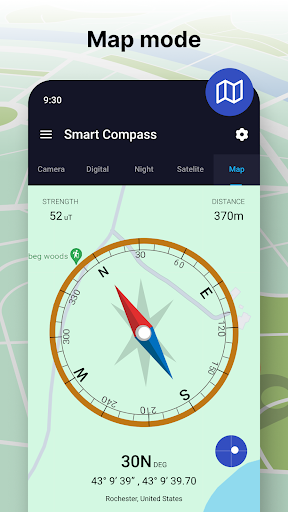
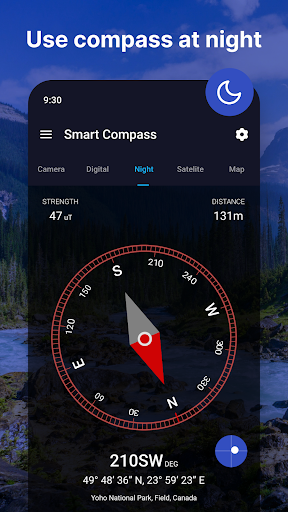
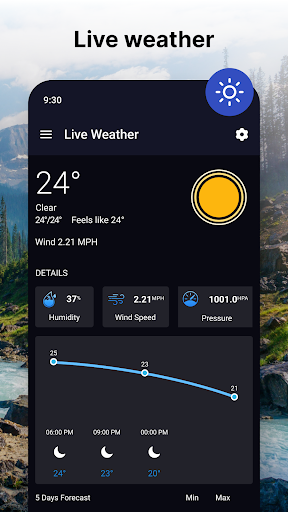
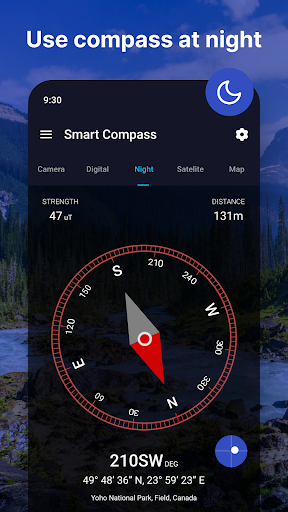
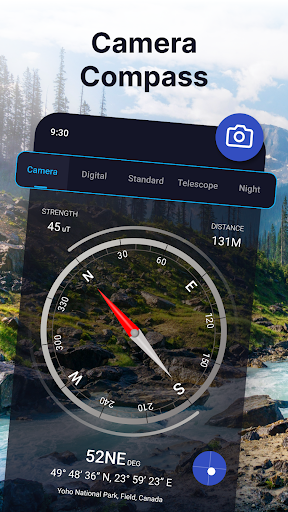
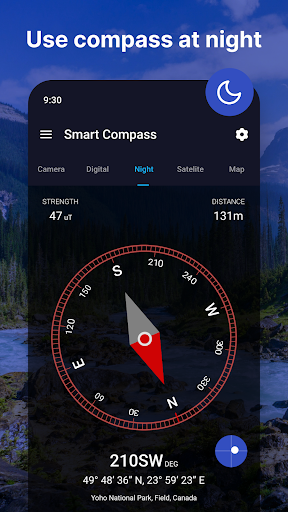
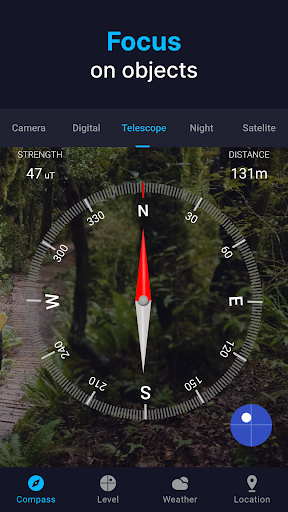
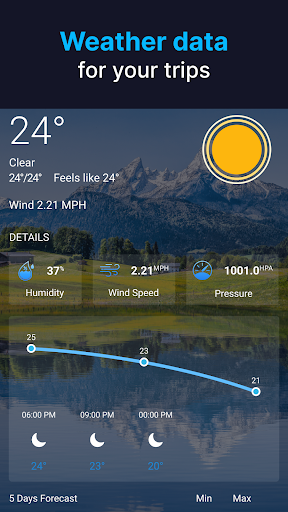
In addition to basic compass functionality, the app includes advanced features such as a Compass Direction Camera that overlays directions on a live view, digital and standard compass modes, and weather updates for better planning. Practical tools like Night Mode, Satellite Compass, and Telescope Functionality further enhance usability, providing a comprehensive navigation experience. Whether exploring new trails or navigating uncharted waters, this app transforms your device into an essential all-in-one navigation solution.
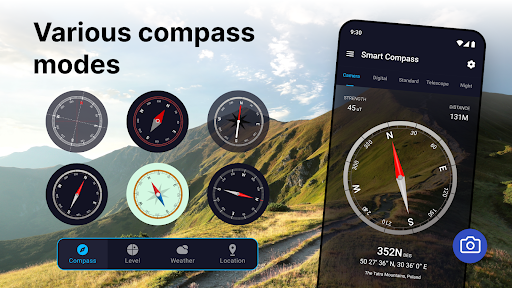
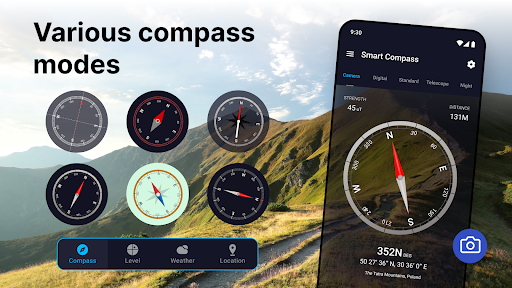
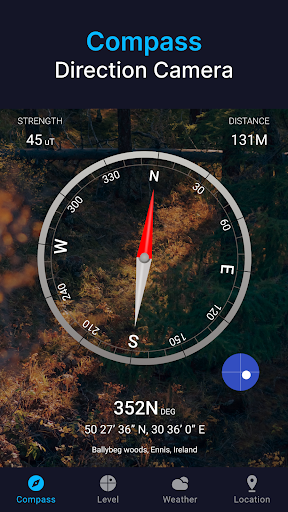
Compass app stands out with its innovative features tailored to meet diverse navigational needs. One of its key highlights is the Compass Direction Camera, which provides precision by overlaying compass directions over a live camera view, helping users visualize their path without needing to take photos. The app also offers both digital and standard compass modes, catering to different preferences while maintaining top-notch accuracy through necessary correction mechanisms.
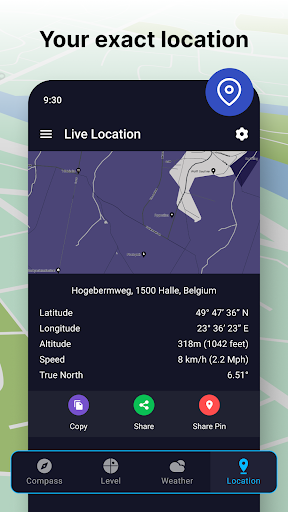
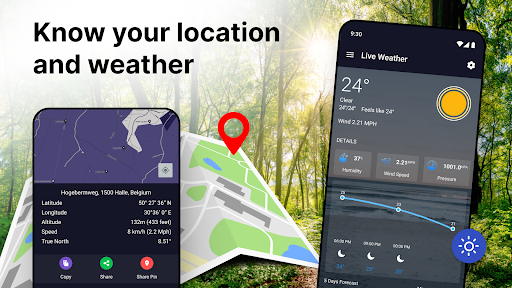
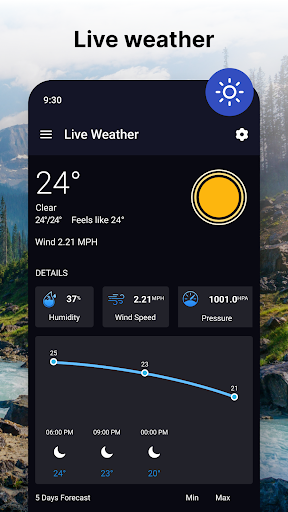
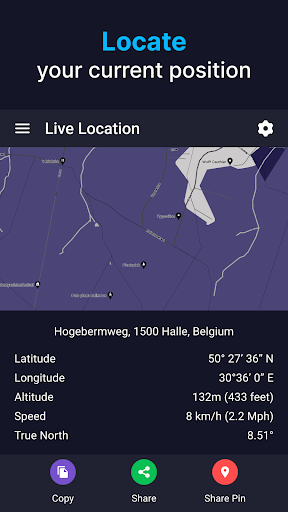
Enhancing the navigation experience are smart insights such as weather forecasts and current location updates, ensuring users stay prepared for changing conditions. Additional functionalities include a Satellite Compass for precise location instructions, Night Mode for easy readability in low light, and Telescope Functionality for focusing on distant objects. These rich features make the app not just a direction finder but a complete toolset for secure exploration, integrating level meters and GPS capabilities for added convenience.
Unmatched accuracy
User-friendly interface
Versatile use cases
Advanced features
Customizable display
Battery consumption
Device compatibility
Occasional lag
Limited offline maps
Subscription fees

Offline maps for phone and smart watch: topographic maps, satellite images...
 3.30
3.30
Turn your Android device into a real off-road GPS using off-line topo maps!
4.40
Fully offline 1:50k New Zealand topographical map North Island
4.5
Instant diesel discounts - save big with each fill up!
4.40
Explore Live Earth Map with 3D World Map & locate cites, mountains real time.
3.80
MapQuest is your go-to app for maps, GPS, voice navigation & live traffic.
3.80
Get route, find shortest path, near by places and weather update
3.90
Navigate seamlessly with Real-Time Traffic, Offline Maps, and Voice Navigation.
4.10
Use GPS Maps and GPS Voice Navigation to find your way and get directions
4.10
Offline maps & GPS for hiking, travel, fieldwork & outdoor adventures
4.70
The fastest and most convenient way to pay for parking on our lots.
4.40
Find radar, speed camera, flight tracker. Use hud, location tracker, speedometer
4.20
Easy, Moderate and difficult offroad adventures.
4.00
TACNAV-X: Precision MGRS navigation, built specifically for the military.
4.00
Get real-time bus and train schedules for easy, hassle-free city transportation.
3.90
Gas Station & Fuel Rewards Points
3.70
Live Satellite view app for find GPS navigation Direction and live location map
3.70
Explore offline maps with radar, satellite view, and real-time alerts.
3.60
Find 93 Octane Gas: Locate Gasoline Stations Selling Premium 93 Octane or Higher
4.0


User Reveiws