
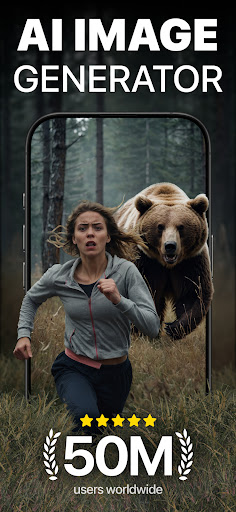
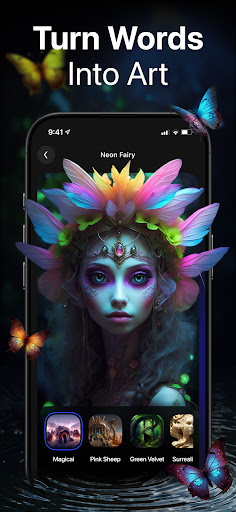
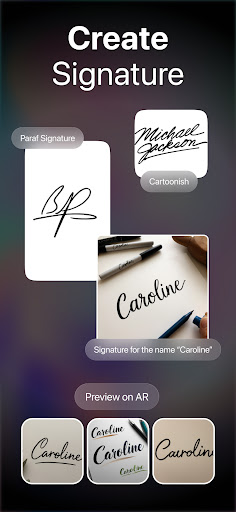
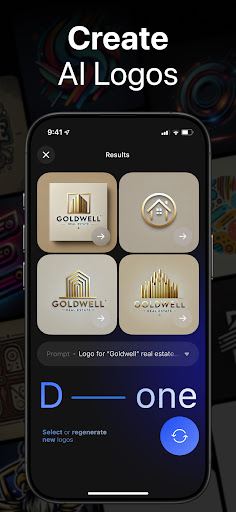
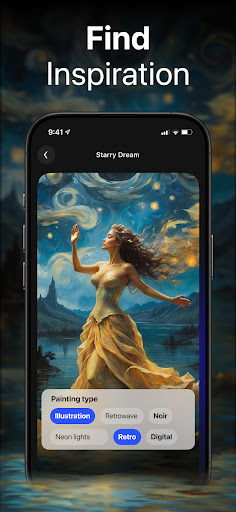
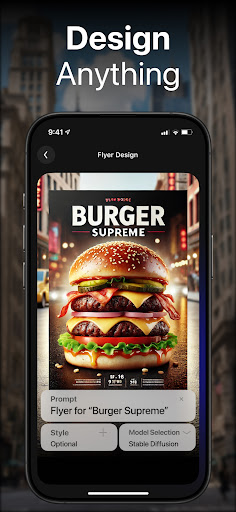
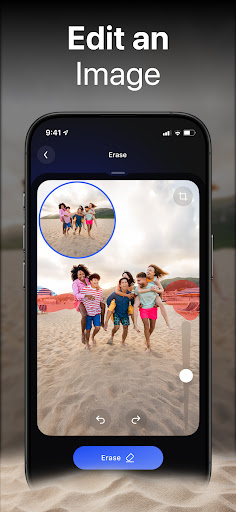
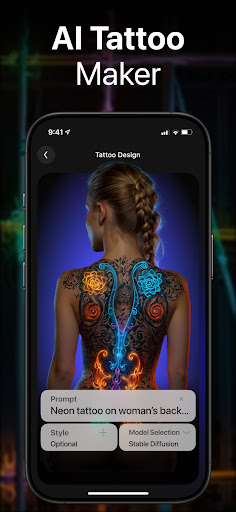
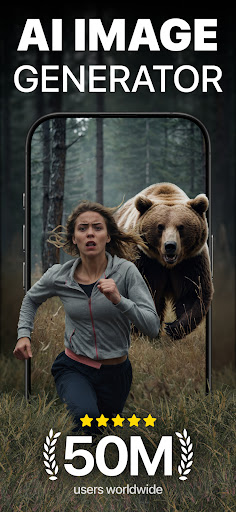
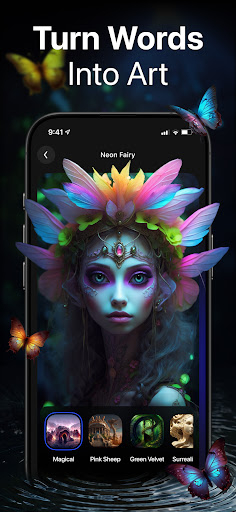
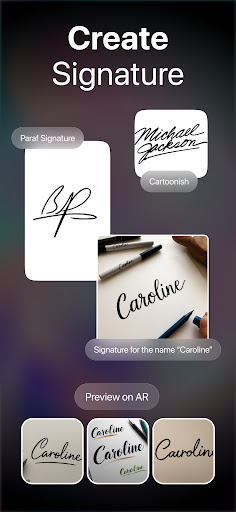
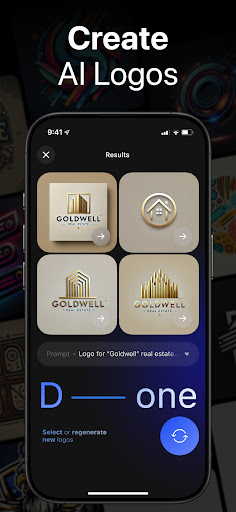
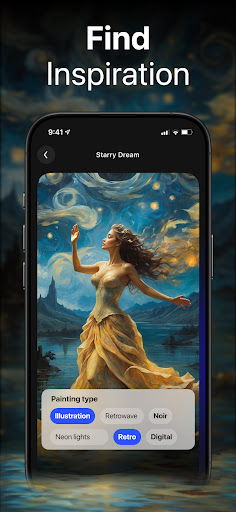
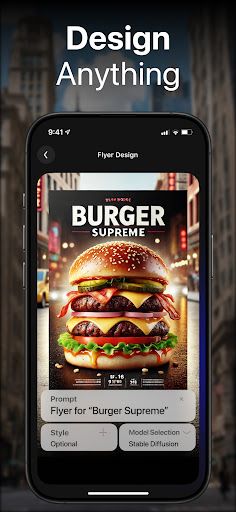
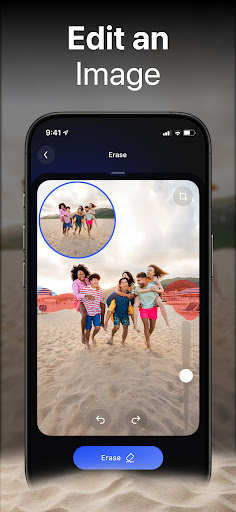
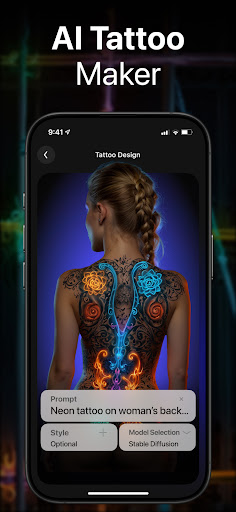
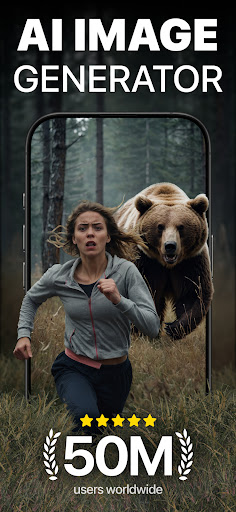
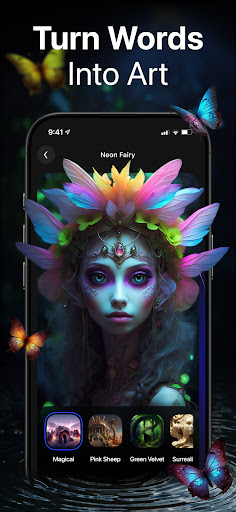
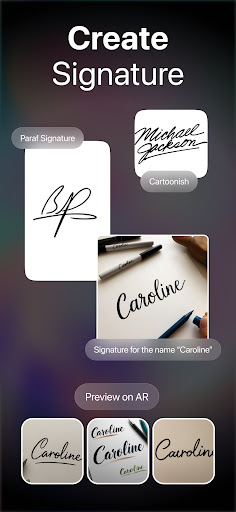
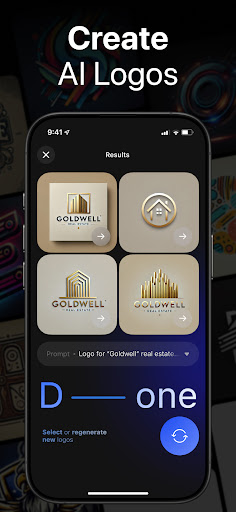
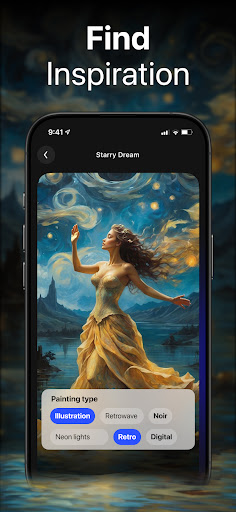
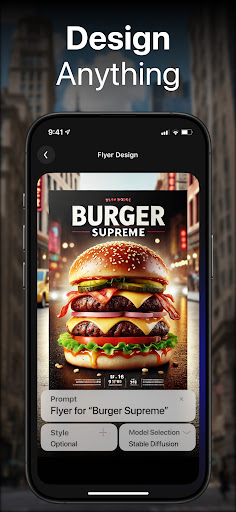
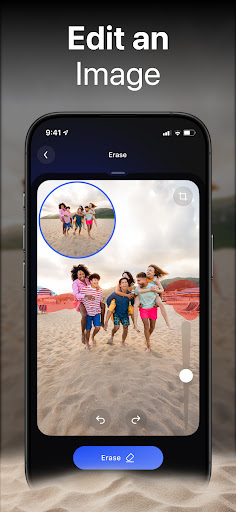
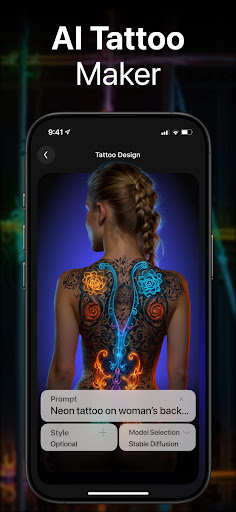
DaVinci is a cutting-edge AI Image Generator app that transforms your words and images into stunning AI-generated art. Using advanced artificial intelligence, it creates unique artworks, photos, and designs based on your input. Whether you need digital artworks, tattoo designs, logo creations, or realistic AI-generated avatars, DaVinci brings your ideas to life in seconds.
The app offers various art styles from pencil sketches to photorealism, allowing users to experiment and find the perfect style for their vision. You can create personalized artwork for your home, generate professional logos for your business, or design unique tattoos. With high-resolution downloads and easy sharing options to platforms like Instagram and Facebook, DaVinci makes it simple to showcase your creations.
This powerful tool democratizes art creation, making it accessible to everyone without needing traditional art supplies. Its capabilities are comparable to popular AI art tools like Midjourney and Dall-e, but optimized for mobile use. DaVinci empowers users to become creators, turning imagination into reality through AI-powered art generation.
DaVinci stands out with its comprehensive suite of AI-powered features that cater to diverse creative needs. The AI Art Generator, trained on millions of images, creates captivating artworks in seconds using just text prompts or uploaded photos. This feature enables both novice and experienced artists to produce professional-quality pieces effortlessly.
The app offers specialized generators for different use cases. The AI Tattoo Generator produces unique tattoo designs, while the AI Logo Generator creates professional business logos quickly. The AI Avatar Generator lets users transform their photos into various artistic styles, from astronauts to soccer players. Additionally, the AI Image Generator produces hyper-realistic photos that push the boundaries of artificial intelligence capabilities.
Usability features enhance the creative process further. Users can explore multiple art styles, download high-resolution images, and directly share their creations to social media platforms. The app's intuitive interface and seamless integration with modern AI technology make sophisticated art creation accessible to all skill levels, revolutionizing how people approach digital art production.
User-friendly interface
Multiple art styles
High-resolution output
Quick generation time
Versatile applications
Limited free usage
Requires internet
Occasional errors
Style inconsistencies
Premium costs

Pose and morph realistic male and female models! 3D poser app
 3.00
3.00
Digital Drawing: Draw & Paint
4.10
Remove Background, Magic Eraser, Photo Enhancer, Story Templates, Collage Maker
4.30
Passport size photo maker, create ID photo and visa photo in seconds
4.80
Unleash Your Creativity with Draw Cartoon - AR Drawing App
4.10
Castle is social media for creating and playing games!
4.60
Bring One UI 8.5 Icons to life -elegant dark icons with a modern, premium touch.
4.30
Beauty Camera - Selfie Camera is the ultimate beauty camera and selfie app
4.30
All-in-One art, logo & collage maker. Design photos and edit video backgrounds
4.80
Draw on screen: FP sDraw is a simple and lightweight drawing app
4.70
Turn your drawings into flipbook-style animations with simple creative tools
4.60
Draw, fidget, and spin glow art! Relax and express your creativity with a finger
4.60
800+ Drawing, Painting Lessons App to Practice, Sketch & Paint Art.
4.30
AR Anime Drawing: How to draw anime with AR drawing & sketching apps!
4.00
Turning simple sketches into captivating tales filled with life and motion
3.90
Paint with oils and sketch with natural tools on a realistic virtual canvas.
3.80
Experience next-gen icons with a modern liquid glass look.
3.60
AI Assistant, powered by ChatGPT GPT-4 & GPT-4o. Your intelligent companion.
3.50
Inky runs Inkscape on Android devices and Chromebooks
2.90


User Reveiws