
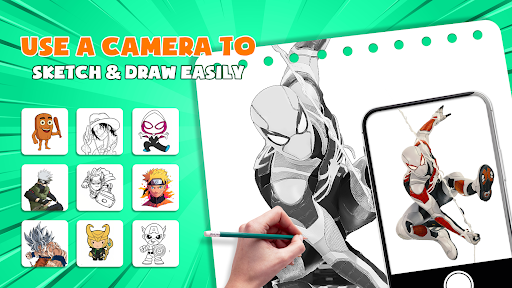
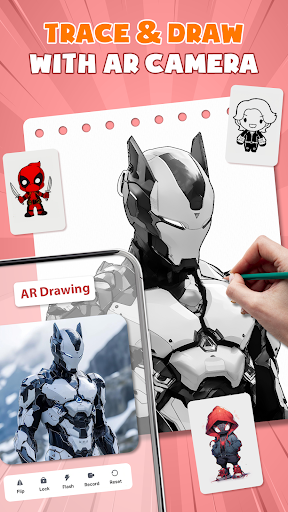
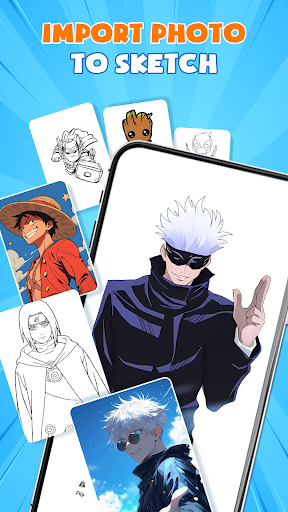
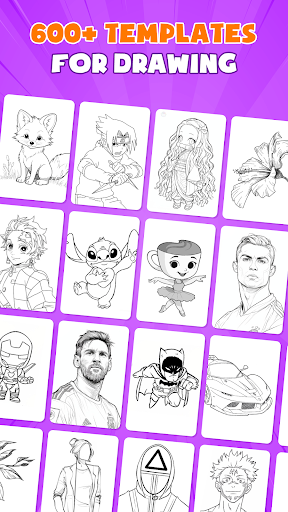
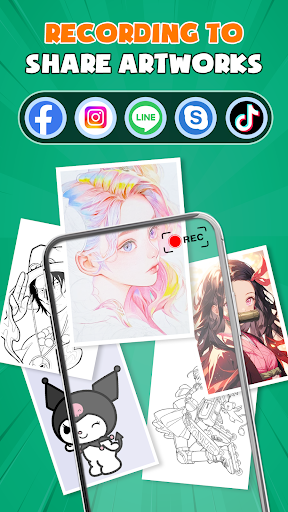
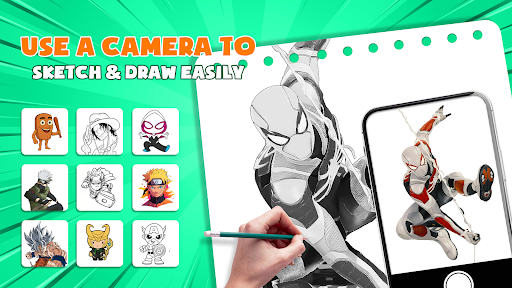
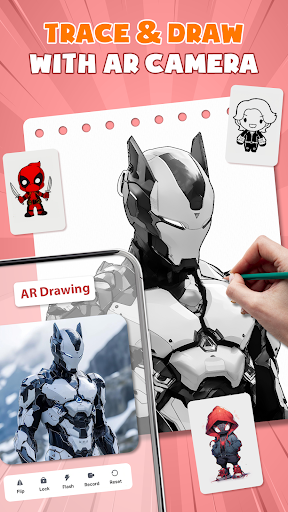

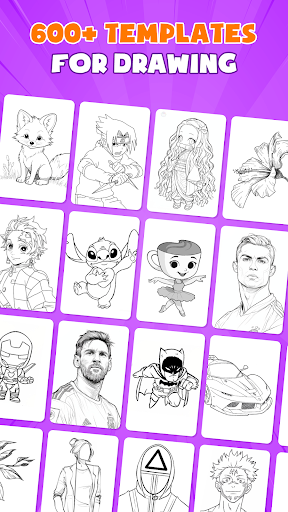

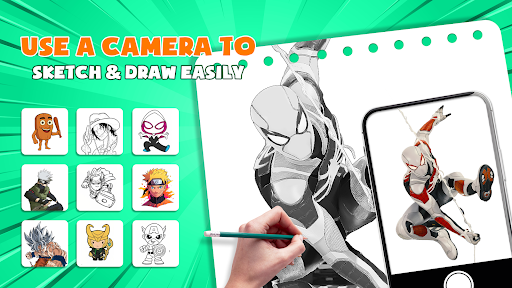
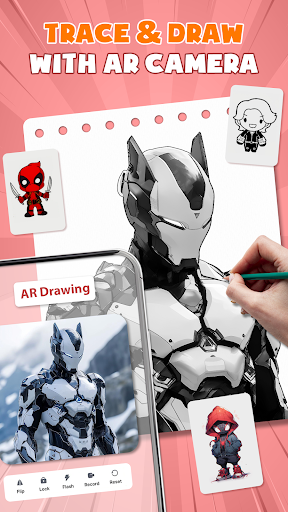
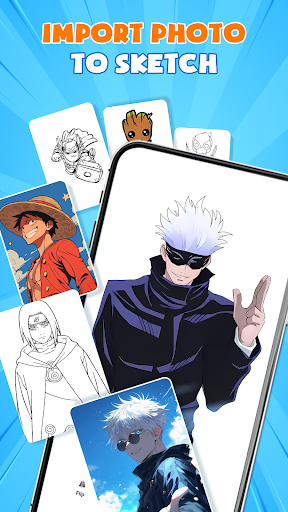
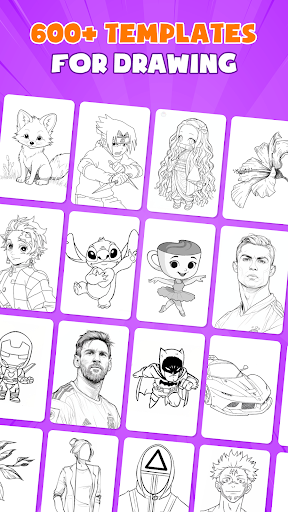
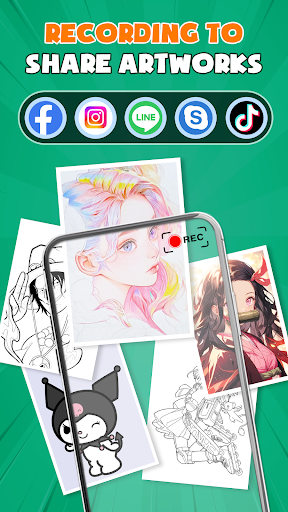
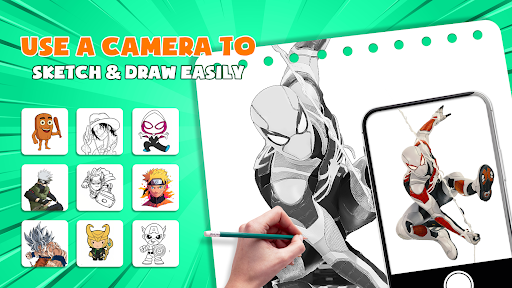
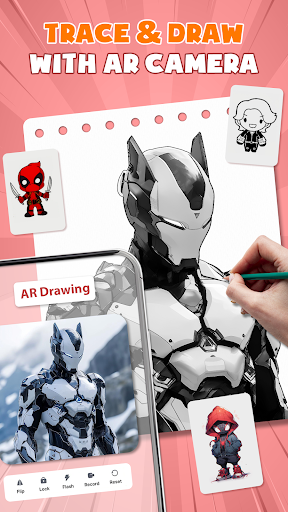

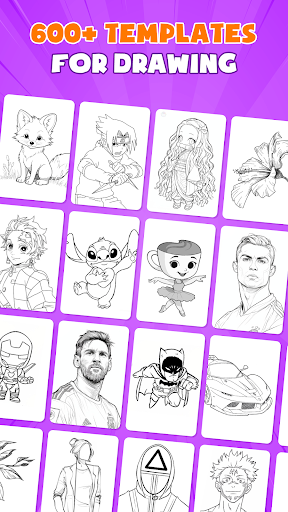
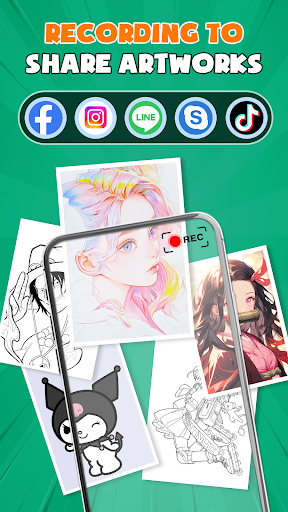
AR Drawing - Paint & Sketch is an innovative art application that combines augmented reality technology with traditional drawing techniques. This app allows users to create anime-style artwork using advanced AR tracing and sketching tools. With features like AR projection, precise tracing overlays, and a vast library of free templates, the app caters to both beginners and professional artists.
The application's standout capability is its AR drawing mode, which transforms your device into a virtual projector for accurate tracing. Users can import images, adjust parameters in AR view, and trace directly onto paper or canvas. The app also includes comprehensive painting features, anime-specific tools, and a unique drawing game mode that makes learning fun and engaging.
Whether you're looking to master anime drawing, practice realistic pencil sketches, or participate in global art competitions, AR Drawing - Paint & Sketch provides all necessary tools in one comprehensive package. Its intuitive interface and community features make it an ideal choice for artists seeking to enhance their skills while connecting with fellow creatives.
AR Drawing - Paint & Sketch distinguishes itself through its extensive feature set tailored specifically for digital artists. The app's AR projection capability enables users to trace real-world objects with remarkable precision, effectively turning their mobile devices into portable light boxes. This feature particularly benefits those practicing hyper-realistic drawings or complex anime compositions.
Beyond basic tracing, the application offers specialized tools for anime creation, including dedicated sketch filters, layer management systems, and preset drawing guides. Artists can access over 1000 free templates and utilize advanced color palettes that cater to various artistic styles. The inclusion of tattoo design modes and professional-grade pencil sketching options further expands its creative possibilities.
What sets this app apart is its successful integration of gamification elements with serious art tools. Through drawing games, tournaments, and community challenges, users can develop their skills while competing with others globally. The app maintains a perfect balance between powerful professional features and accessible beginner tools, making it suitable for artists at any skill level.
User-friendly interface
Extensive template library
Precise AR tracing
Comprehensive anime tools
Active artist community
Requires stable internet
Steep learning curve
Premium features costly
Device compatibility issues
Limited offline functions

Premium version of Shimeji-ee app with no ads & no limit active shimeji
 4.2
4.2
Draw on screen: FP sDraw is a simple and lightweight drawing app
4.70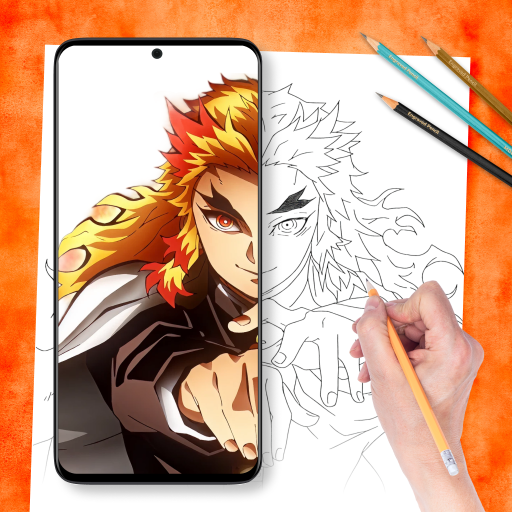
Draw anime easily with AR guidance, sketch templates & trace tools!
3.10
Draw glowing spinners, relax, and spin your creative art
4.60
Art of Combination Wear OS Watch Faces
3.30
Mobile pixel art editor. Simple. Fast. Portable.
4.80
2D animation studio for Android tablets - unlimited layers, infinite timeline
4.70
OneUI 8.5 icons ✨ Smooth, modern & based on the latest Play Store design ??
4.10
AI Tattoo Generator: Create Tattoo Designs & Get Ideas! Ink & Stencil Maker
4.50
Make your phone cooler and have a fantastic experience
4.80
Get an overview over all your embroidery threads, projects and more.
4.60
Painting, drawing, & sketching
4.50
Beauty Camera - Selfie Camera is the ultimate beauty camera and selfie app
4.30
Unleash Your Creativity with Draw Cartoon - AR Drawing App
4.10
Floor Plan Creator lets you create, edit and share floor plans.
4.00
AI Face Swap, Video Effects Editor, Realtime Morph, Funny Video FX,AI Filters
3.70
Your homescreen as an elegant glass with customized blur, lighting, and visuals.
3.70
Create sweet, cool and unique couple avatars easily, in just a few steps!
3.40
Sketch, trace and master AR drawing with awesome anime art!
3.30


User Reveiws