Direct Chat & Messaging

4.70

Information

Category:

Productivity

Price:

Free

Rank:

56

Rating:

4.70

Overview

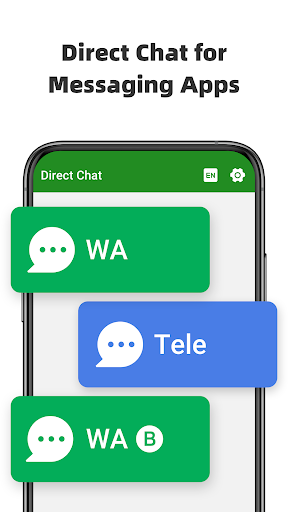
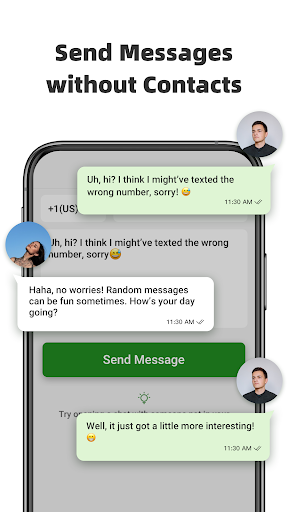
Direct Chat & Messaging is a productivity-focused application designed to streamline your communication process. The app allows users to send messages directly without saving contacts, making it ideal for business or one-time interactions. It supports multiple messaging platforms including WA, WA Business, and Tele Chatting App. Additionally, the Dual App feature enables managing two WA accounts on a single device or accessing the same account across multiple devices. With its Message Recovery function, users can retrieve deleted messages and media privately and securely.

The app proves particularly valuable for professionals who need to maintain clear communication channels without cluttering their contact lists. Its seamless synchronization and notification access ensure users never miss important messages while maintaining privacy and data security.

Features

Direct Chat & Messaging stands out with its innovative features tailored for enhanced productivity. The Direct Chat functionality allows initiating conversations without saving phone numbers, which is especially useful for first-time discussions. This feature supports WA, WA Business, and Tele Chatting App, providing flexibility across different platforms.

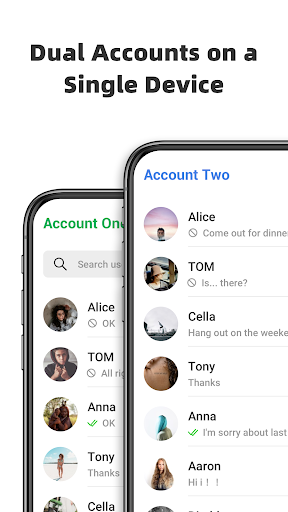
The Dual App - Web Scan for WA feature revolutionizes account management by enabling access to the same WA account on multiple devices or handling two accounts on one device. It ensures uninterrupted connectivity and automatic message syncing. The Recover Deleted Messages feature provides peace of mind by allowing users to retrieve lost messages and media, all stored securely on the user's device without external data collection.

Core task management

Task management in productivity applications refers to the ability to organize, track, and manage tasks efficiently, ensuring users can prioritize and complete their work without unnecessary complications. Direct Chat & Messaging excels in this area by offering features that streamline communication tasks, particularly for users who need to handle multiple conversations or accounts. The app's Direct Chat functionality allows users to initiate conversations with contacts without permanently saving their numbers, which is especially useful for managing temporary or one-off communications. This feature eliminates the clutter of unnecessary contacts, thereby simplifying task organization. Additionally, the Dual App - Web Scan feature enhances task management by enabling users to access the same WhatsApp account on multiple devices or manage two accounts on a single device. This ensures seamless connectivity and prevents disruptions in communication, which is crucial for productivity. Users benefit from automatic syncing of all messages from cloned WhatsApp accounts, allowing them to read and reply to messages anytime, thus maintaining an organized workflow. Furthermore, the Recover Deleted Messages feature adds another layer of task management by allowing users to retrieve accidentally deleted messages and media. This function ensures that no critical information is lost, supporting uninterrupted productivity. By providing tools that simplify communication tasks, Direct Chat & Messaging empowers users to focus on their core responsibilities, enhancing overall efficiency.

Cross-device synchronization reliability

Cross-device synchronization reliability is a critical aspect of productivity applications, ensuring that data and tasks are consistently updated and accessible across all user devices. Direct Chat & Messaging addresses this need through its Dual App - Web Scan feature, which allows users to access the same WhatsApp account on multiple devices or manage two accounts on one device. This feature provides strong, stable connections and prevents unexpected logouts, ensuring that users remain connected at all times. The app automatically syncs all messages from cloned WhatsApp accounts, enabling users to read and reply to messages from any linked device. This synchronization extends to managing downloaded files from cloned accounts, ensuring that all important documents and media are available regardless of the device being used. Such reliable cross-device functionality is vital for users who switch between devices throughout their day, as it maintains continuity in their workflow. Moreover, the Recover Deleted Messages feature enhances synchronization reliability by saving deleted messages and media directly to the user's device. This ensures that even if content is removed from one device, it remains accessible on others, preserving critical information. The app also emphasizes privacy and security during synchronization, assuring users that their data is not collected or stored externally. By focusing on robust synchronization capabilities, Direct Chat & Messaging ensures that users can rely on consistent access to their communications and data, regardless of the device they are using, thus significantly boosting productivity.

Props

User-friendly interface

Multi-platform support

Secure message recovery

Efficient dual account management

Private notifications access

Cons

Limited to specific platforms

Requires notification access

Potential battery consumption

Not officially affiliated with WA

May need frequent updates

Features and Functions

What is this app and what can I use it for?

A productivity app for direct messaging without saving contacts

How do I download and install this app on my device?

Visit Google Play Store, search for the app, and tap install

How do I get started after opening the app for the first time?

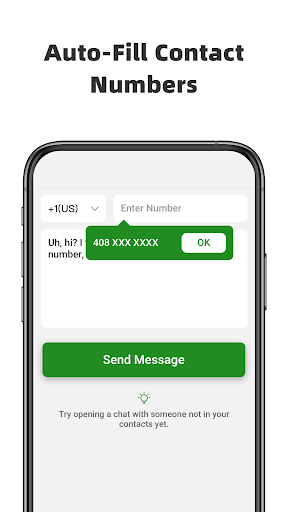
Enter phone number, copy message, click send to start chatting

What are the main features and capabilities of this app?

Direct chat, dual app management, message recovery features

How can I customize my experience and adjust preferences?

Adjust notification settings in the app preferences menu

How do I save or bookmark my favorite content for later access?

Recovered messages are saved automatically in the app

How can I share content with friends or on social media?

Share content via app's sharing option or copy-paste method

How do I access detailed information and explore more content?

Access detailed info through the appu2019s main dashboard

What permissions does this app need and how do I manage them?

App needs notification access to recover deleted messages

How do I check for updates and keep the app running smoothly?

Enable auto-update in Google Play Store for latest version
Show more

User Reveiws

{{ comment.reviewer_name }}
{{ comment.review_date_formatted}}
{{ comment.review_content }}
{{ tab.name }}
{{ comment.reviewer_name }}
{{ comment.review_date_formatted}}
{{ comment.review_content }}
No reviews with this rating
















