


aSPICE Pro Secure SPICE Client

4.00

Information

Category:

Productivity

Price:

$ 9.99

Rank:

43

Rating:

4.00

Overview

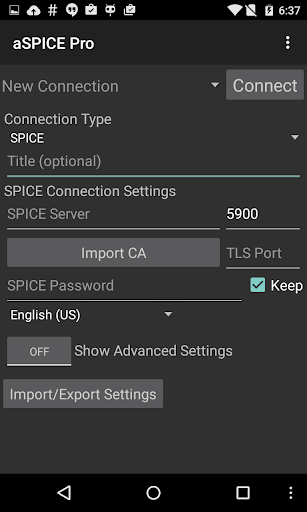
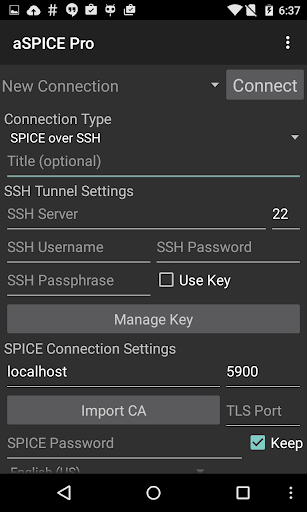
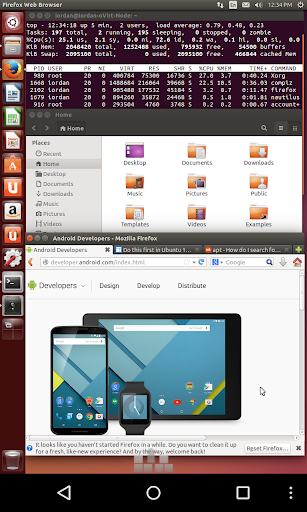
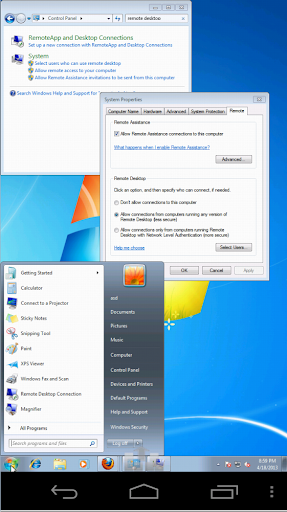
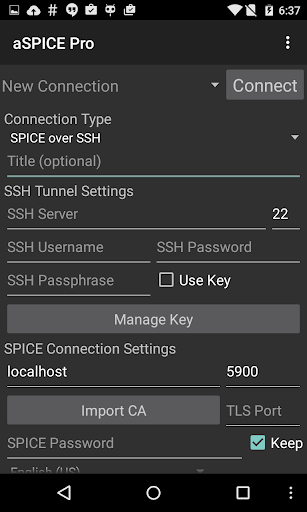
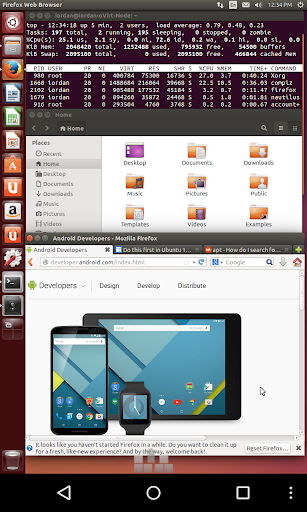
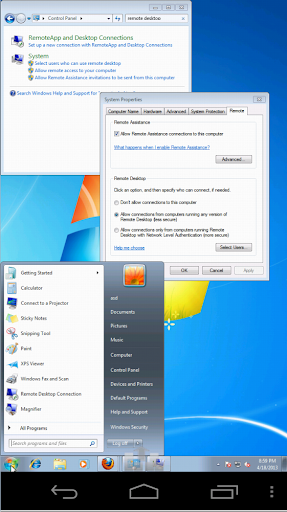
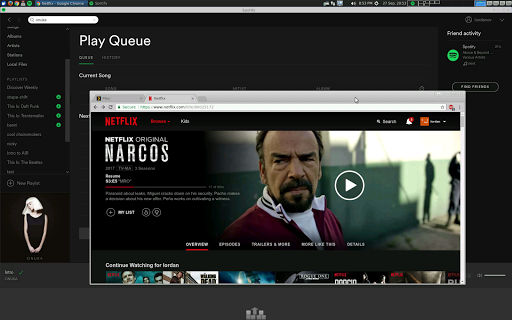
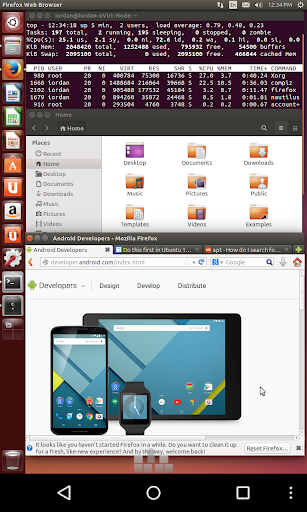
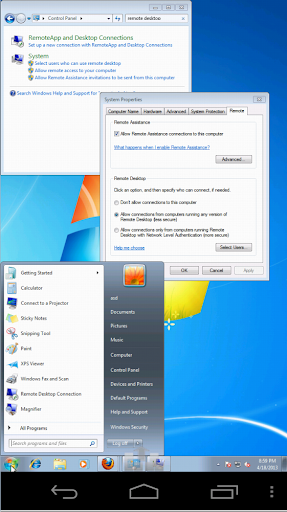
aSPICE Pro Secure SPICE Client is a powerful productivity tool designed for secure remote desktop access. This application enables users to control any SPICE-enabled virtual machine with ease, regardless of the guest operating system. With advanced features like SSH tunneling and multi-factor authentication, it ensures top-level security while providing seamless connectivity.

The app offers an intuitive interface optimized for various screen sizes, making it suitable for both smartphones and tablets. Its innovative input modes, including simulated touchpad and single-handed operation, provide flexible control options. Whether you're managing virtual machines from BIOS to OS or need precise mouse control, aSPICE Pro delivers exceptional performance and reliability.

Features

aSPICE Pro stands out with its comprehensive feature set tailored for productivity enthusiasts. The app supports multiple authentication methods including master password and MFA/2FA SSH, ensuring secure access to remote systems. Its dynamic resolution adjustment allows users to reconfigure their desktop environment on-the-fly, maintaining optimal visibility and control.

One of the key strengths of aSPICE Pro is its versatile input system. It supports multi-touch gestures for natural interaction, including pinch-zooming and scrolling. The application also provides specialized keyboard support with stowable on-screen keys and hardware keyboard compatibility. Additionally, features like automatic session saving and various scaling modes enhance the overall user experience, making remote desktop management more efficient.

Core task management

In the realm of productivity applications like aSPICE Pro Secure SPICE Client core task management refers to the application's ability to efficiently handle and organize various tasks associated with remote desktop connections and virtual machine controls The importance of this feature cannot be overstated as it directly impacts the user's capacity to maintain an organized workflow and manage multiple computing environments With aSPICE users are provided with a comprehensive suite of tools designed to streamline the process of connecting to and controlling SPICE-enabled virtual machines This includes support for master password which simplifies the authentication process across different sessions Additionally the app offers multi-factor authentication through SSH enhancing security while maintaining ease of access The application also supports automatic connection session saving ensuring that users can quickly reconnect to their previous sessions without the need to reconfigure settings each time they launch the app Another significant aspect of task management in aSPICE is its ability to offer dynamic resolution changes This feature allows users to adjust their desktop configurations on-the-fly providing flexibility and control over how they interact with remote systems Furthermore aSPICE incorporates multi-language support catering to a global audience and making it easier for non-native English speakers to utilize its features effectively Overall these capabilities ensure that users can focus more on their work rather than getting bogged down by the intricacies of managing remote connections By offering a robust set of tools for handling various tasks related to remote desktop management aSPICE empowers users to achieve higher levels of productivity and efficiency

Cross-device synchronization reliability

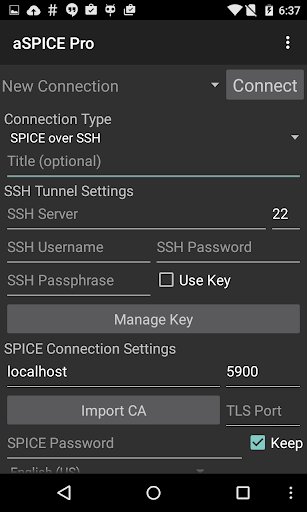
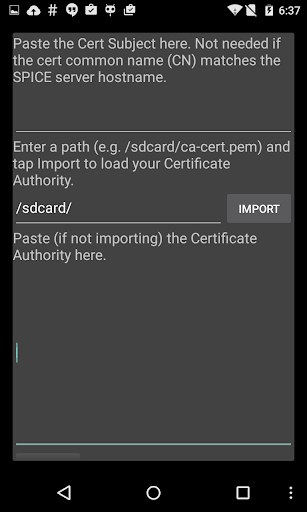
Cross-device synchronization reliability is a critical component of any productivity tool especially one like aSPICE Pro Secure SPICE Client which is designed to facilitate seamless interaction with remote computing environments For professionals who rely on consistent access to their virtual machines regardless of the device they are using this feature ensures that all data settings and configurations are accurately mirrored across different platforms In the case of aSPICE this reliability is achieved through several key functionalities First the application supports SSH tunneling which not only adds an extra layer of security but also enables users to reach machines behind firewalls from any device they choose to work on This means whether you're using a smartphone tablet or desktop computer you can expect the same level of secure and uninterrupted access to your virtual machines Moreover aSPICE provides options for importing and exporting settings allowing users to easily transfer their preferred configurations between devices This is particularly useful when setting up new devices or ensuring consistency across multiple workstations Additionally the app includes UI optimizations tailored for different screen sizes ensuring that the interface remains intuitive and user-friendly regardless of the device being used Whether you're operating on a large tablet display or a compact smartphone screen aSPICE adapts to provide an optimal viewing and interaction experience These features collectively contribute to a highly reliable cross-device synchronization experience enabling users to switch between devices without losing any functionality or facing inconsistencies in their remote desktop interactions By prioritizing synchronization reliability aSPICE ensures that users can depend on a consistent and efficient workflow no matter where they are or what device they are using

Props

Secure SSH connections

Multi-touch support

Dynamic resolution

Session auto-save

Cross-platform

Cons

Complex setup

Advanced features

Learning curve

Paid version

Technical knowledge

Features and Functions

What is this app and what can I use it for?

aSPICE Pro is a secure SPICE client for remote desktop access.

How do I download and install this app on my device?

Download aSPICE Pro from Apple App Store or Google Play Store.

How do I get started after opening the app for the first time?

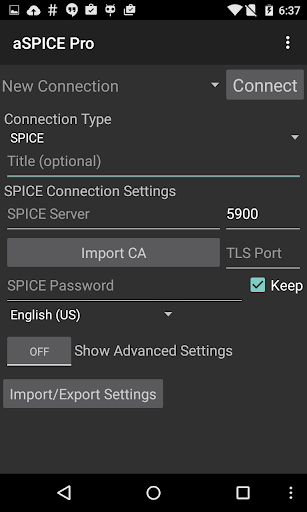
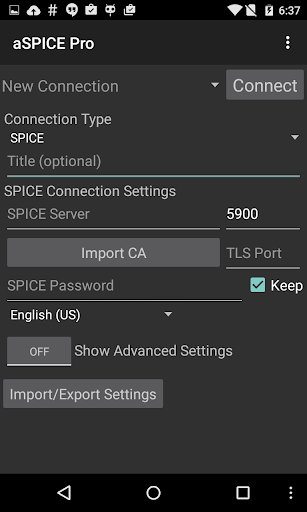
Set up new connection using on-device help in Menu section.

What are the main features and capabilities of this app?

Main features include SSH tunneling and multi-touch controls.

How can I customize my experience and adjust preferences?

Adjust preferences through Advanced Settings on main screen.

How do I save or bookmark my favorite content for later access?

Automatic session saving stores your favorite connections.

How can I share content with friends or on social media?

Share connection details via export function in settings.

How do I access detailed information and explore more content?

Access detailed information through on-device help system.

What permissions does this app need and how do I manage them?

App needs network permissions managed in system settings.

How do I check for updates and keep the app running smoothly?

Check GitHub releases for updates and maintain SSH configurations.
Show more

User Reveiws

{{ comment.reviewer_name }}
{{ comment.review_date_formatted}}
{{ comment.review_content }}
{{ tab.name }}
{{ comment.reviewer_name }}
{{ comment.review_date_formatted}}
{{ comment.review_content }}
No reviews with this rating