

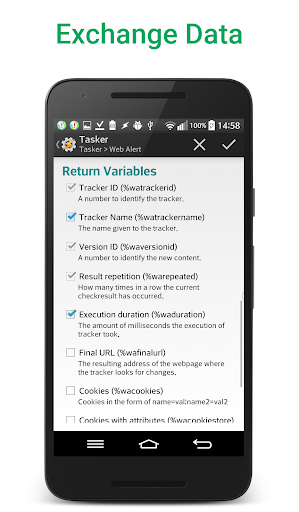

Web Alert (Pro) is a powerful productivity tool designed for professionals in web development and automation. This one-time lifetime purchase enhances the free Web Alert app by adding advanced monitoring features. The application excels at tracking web page changes, such as price drops in online stores, and provides instant notifications when changes are detected.
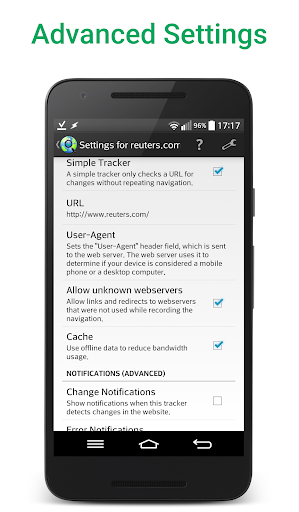
The app's strength lies in its comprehensive customization options. Users can set custom check frequencies as frequent as every 5 seconds, apply text filters, monitor specific numbers, and define notification schedules. Its professional-grade features include RegEx filtering, CSS/jQuery selectors, and HTML source code monitoring. The Tasker plugin integration makes it particularly valuable for automation specialists.
This productivity tool proves especially useful in competitive markets where timely information is crucial. For instance, e-commerce professionals can monitor competitor pricing and receive immediate alerts when prices change, enabling them to adjust their strategies accordingly.
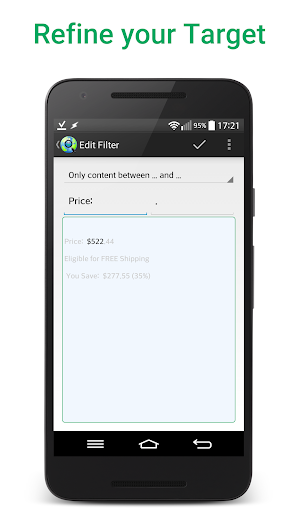
Web Alert (Pro) distinguishes itself through its extensive feature set tailored for power users. The parallel checking capability allows simultaneous monitoring of multiple web pages, while the advanced filtering system enables precise targeting of specific content. Users can create sophisticated monitoring rules using regular expressions and CSS/jQuery selectors.
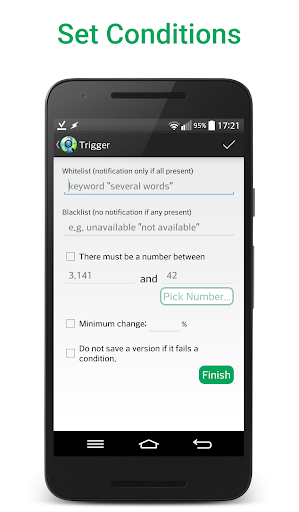
A key innovation is the ability to monitor specific numerical values, such as product prices, with percentage-based change thresholds. The app maintains website links within detected changes and allows viewing only the modified portions of web pages. Professional users benefit from the Tasker plugin integration, which enables complex automation without requiring programming knowledge.
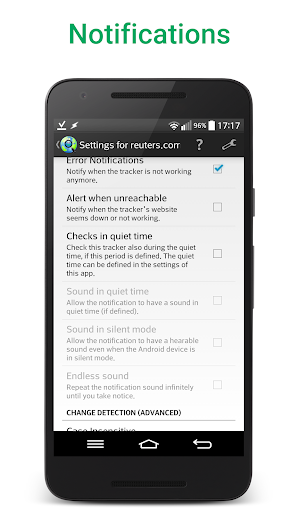
The app's data management features are equally impressive. Users can export website versions as zip archives, backup and restore alerts, and modify alert URLs. The ability to detect website downtime and export/import alert configurations adds to its value as a comprehensive web monitoring solution.
Advanced monitoring capabilities
Highly customizable settings
Professional-grade features
Tasker plugin integration
Comprehensive data management
Requires separate free app
Complex for beginners
One-time purchase cost
Limited visual interface
Technical knowledge needed

Direct Chat without saving contacts & Dual WA Account on Single Device
 4.70
4.70
Smart PDF reader & editor to view, organize and manage PDF documents easily.
3.70
Docker, Kubernetes management over Portainer Mobile
4.40
Best Tool for the professionals Electrician, Electrical contractors, etc.
4.90
The ultimate file manager for rooted devices. The original and still the best.
4.00
AT&T Internet customers can use this app to personalize their Wi-Fi network.
4.40
Daily processing of PDF documents.
4.40
Seamlessly read, manage, and organize all your PDF files solution in one place
4.40
Browse and view your photos and videos from the phone with photo & video hide.
4.10
Seamlessly integrate data and reports to build your presentation to impress
4.80
Mind Map and brainstorm, note taking and idea collection
4.80
Scan paperwork into PDF/JPG, generate your own e-signature and send fax or email
4.70
The Pro Version of Android's tiniest Notepad app. Just 0.3MB but feature-packed!
4.60
App Lock with fingerprint, password: Lock apps & hide photos with lock screens
4.60
A simple Whisper AI keyboard for reliable speech transcription and rewording
4.60
Planet Free VPN - The best Fast Unlimited and Secure VPN Without Logs
4.50
Translate text/voice/photos in 150+ languages. Offline & fast translator app.
4.50
CalenGoo is a very flexible and feature-rich calendar app
4.40
Create study competitions, track your hours, and stay consistent with friends
4.4


User Reveiws