
Applock Pro

4.40

Information

Category:

Productivity

Price:

Free

Rank:

59

Rating:

4.40

Overview

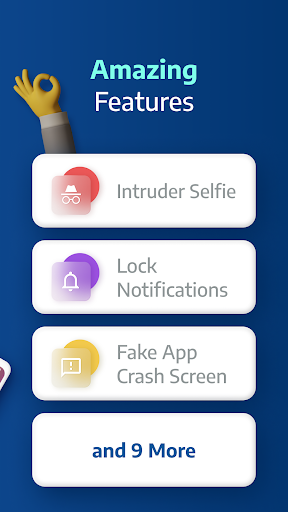
AppLock Pro is a premier productivity app designed to safeguard your personal data by locking access to apps and photos. This application provides robust security features including fingerprint unlock, PIN protection, and pattern-based access, ensuring that sensitive information remains private. Trusted by millions of users, AppLock Pro offers customizable lock styles and smart functionalities like spy camera detection, making it an essential tool for anyone looking to protect their digital privacy.

In addition to its core security features, AppLock Pro also includes practical utilities such as auto-relock timers, fake error messages, and notification hiding. These features collectively create a comprehensive security solution that not only protects but also enhances user experience through thoughtful design and intuitive controls. Whether you're securing social media accounts or sensitive photo galleries, AppLock Pro delivers peace of mind with its reliable and easy-to-use interface.

Features

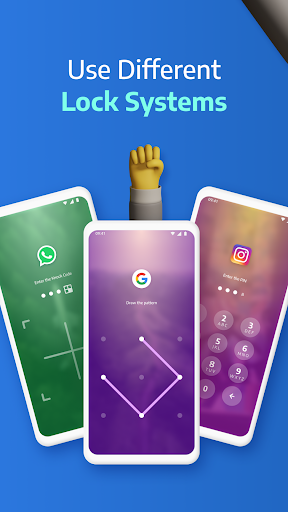
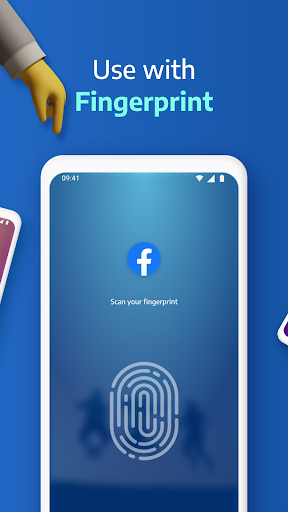
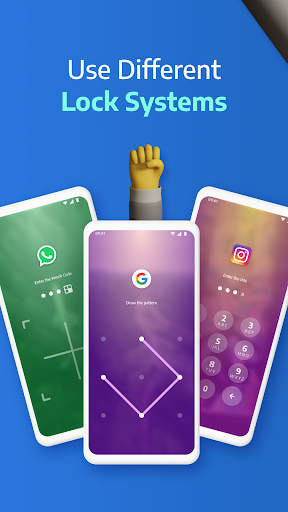
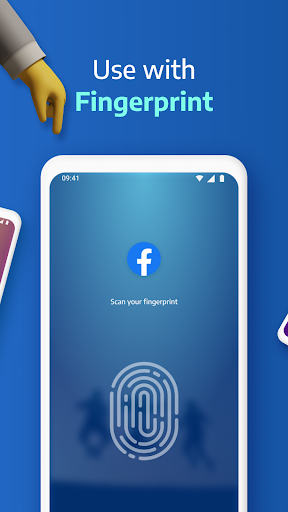
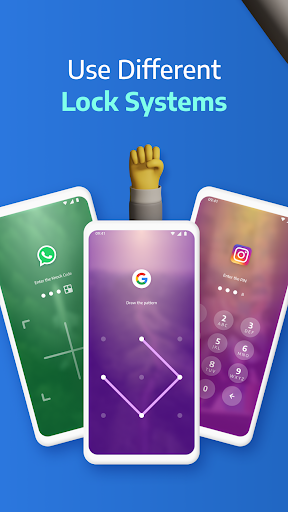
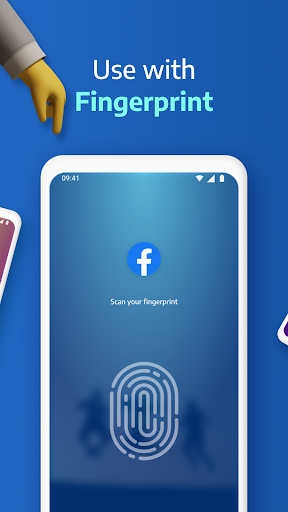
AppLock Pro stands out with its diverse range of locking mechanisms, including fingerprint recognition, KnockCode, pattern, and PIN options. Each method is designed to cater to different user preferences and device capabilities, ensuring maximum flexibility and convenience. The inclusion of a spy camera feature adds an extra layer of security by capturing unauthorized access attempts, while the fake error message function deters potential intruders by masking the lock screen.

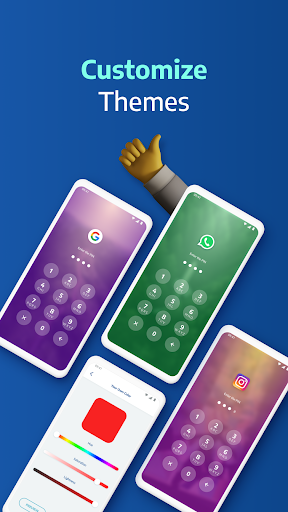
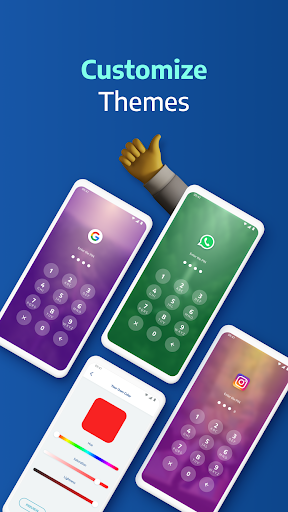
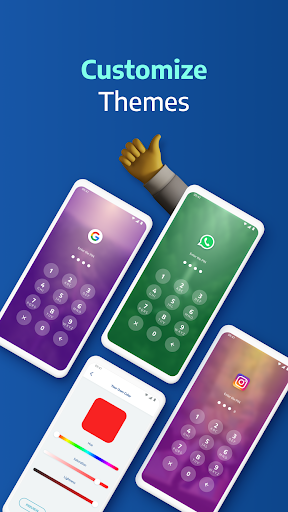
Beyond basic locking, AppLock Pro offers advanced functionalities such as customizable themes and background settings, allowing users to personalize their security experience. The app's smart settings optimize performance by minimizing battery and RAM usage, while additional features like vibration feedback and new app alerts enhance usability. With these comprehensive tools, AppLock Pro not only secures your data but also integrates seamlessly into your daily routine, providing both protection and personalization.

Core task management

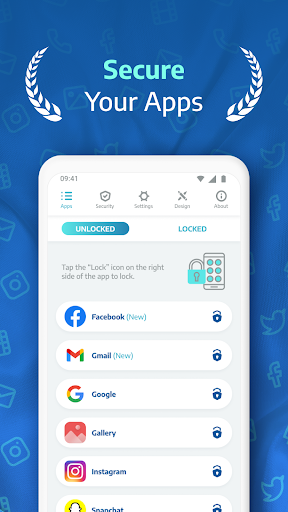
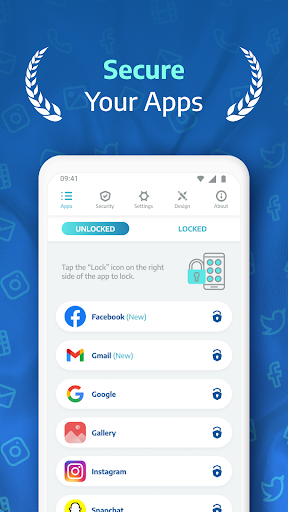
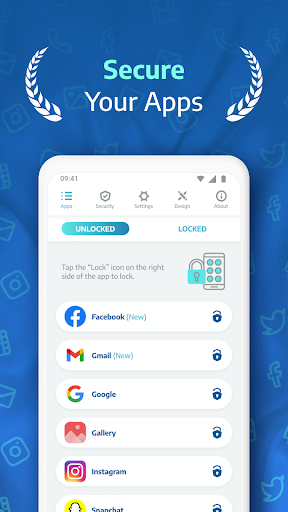
Task management in AppLock Pro refers to the app's ability to efficiently handle and secure various tasks related to app locking and privacy protection. This feature is crucial as it ensures that users can manage their locked apps and security settings with ease and precision. AppLock Pro achieves this by providing a comprehensive suite of tools designed to protect user privacy across multiple dimensions. The app allows users to lock any app using different methods such as PIN, pattern, fingerprint, or KnockCode, catering to individual preferences and device capabilities. Additionally, it offers advanced features like spy camera protection, which takes a secret photo when someone enters the wrong password, adding an extra layer of security. Users can also set up a fake error message to mislead potential intruders, further safeguarding their private data. The lock timer and auto re-lock functions enable users to customize when and how their apps are locked, ensuring flexibility and convenience. Moreover, the spy alarm feature triggers a loud alert if there are multiple failed password attempts, deterring unauthorized access. With these robust task management capabilities, AppLock Pro empowers users to take full control of their app security, protecting sensitive information from prying eyes and ensuring peace of mind. By integrating smart settings such as lightweight optimization for battery and RAM usage, along with options like vibration feedback and new app alerts, AppLock Pro delivers a seamless and efficient user experience, making it a reliable choice for anyone looking to enhance their mobile privacy.

Cross-device synchronization reliability

Cross-device synchronization reliability in AppLock Pro pertains to the app's capacity to maintain consistent and accurate security settings across different devices. This functionality is essential for users who utilize multiple devices and require uniform protection for their apps and data. AppLock Pro addresses this need by implementing a sophisticated synchronization mechanism that ensures all locked apps and security configurations are mirrored accurately on each connected device. When a user updates their lock settings or adds new apps to the lock list on one device, these changes are automatically reflected on other devices linked through the same account. This seamless synchronization process is facilitated by cloud-based technology, which securely stores user preferences and security parameters, allowing for real-time updates without compromising data integrity. The reliability of this feature is further enhanced by the app's optimized performance, which minimizes latency and maximizes data transfer speed. As a result, users can enjoy uninterrupted security across their devices, knowing that their privacy settings remain intact regardless of the device they are using. AppLock Pro's cross-device synchronization not only simplifies the management of app locks but also reinforces overall security by eliminating discrepancies that could arise from manual updates. Furthermore, the app's smart settings, including vibration feedback and lock recent apps, contribute to a cohesive and responsive user experience, ensuring that security measures are both effective and user-friendly. By prioritizing synchronization reliability, AppLock Pro provides a dependable solution for individuals seeking to safeguard their digital lives across multiple platforms, enhancing both convenience and protection.

Props

Highly secure

User-friendly interface

Customizable lock styles

Lightweight and efficient

Trusted by millions

Cons

Limited free features

Requires permissions

Premium version costly

Occasional bugs

Device compatibility issues

Features and Functions

What is this app and what can I use it for?

AppLock Pro secures apps and photos with various lock types.

How do I download and install this app on my device?

Download AppLock Pro from Google Play Store on your Android device.

How do I get started after opening the app for the first time?

Set up a lock type and select apps to protect upon first launch.

What are the main features and capabilities of this app?

Lock apps, hide notifications, spy camera, custom themes, auto-relock.

How can I customize my experience and adjust preferences?

Adjust settings for vibration, lock timer, and new app alerts.

How do I save or bookmark my favorite content for later access?

Use the hide feature to bookmark sensitive content securely.

How can I share content with friends or on social media?

Share locked content via supported apps after unlocking them.

How do I access detailed information and explore more content?

Access detailed info in settings and explore advanced features.

What permissions does this app need and how do I manage them?

App needs permissions for features like custom backgrounds.

How do I check for updates and keep the app running smoothly?

Check updates in Google Play Store to keep the app current.
Show more

User Reveiws

{{ comment.reviewer_name }}
{{ comment.review_date_formatted}}
{{ comment.review_content }}
{{ tab.name }}
{{ comment.reviewer_name }}
{{ comment.review_date_formatted}}
{{ comment.review_content }}
No reviews with this rating












