
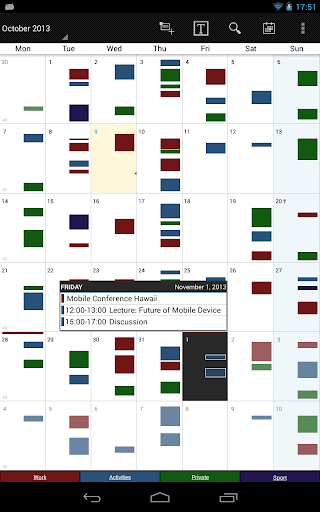
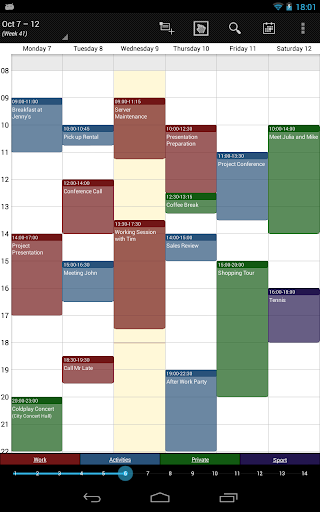

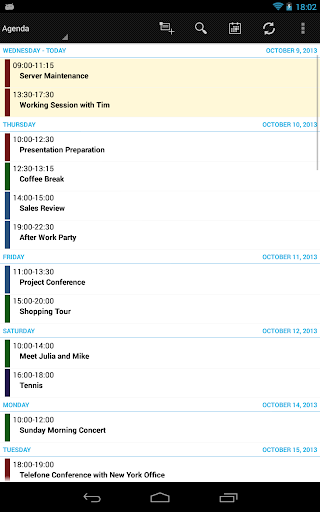
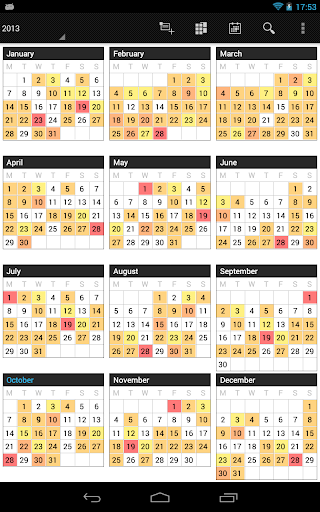
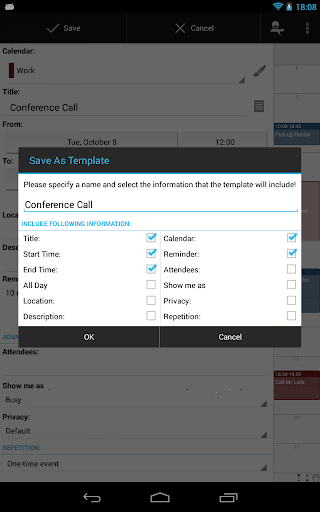
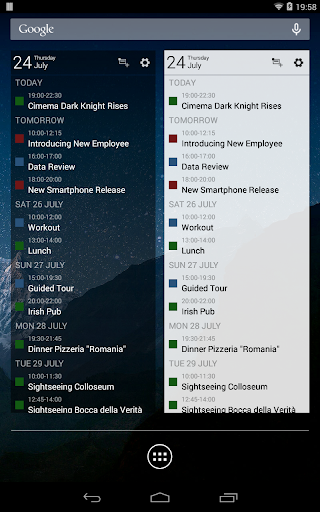
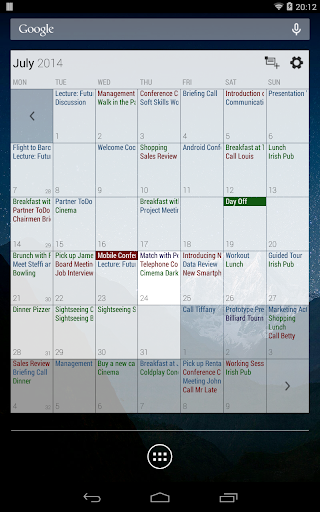

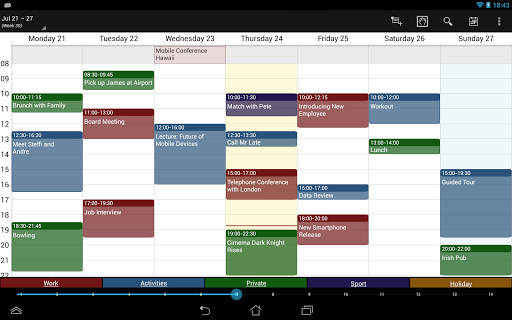



Business Calendar Pro is a comprehensive productivity tool designed for professionals who need an efficient way to manage their schedules. The app offers an intuitive interface that provides excellent visibility of all your appointments, making it easy to stay organized. With its powerful event creation and manipulation tools, users can seamlessly handle their calendar needs.
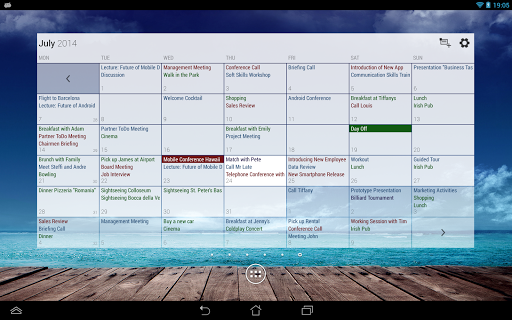
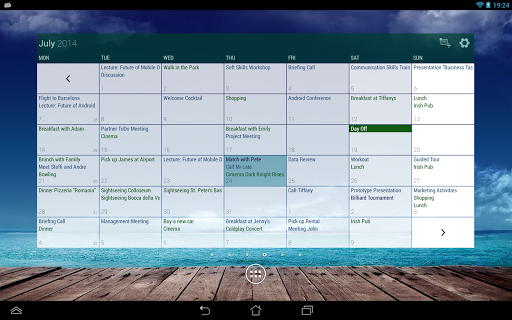
The app stands out with its customizable features, allowing users to tailor the views and widgets according to their preferences. Whether you need a quick day view or a detailed multi-day overview, Business Calendar Pro delivers a smooth scrolling and zooming experience. Its synchronization capabilities with Google Calendar, Microsoft Outlook, and Exchange ensure that all your events are up-to-date across devices.
Designed for those who value flexibility and ease of use, this app is perfect for anyone looking to enhance their productivity. By providing professional widgets, individual reminders, and extensive customization options, Business Calendar Pro ensures that users can optimize their workflow and manage their time effectively.
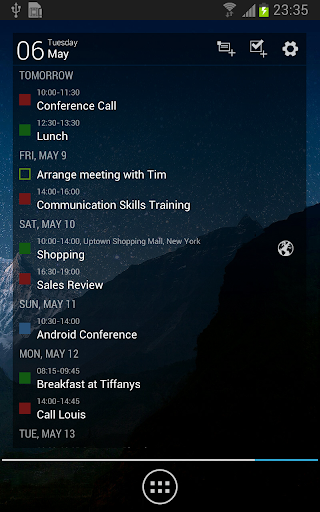
Business Calendar Pro boasts a wide array of features that cater to various calendaring needs. One of its standout features is the Quick Day View, which allows users to see all events of the day at a glance. The Favorite Bar provides instant access to all your calendars, ensuring that switching between different schedules is effortless.
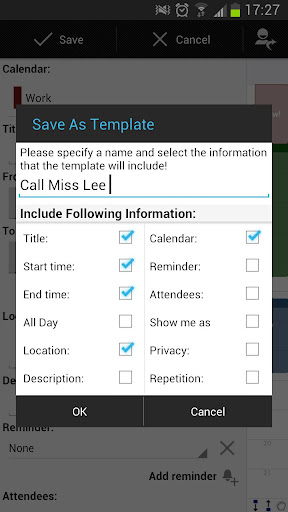
Customization is key in Business Calendar Pro, offering users the ability to adapt every view and widget to their liking. Individual reminders can be set with specific vibration patterns, sounds, repetitions, and intervals, ensuring you never miss an important event. The app also supports adjustable font sizes for both the app and widgets, catering to personal preferences and readability needs.
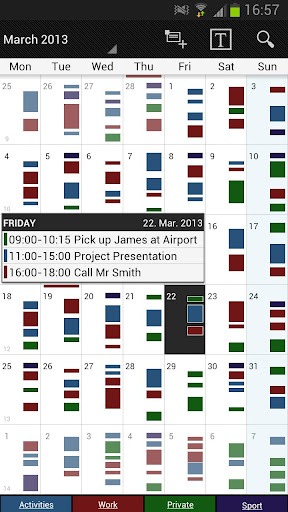
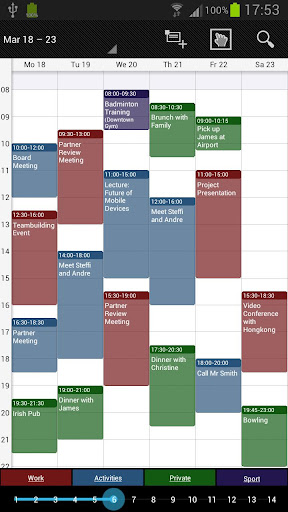
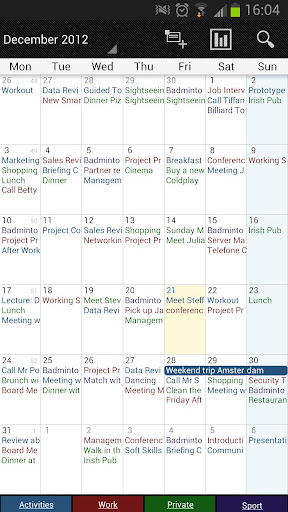
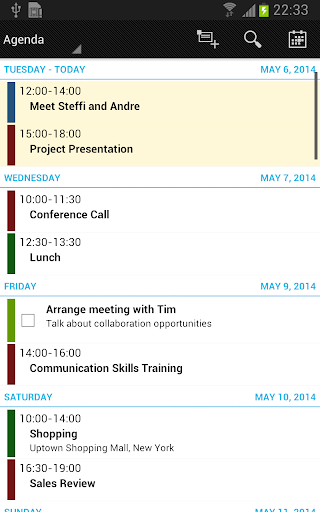
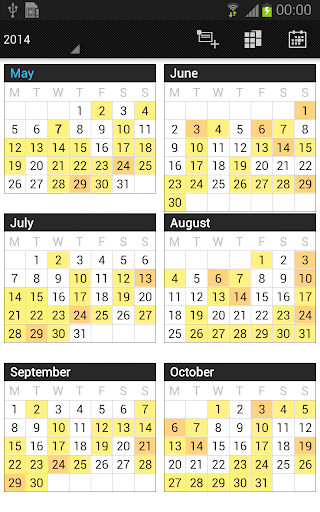
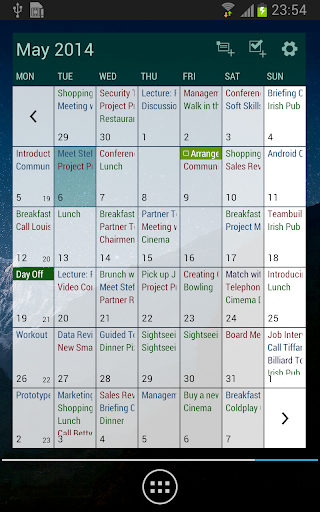
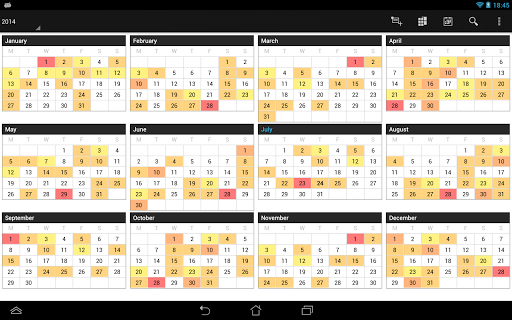
For those who require detailed planning, the app includes month, week, day, agenda, and event views, along with a color-coded year view. The multi-day view is scrollable and zoomable, covering 1-14 days, and the intuitive handling makes navigating through months and days seamless. With additional pro features like drag-and-drop functionality, task management integration, and advanced widgets, Business Calendar Pro is a robust solution for managing complex schedules.
User-friendly interface
Highly customizable
Comprehensive feature set
Syncs with multiple services
Professional widgets
Paid version only
Complex for beginners
Occasional sync issues
Limited free version
Advanced features may overwhelm

A customizable calendar for your Wear OS watch
 4.20
4.20
QuickBooks Workforce lets teams view pay info and track time in one place.
4.70
Auto-shutoff Alarm with Sunrise, Sunset & Fixed Options.
3.50
A lightweight JSON & XML files creator, editor and viewer (Premium Version)
4.40
All in One PDF Reader: Manage, Read and Edit your Documents
4.20
App Lock with fingerprint, password: Lock apps & hide photos with lock screens
4.60
Activate Two Factor Authentication (2FA or Multi OTP), Password manager and more
4.10
Docker, Kubernetes management over Portainer Mobile
4.40
Lightweight PDF, Word, Excel reader.
4.60
Native client for Forgejo and Gitea
5.00
Multilingual translator for text, voice, and image translation!
4.90
Seamlessly integrate data and reports to build your presentation to impress
4.80
Secure, fast, open-source, VNC and SSH Remote Desktop for Windows, Linux and Mac
4.70
App lock - lock apps with fingerprint, password, pin or pattern, protect privacy
4.70
A simple Whisper AI keyboard for reliable speech transcription and rewording
4.60
Device's storage information in a simple and clear graphical form (infographics)
4.10
Intelligent AI Assistant
4.10
Customizable calendar widget for seamless event sync, planning & scheduling.
4.00
Easiest event planning, volunteer signups & parent teacher conference scheduling
2.20


User Reveiws