
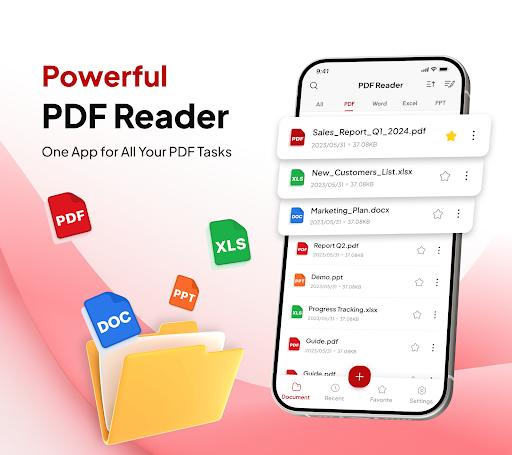


PDF Reader - Document Editor is a comprehensive productivity tool designed to simplify how you manage digital documents. This app allows users to read, edit, organize, and convert PDF files with ease, making it an essential utility for students, professionals, and anyone handling PDFs regularly.
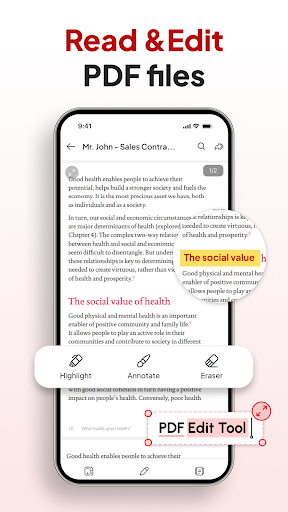
The app's standout feature is its all-in-one capability that combines smooth PDF reading with advanced functionalities like document scanning, image-to-PDF conversion, and AI-powered summarization. Whether you need to highlight important text, add signatures, or quickly search through your files, this app streamlines document management while maintaining a user-friendly interface.
With support for multiple file formats including XLS, DOCX, and PPT, PDF Reader - Document Editor proves especially useful in office settings where cross-format compatibility is crucial. Its instant sharing function and smart organization tools make it an invaluable asset for improving workflow efficiency.
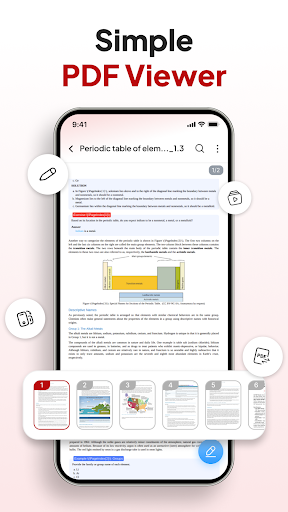
PDF Reader - Document Editor stands out with its diverse range of features tailored for maximum productivity. The app offers smooth PDF reading with lag-free scrolling and zoom functionality, ensuring an optimal viewing experience regardless of file size.
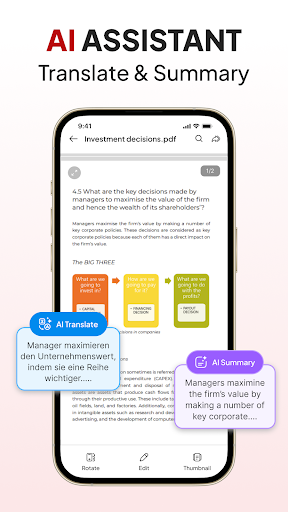
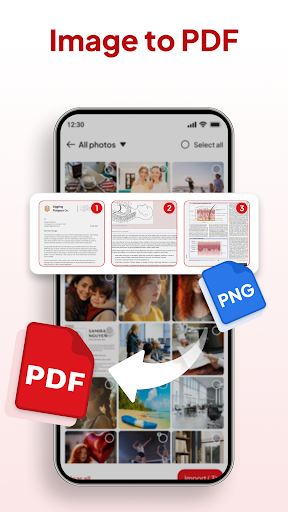
One of the key highlights is its smart conversion system. Users can instantly scan physical documents into digital PDFs or transform images into professional-quality documents. The built-in AI assistant takes productivity further by providing document summarization and translation capabilities.
Additional notable features include a robust file organizer with sorting and searching functions, signature management tools, and seamless integration with other apps for instant sharing. These features collectively create a powerful document management solution that caters to various professional needs.
User-friendly interface
Multi-format support
Advanced AI tools
Efficient file management
Instant document sharing
Limited free features
Occasional lag
Ads in free version
Premium subscription
Complex navigation

Create study competitions, track your hours, and stay consistent with friends
 4.3
4.3
A simple, portable logger for POTA, SOTA, Field Day, and more
4.2
Absolutely the best CNC machinist speed and feed calculator around. fswizard.com
4.60
IP Camera Viewer - Android TV : RTSP Surveillance camera viewer for Android TV
4.1
To do list widget with a notebook organizer, checklist, simple shopping list
4.60
Quickly and easily keep track of your work shifts
4.70
This small app MUST BE INSTALLED after purchase, else license won't work
4.40
Scientific calculator for Android - looks and operates like the real thing!
4.90
AI Chatbot and AI writing assistant powered by ChatGPT.
4.60
Native client for Forgejo and Gitea
5.00
8 custom complications. Custom Time Fonts. Beautiful color schemes. A++ Design.
5.00
Multilingual translator for text, voice, and image translation!
4.90
Secure, fast, open-source, VNC and SSH Remote Desktop for Windows, Linux and Mac
4.70
Functional QR scanner and barcode reader that requires little storage space.
4.60 4.20
4.20
* block pre-roll ads, pop-up and forced redirect ads * Samsung certification app
4.00
⏰ Finally a timer app which can run multiple timers simultaneously on your watch
3.90
Ultimate Virtual AI Character for immersive Roleplay Chat. Perfect Companion
3.90
Ads Free App! Editor, Hide File, Copy, Move, Delete and Rename.. all facility av
1.70


User Reveiws