Microsoft Excel

4.80

Information

Category:

Productivity

Price:

Free

Rank:

31

Rating:

4.80

Overview

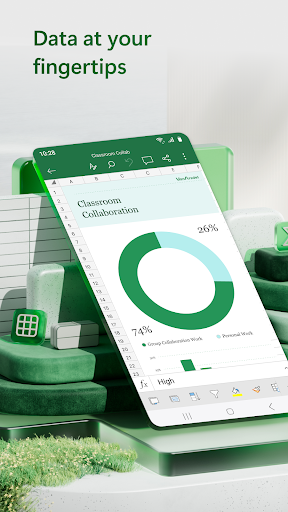
Microsoft Excel is the leading spreadsheet application that empowers users to create, edit, and share professional-grade spreadsheets on mobile devices. The app provides a comprehensive suite of tools for budgeting, data analytics, chart creation, and financial management. With its intuitive interface, Excel allows users to work with spreadsheets, pivot tables, and charts effortlessly. Whether you're managing personal finances or analyzing business data, Excel's robust features ensure accuracy and efficiency.

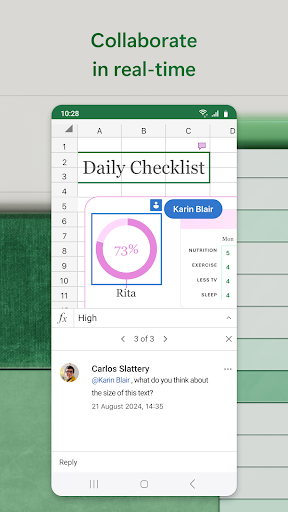
The app offers seamless integration across devices, allowing users to access their files anytime, anywhere. Its powerful calculation engine supports complex formulas and functions, while built-in templates help streamline common tasks like budget planning and expense tracking. Excel's collaboration features enable real-time editing and sharing, making it an essential tool for both individual productivity and team projects.

Features

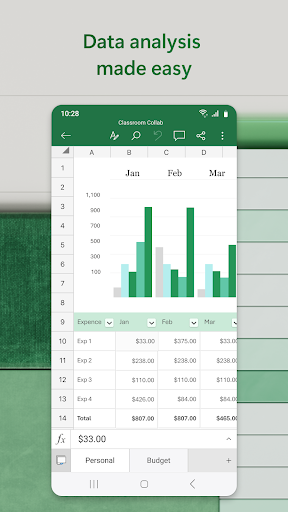
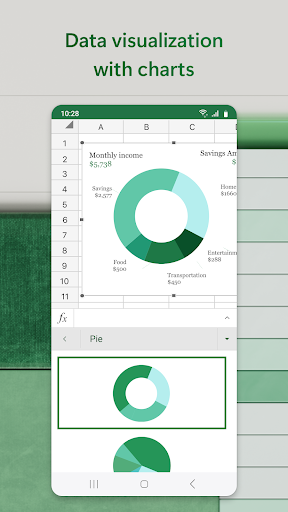
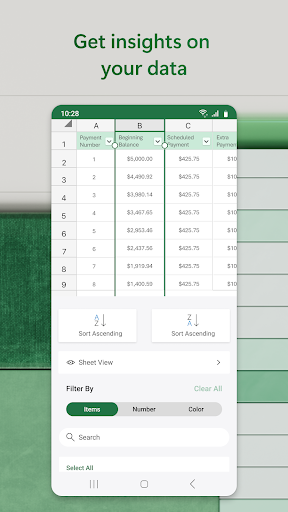
Excel stands out with its diverse feature set designed to enhance productivity. The app includes modern spreadsheet templates for various use cases, from accounting to project management. Its calculation capabilities support advanced formulas and functions, enabling precise data analysis and financial modeling. Users can create dynamic charts and pivot tables to visualize complex data sets effectively.

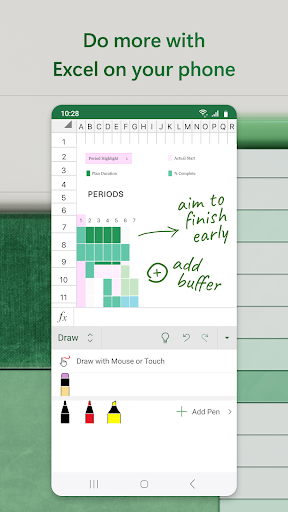
A key highlight is Excel's robust collaboration tools. Multiple users can simultaneously edit spreadsheets, leave comments, and track changes in real-time. The app's touch-friendly interface provides convenient annotation tools and drawing capabilities. Additionally, its seamless integration with other Microsoft Office applications ensures smooth workflow across different document types. Advanced security features protect sensitive data while maintaining accessibility.

Core task management

Task management in Microsoft Excel represents a comprehensive approach to organizing, tracking, and completing tasks efficiently within the realm of productivity applications. This functionality is crucial for users who need to manage their projects, budgets, and data analysis with precision and ease. Excel's architecture supports task management through its robust suite of features that include modern templates for budgeting, chart creation, and financial analysis. These tools are designed to streamline workflows and enhance productivity by allowing users to create structured plans and track progress systematically. The app provides an integrated environment where users can leverage familiar formulas and calculation tools to run complex analyses on spreadsheets, ensuring accuracy and reliability in their computations. Moreover, Excel's collaboration capabilities enable teams to work together seamlessly, sharing files and sheets with just a few taps, thus facilitating real-time updates and feedback. This interconnectedness not only boosts efficiency but also ensures that all team members are aligned with the project goals. For individual users, the ability to annotate charts, highlight parts of worksheets, and use touch-enabled devices to draw shapes or write equations adds another layer of flexibility and creativity to their task management strategies. Overall, Excel empowers users to handle their responsibilities with confidence, knowing that they have a powerful tool at their disposal that can adapt to various task management needs while maintaining high standards of performance and usability.

Cross-device synchronization reliability

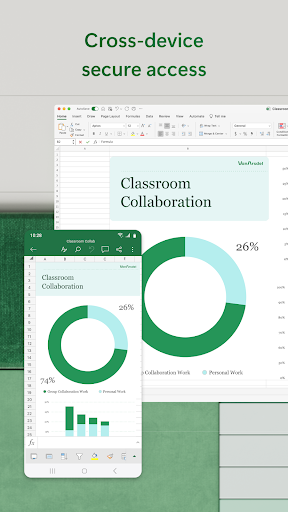
Cross-device synchronization reliability in Microsoft Excel ensures that users can access, edit, and share their spreadsheets, charts, and data across multiple devices without any loss of information or formatting discrepancies. This feature is essential in today's fast-paced work environment where professionals often switch between smartphones, tablets, PCs, and Macs to accomplish their tasks. Excel achieves this seamless synchronization through its cloud-based infrastructure, which automatically saves changes and updates files in real time. Whether you're creating a budget template on your phone during a commute or editing a complex data analysis report on your desktop at home, Excel guarantees that your work remains consistent and up-to-date across all platforms. The reliability of this synchronization process is further enhanced by Microsoft's commitment to data security and privacy, ensuring that sensitive information is protected while being transferred between devices. Additionally, Excel's compatibility with various operating systems and screen sizes means that users can enjoy a uniform experience regardless of the device they choose to use. This cross-device functionality not only simplifies workflow management but also encourages greater flexibility and mobility in how users approach their work. By providing a dependable synchronization mechanism, Excel enables professionals to focus on their core activities without worrying about technical glitches or inconsistencies in their documents. Ultimately, this reliability fosters trust among users, knowing that their valuable data is always accessible and secure, no matter where they are or what device they are using.

Props

Powerful data analysis tools

Intuitive user interface

Seamless cross-device sync

Extensive template library

Real-time collaboration features

Cons

Complex for beginners

Advanced features require subscription

Limited offline functionality

High resource consumption

Occasional sync issues

Features and Functions

What is this app and what can I use it for?

A comprehensive spreadsheet app for data analysis and financial management

How do I download and install this app on my device?

Search 'Microsoft Excel' on Google Play Store and tap install

How do I get started after opening the app for the first time?

Sign in with Microsoft account and explore starter templates

What are the main features and capabilities of this app?

Spreadsheets, calculations, data visualization, and collaboration tools

How can I customize my experience and adjust preferences?

Adjust settings through the app's preferences menu

How do I save or bookmark my favorite content for later access?

Save files to OneDrive or local storage for future access

How can I share content with friends or on social media?

Use the share button to send files via email or social media

How do I access detailed information and explore more content?

Tap detailed view options to explore advanced features

What permissions does this app need and how do I manage them?

Requires storage and account permissions for full functionality

How do I check for updates and keep the app running smoothly?

Enable automatic updates in Google Play Store settings
Show more

User Reveiws

{{ comment.reviewer_name }}
{{ comment.review_date_formatted}}
{{ comment.review_content }}
{{ tab.name }}
{{ comment.reviewer_name }}
{{ comment.review_date_formatted}}
{{ comment.review_content }}
No reviews with this rating












