
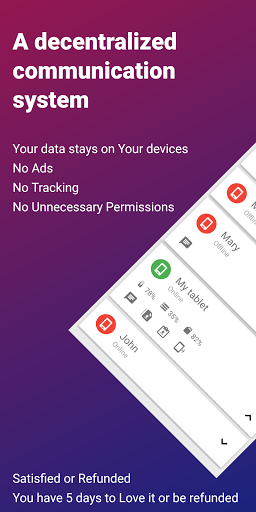
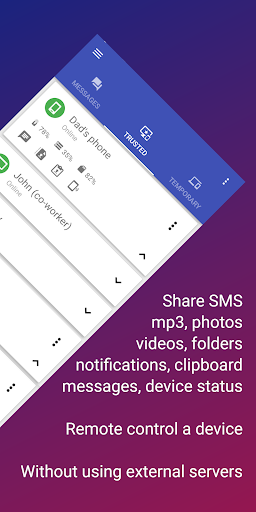

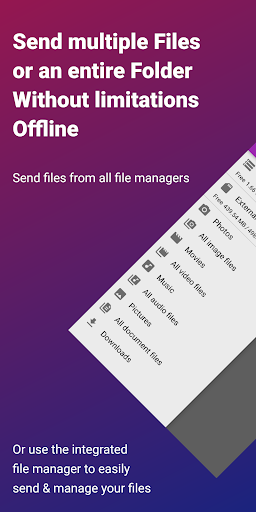


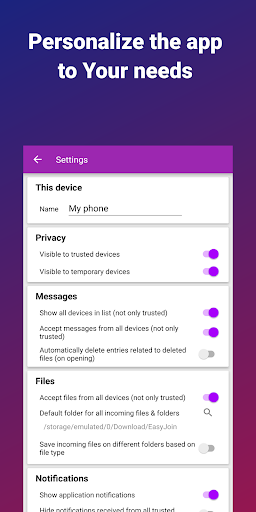
EasyJoin is a productivity-focused application designed to seamlessly connect your devices and transfer files instantly without relying on cloud services, advertisements, or tracking mechanisms. The app enables users to send files, sync clipboards, manage SMS, read notifications, and control devices using only their local network, ensuring privacy and encryption of data.
With support for multiple platforms including Android, Windows, macOS, iPhone, iPad, and Linux, EasyJoin facilitates fast file transfers, clipboard synchronization, peer-to-peer encrypted sharing, remote notifications, and secure local network messaging. Its user-centric design emphasizes privacy, offering a secure alternative to cloud-based solutions with end-to-end encryption.
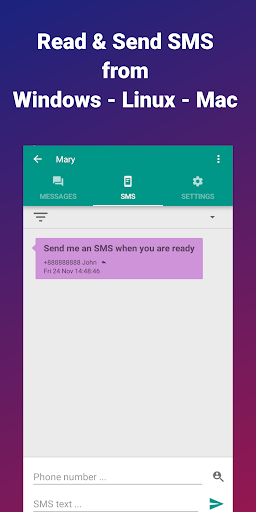
Perfect for individuals seeking to enhance productivity by reading and sending SMS from their computers, transferring files between devices, copying-pasting text across platforms, and enabling private LAN file sharing for teams, EasyJoin ensures that all data remains private and never leaves the user's local network.
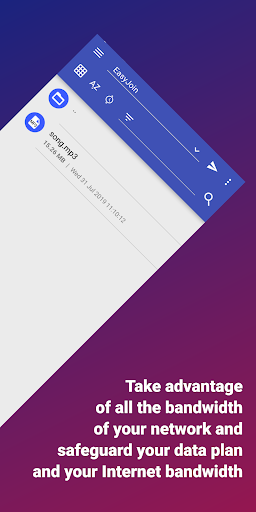
EasyJoin boasts an array of features tailored to boost productivity while maintaining top-notch security. One standout feature is its ability to facilitate fast file transfers between various devices such as phones, PCs, and tablets without requiring internet connectivity or cloud storage. This ensures rapid and secure exchanges of photos, videos, documents, and folders.
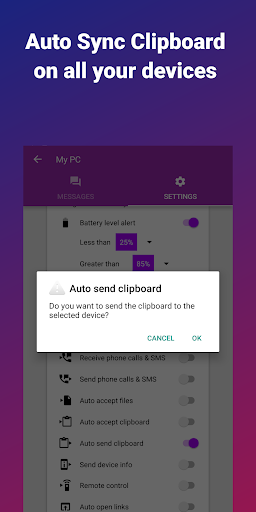
Another remarkable aspect is the clipboard sync functionality, which allows users to copy content on one device and paste it on another across different operating systems like Android, Windows, macOS, iPhone, iPad, and Linux. Additionally, EasyJoin offers peer-to-peer encrypted sharing, keeping all data within the local network and employing end-to-end encryption protocols.
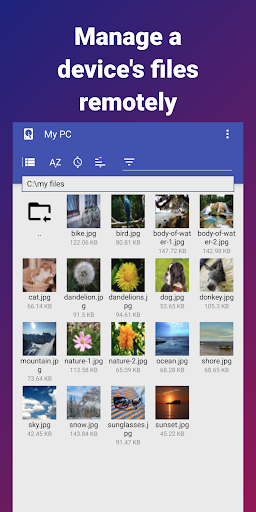
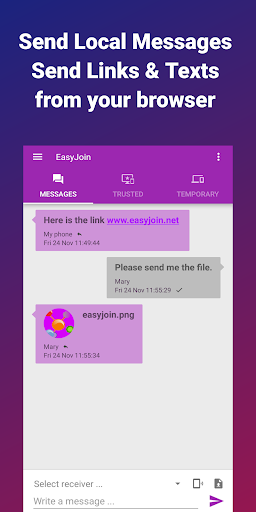
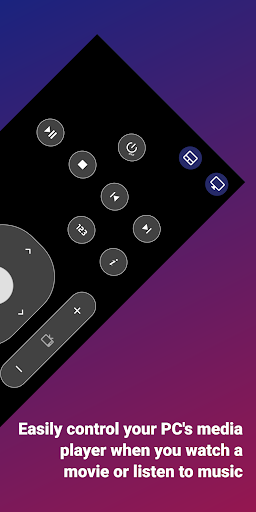
Remote notifications and SMS management enable users to interact with their phone’s messages or notifications directly from their computers. Moreover, the app supports remote control functionalities, allowing users to utilize their phones as input devices for PCs or vice versa. With cross-platform support and a commitment to privacy-first principles, EasyJoin stands out in the realm of productivity applications.
Fast file transfer
Clipboard sync
P2P encryption
Cross-platform
No subscriptions
Limited UI
Wi-Fi required
Paid version
Complex setup
Fewer integrations

A Revolutionary All-in-One Artificial Intelligence Tools
 3.80
3.80
A customizable calendar for your Wear OS watch
4.20
When you Focus, so will your Bean in this cozy focus timer
4.30
Total remote control for your Android device, PC and cloud services (IFTTT)!
4.20
Make your handwriting beautiful, even more than pen on paper.
3.60
Pwnagotchi companion app
4.20
App Lock with fingerprint, password: Lock apps & hide photos with lock screens
4.60
Make apps & sites with natural language prompts
4.10
Daily processing of PDF documents.
4.40
Seamlessly integrate data and reports to build your presentation to impress
4.80
Scan paperwork into PDF/JPG, generate your own e-signature and send fax or email
4.70
Client for Nextcloud Deck
4.60
Translate text/voice/photos in 150+ languages. Offline & fast translator app.
4.50
Subscribe to Webcal & .ics calendars and keep them up-to-date!
4.50
Enjoy classic gameplay with customizable features and retro-style graphics.
4.30
Unlock AutoNotification
4.00
* block pre-roll ads, pop-up and forced redirect ads * Samsung certification app
4.00
Experience and share your SolidWorks designs on your Android® phone and tablet.
2.50
A comprehensive suite of tools designed specifically for Lactation Consultants
4.3


User Reveiws