
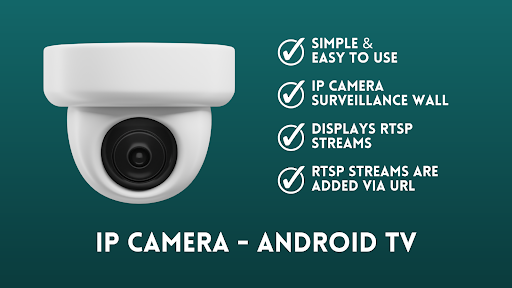
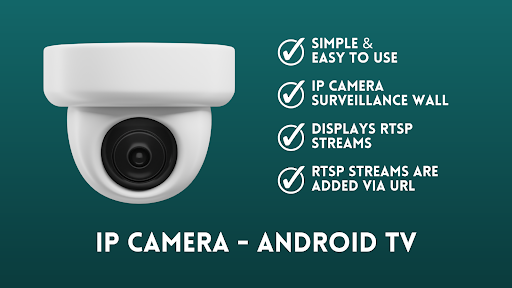
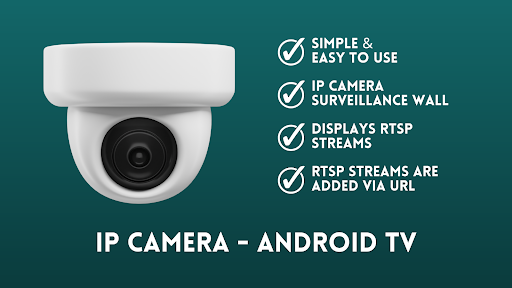

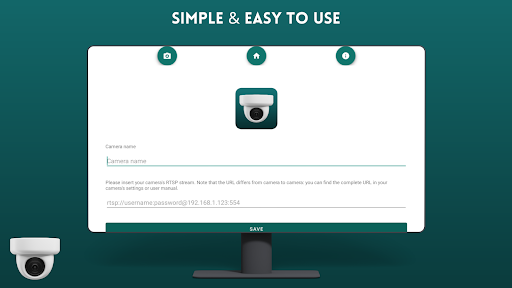
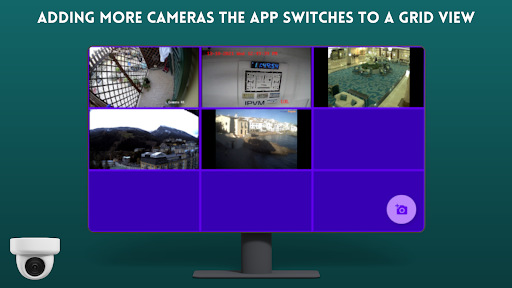
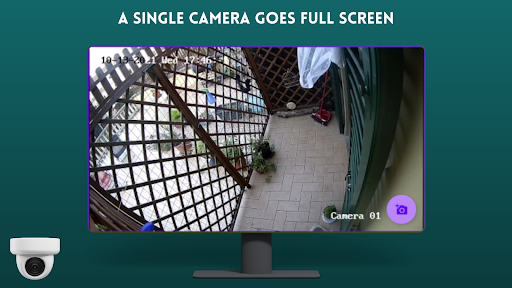
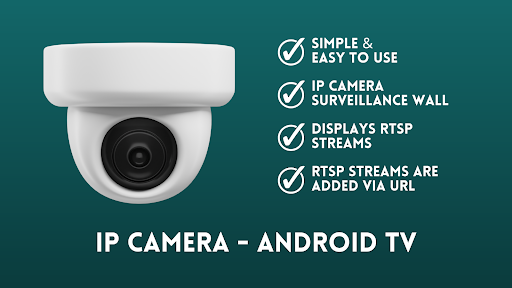
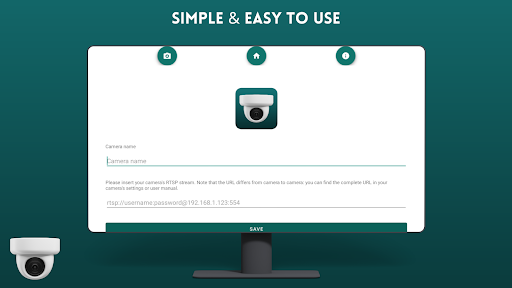
IP Camera Viewer - Android TV is a specialized productivity app designed for seamless IP camera monitoring on Android TV and Google TV platforms. The application leverages RTSP protocol support to deliver a smooth and responsive surveillance experience, making it an ideal solution for home security or business monitoring.
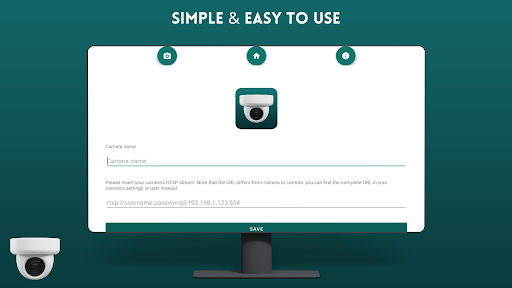
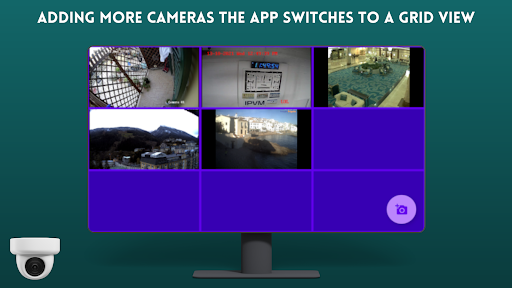
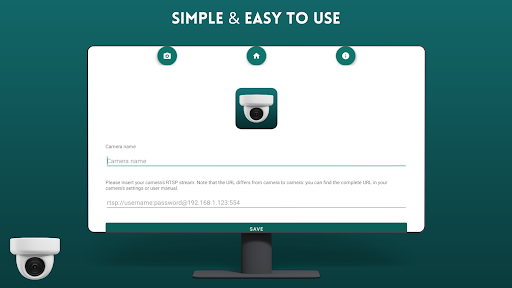
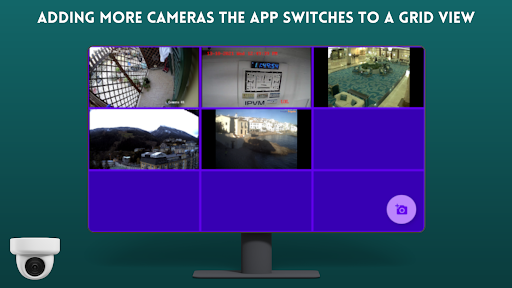
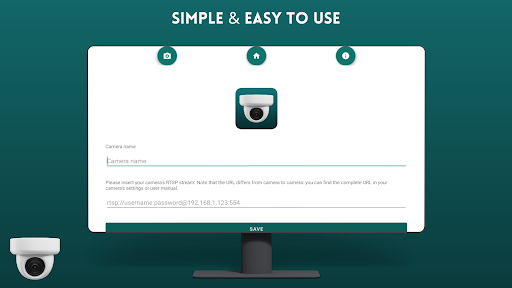
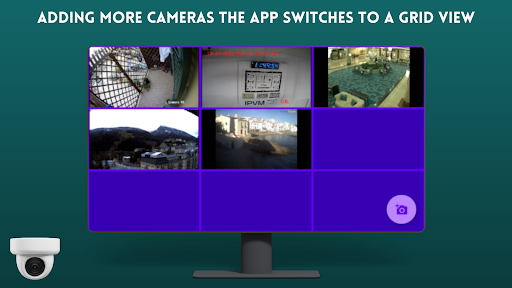
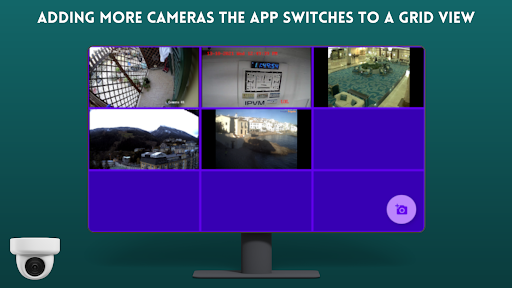
The app's user-friendly interface allows users to easily add IP cameras via RTSP URLs and view multiple camera feeds simultaneously in a classic tile configuration. Its intuitive navigation system and fast loading times ensure that users can efficiently monitor their properties without technical complications.
This application is particularly valuable for users who need to maintain constant vigilance over multiple locations from the comfort of their living room or office. By transforming standard TVs into powerful surveillance stations, IP Camera Viewer - Android TV offers both convenience and peace of mind.
IP Camera Viewer - Android TV distinguishes itself through several key features that enhance its functionality. The app's core capability lies in its robust RTSP stream processing, which ensures stable and high-quality video feeds from various IP camera models.
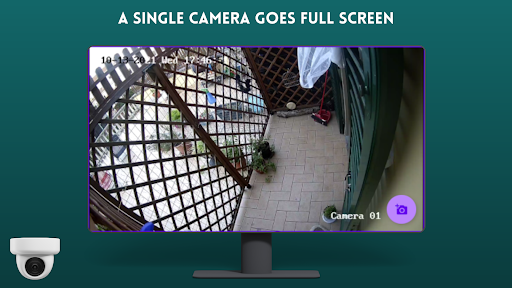
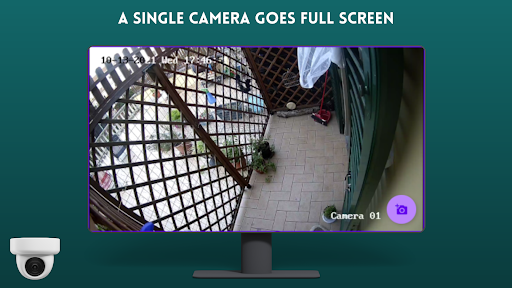
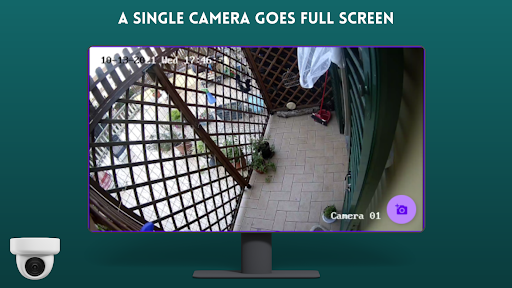
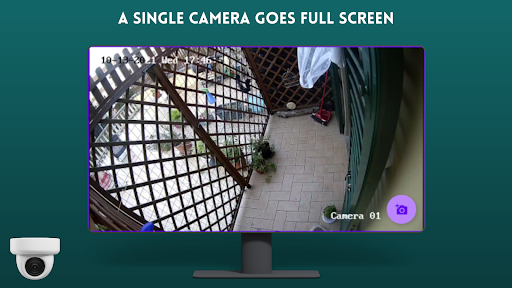
One notable feature is the app's simple setup process, where users can quickly add camera streams by entering their RTSP URLs. The application supports multiple camera views simultaneously, creating an efficient surveillance wall that can be easily navigated using standard TV remote controls. Additionally, the app maintains optimal performance even when displaying multiple streams, thanks to its optimized codebase.
The viewer's interface is specifically designed for large-screen displays, providing clear visibility and easy access to camera controls. These features collectively create a comprehensive monitoring solution that combines ease of use with reliable performance, making it suitable for both casual home users and professional security operators.
User-friendly interface
Fast RTSP streaming
Multiple camera support
Easy setup process
Optimized for large screens
Limited advanced features
No cloud storage option
Basic UI design
Requires manual setup
Dependent on network quality

When you Focus, so will your Bean in this cozy focus timer
 4.30
4.30
Send files, sync SMS, notifications & clipboard across devices via local network
4.40
We're working to become the best machining app on the market! www.cncdirt.com
4.80
aCalendar+ makes your day, week and month
4.70
CalenGoo is a very flexible and feature-rich calendar app
4.40
All in One PDF Reader: Manage, Read and Edit your Documents
4.20
A Pixel Art watchface inspired by other iconic 90s designs for Wear OS devices!
4.40
Daily processing of PDF documents.
4.40
Set up, print, and get support—in one place
4.20
Scientific calculator for Android - looks and operates like the real thing!
4.90
Quickly and easily keep track of your work shifts
4.70
All document reader, all in one file viewer read PDF, DOCX, XLS, PPT, TXT files.
4.60
Planet Free VPN - The best Fast Unlimited and Secure VPN Without Logs
4.50
Subscribe to Webcal & .ics calendars and keep them up-to-date!
4.50
Cloud storage, automatic phone backup, and more.
4.10
Create and edit presentations with Google Slides, part of Google Workspace.
4.00
* block pre-roll ads, pop-up and forced redirect ads * Samsung certification app
4.00
Smart PDF reader & editor to view, organize and manage PDF documents easily.
3.70
Remotely view listen control and record cameras.
3.70


User Reveiws