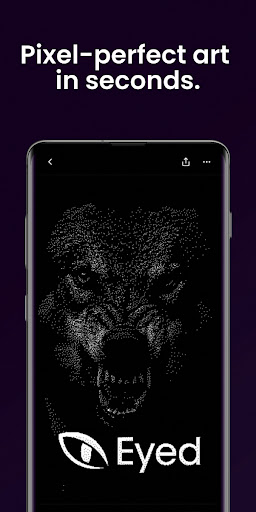

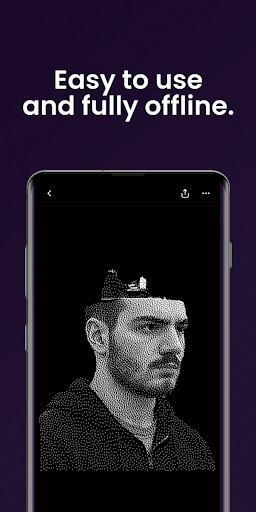
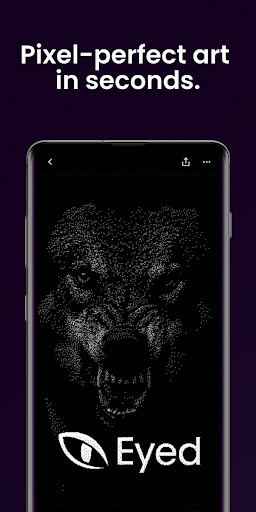

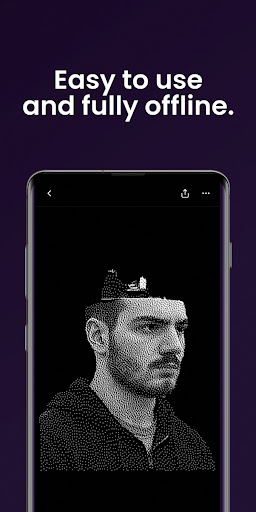
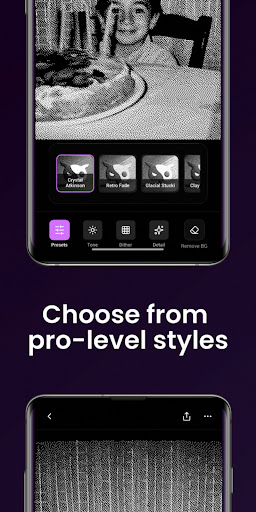
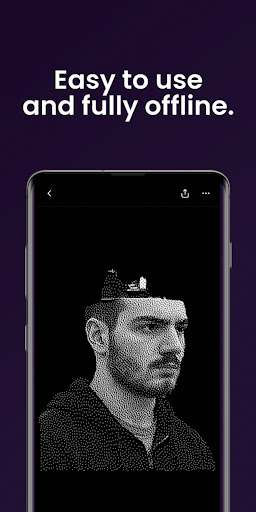
Dither By Eyed is a photo editor designed to transform your images into striking, print-inspired artwork. With its unique dithering techniques, the app allows users to apply classic computer-graphics textures and curated looks with just one tap. Whether you're aiming for a timeless or contemporary aesthetic, this tool delivers expressive results in seconds.
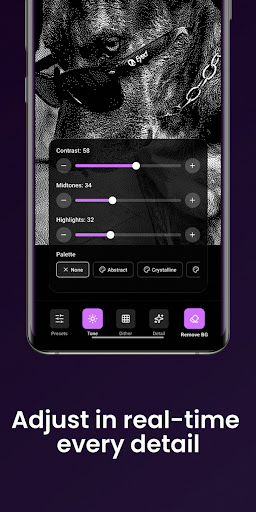
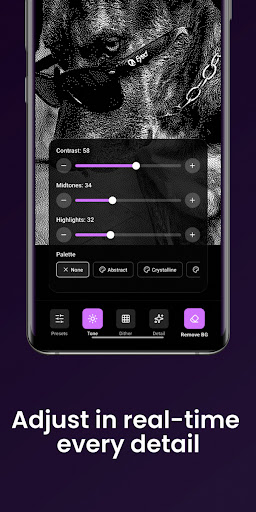
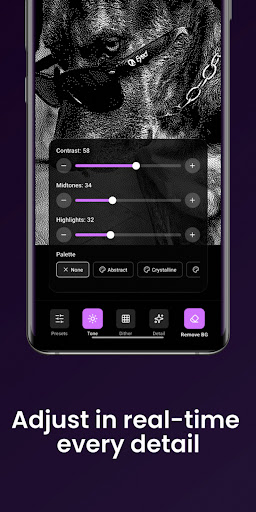
The app offers advanced features such as contrast adjustment, midtone refinement, highlight control, blur effects, scaling, and threshold settings, all with real-time previews. It also supports background removal for crisp compositions. Optimized for both phones and tablets, Dither By Eyed provides a seamless experience with an intuitive interface that requires no learning curve.
Perfect for creators who value efficiency and quality, Dither By Eyed lets you import images from your library or capture new ones with the camera. The final artwork can be exported in high-quality formats suitable for print, web, or social media sharing.
Dither By Eyed stands out with its array of iconic processing methods including Floyd-Steinberg, Atkinson, Stucki, Bayer, and blue-noise patterns. These algorithms provide authentic texture and structure to your photos, making them gallery-ready in moments. The app also includes curated styles like Crystal Atkinson, Retro Fade, Warm Grain, Glacial Stucki, and Frozen Bayer which deliver instant character with a single tap.
For those who prefer fine-tuning their images, Dither By Eyed offers responsive controls for adjusting contrast, midtones, highlights, blur, scale, and threshold. Real-time previews ensure that every modification meets your expectations instantly. Additionally, the app's background isolation feature helps create clean compositions or poster-style silhouettes effortlessly.
Designed thoughtfully for creators, Dither By Eyed supports importing from your photo library or capturing images directly through the camera. Its pinch-to-zoom functionality allows precise adjustments while working on detailed edits. The app is optimized for various devices and maintains a clean, focused interface without requiring any account setup.
User-friendly interface
Real-time preview
High-quality exports
Wide range of styles
No account needed
Limited advanced tools
Few customization options
Occasional glitches
Basic help section
Ads in free version

Customizable Outlined Fonts. Watch Face Format. Battery friendly Digital Clock.
 4.20
4.20
Sketch, plan, take notes and illustrate on an infinite canvas.
4.20
Digital illustration drawing & painting pad app to paint Anime and Manga art
4.50
See Color, Paint Color
4.90
Draw Trace image sketch by, AR art projector app, Easy to trace any image.
4.50
OneUI 8.5 icons ✨ Smooth, modern & based on the latest Play Store design ??
4.10
Turning simple sketches into captivating tales filled with life and motion
3.90
How to draw anime step by step for beginner easily by AR drawing sketch & paint.
3.60
AI-powered photo & video creation—fast, fun, and effortless with Quick Actions
4.60
Your AI soulmate — meaningful chats, and unique emotional moments
4.70
Photo editor for art, avatars, filters & fun transformations.
4.60
Digital, Abstract, Classic - all types of color wheels in one app!
4.60
Create neon drawing with magic doodle and fun doodle art effects!
4.50
Image/ Text to Video Generator
4.40
Trace, draw, and create art with AR - from memes to masterpieces!
4.30
800+ Drawing, Painting Lessons App to Practice, Sketch & Paint Art.
4.30
Floor Plan Creator lets you create, edit and share floor plans.
4.00
Paint with oils and sketch with natural tools on a realistic virtual canvas.
3.80
Retouch photos. Create or edit images. Endless capabilities.
2.70


User Reveiws