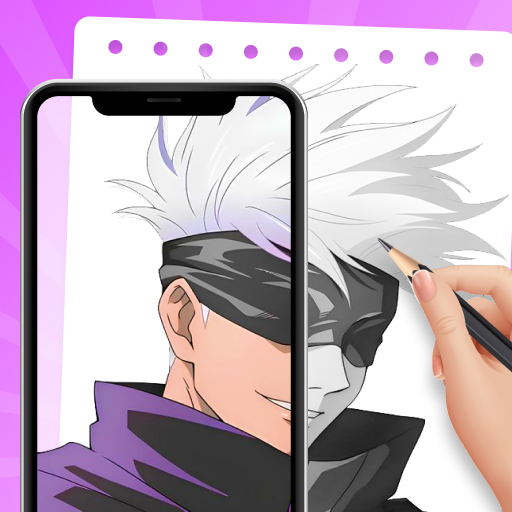
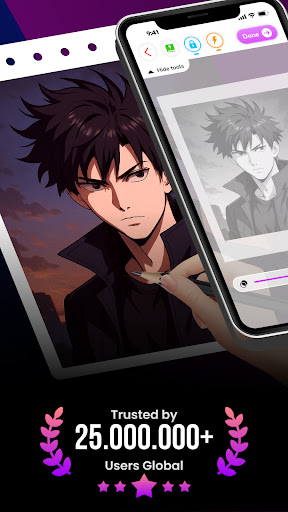
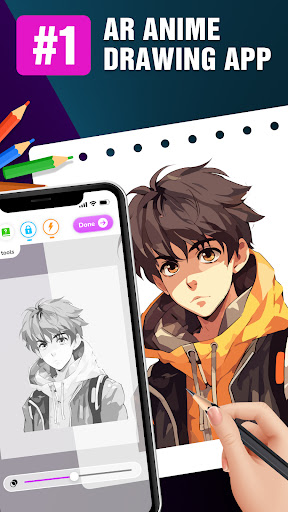
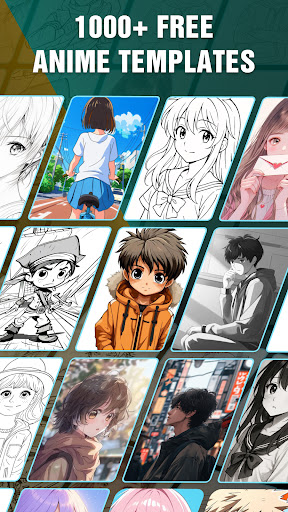
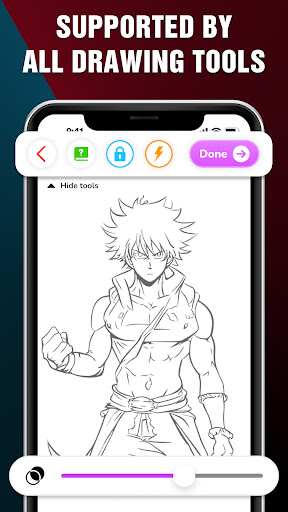

Draw Anime: AR Drawing Sketch is an innovative art application that combines traditional anime drawing with augmented reality technology. Designed for both beginners and experienced artists, the app offers step-by-step tutorials to guide users through the process of creating stunning anime artwork.
One of the standout features is its AR functionality, which allows users to incorporate real-world elements into their sketches using their device's camera. This creates a seamless blend of reality and imagination, making the drawing experience more immersive and engaging. The app also includes advanced drawing options like opacity adjustment, flashlight control, and sketch locking, providing users with complete creative control.
Ideal for teenagers and anime enthusiasts, this app is perfect for those who want to learn anime drawing in a fun and interactive way. Whether you're practicing basic techniques or refining your artistic skills, Draw Anime: AR Drawing Sketch offers a comprehensive platform to track your progress and save your favorite creations.
Draw Anime: AR Drawing Sketch stands out with its unique combination of traditional drawing techniques and augmented reality technology. The app provides a diverse range of step-by-step tutorials that break down complex drawing processes into manageable steps, making it accessible for artists of all skill levels.
The AR drawing feature is particularly impressive, allowing users to project real-world objects into their sketches. This not only enhances creativity but also helps users understand spatial relationships and proportions better. The app also includes practical tools such as adjustable opacity settings, flashlight controls for better visibility, and a sketch lock feature to prevent accidental changes.
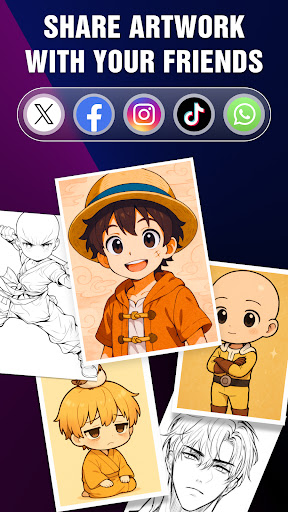
Additional features include a personal Artwork gallery where users can track their artistic journey, save their favorite sketches, and quickly access characters they wish to master. With options to share finished works directly with friends or on social media, this app creates a complete ecosystem for learning, creating, and sharing anime art.
User-friendly interface
Step-by-step guidance
AR integration
Advanced drawing tools
Artwork tracking system
Limited free content
High system requirements
Occasional bugs
Premium subscription needed
Steep learning curve

Transform photos into amazing monochrome dither art with professional algorithms
 4.3
4.3
Art of Combination Wear OS Watch faces
4.2
Sketch, plan, take notes and illustrate on an infinite canvas.
4.20
Easy 3D drawing design maker & creator. Model designing, Sculpting. Create&paint
4.00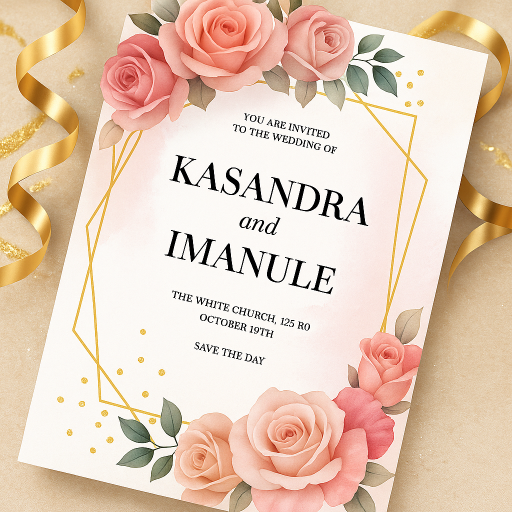
Create stylish invitation cards using templates for weddings, birthdays & RSVP.
4.20
Create neon drawing with magic doodle and fun doodle art effects!
4.50
Image resizer to resize, crop, rotate, flip, change dpi photo or picture in bulk
4.60
Get an overview over all your embroidery threads, projects and more.
4.60
Everything you need to create hand drawn animation, anywhere you go!
4.40
The ultimate tool for creating animations
4.60
Digital, Abstract, Classic - all types of color wheels in one app!
4.60
Castle is social media for creating and playing games!
4.60
Draw glowing spinners, relax, and spin your creative art
4.60
Create color palette from Image, RGB & RYB Color wheel harmonies, Color Scheme
4.50
OneUI 8.5 icons ✨ Smooth, modern & based on the latest Play Store design ??
4.10
Floor Plan Creator lets you create, edit and share floor plans.
4.00
AR Anime Drawing: How to draw anime with AR drawing & sketching apps!
4.00
AI Art Generator transforms your words into AI generated art & paintings.
3.70
A luxurious gold watch face for an elegant and refined look.
4.5


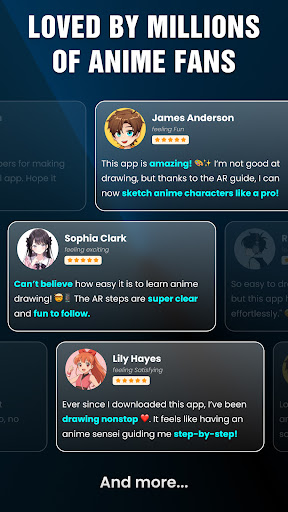
User Reveiws