
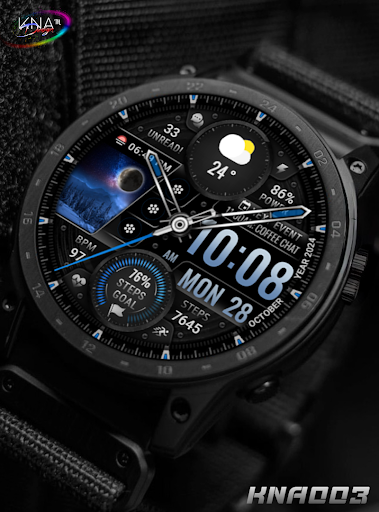

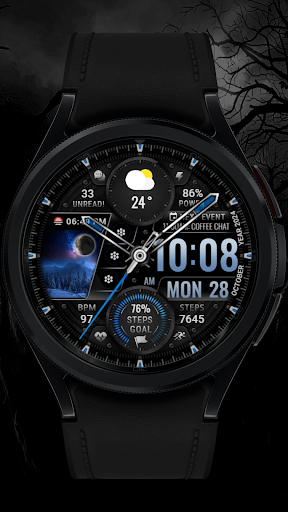
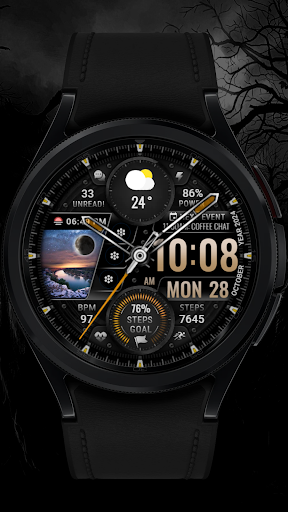
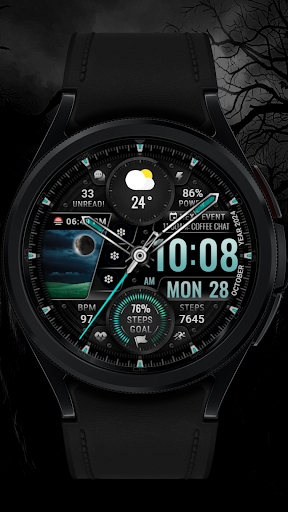
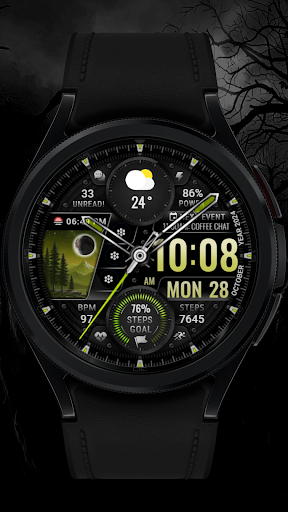
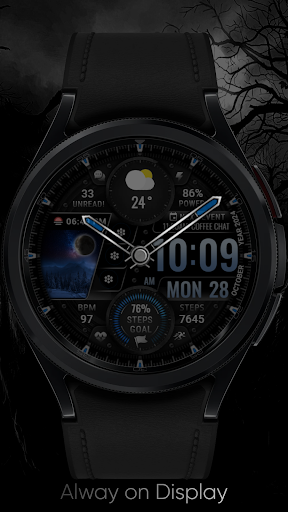
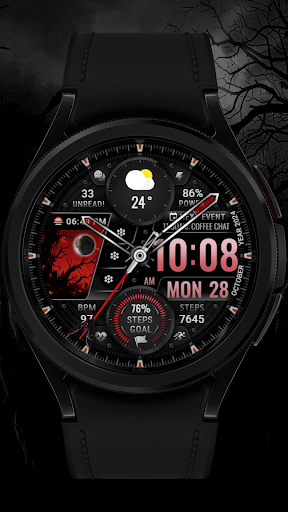
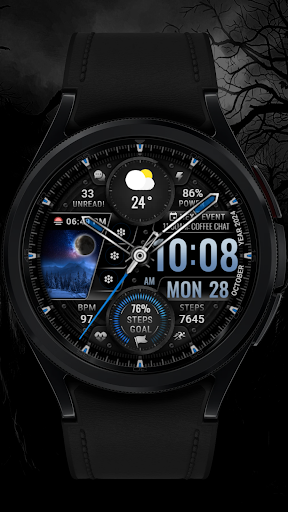
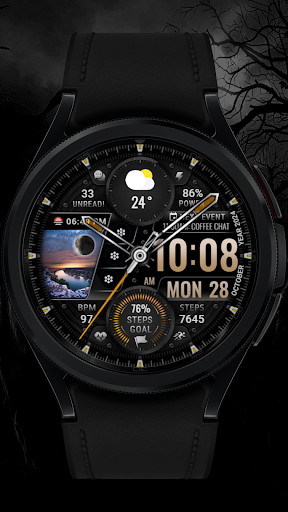
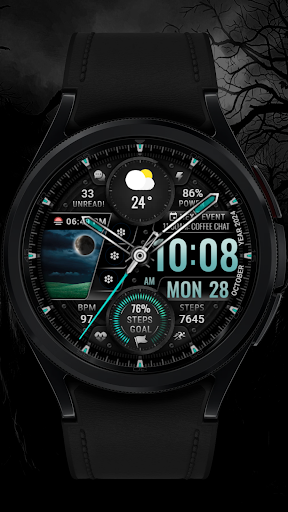
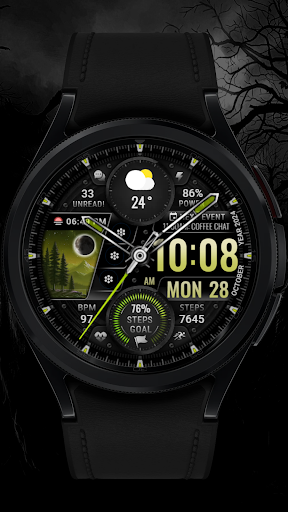
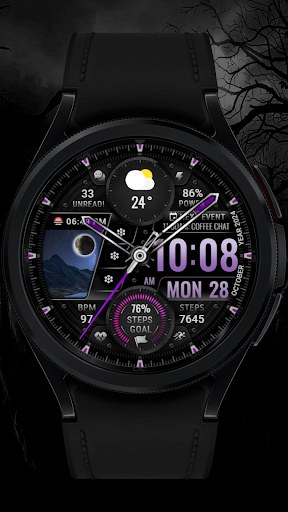
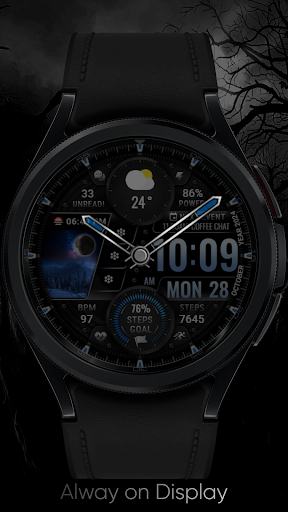
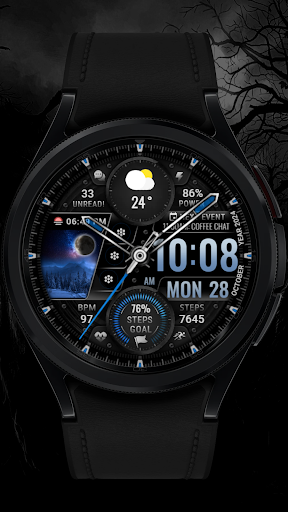
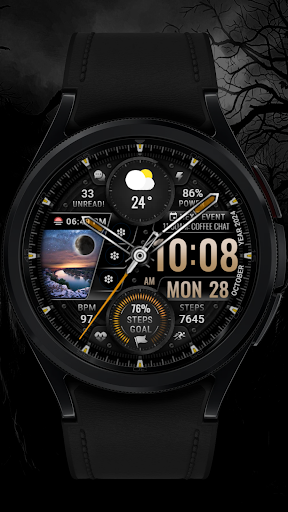

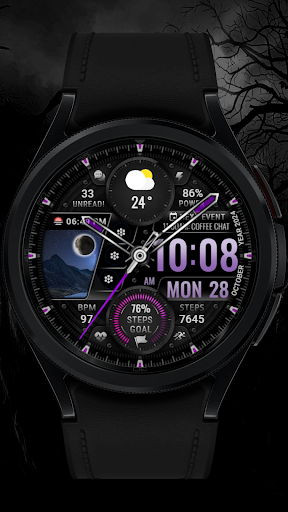
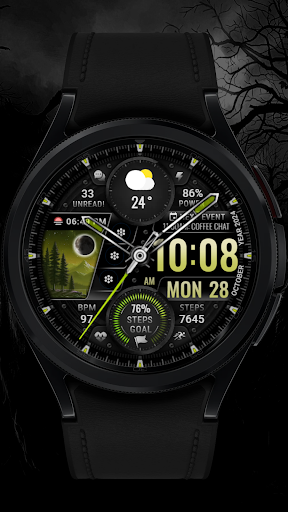
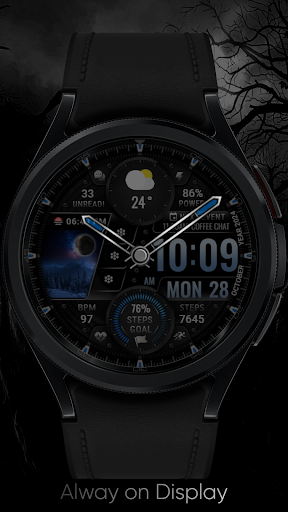
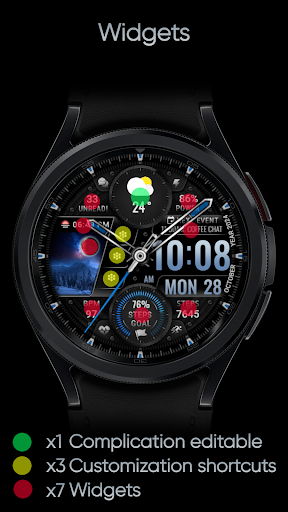
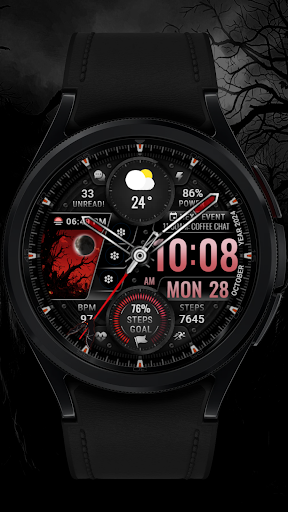
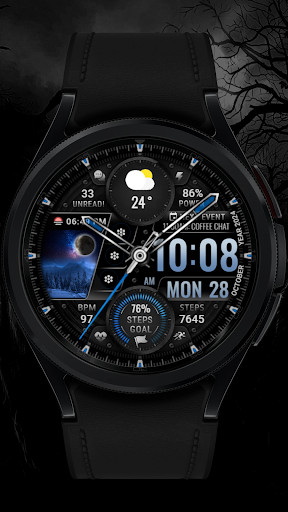
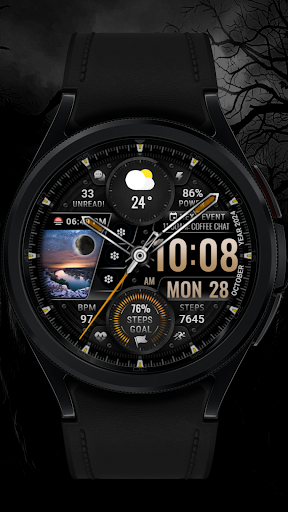
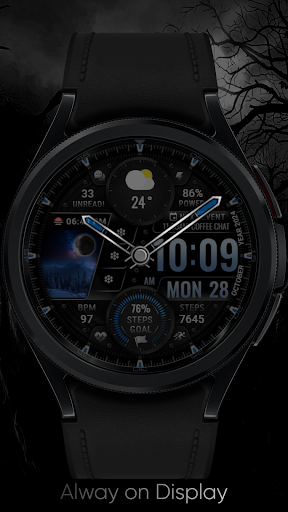
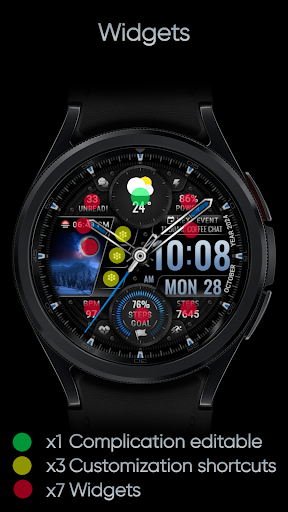
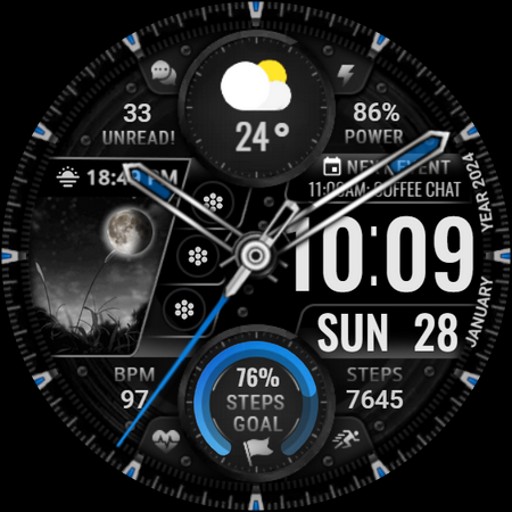
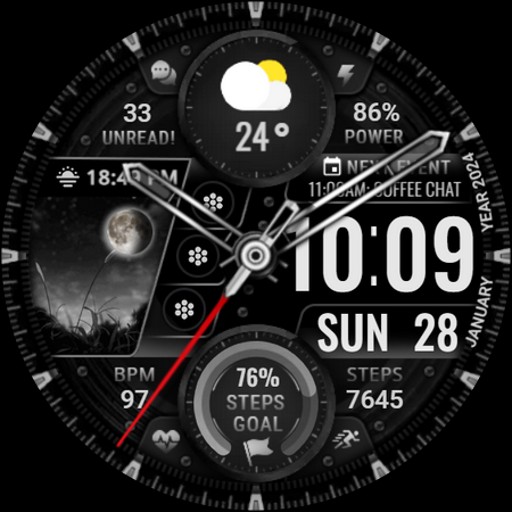
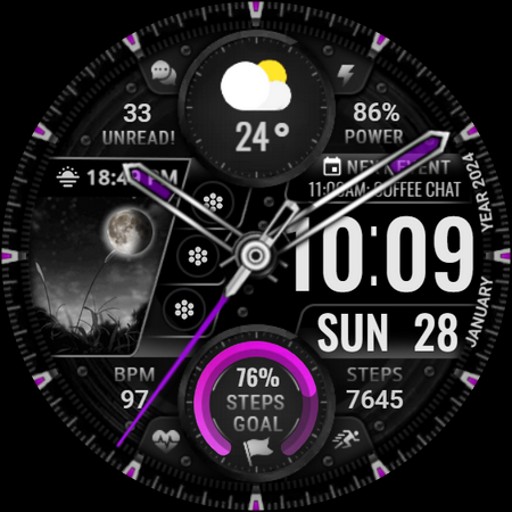


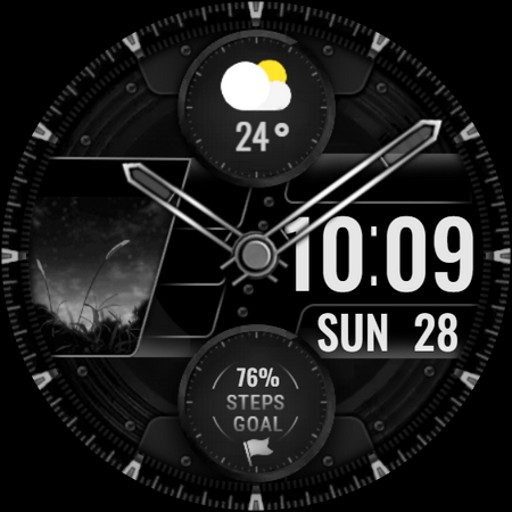
[KNA003] SHADOW is a sophisticated watch face designed for Wear OS devices, offering users the ability to customize their smartwatch display with various complications and features. Compatible with API level 30+ devices such as Google Pixel and Galaxy Watch series 4, 5, and 6, this app transforms your wearable into a personalized accessory.
With analog and digital styles, editable complications, app shortcuts, and multiple color options for backgrounds and clock hands, [KNA003] SHADOW provides both aesthetic appeal and functional utility. Users can track essential metrics like steps, heart rate, battery level, and more, directly from their watch face.
This application is ideal for tech-savvy individuals who value both form and function in their wearable technology. By customizing the watch face to suit personal preferences and needs, users can enhance their daily interactions with their smartwatches.
[KNA003] SHADOW stands out with its rich feature set tailored for customization enthusiasts. The watch face supports both analog and digital styles, displaying the date, day of the week, and month, ensuring users are always informed at a glance.
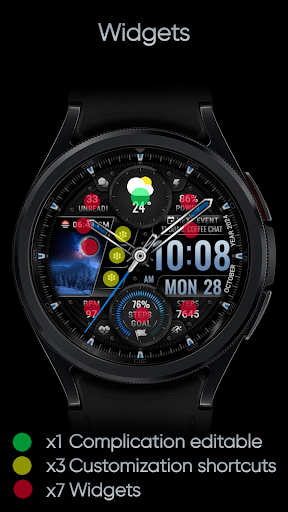
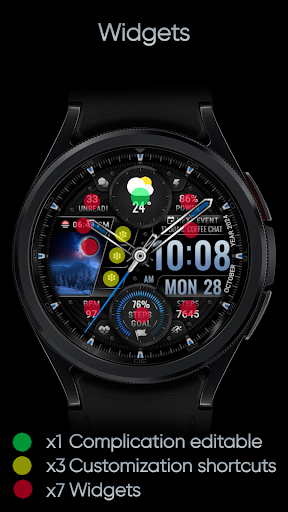
One of the key highlights is the ability to edit complications, allowing users to choose from a variety of data sources such as weather, world clock, and health metrics. Additionally, three app shortcuts provide quick access to frequently used applications, streamlining the user experience.
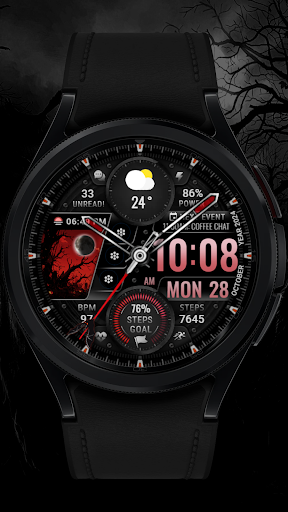
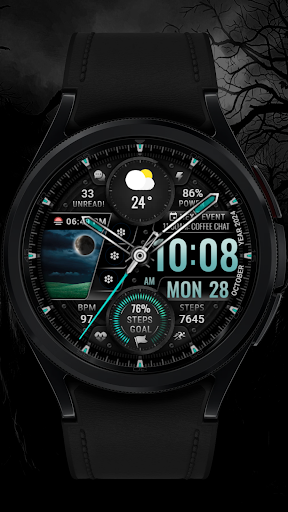
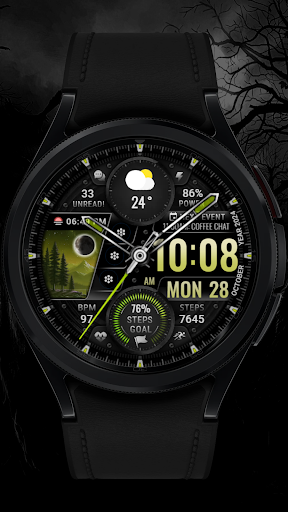
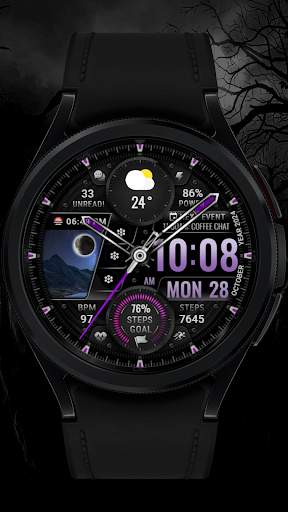
Further personalization comes with five color options for backgrounds, clock hands, and step progress indicators. This flexibility ensures that each user can tailor their watch face to reflect their unique style while maintaining practicality with features like heart rate monitoring and unread message counts.
Highly customizable
Wide device compatibility
Rich feature set
Intuitive design
Enhances user interaction
Limited to Wear OS
Some features not available on all watches
Requires manual setup
No automatic application
Potential compatibility issues

Stylish letters, Stylish Keyboard, Symbols, Emojis, Cool nickname
 4.40
4.40
Image/ Text to Video Generator
4.40
Paint with oils and sketch with natural tools on a realistic virtual canvas.
3.80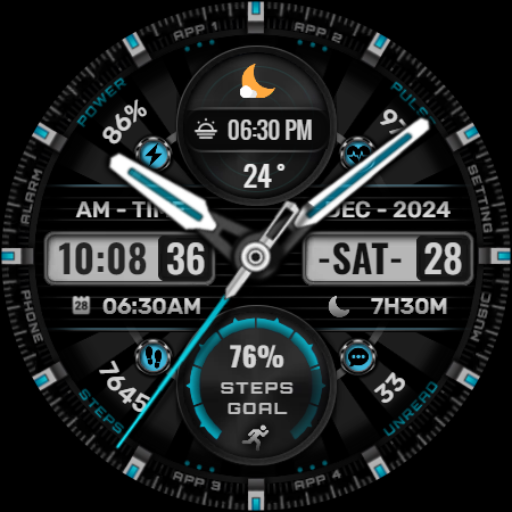
Art of Combination Wear OS Watch Faces
4.2
Painting, drawing, & sketching
4.50
Bring One UI 8.5 Icons to life -elegant dark icons with a modern, premium touch.
4.30
Everything you need to create hand drawn animation, anywhere you go!
4.40
Sketch and paint on your device with the feel and freedom of drawing on paper
4.00
How to draw anime step by step for beginner easily by AR drawing sketch & paint.
3.60
Passport size photo maker, create ID photo and visa photo in seconds
4.80
Make your phone cooler and have a fantastic experience
4.80
Draw on screen: FP sDraw is a simple and lightweight drawing app
4.70
OneUI 8.5 icons ✨ Smooth, modern & based on the latest Play Store design ??
4.10
Unleash the artist in you with our AR drawing and tracing tool for photo drawing
4.10
AI Art Generator transforms your words into AI generated art & paintings.
3.70
Draw anime easily with AR guidance, sketch templates & trace tools!
3.10
Retouch photos. Create or edit images. Endless capabilities.
2.70
Premium version of Shimeji-ee app with no ads & no limit active shimeji
4.2
Transform photos into amazing monochrome dither art with professional algorithms
4.0


User Reveiws