

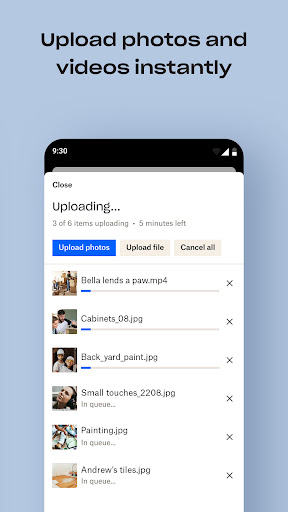
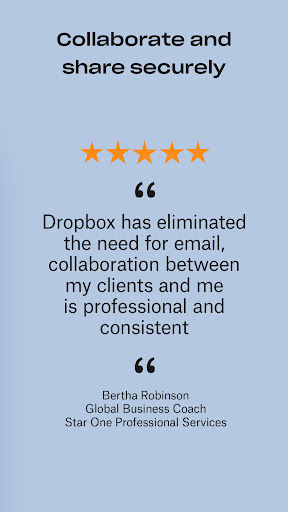
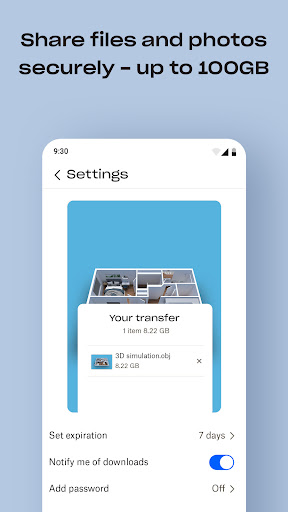
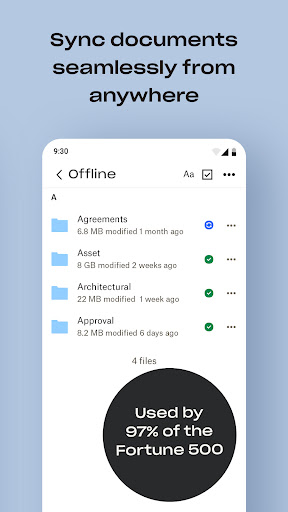
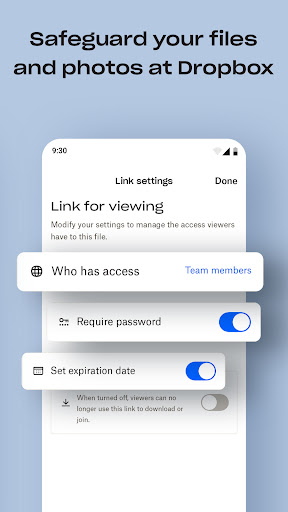
Dropbox is a leading cloud storage solution that allows users to securely backup, access, and manage their essential files from any location. With over 700 million registered users globally, it provides reliable and private file management for individuals and teams alike. The service supports automatic photo uploads, offline file access, and easy sharing of large files through simple links.
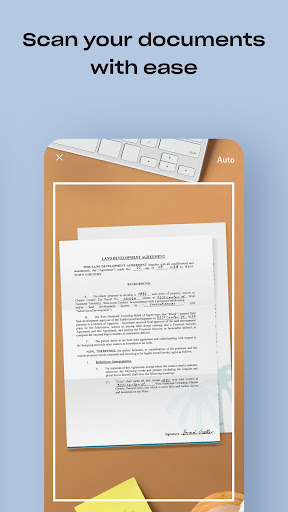
The app's functionality extends beyond basic storage. Users can scan documents and receipts, transforming them into high-quality PDFs. Dropbox also offers version history and file recovery options, ensuring users can restore deleted files or previous versions when needed. Available on both mobile and desktop platforms, Dropbox serves as an all-in-one solution for file storage, organization, transfer, and sharing needs.
For those requiring advanced features, Dropbox Plus provides 2 TB of storage space along with password management, secure document storage through Dropbox Vault, and the ability to rewind account changes up to 30 days. These enterprise-grade security features make Dropbox a trusted choice for both personal and professional use cases.
Dropbox distinguishes itself through its comprehensive feature set tailored for productivity. The automatic camera upload function ensures photos are safely stored in cloud photo storage, ready for sharing across devices. Its cross-platform compatibility allows seamless access to files on both mobile and desktop environments, even when offline. The ability to preview over 175 file types without additional software enhances workflow efficiency.
One of Dropbox's standout capabilities is its file sharing system. Users can easily send large files by generating shareable links, eliminating the need for recipients to have a Dropbox account. The built-in document scanning feature transforms mobile devices into portable scanners, creating professional-grade PDFs from physical documents. These innovative tools cater specifically to modern workplace requirements.
Advanced users benefit from enterprise-level features like Dropbox Passwords, which syncs credentials across devices, and Dropbox Rewind, allowing complete account rollback for up to 30 days. The implementation of Dropbox Vault provides an extra layer of security for sensitive documents. These premium features, combined with standard offerings, position Dropbox as a versatile productivity tool suitable for various professional scenarios.
User-friendly interface
Secure file sharing
Offline access
Cross-platform sync
Document scanning
Paid subscription
Limited free storage
No native editing
Occasional sync delays
Basic mobile features

 4.20
4.20
8 custom complications. Custom Time Fonts. Beautiful color schemes. A++ Design.
5.00
Multilingual translator for text, voice, and image translation!
4.90
ID.me Authenticator is a simple and free Two Factor Authentication solution
3.50
Tally and goal counter for Wear OS & mobile
4.50
Access, manage and transfer files on Android, PC, Mac, NAS and cloud storages.
4.30
Quickly and easily keep track of your work shifts
4.70
Understand anything with a personalized AI research assistant
4.80
Scan paperwork into PDF/JPG, generate your own e-signature and send fax or email
4.70
Best Tool for the professionals Electrician, Electrical contractors, etc.
4.90
Protect and view your important info on your phone and tablet with eWallet®
4.80
Lightweight PDF, Word, Excel reader.
4.60
Pwnagotchi companion app
4.20
Make apps & sites with natural language prompts
4.10
Experience real multitasking on your Android!
4.00
⏰ Finally a timer app which can run multiple timers simultaneously on your watch
3.90
Mega cloud explorer plugin for Solid Explorer
3.80
Code on-the-go with VScode for Android. Edit,debug and collaborate from mobile!!
3.10
A comprehensive suite of tools designed specifically for Lactation Consultants
4.1


User Reveiws