
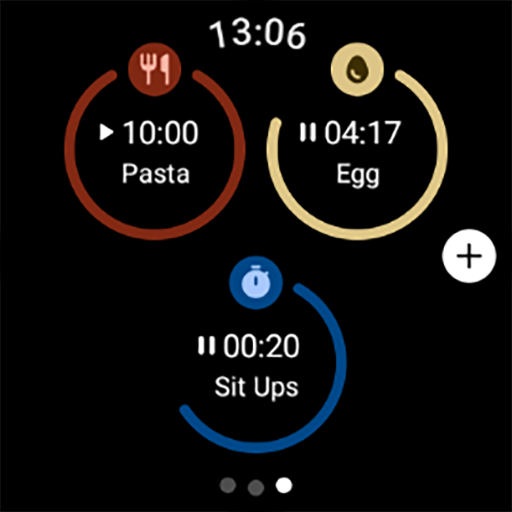


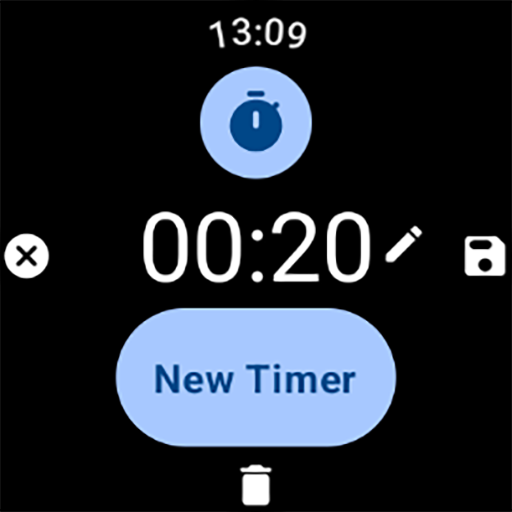
MultiTimerPro for Wear OS is a powerful productivity tool designed to enhance time management on smartwatches. This app allows users to run multiple timers simultaneously, overcoming the limitations of standard single-timer applications.
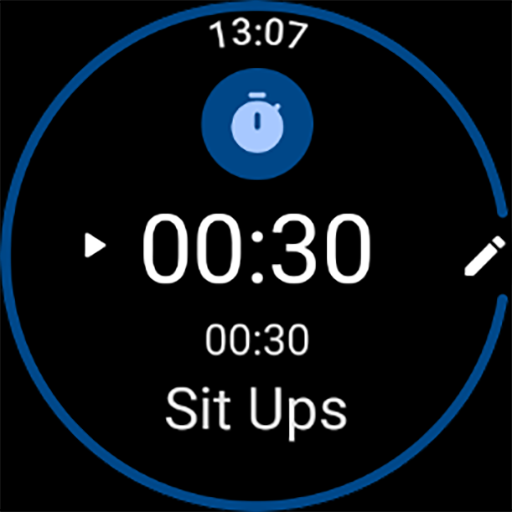
The app features an intuitive interface that makes it easy to create, edit, and manage various timers. Users can customize each timer with specific names, durations, icons, and colors, catering to individual preferences and activities. Whether you're cooking, exercising, or managing work tasks, MultiTimerPro ensures you stay on track.
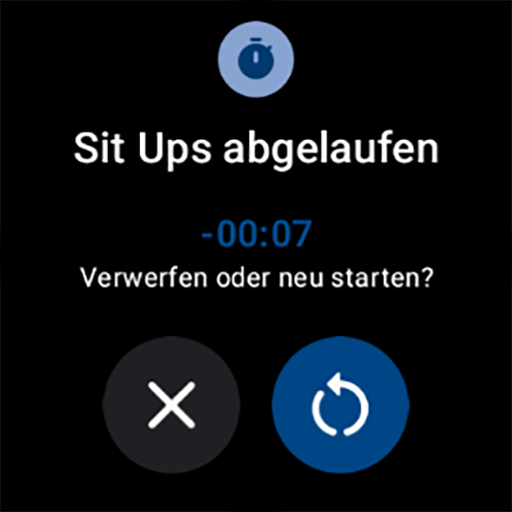
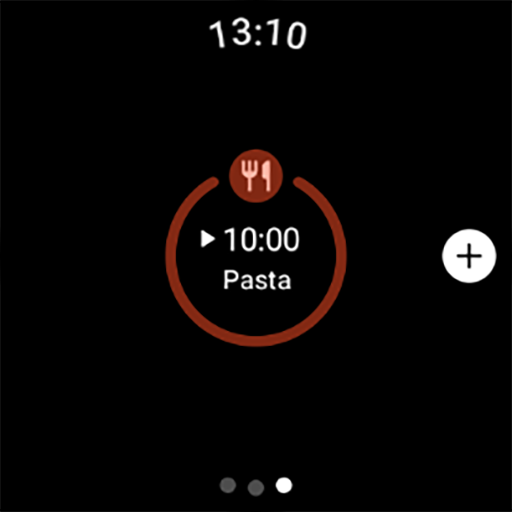
With the newly added Tile functionality, users can directly access their favorite timers, streamlining the multitasking process. The inclusion of sound notifications further enhances the user experience by ensuring no timer is ever missed. MultiTimerPro redefines how you manage your day by providing precise and efficient timekeeping.
MultiTimerPro stands out with its multi-timer functionality, allowing users to handle several timers at once. This feature is particularly beneficial for those juggling multiple tasks such as cooking different dishes or managing workout intervals.
The app's intuitive interface is designed for seamless navigation, making timer management straightforward and efficient. Users can effortlessly create, edit, and monitor their timers, ensuring they never lose track of time. Customization options are abundant, enabling personalized timer settings with unique names, durations, icons, and colors.
One innovative aspect is the newly added Tile feature, which provides quick access to favorite timers right from the main screen. Additionally, sound notifications have been integrated to ensure users are promptly alerted when timers expire. These features collectively offer a superior time management solution tailored for productivity enthusiasts.
User-friendly interface
Multiple timer support
Customizable timer options
Quick-access Tile feature
Sound notifications for alerts
Limited to Wear OS
Premium version required
No web-based control
Occasional sync issues
Interface learning curve

Create study competitions, track your hours, and stay consistent with friends
 4.4
4.4
Automates browsing any website and notifies you of important changes or events
4.30
Todo reminder
4.10
Fill, sign & send docs, forms, agreements & contracts via electronic signature.
4.50
All document reader, all in one file viewer read PDF, DOCX, XLS, PPT, TXT files.
4.60
A Pixel Art watchface inspired by other iconic 90s designs for Wear OS devices!
4.40
Intelligent AI Assistant
4.10
Simple notepad & memo. Take notes, to-do list, shopping list with reminders.
4.80
Daily processing of PDF documents.
4.40
Secure, fast, open-source, VNC and SSH Remote Desktop for Windows, Linux and Mac
4.70
Direct Chat without saving contacts & Dual WA Account on Single Device
4.70
A lightweight JSON & XML files creator, editor and viewer (Premium Version)
4.40
Total remote control for your Android device, PC and cloud services (IFTTT)!
4.20
Device's storage information in a simple and clear graphical form (infographics)
4.10
Experience real multitasking on your Android!
4.00
Wake up & get tasks done! Add alarms & reminders on the Clock Launcher.
4.00
Experience and share your SolidWorks designs on your Android® phone and tablet.
2.50
Ads Free App! Editor, Hide File, Copy, Move, Delete and Rename.. all facility av
1.70
The upgraded version of Name Wheel with AI and the power to add your own wheels.
4.1


User Reveiws