

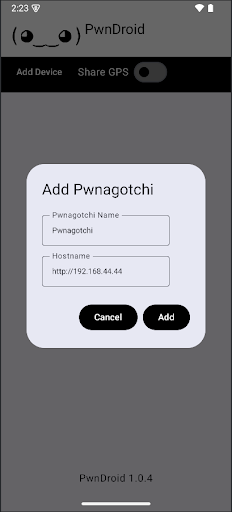
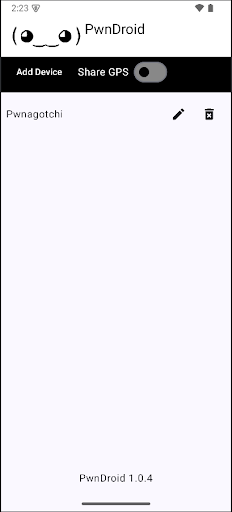
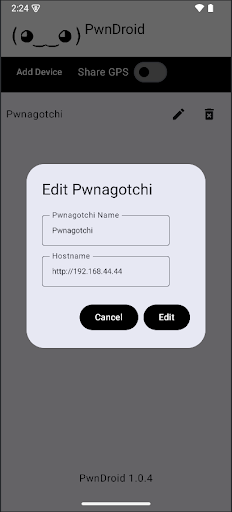
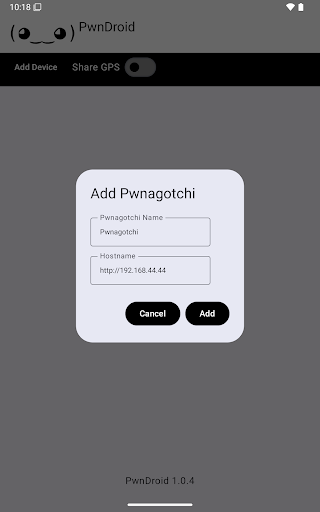

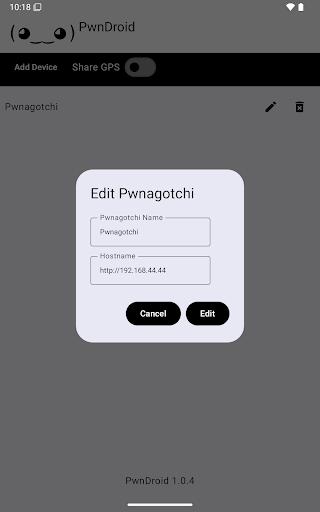
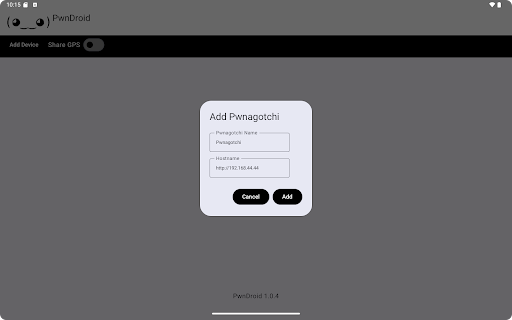
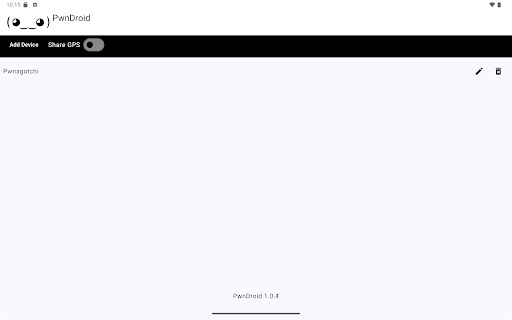
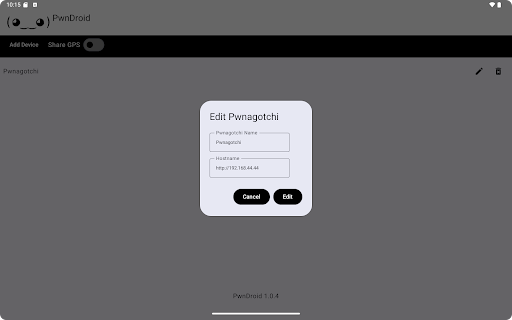
PwnDroid is a productivity-focused application designed to streamline the management of your Pwnagotchi devices. This innovative app allows users to conveniently add and organize their Pwnagotchi units while providing seamless access to the web UI through an integrated in-app browser. With its user-friendly interface, PwnDroid ensures efficient device monitoring and control, making it an essential tool for both novice and experienced cybersecurity enthusiasts.
The app's core functionality lies in its ability to consolidate all your Pwnagotchi management tasks into one centralized platform. Whether you're tracking multiple devices or need quick access to real-time data, PwnDroid delivers a comprehensive solution that saves time and enhances workflow efficiency. Its integration with the web UI enables users to perform advanced configurations without leaving the app environment.
PwnDroid stands out with its specialized feature set tailored specifically for managing Pwnagotchi devices. The app includes an intuitive dashboard that provides at-a-glance information about all connected units, allowing users to quickly assess device status and performance metrics. Additionally, the built-in web browser offers direct access to each Pwnagotchi's web interface without requiring external applications or cumbersome switching between programs.
Another key feature is the app's synchronization capability, which automatically updates device information in real time. This ensures that users always have access to the most current data, whether they're monitoring network activity or adjusting operational parameters. Furthermore, PwnDroid supports customizable notifications, enabling users to stay informed about important events or alerts related to their devices.
User-friendly interface
Integrated web browser
Real-time synchronization
Customizable notifications
Centralized device management
Limited to Pwnagotchi devices
No offline functionality
Requires stable internet
Advanced features may overwhelm beginners
Occasional sync delays

Experience real multitasking on your Android!
 4.00
4.00
Unlock AutoNotification
4.00
Automates browsing any website and notifies you of important changes or events
4.30
App Lock with fingerprint, password: Lock apps & hide photos with lock screens
4.60
Stay on top of your to-dos with Google Tasks, part of Google Workspace.
4.60
Docker, Kubernetes management over Portainer Mobile
4.40
The ultimate file manager for rooted devices. The original and still the best.
4.00
Use powerful, industry-leading AI tools to generate visual charts from any data
4.80
Browse and view your photos and videos from the phone with photo & video hide.
4.10
Seamlessly integrate data and reports to build your presentation to impress
4.80
The long-awaited modern gallery app for your Nextcloud server
4.70
This small app MUST BE INSTALLED after purchase, else license won't work
4.40
Enjoy classic gameplay with customizable features and retro-style graphics.
4.30
A customizable calendar for your Wear OS watch
4.20
Device's storage information in a simple and clear graphical form (infographics)
4.10
Cloud storage, automatic phone backup, and more.
4.10
Wake up & get tasks done! Add alarms & reminders on the Clock Launcher.
4.00
Access your phone's notifications, calls, apps, photos & texts on your PC
3.90
Find and delete junk files & block unwanted notifications & manage files
3.70


User Reveiws