
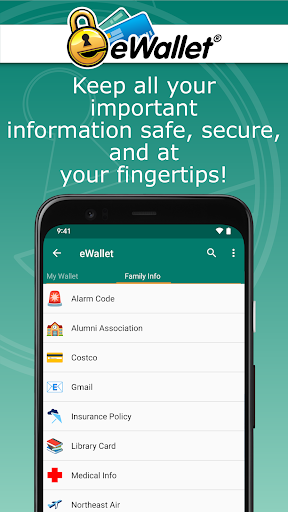
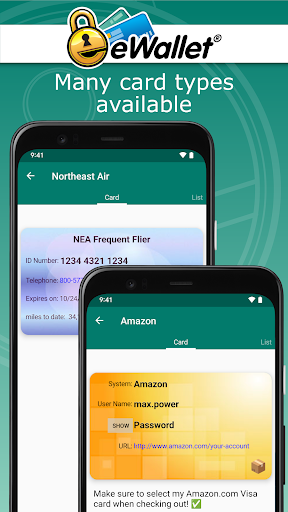
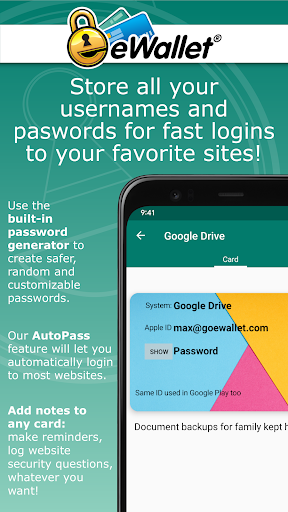

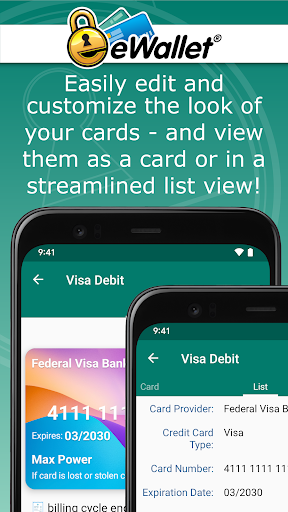
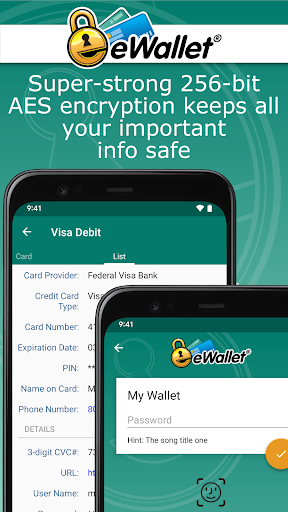
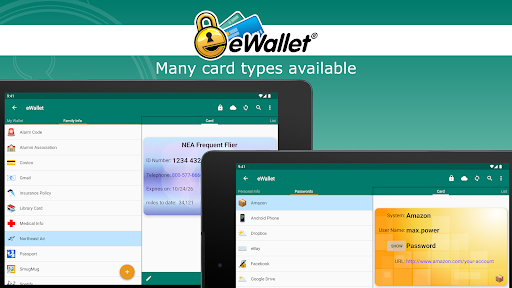
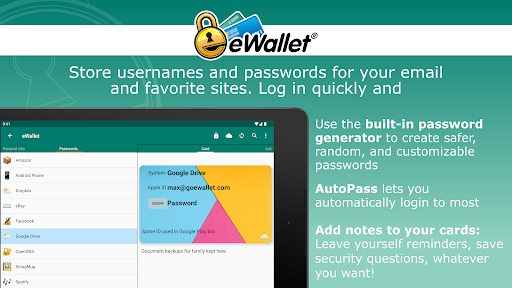
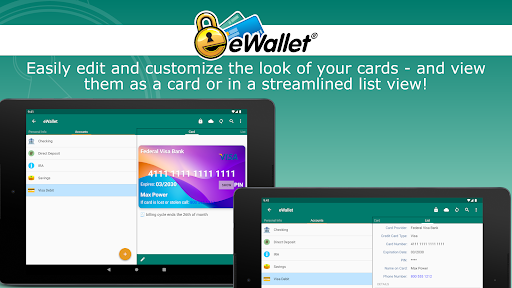
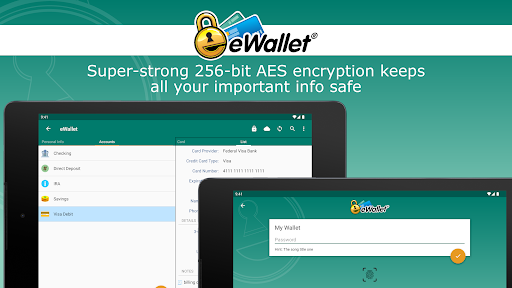
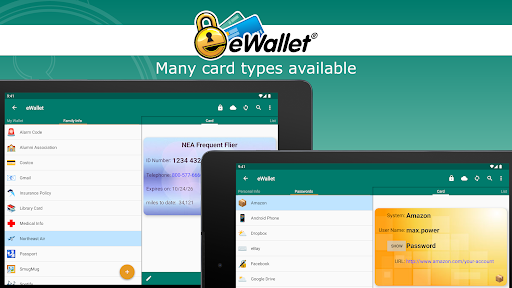
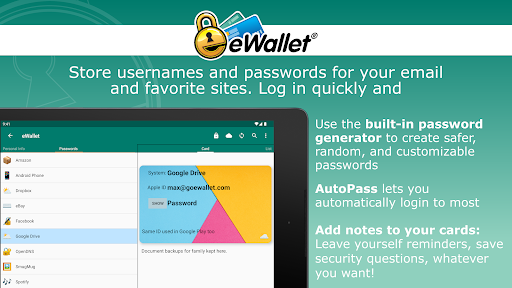
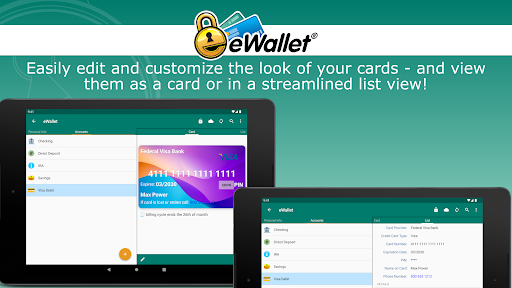
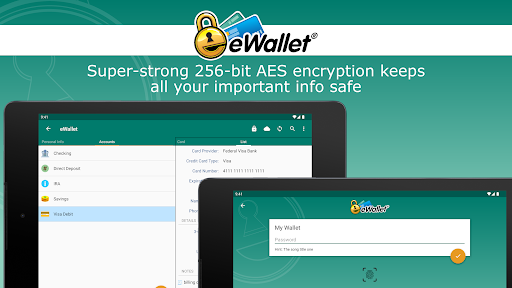

eWallet is a sophisticated password manager app designed for Android smartphones and tablets, offering military-grade encryption to secure sensitive information such as passwords, credit cards, and bank account numbers. The app features biometric authentication options including fingerprint, facial recognition, and iris scanning, ensuring both security and convenience.
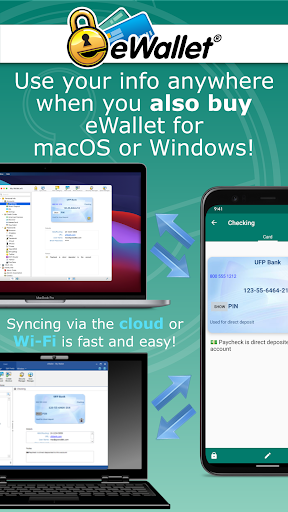
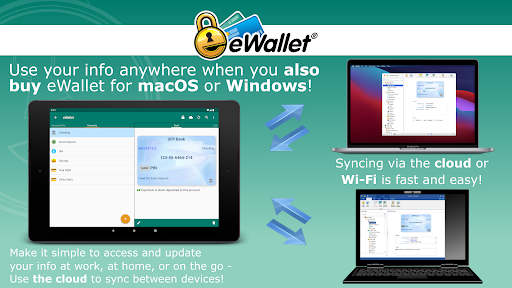
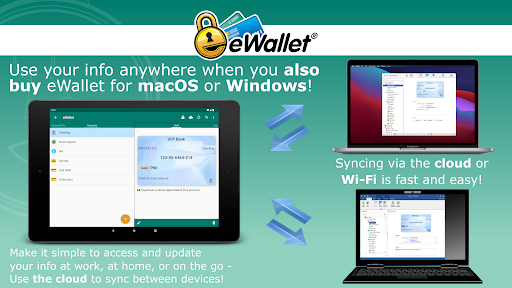
With its comprehensive password management capabilities, eWallet allows users to store and manage their digital credentials safely. The app supports cloud synchronization across multiple devices via Dropbox, Google Drive, or Microsoft OneDrive, and also offers local Wi-Fi sync with desktop versions for macOS and Windows. This ensures that users can access their data wherever they go while maintaining top-level security.
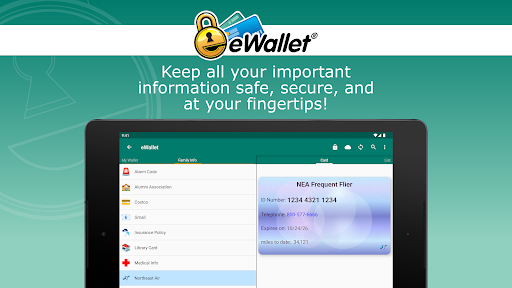
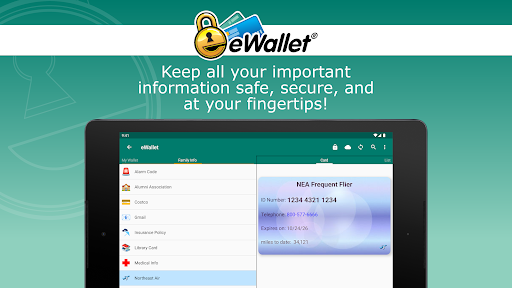
The app's standout feature is its ability to simplify the user's digital life without compromising on safety. With functionalities like auto-locking, random password generation, and customizable wallets, eWallet provides a robust solution for organizing personal information securely. Its intuitive interface and powerful features make it an essential tool for anyone looking to enhance their digital security.
eWallet stands out with its advanced security features, most notably the 256-bit military-grade AES encryption, which ensures that all stored data remains protected against unauthorized access. The inclusion of biometric authentication methods such as fingerprint and facial recognition adds an extra layer of security while maintaining ease of use.
One of the key highlights of eWallet is its seamless synchronization capabilities. Users can sync their data across multiple devices using cloud services like Dropbox, Google Drive, or Microsoft OneDrive. Alternatively, they can opt for local Wi-Fi sync with the desktop versions of the app. This flexibility ensures that users have access to their information whenever and wherever they need it.
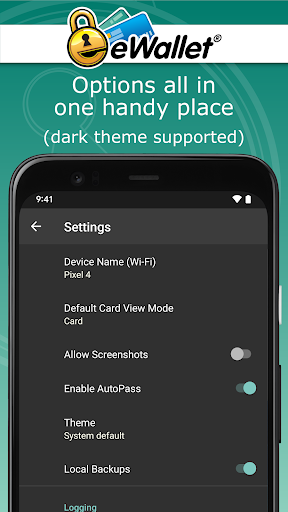
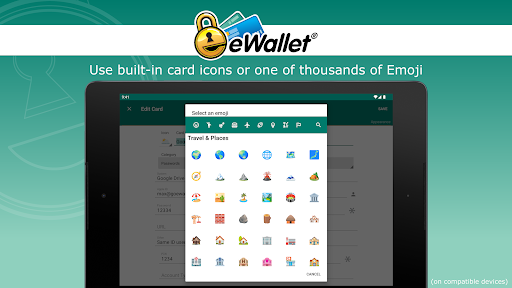
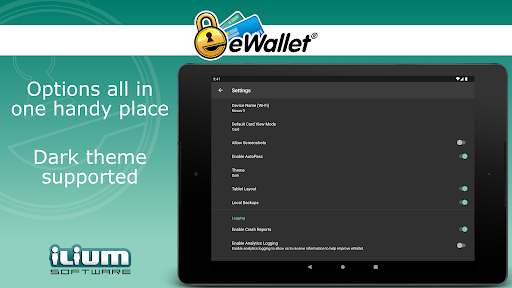
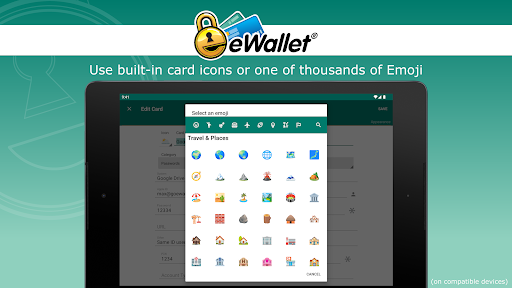
In addition to its core security features, eWallet offers several productivity-enhancing tools. These include a random password generator, customizable wallet designs, and over three thousand emoji options for personalizing cards. The app also includes an auto-locking feature and AutoPass functionality, which automatically enters passwords through a built-in browser control, streamlining the user experience while maintaining stringent security standards.
Top-notch security
User-friendly interface
Flexible sync options
Customizable features
Comprehensive password management
No iOS compatibility
Separate desktop purchase
Limited free features
Requires Android 8+
Subscription fees apply

A Revolutionary All-in-One Artificial Intelligence Tools
 3.80
3.80
Experience Reading - Night Mode for Documents
4.40
Device's storage information in a simple and clear graphical form (infographics)
4.10
CalenGoo is a very flexible and feature-rich calendar app
4.40
Fill, sign & send docs, forms, agreements & contracts via electronic signature.
4.50
A comprehensive suite of tools designed specifically for Lactation Consultants
4.1
The ultimate file manager for rooted devices. The original and still the best.
4.00
Share files & memories safely. Keep your photos and videos secure.
4.40
Put a lock on your cloud: Take the security of your data into your own hands
3.70
Quickly and easily keep track of your work shifts
4.70
Direct Chat without saving contacts & Dual WA Account on Single Device
4.70
Absolutely the best CNC machinist speed and feed calculator around. fswizard.com
4.60
App Lock with fingerprint, password: Lock apps & hide photos with lock screens
4.60
To do list widget with a notebook organizer, checklist, simple shopping list
4.60
Lightweight PDF, Word, Excel reader.
4.60
Pwnagotchi companion app
4.20
Cloud storage, automatic phone backup, and more.
4.10
Ads Free App! Editor, Hide File, Copy, Move, Delete and Rename.. all facility av
1.70
Create study competitions, track your hours, and stay consistent with friends
4.0


User Reveiws