
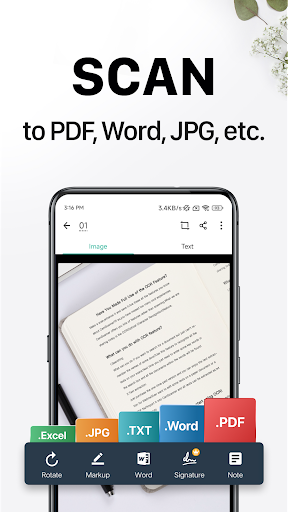
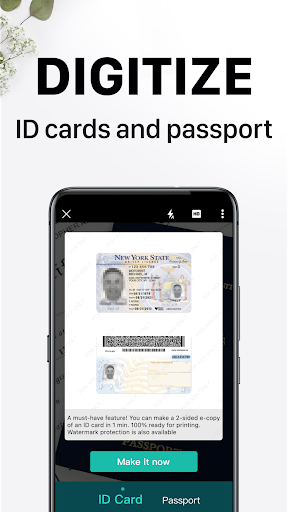
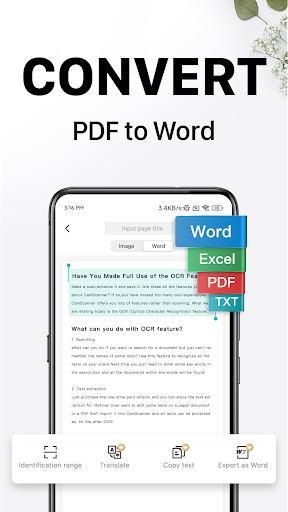
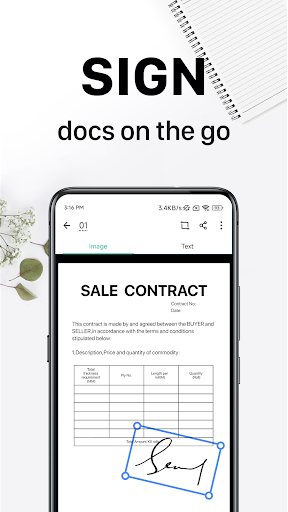

CamScanner is a versatile productivity app that transforms your mobile device into a powerful document scanner. With advanced OCR technology, it allows users to scan, digitize, and manage various types of documents such as receipts, notes, and business cards. The app optimizes scan quality through smart cropping and auto-enhancement features, ensuring professional-grade results every time.
Beyond basic scanning, CamScanner offers comprehensive document management capabilities. Users can extract text from images, annotate documents, add watermarks, and organize files with tags for easy retrieval. The app supports wireless printing and remote faxing to over 30 countries, making it an essential tool for both personal and professional use.
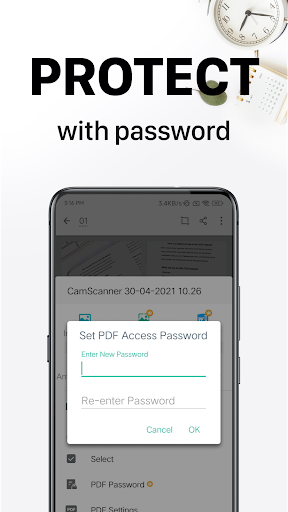
With over 300 million users worldwide, CamScanner stands out in the productivity category by providing seamless cross-platform synchronization. Whether you're working on your smartphone, tablet, or computer, you can access and manage your documents anytime, anywhere. Its robust security features, including password protection and encrypted sharing options, make it particularly valuable for handling sensitive business documents.
CamScanner distinguishes itself through its comprehensive feature set designed to enhance productivity. The app's OCR technology not only recognizes text but also enables content editing and searching within scanned documents. Its advanced cropping algorithm automatically detects document boundaries while allowing manual adjustments, ensuring perfect scans every time.
The app's document management capabilities are particularly noteworthy. Users can create folders, apply tags, and search for documents based on their content. The annotation tools provide professional-grade editing options, including highlighting, underlining, and adding comments. Additionally, the app's wireless printing functionality supports most printers without requiring additional drivers or software installation.
Security and collaboration features further enhance CamScanner's value proposition. The app offers multiple layers of protection for sensitive documents, including password protection and encrypted sharing links. Its subscription model provides unlimited access to premium features, making it a cost-effective solution for individuals and businesses seeking comprehensive document management capabilities.
Advanced OCR technology
Cross-platform sync
Wireless printing
Remote fax service
Comprehensive editing tools
Premium features locked
Subscription required
Basic ads present
File size limitations
Occasional OCR errors

 4.20
4.20
Easily read and manage all your PDF files
4.10
Mind Map and brainstorm, note taking and idea collection
4.80
aCalendar+ makes your day, week and month
4.70
Find and delete junk files & block unwanted notifications & manage files
3.70
Create and edit presentations with Google Slides, part of Google Workspace.
4.00
Code on-the-go with VScode for Android. Edit,debug and collaborate from mobile!!
3.10
This small app MUST BE INSTALLED after purchase, else license won't work
4.40
Secure your apps with lock screens, use custom themes and different features.
4.40
8 custom complications. Custom Time Fonts. Beautiful color schemes. A++ Design.
5.00
Multilingual translator for text, voice, and image translation!
4.90
Secure, fast, open-source, VNC and SSH Remote Desktop for Windows, Linux and Mac
4.70
Secure, fast, open-source, Remote Desktop Client for Windows and Linux with SSH
4.60
A lightweight JSON & XML files creator, editor and viewer (Premium Version)
4.40
A Pixel Art watchface inspired by other iconic 90s designs for Wear OS devices!
4.40
Automates browsing any website and notifies you of important changes or events
4.30
Access, manage and transfer files on Android, PC, Mac, NAS and cloud storages.
4.30
Device's storage information in a simple and clear graphical form (infographics)
4.10
Unlock AutoNotification
4.00


User Reveiws