Widgets 2

5.00

Information

Category:

Productivity

Price:

$ 1.49

Rank:

39

Rating:

5.00

Overview

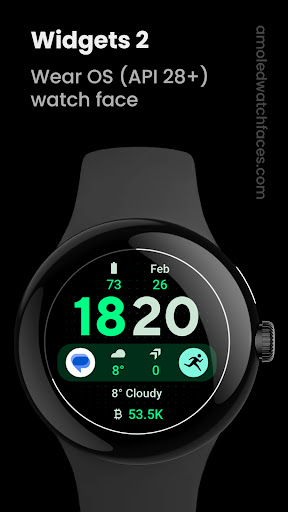
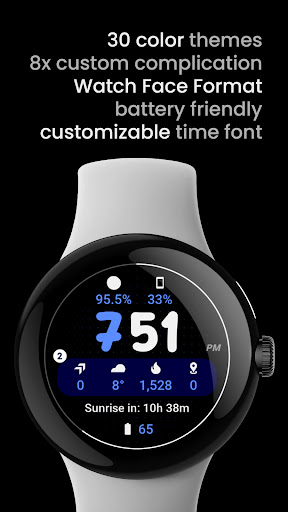
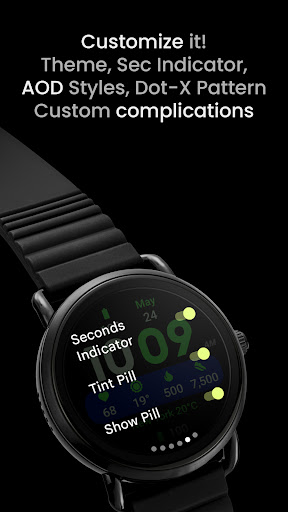
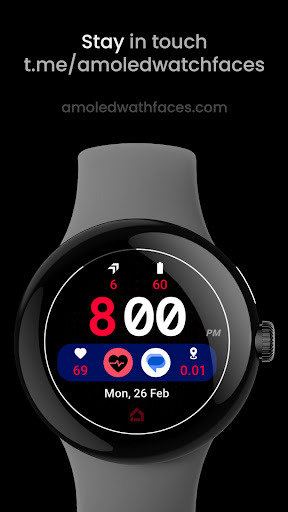
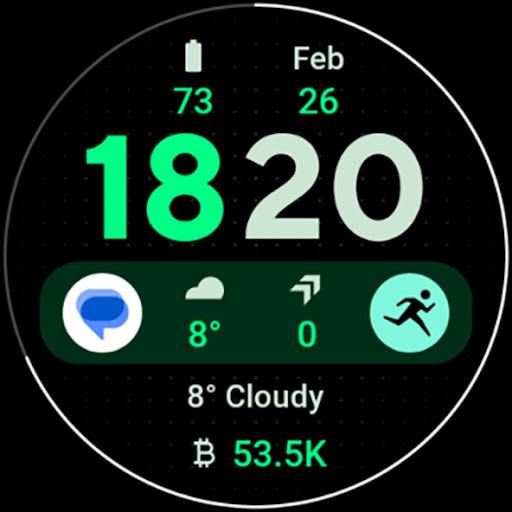
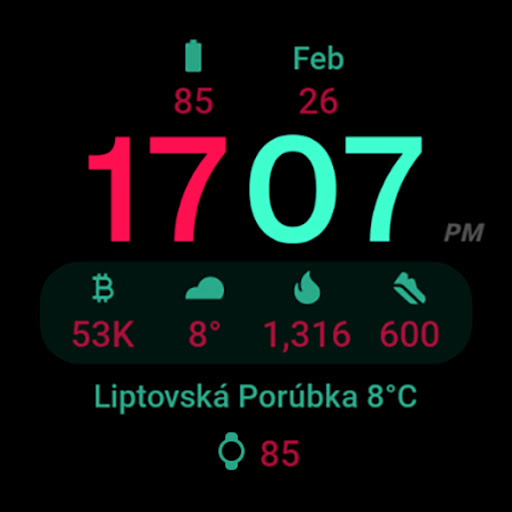
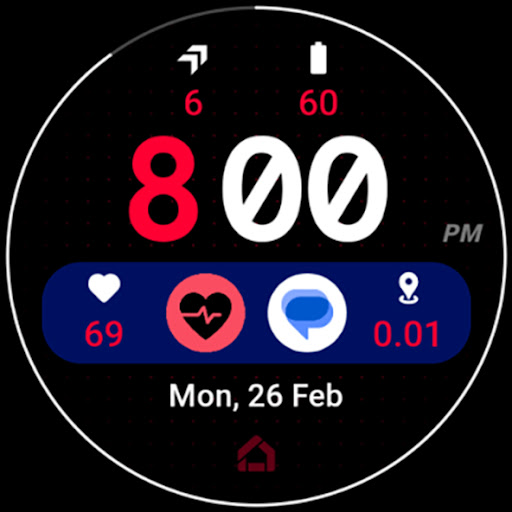
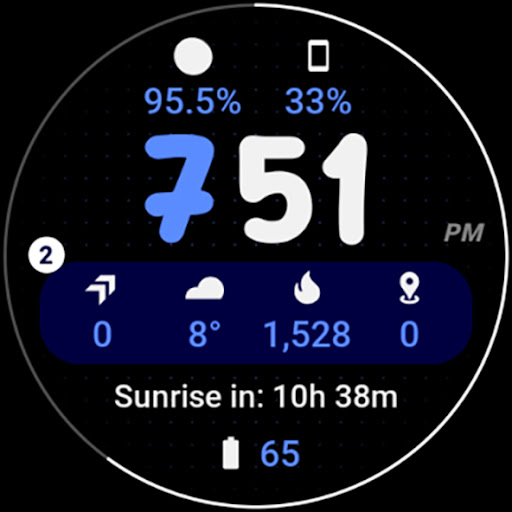
Widgets 2 is a feature-rich productivity app designed exclusively for Wear OS 4+ devices. This innovative application offers users advanced customization options for their smartwatch faces, including true black backgrounds, high resolution displays, and unique color themes. With support for 8 custom complication slots and an adaptive ambient mode, the app provides both functionality and personalization.

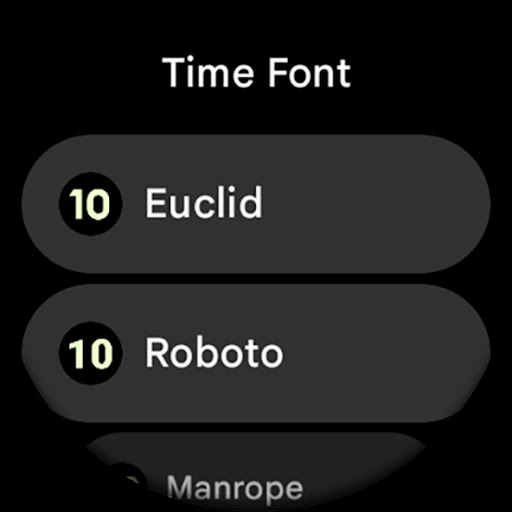
The app's standout features include burn-in protection, progress bar seconds indicator, and customizable time fonts. These elements ensure optimal display performance while maintaining visual appeal. Widgets 2 also supports phone notification complications, making it a comprehensive solution for managing your wearable device's interface. Whether you're looking to enhance your watch face's aesthetics or improve its practical utility, this app delivers professional-grade tools for power users.

Features

Widgets 2 distinguishes itself through its comprehensive feature set tailored for power users. The application implements Watch Face Format 1 technology, ensuring full compatibility with latest Wear OS devices while maintaining optimal performance. Its technical capabilities include sophisticated display options such as true black background, high resolution graphics, and an intelligent ambient mode that adapts colors and minimizes pixel overuse.

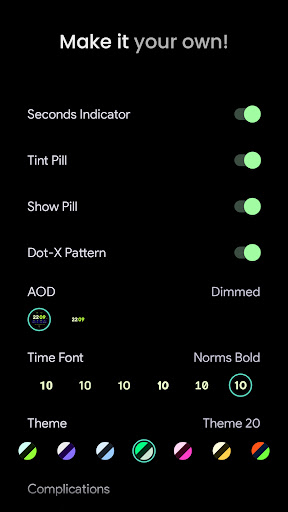
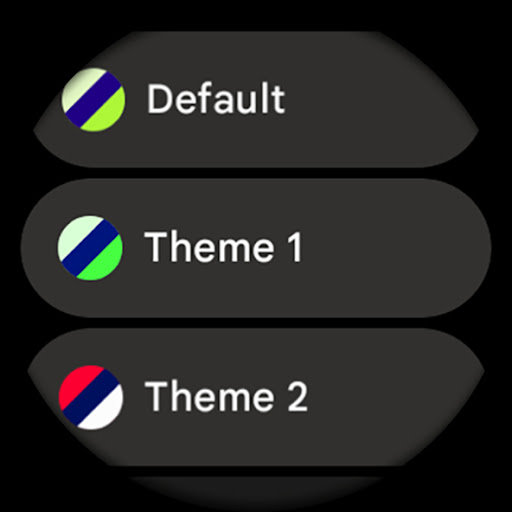
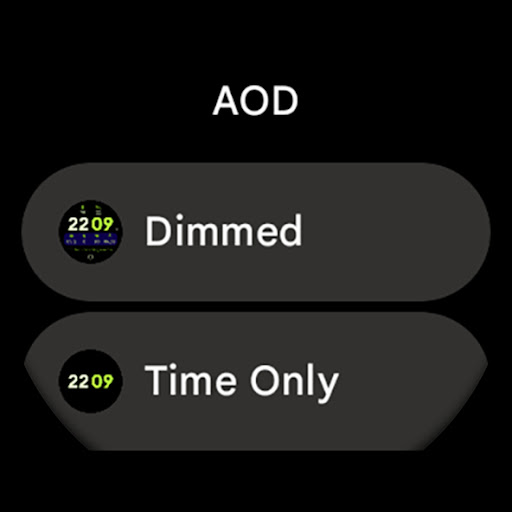
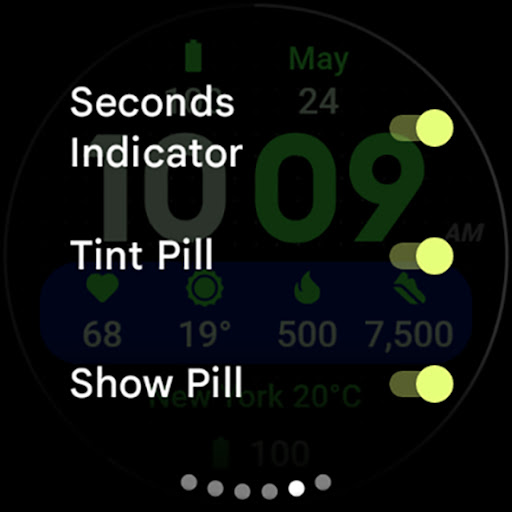
The app's customization options are particularly impressive, offering users 29 unique color themes, 7 time font variations, and multiple configuration toggles for AOD styles, seconds indicators, and design elements. The implementation of 8 custom complication slots demonstrates the app's commitment to productivity enhancement. Furthermore, features like burn-in protection and progress bar seconds indicator showcase the developer's attention to hardware longevity and precise timekeeping.

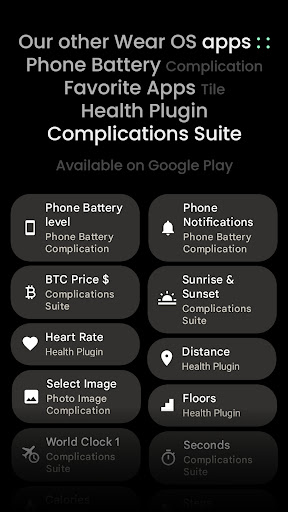
Widgets 2 also excels in its technical integration capabilities. The app supports phone notification complications through companion applications, creating a seamless connection between mobile devices and wearables. This ecosystem approach, combined with detailed installation guides and responsive support channels, ensures users can maximize their productivity while maintaining complete control over their smartwatch's appearance and functionality.

Core task management

Task management in productivity applications refers to the ability to organize and track tasks efficiently ensuring that users can manage their responsibilities effectively The Widgets 2 app provides a comprehensive task management system tailored for Wear OS 4+ devices allowing users to stay productive directly from their smartwatch One of the key features is the inclusion of eight customizable complication slots which serve as task organizers These slots enable users to input various types of information such as time weather or notifications directly on their watch face making essential data readily accessible Additionally the app offers unique color themes and ambient modes with low OPR and adaptive colors enhancing usability while conserving battery life Users can also customize time fonts toggle settings for AOD styles seconds indicators and more providing a personalized experience that caters to individual preferences This level of customization ensures that users can tailor their watch faces to suit their specific needs whether it be for work fitness or daily life activities By integrating phone notification complications Widgets 2 allows users to receive important updates without needing to check their phones This seamless connection between the smartphone and smartwatch creates an ecosystem where users can prioritize tasks respond to urgent matters and maintain productivity throughout the day Overall the robust task management capabilities of Widgets 2 empower users to take control of their schedules and responsibilities right from their wrists making it an invaluable tool for anyone looking to enhance their productivity on the go

Cross-device synchronization reliability

Cross-device synchronization is crucial for productivity tools as it ensures that all user data remains consistent and up-to-date across multiple devices In the case of Widgets 2 this functionality is achieved through its compatibility with the latest Wear OS devices and integration with smartphone applications such as the Phone Battery Complication app By connecting these platforms Widgets 2 enables real-time updates and notifications ensuring that users have access to the most current information regardless of the device they are using For instance when a user sets a reminder or updates a task on their smartphone it will automatically reflect on their smartwatch This synchronization extends to the app's customizable features including themes time fonts and toggles like AOD styles and seconds indicators which can be adjusted on one device and mirrored on another Furthermore Widgets 2 supports high-resolution displays and true black backgrounds optimizing visual clarity and readability across different screen sizes and types The reliability of this cross-device synchronization is further enhanced by the app's burn-in protection feature which prevents image retention on AMOLED screens thus maintaining display quality over time With dedicated support channels available via email or Telegram users can quickly resolve any synchronization issues they may encounter ensuring minimal disruption to their workflow In summary Widgets 2 delivers dependable cross-device synchronization that keeps users connected and informed no matter where they are or what device they are using

Props

Advanced customization

True black display

Burn-in protection

High resolution

Unique themes

Cons

Rectangular watch limit

Wear OS 4+ only

Separate app needed

Complex setup

Premium pricing

Features and Functions

What is this app and what can I use it for?

A productivity app for customizing Wear OS watch faces with complications and themes

How do I download and install this app on my device?

Download from Google Play Store and install via Android Package Installer

How do I get started after opening the app for the first time?

Follow online guide at amoledwatchfaces.com/guide for initial setup

What are the main features and capabilities of this app?

Custom complications, themes, ambient modes, and notification support

How can I customize my experience and adjust preferences?

Adjust theme, fonts, AOD style, and toggle various display elements

How do I save or bookmark my favorite content for later access?

Save favorite configurations through app's built-in settings menu

How can I share content with friends or on social media?

Share watch face designs via app's export functionality or social links

How do I access detailed information and explore more content?

Explore documentation and Telegram group for detailed information

What permissions does this app need and how do I manage them?

Needs basic device permissions managed through Android settings

How do I check for updates and keep the app running smoothly?

Check Google Play Store regularly for updates and maintain storage space
Show more

User Reveiws

{{ comment.reviewer_name }}
{{ comment.review_date_formatted}}
{{ comment.review_content }}
{{ tab.name }}
{{ comment.reviewer_name }}
{{ comment.review_date_formatted}}
{{ comment.review_content }}
No reviews with this rating