
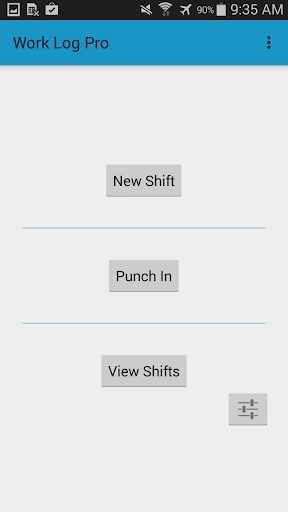
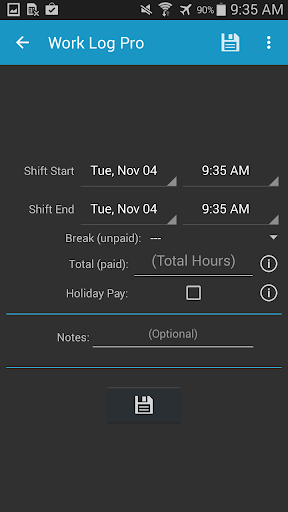
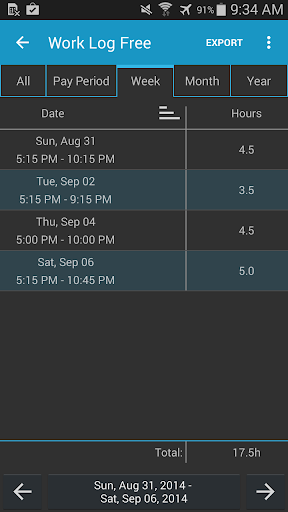

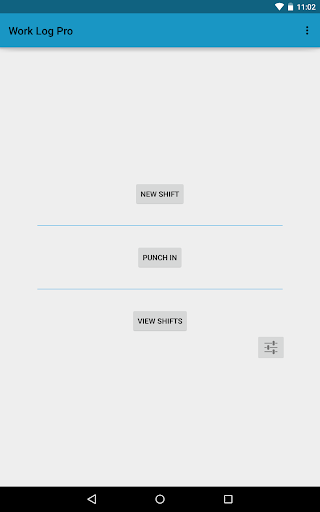
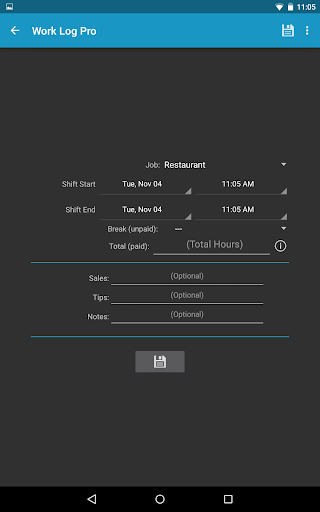

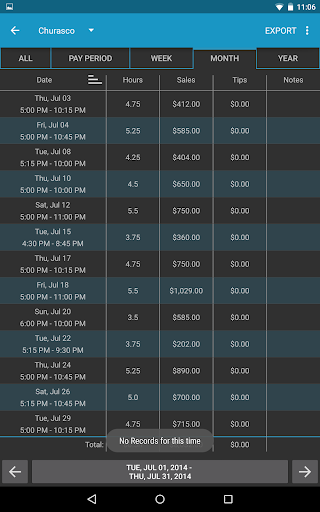
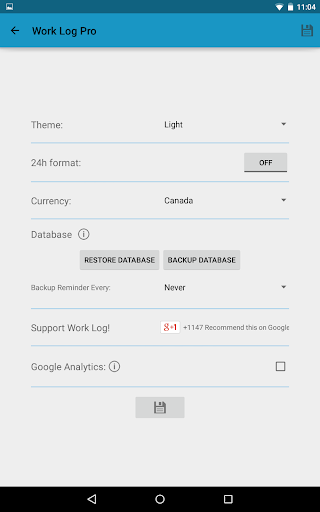
Work Log Pro is a comprehensive productivity tool designed for professionals who need to efficiently track their work hours and manage multiple jobs. The app offers an intuitive interface that allows users to punch in and out, manually enter shift hours, and automatically calculate wages based on customizable pay periods. With support for overtime tracking, automatic break deductions, and bonus calculations, it ensures accurate payroll management.
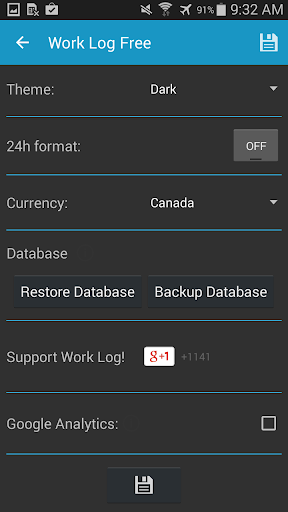
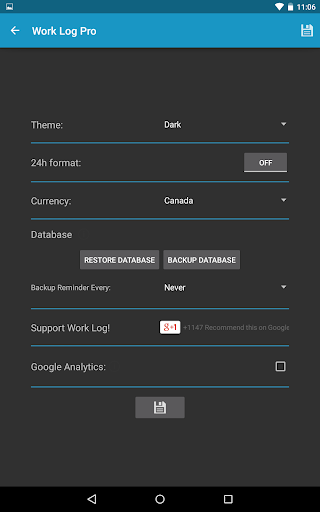
Beyond basic time tracking, Work Log Pro provides advanced features such as exporting shifts to spreadsheets or PDFs, importing and exporting backups, and removing ads for uninterrupted usage. Its customization options include 24-hour formatting, setting start-of-week preferences, and choosing between light or dark themes. This makes it adaptable to various user preferences and professional environments, enhancing both functionality and user experience.
The app's ability to handle multiple jobs with individual settings proves invaluable for freelancers and contract workers. By offering detailed wage breakdowns, sales/tip tracking, and backup reminders, Work Log Pro empowers users to maintain precise financial records. Whether you're a server tracking tips or a consultant managing multiple clients, this app streamlines administrative tasks, allowing you to focus more on your work and less on paperwork.
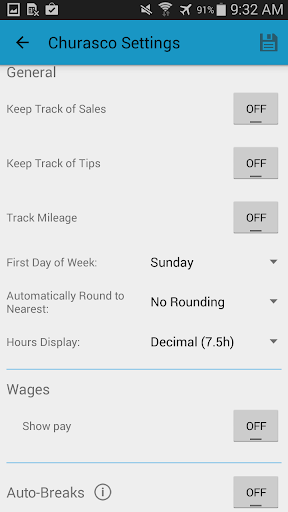
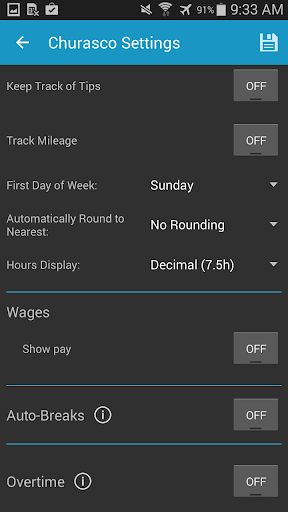
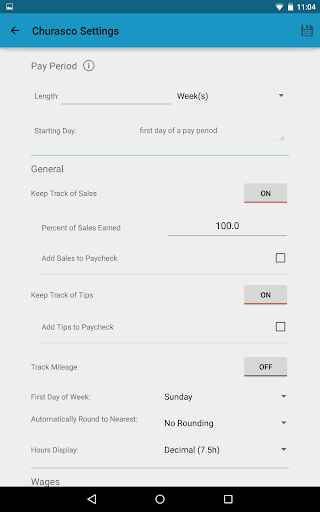
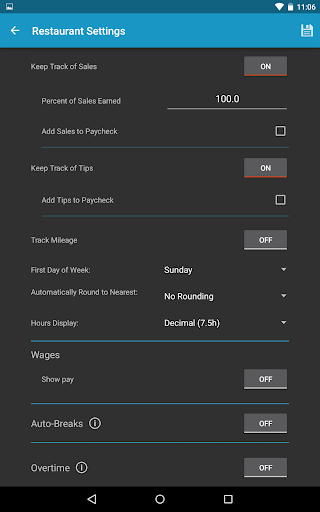
Work Log Pro stands out with its extensive feature set tailored for efficient work hour management. One of its key strengths is the ability to customize nearly every aspect of the tracking process. Users can choose between 12-hour or 24-hour time formats, set custom pay periods, and configure automatic break deductions based on shift length. These features ensure that the app adapts to different work styles and requirements rather than forcing users to adapt to the app.
The app also excels in its data management capabilities. It allows seamless backup and restoration of shift data through email exports, ensuring that users never lose important information. Additionally, the ability to export shifts as CSV files enables easy integration with other financial software. For those managing multiple income streams, the app supports tracking up to two overtime rates and calculating commissions or tips alongside regular wages, providing a complete picture of earnings.
What truly sets Work Log Pro apart is its attention to detail in user experience. From widgets that enable quick punching in and out to comprehensive customization options like currency selection from over 100 countries and automatic rounding of shift times, every feature is designed with practicality in mind. The removal of ads and support for multiple jobs further enhances usability, making it an indispensable tool for anyone serious about managing their work schedule effectively.
Comprehensive time tracking
Customizable pay periods
Multiple job support
Automatic break deductions
Export functionality
Requires separate free version
No cloud sync
Paid upgrade necessary
Complex initial setup
Limited design options

AI Video AI Image Private LLM AI Browser Llama Gemma Ollama Connect LLM Studio
 4.2
4.2
When you Focus, so will your Bean in this cozy focus timer
4.30
Create study competitions, track your hours, and stay consistent with friends
4.2
Total remote control for your Android device, PC and cloud services (IFTTT)!
4.20
Professional calendar app for Google Calendar, MS Outlook & Exchange
4.20
Make your handwriting beautiful, even more than pen on paper.
3.60
Absolutely the best CNC machinist speed and feed calculator around. fswizard.com
4.60
App lock - lock apps with fingerprint, password, pin or pattern, protect privacy
4.70
A Pixel Art watchface inspired by other iconic 90s designs for Wear OS devices!
4.40
Native client for Forgejo and Gitea
5.00
Simple notepad & memo. Take notes, to-do list, shopping list with reminders.
4.80
QuickBooks Workforce lets teams view pay info and track time in one place.
4.70
Translate text/voice/photos in 150+ languages. Offline & fast translator app.
4.50
This small app MUST BE INSTALLED after purchase, else license won't work
4.40
Todo reminder
4.10
Ultimate Virtual AI Character for immersive Roleplay Chat. Perfect Companion
3.90
Smart PDF reader & editor to view, organize and manage PDF documents easily.
3.70
Find and delete junk files & block unwanted notifications & manage files
3.70
The upgraded version of Name Wheel with AI and the power to add your own wheels.
4.5


User Reveiws