
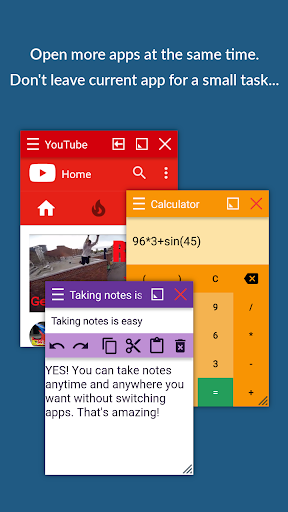


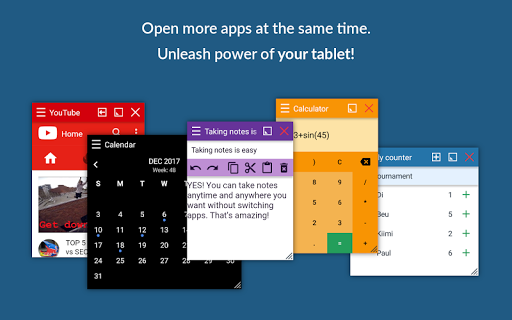
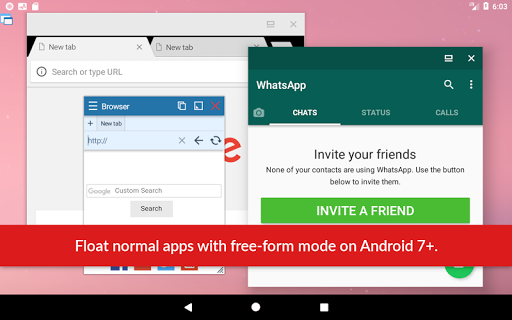
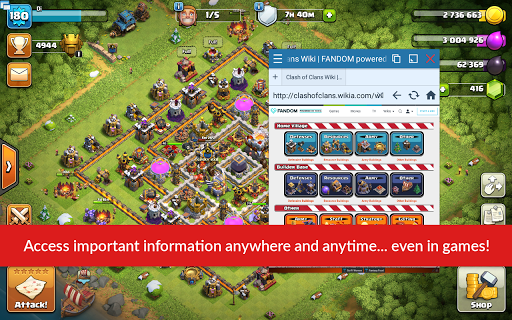
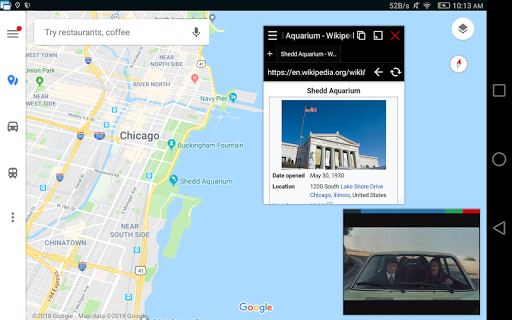
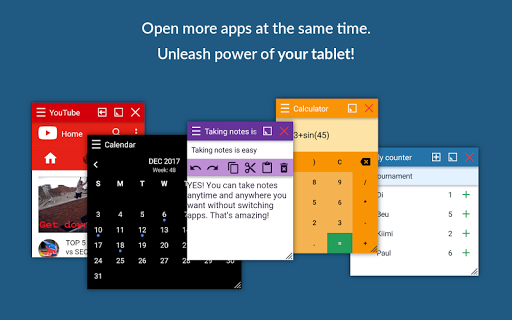
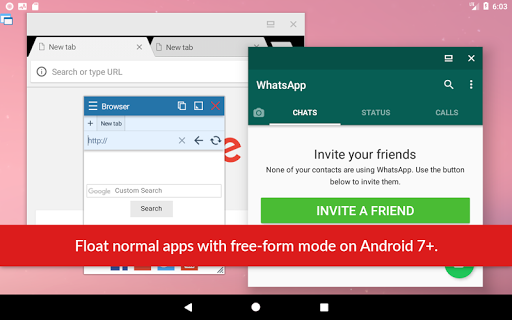
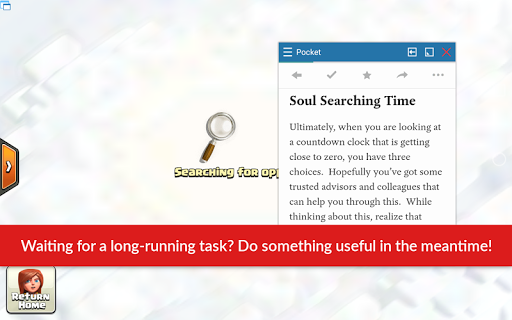
Floating Apps revolutionizes multitasking on Android devices by enabling users to run multiple apps simultaneously in floating windows. This productivity tool allows seamless integration of functions without the need to switch between apps, thus optimizing workflow and efficiency.
With over 41 built-in floating apps ranging from browsers, media players, document viewers, to social media platforms, it caters to a wide array of user needs. Additionally, its customization options let users tailor their experience, making multitasking intuitive and personalized.
Whether you're managing documents, watching videos, or interacting on social networks, Floating Apps ensures that your workflow remains uninterrupted. Its support for multiple languages further extends its usability across different regions, making it an indispensable tool for enhancing productivity.
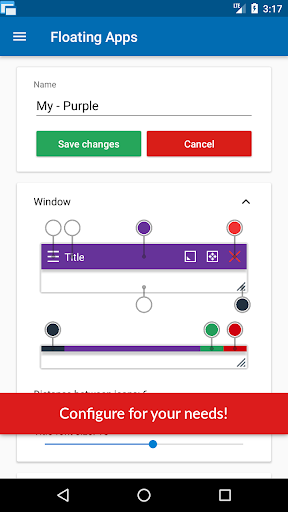
The hallmark of Floating Apps is its extensive suite of features designed to enhance multitasking. Users can enjoy advanced functionalities such as creating custom floating apps from home screen widgets and URLs, which adds a layer of personalization and flexibility.
Its sophisticated floating menu system provides quick access not only to floating apps but also to regular and recent applications, streamlining navigation. The movable and resizable quick launch icon ensures one-tap access to frequently used apps, maintaining them on top for easy reach.
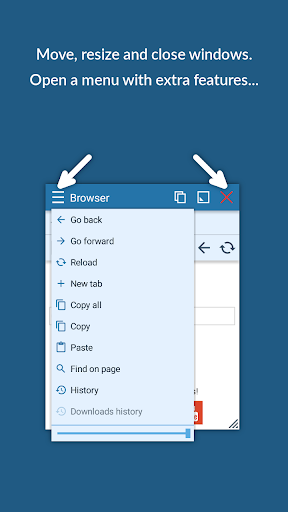
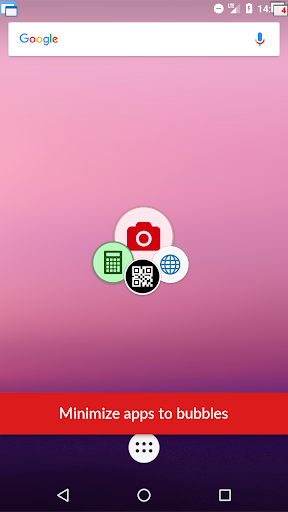
Moreover, the app's window management system allows users to move, resize, maximize, or minimize windows effortlessly, adapting the interface to their preferences. These features collectively contribute to a dynamic and efficient multitasking environment, setting Floating Apps apart in the realm of productivity tools.
Extensive multitasking
Versatile floating apps
Customizable interface
Wide language support
User-friendly design
May overwhelm new users
Resource-intensive
Limited iOS availability
Premium features cost
Occasional bugs

Auto-shutoff Alarm with Sunrise, Sunset & Fixed Options.
 3.50
3.50
Create study competitions, track your hours, and stay consistent with friends
4.4
Professional calendar app for Google Calendar, MS Outlook & Exchange
4.20
Remotely view listen control and record cameras.
3.70
⏰ Finally a timer app which can run multiple timers simultaneously on your watch
3.90
Pwnagotchi companion app
4.20
Font maker keyboard with your own handwriting
4.10
ID.me Authenticator is a simple and free Two Factor Authentication solution
3.50
Use powerful, industry-leading AI tools to generate visual charts from any data
4.80
Understand anything with a personalized AI research assistant
4.80
Direct Chat without saving contacts & Dual WA Account on Single Device
4.70
App Lock with fingerprint, password: Lock apps & hide photos with lock screens
4.60
A simple Whisper AI keyboard for reliable speech transcription and rewording
4.60
Experience Reading - Night Mode for Documents
4.40
Docker, Kubernetes management over Portainer Mobile
4.40
Enjoy classic gameplay with customizable features and retro-style graphics.
4.30
Make apps & sites with natural language prompts
4.10
Access your phone's notifications, calls, apps, photos & texts on your PC
3.90
Find and delete junk files & block unwanted notifications & manage files
3.70


User Reveiws