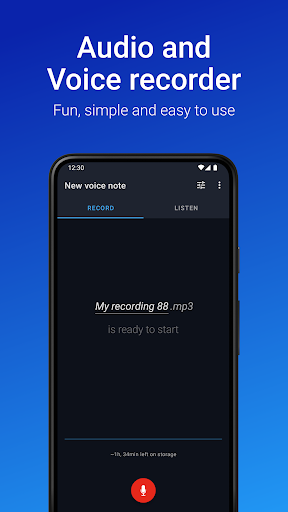

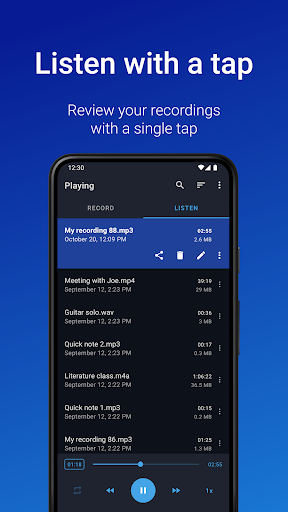


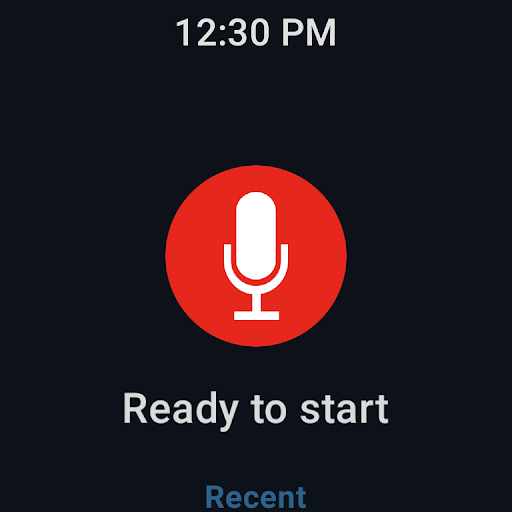
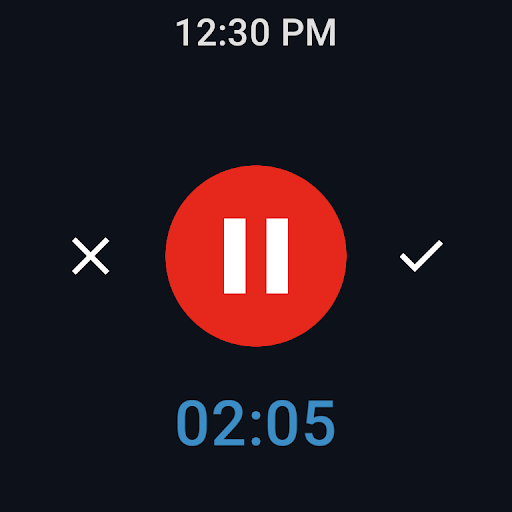
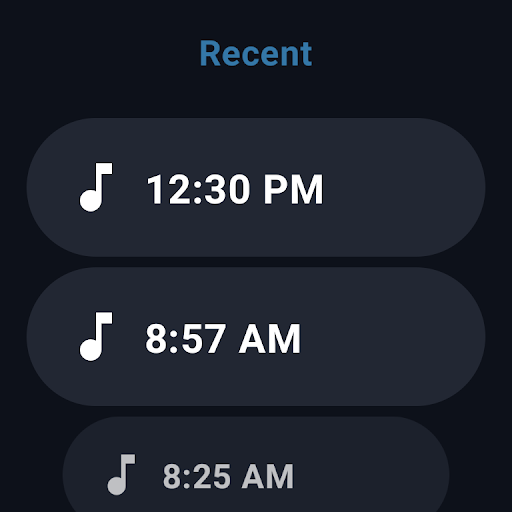
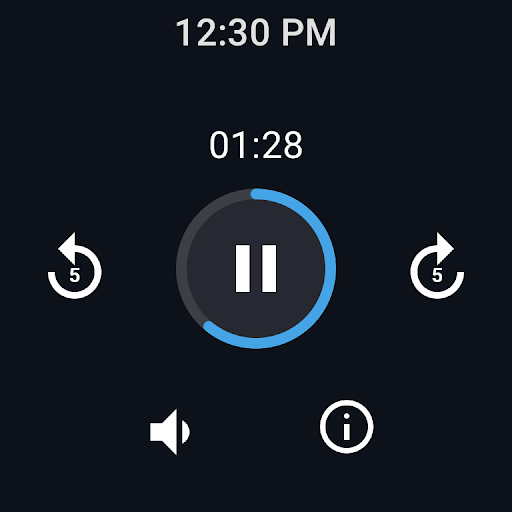

Easy Voice Recorder Pro is a versatile audio recording application designed for Android devices, including smartwatches. This app allows users to capture high-quality recordings of meetings, lectures, personal notes, and even music without any time restrictions or advertisements. With its user-friendly interface, it caters to a wide range of users from students to professionals and musicians.
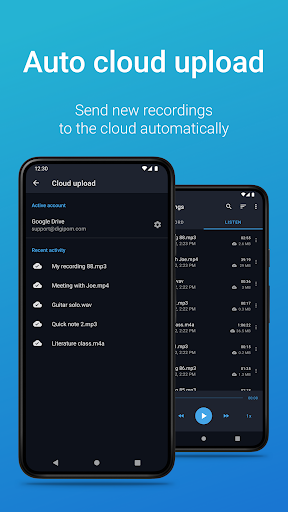
The app offers exclusive Pro features such as automatic cloud uploads to Google Drive or Dropbox, recording in multiple formats like MP3, FLAC, and AAC, and the ability to use Bluetooth microphones. It also includes editing capabilities, folder organization, and control through the notifications bar. These features make it an indispensable tool for anyone who needs reliable and flexible audio recording on their mobile device.
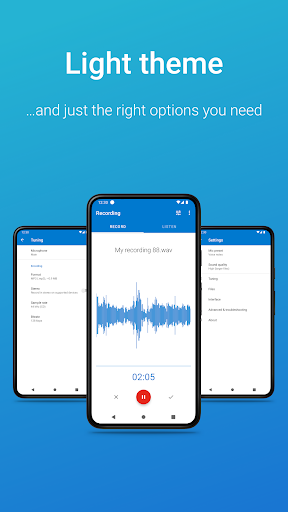
Whether you're commuting, attending a lecture, or capturing a musical idea, Easy Voice Recorder Pro adapts to your needs with powerful widgets, quick start options, and customizable settings. Its compatibility with Wear OS ensures that you can record directly from your smartwatch, making it incredibly convenient for users on the go.
Easy Voice Recorder Pro stands out with its comprehensive feature set tailored for diverse recording needs. The app supports various recording formats including high-quality PCM and MP4, as well as space-saving AMR. Exclusive Pro features enhance functionality by enabling automatic uploads to cloud services like Google Drive and Dropbox, and providing additional format options such as MP3, FLAC, and AAC.
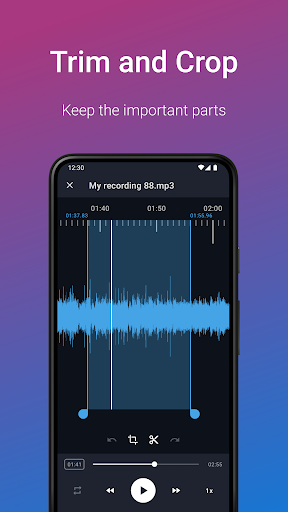
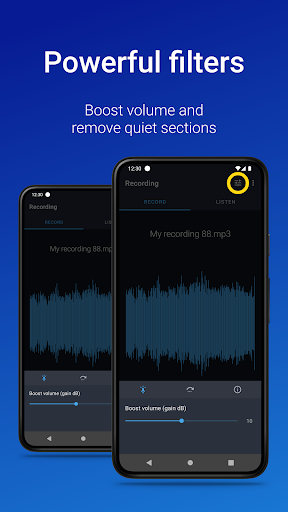
One of the key highlights is the ability to trim recordings and remove unwanted sections using Edit mode. Users can organize their recordings into folders and control the recorder from the notifications bar. The app also supports stereo recording, file import, silence skipping, volume boosting, custom bitrates, and more, offering a highly customizable experience.
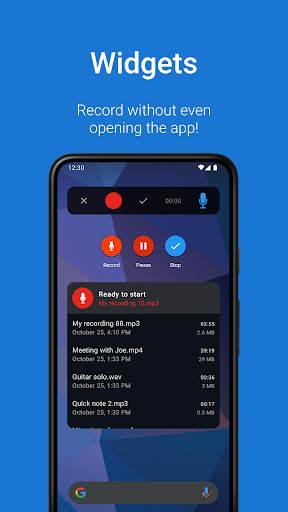
Designed for convenience, Easy Voice Recorder Pro includes widgets and shortcuts for quick access, background recording, and easy sharing via email or other apps. Its Wear OS support allows for seamless recording from a smartwatch, ensuring that users never miss an important moment. These robust features make it a top choice for anyone seeking a reliable voice recorder.
User-friendly interface
High-quality recording formats
Automatic cloud upload
Editing capabilities
Wear OS compatibility
No call recording capability
Premium version required for advanced features
Limited free version functionality
Bluetooth mic support varies
Storage permission needed

Christmas watch face. For Wear OS devices.
 4.30
4.30
Christmas - Festive - Christmas Village - Winter - Christmas lights
5.00
Wear Os Watch Face - Animated Snow - Sesonal for Christmas & Winter
4.2
Sleek, highly customizable watch face inspired by Galaxy Watch Circle Dashboard.
4.5
Monitor health with the stress test and pulse checker in the heart rate app.
4.60
Find EV charging stations
4.30
The ultimate destination for kids ages 3-8 to explore the Marvel Universe!
4.30
Hybrid Vibrant Health Watch Face for Wear OS
4.5
Premium hybrid watch face with many customizations for Wear OS devices.
4.40
Hybrid watch face for Wear OS with customizable complications by Matteo Dini MD
4.70
Highly customizable hybrid watch face for Wear OS, perfect for everyday use.
4.60
A white realistic classic analog watch face with many customization options.
4.40
Your music, your playlists, and more—offline and unlimited.
4.20
sleep, alarm, snoring, stress, healing, focus, sound therapy, circadian rhythm
4.10
Watch face designed for Thanksgiving Day. 7 Background Styles included.
3.20
A Wintery Snow Globe on Your Wrist; now celebrating Christmas!
4.2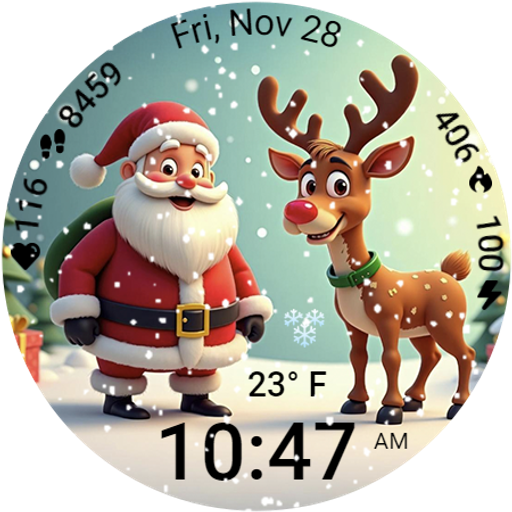
A heartwarming Christmas scene featuring a cute image of Santa and Rudolf
4.4
Contemporary digital watch face with five complications
4.5
Funny animated watch face for Thanksgiving
4.0


User Reveiws