Google Calendar

4.60

Information

Category:

Android Wear

Price:

Free

Rank:

39

Rating:

4.60

Overview

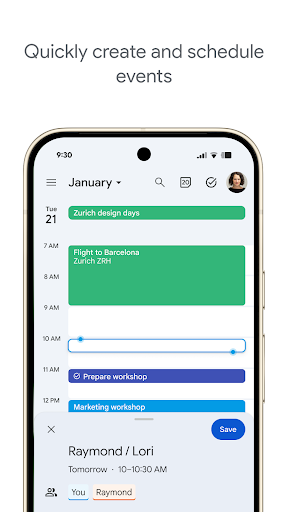
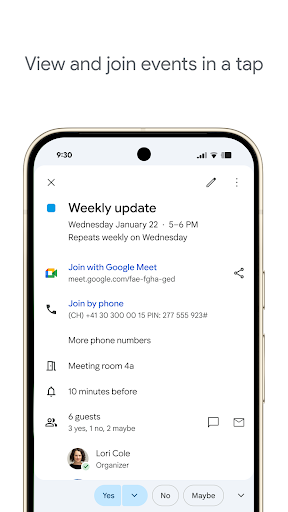
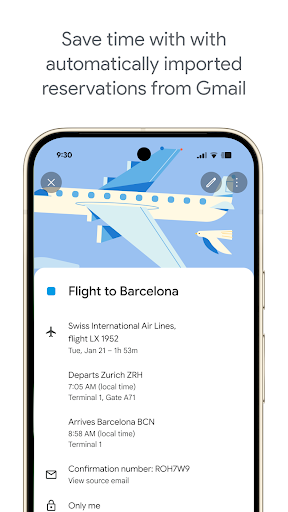
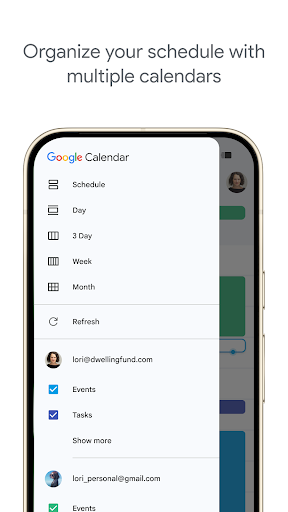
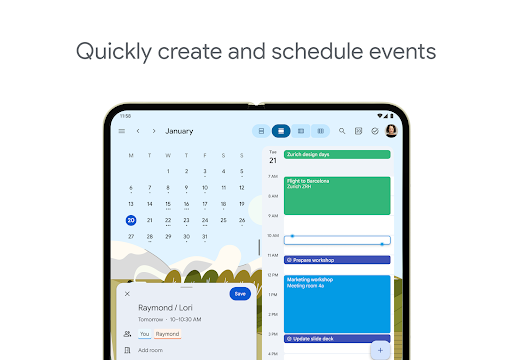
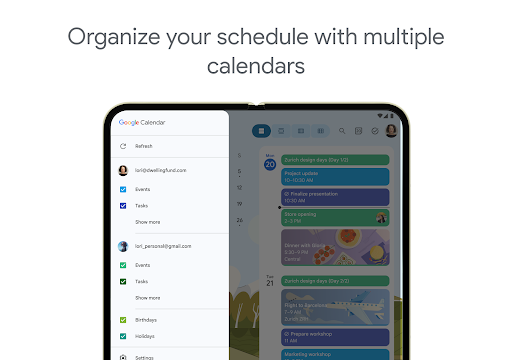
Google Calendar is the official calendar app for Android devices, including phones, tablets, and Wear OS. It helps users stay organized by offering easy event creation, multiple calendar views, and seamless integration with Gmail and other Google services. The app supports automatic event additions from Gmail, shared calendars, tasks management, and customizable views.

Designed for both personal and professional use, Google Calendar integrates with Google Workspace, enabling features like video conferencing through Google Meet, team scheduling, and document attachments to events. Its support for Wear OS ensures users can manage their schedules on the go, making it a versatile tool for productivity across all devices.

Features

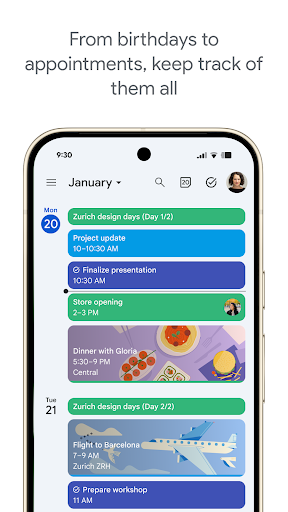
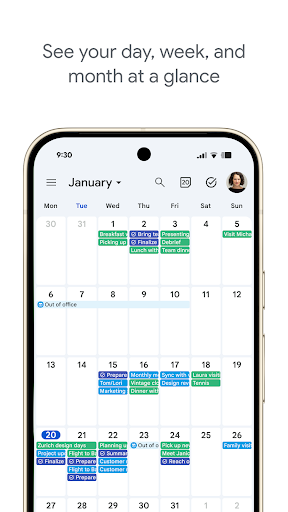
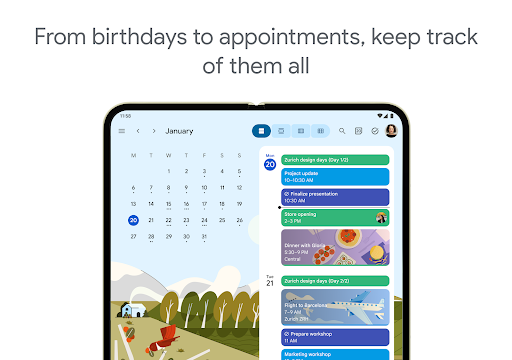
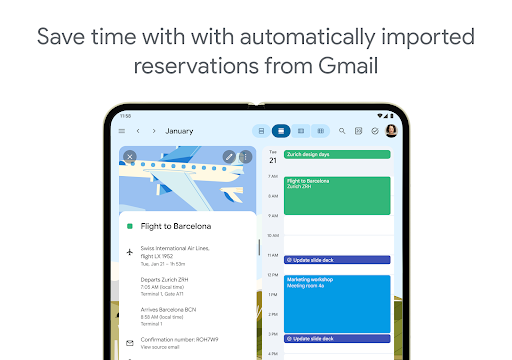
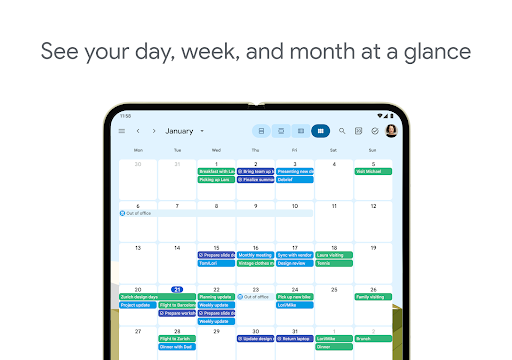
Google Calendar offers a comprehensive set of features that enhance productivity. Users can automatically import events from Gmail, such as flight details or restaurant reservations, ensuring their schedule is always up-to-date. The app provides multiple viewing options, including month, week, and day views, along with task management capabilities that allow users to handle to-dos directly within the calendar.

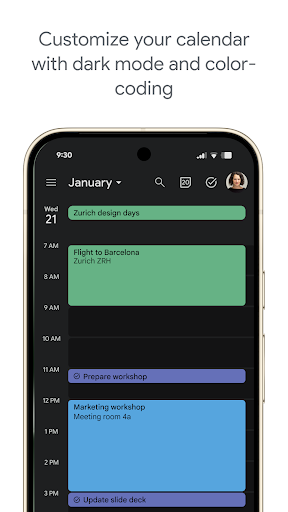
For teams using Google Workspace, the app facilitates collaboration by allowing users to check colleague availability, schedule meetings with integrated Google Meet links, and attach relevant documents to calendar events. Additionally, features like dark mode, color-coded events, and full-screen task lists offer personalized experiences, while Wear OS support ensures accessibility even when away from the phone or computer.

Companion app integration

Companion app integration refers to the seamless connection and data synchronization between a primary application and its wearable counterpart ensuring that users have access to their information across all devices without interruption Google Calendar excels in this area by providing a unified experience for users who rely on both mobile and Wear OS devices When using Google Calendar as a companion app users can expect real time updates and notifications regardless of which device they are interacting with This means that any event added or modified on one platform will instantly reflect on others maintaining consistency and reliability The implementation of this feature is achieved through robust cloud based infrastructure where all calendar entries are stored and synced This ensures that whether you're at your desk or on the move you'll always have the most up to date schedule available Moreover Google Calendar supports advanced functionalities like adding video calls directly into events making it easier than ever to transition from planning to execution The value proposition here lies in enhanced productivity and convenience Users no longer need to worry about manually updating each device or missing important appointments due to lack of synchronization Instead they can focus on what truly matters while Google Calendar handles the logistics of keeping everything aligned Additionally the ability to view tasks and events on Wear OS devices via tiles and complications adds another layer of accessibility allowing quick glances at upcoming commitments without needing to pull out a phone Overall companion app integration in Google Calendar not only simplifies daily operations but also empowers users to manage their time more effectively across different environments

Wear OS/device compatibility

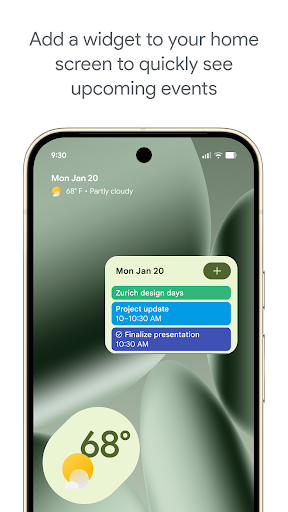
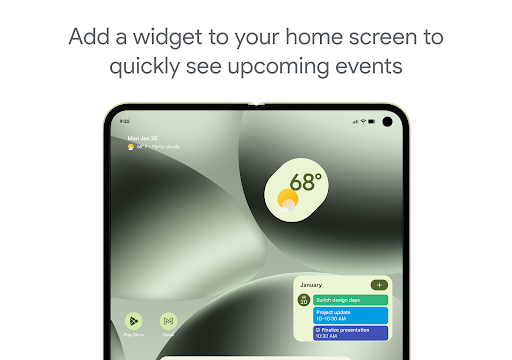
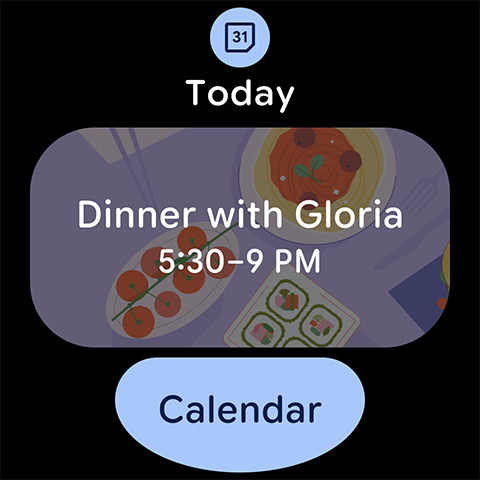
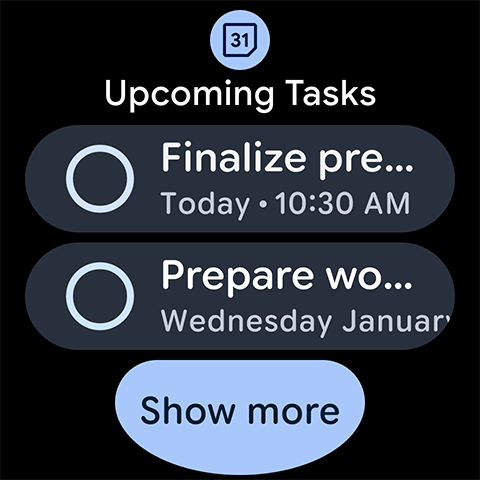
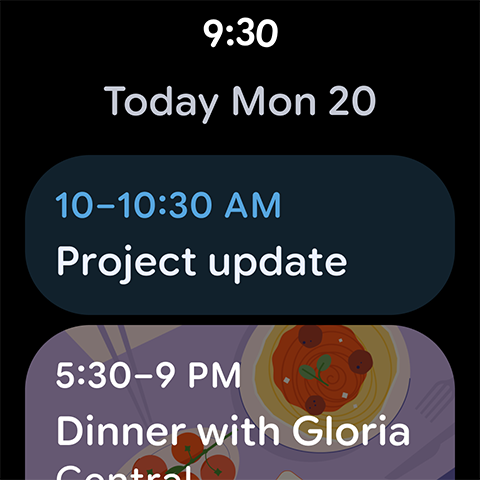
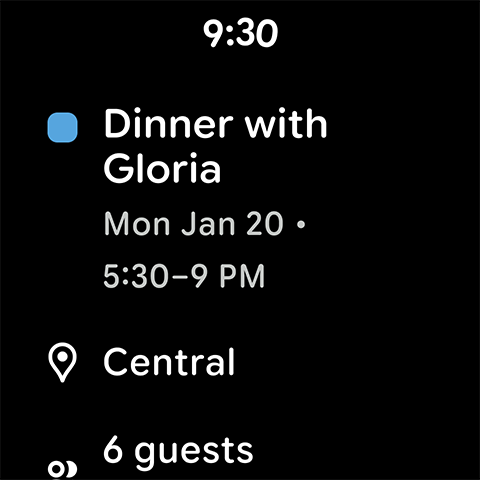
Wear OS device compatibility ensures that an application functions optimally across various smartwatch models running on the Wear OS platform For Google Calendar this translates into a tailored yet comprehensive user experience designed specifically for smaller screens and touch based interactions The importance of this feature cannot be overstated as it allows users to stay informed and organized even when away from their phones or computers By optimizing its interface for Wear OS Google Calendar provides intuitive navigation and quick access to essential features such as viewing upcoming events receiving timely reminders and managing tasks directly from the wrist This level of integration requires careful consideration of design principles including simplified menus larger touch targets and voice command support all aimed at facilitating ease of use in a compact form factor Furthermore Google Calendar leverages the capabilities of Wear OS by incorporating health conscious elements like activity tracking and wellness reminders These additions demonstrate how thoughtful engineering can transform a traditional productivity tool into something much more versatile and engaging From a practical standpoint having Google Calendar readily accessible on a smartwatch means never missing an important meeting or deadline again Whether commuting exercising or simply relaxing users can count on consistent performance and accurate information delivery wherever they go In summary Wear OS compatibility in Google Calendar represents a significant advancement in personal organization technology offering unparalleled flexibility and control over one's schedule regardless of location or situation

Props

User-friendly interface

Seamless Gmail integration

Customizable calendar views

Tasks alongside events

Google Workspace collaboration

Cons

Limited offline functionality

Basic reminders only

No advanced analytics

Dependent on Google account

Occasional sync issues

Features and Functions

What is this app and what can I use it for?

A versatile calendar app for managing events and tasks across devices

How do I download and install this app on my device?

Visit Google Play Store, search for Google Calendar, and tap Install

How do I get started after opening the app for the first time?

Sign in with your Google account and grant necessary permissions

What are the main features and capabilities of this app?

Event creation, Gmail integration, tasks, and customizable views

How can I customize my experience and adjust preferences?

Adjust settings for view modes, notifications, and appearance

How do I save or bookmark my favorite content for later access?

Use the star icon to save important events or tasks

How can I share content with friends or on social media?

Tap Share button to send events via messaging or social media

How do I access detailed information and explore more content?

Switch between views or tap events for more details

What permissions does this app need and how do I manage them?

Needs calendar and storage access; manage in settings

How do I check for updates and keep the app running smoothly?

Enable auto-updates in Google Play Store settings
Show more

User Reveiws

{{ comment.reviewer_name }}
{{ comment.review_date_formatted}}
{{ comment.review_content }}
{{ tab.name }}
{{ comment.reviewer_name }}
{{ comment.review_date_formatted}}
{{ comment.review_content }}
No reviews with this rating