
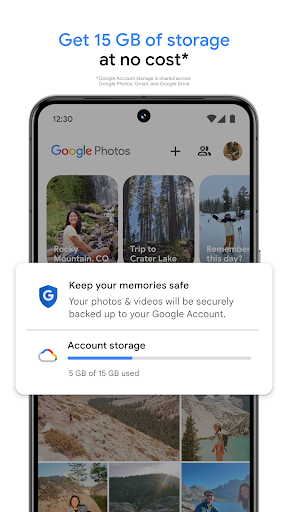

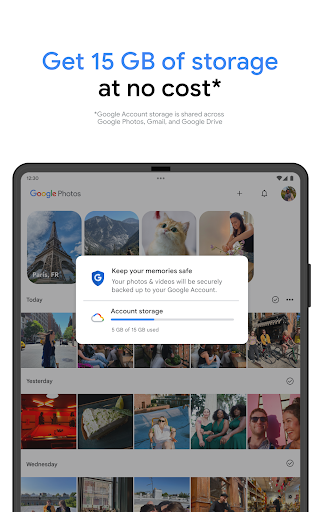
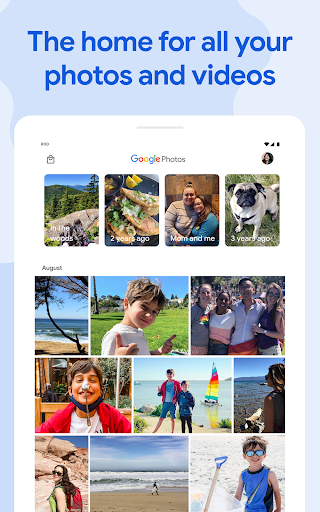

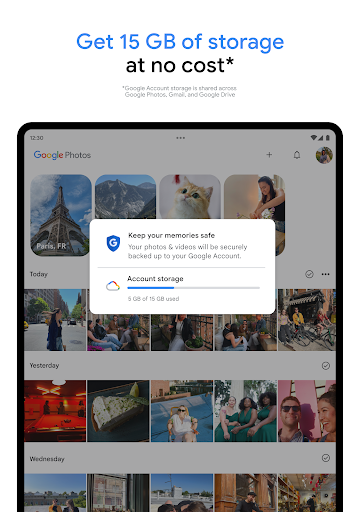
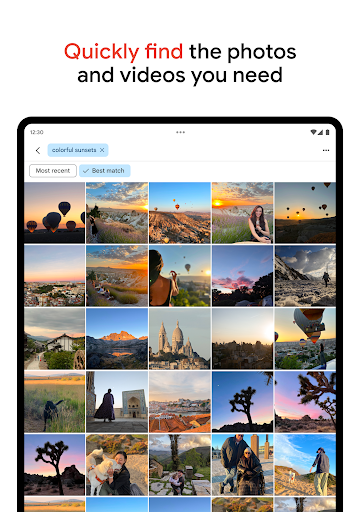

Google Photos is a comprehensive photo and video management application that leverages Google AI to help users back up, edit, organize, and search their memories. The app provides 15 GB of free cloud storage for every Google account, ensuring automatic backup and safety of your digital memories across all devices.
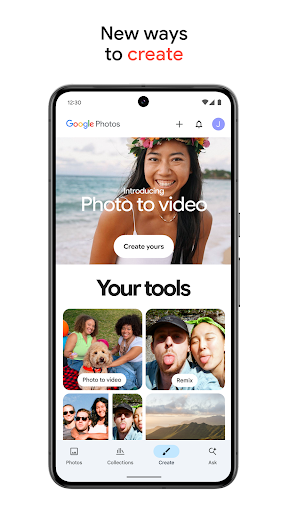
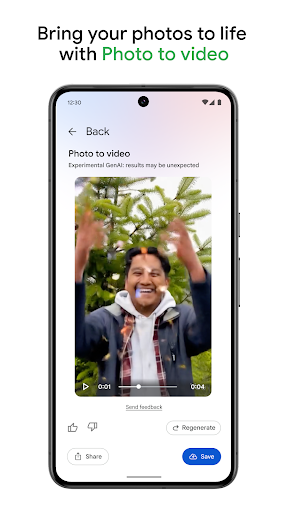
The application stands out with its AI-powered editing tools such as Magic Eraser, Unblur, and Portrait Light, which allow users to make complex edits easily. Additionally, it offers creative tools like Remix and Photo to video, enabling users to transform static images into dynamic content. With features like Ask Photos for simplified searching and automatic organization through Photo Stacks, Google Photos ensures an intuitive and personalized gallery experience.
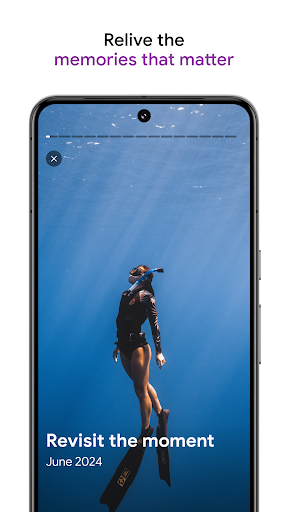
Users can relive their favorite memories and share them effortlessly with contacts, even those not using Google Photos. The app consolidates all memories in one place, providing advanced security infrastructure to keep data safe. Moreover, the ability to free up device space and print favorite moments adds practical value to this versatile application.
Google Photos boasts an array of sophisticated features designed to enhance user experience. One notable feature is the AI-powered editing tools, including Magic Eraser for removing unwanted elements, Unblur for fixing blurry images, and Portrait Light for adjusting lighting. These tools enable users to achieve professional-quality edits with minimal effort.
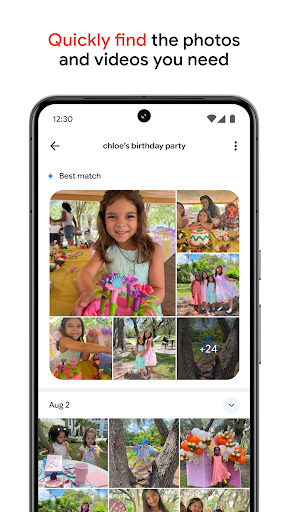
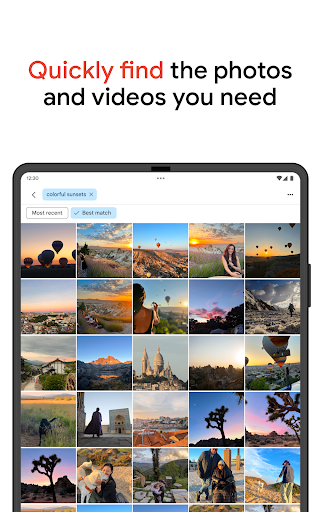
In addition to editing, Google Photos facilitates creativity with tools like Remix and Photo to video, allowing users to animate their photos into engaging styles and videos. The app's search functionality, Ask Photos, simplifies finding specific content through natural language queries. Furthermore, the automatic organization system uses Photo Stacks and smart folders to declutter galleries, offering a seamless way to manage screenshots, documents, and daily captures.
Security is paramount, and Google Photos ensures that all stored content is protected by advanced security measures. Users also benefit from practical features like freeing up phone storage by removing backed-up photos and printing options to create physical keepsakes. This combination of innovative tools and robust security makes Google Photos a top choice for managing digital memories.
User-friendly interface
Advanced AI tools
Generous free storage
Secure backup options
Creative content features
Limited free storage
Subscription costs
Privacy concerns
Occasional bugs
Dependent on internet
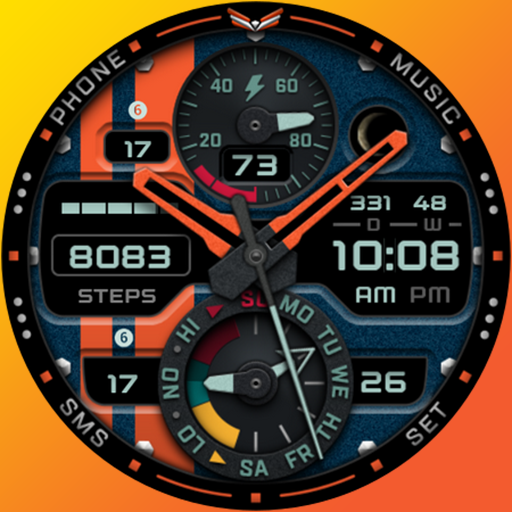
A modern premium sporty hybrid watch face for Wear OS by Ballozi
 4.70
4.70
The most customizable minimal watch face. For Wear OS 5.0, API 34+ and later
4.70
Authentic military-tactical design with ZULU time! Realistic and functional!
3.80
To-Do List: daily schedule planner, task organizer, to do reminder app, calendar
4.60
Period, ovulation & pregnancy tracker. Fertility insights & menstrual calendar.
4.90
Your music, your playlists, and more—offline and unlimited.
4.20
Start and succeed with PAP
4.10
Track airplanes and follow flights with our real-time flight tracker
4.50
Back up your contacts & access them anywhere
4.30
Easy Voice Recorder is your everyday companion to record important moments.
4.70
Beautiful artistic animated digital watch face, with a customizable layout!
4.40
The ultimate destination for kids ages 3-8 to explore the Marvel Universe!
4.30
"PER27 Galaxy Digital" is a digital Wear OS watch face designed by PERSONA
4.10
Embrace the festive spirit with our Christmas Countdown watchface for Wear OS
4.10
Wear Os Watch Face - Animated Snow Effect & Magic Spark - 6 Scenes
4.10
sleep, alarm, snoring, stress, healing, focus, sound therapy, circadian rhythm
4.10
The #1 source of faces for your smartwatch!
4.00
Get helpful reminders, take progress photos and find answers to your questions.
3.90
3 Complications. All shadow on/off. 30 Themes color palette...
4.3


User Reveiws